Transcript
Imagine someone hands you a spreadsheet with hundreds of rows, mismatched columns, and no real logic holding it together. Turning that mess into a fully working business app with user roles, a live database, and automation in about 15 minutes is exactly what we are doing today.
Softr is a platform that lets you build real business software with AI, no coding required. We will go from a messy spreadsheet to a live inventory management app and hit all the major features along the way.
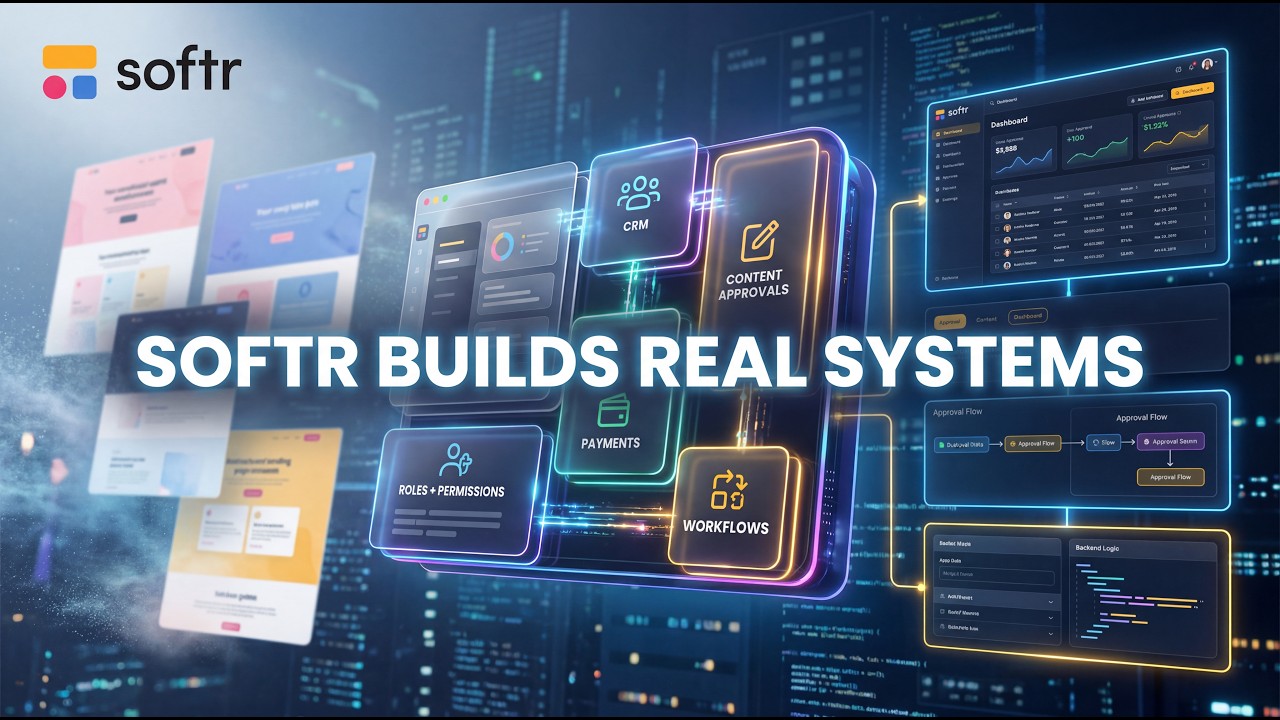
Softr is built for people who need functional business software like client portals, internal tools, and operational systems without ever touching code. It is a complete platform where you get a built-in database, an app builder, and workflow automation all connected in one place.
[.blog-callout]
While Softr integrates with 17+ external data sources, Softr Databases is the powerful, native way to manage data directly within Softr for maximum performance.
[.blog-callout]
You could replace Airtable, Zapier, and your existing app builder without ever leaving the platform. What sets it apart from vibe-coding tools like Lovable or Replit is that those are great for prototypes, but Softr is built for software your team or clients can actually run on.
Things like auth, user management, role-based permissions, hosting, and enterprise-grade security are all handled out of the box. No extra setup or hiring a developer to sort it out later is required.
Softr recently launched an AI Co-Builder that handles a big chunk of the initial setup for you. This is the kind of data most small businesses are actually working with, and a spreadsheet only gets you so far since there are no permissions or automation.
[.blog-callout]
Instead of starting from scratch, you can simply open the AI co-builder and prompt for what you want. It builds complete apps, pages, or database schemas instantly while letting you tweak things manually later.
[.blog-callout]
The first step is importing the data. I head into the Softr Databases section and hit import to get a preview right away to confirm everything looks right. Within a few seconds, the data is organized, color-coded, and fully editable.
To build the actual app, I choose generate with AI and paste in a prompt for an inventory management system where staff can track stock levels and managers can oversee everything. Before building, Softr asks a few clarifying questions.
The AI uses these answers to define the actual business logic of the app as well as the interface. After picking a navigation layout and a theme, Softr shows a full summary of the pages, features, and the user access section.
Permissions are already defined before a single page is generated. With other tools, you still have to wire the database structure, authentication, permissions, and logic manually. Here, it is already structured for you from the start.
As it builds, Softr is not just generating a UI; it is creating your entire database in real time. Once it is ready, the app pages appear with products, descriptions, photos, and different views per user role.
In the studio, you have all your pages, including utility pages like login, sign up, and forgot password. These actually work out of the box. You can also control visibility at the block level, making a section visible only to admins, for example.
[.blog-callout]
If a native block doesn't quite fit your needs, you can use the Vibe-Coding block to prompt for the exact custom component you want, and it will generate it and connect to the database seamlessly.
[.blog-callout]
App settings cover custom domains, dynamic logos, localization, SEO, and a solid list of third-party integrations. All you need to connect most of them is an API key, and you can request missing features directly from the platform.
The database itself is visual and spreadsheet-style relational. It is also a standalone product, so you can use it purely to manage data without building an app at all.
There is an Ask AI feature that lets users query their information directly inside the app, with permissions automatically respected. You can also use database AI agents to automate field-level tasks like data enrichment or updates.
User groups are already set up from the AI flow. Global data restrictions let you control what each group can access across the entire app. From the moment you hit publish, hosting, login, and permissions are all locked in.
Softr has its own built-in automation tool, which is a solid alternative to Zapier or n8n. You set a trigger, define your actions, and test everything before going live.
[.blog-callout]
Softr Workflows allow you to keep your logic as close to the design as possible, helping to consolidate tools and reduce reliance on third-party automation platforms.
[.blog-callout]
It supports conditions, loops, branching logic, and custom code blocks for more advanced integrations. Your teammates can collaborate on the app at any point just by getting an email invite.
Once you are happy with how everything looks, you just hit publish with one click. The platform will then suggest inviting your first users right away, and your app goes live with a shareable link.
[.blog-callout]
Softr now offers unlimited published apps across all plans, including the Free plan, making it easier than ever to scale your client portals or internal tools.
[.blog-callout]
Softr gives you a complete system where the database, app, and automation all work together. The AI Co-Builder is a solid starting point, and the visual tools make it easy to maintain everything long after launch without any developer help.
Building is only half the story; the real cost is maintaining software over time with new users, new features, and changing permissions. Softr keeps all of that manageable for non-technical teams.