Transcript
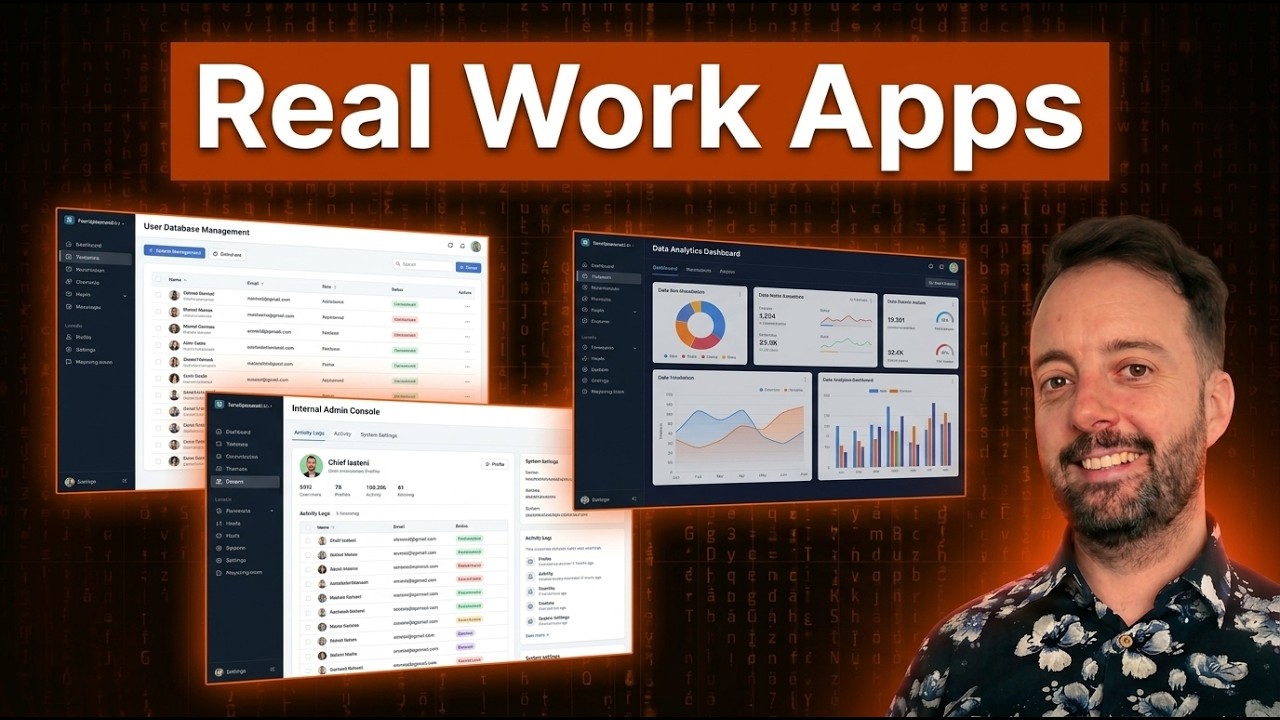
Today I am going to build a real working app, something that you could use at work tomorrow and invite any of your team colleagues or clients to use. So many other tools make it quite difficult to build out all this functionality with AI. This is especially true when it comes to setting up different user roles and who gets access to what.
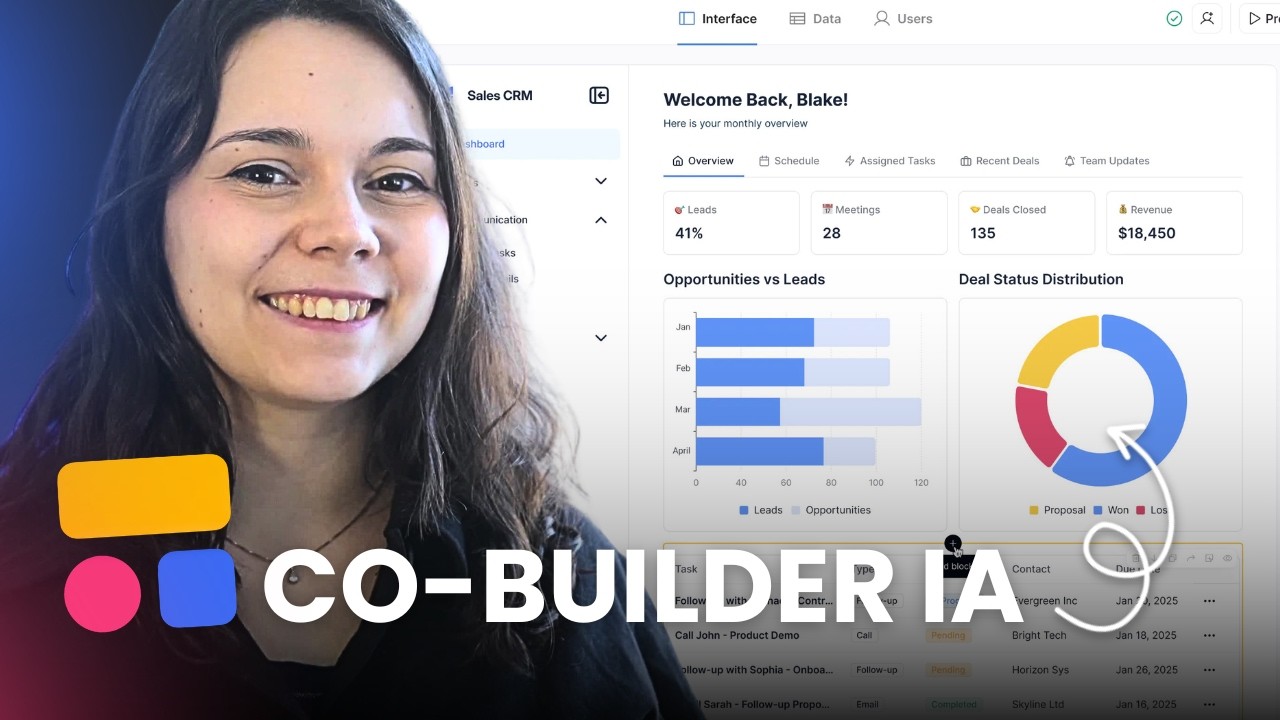
Today we are going to be looking at Softr and their new feature of building with AI. They combine pre-formatted code with AI written code, so you can build steady apps with real user authentication. This also lets you create those custom components that you might need later down the road.
Let us get into it. This is the new Softr with the AI generated code that will build our websites for us. This works a little bit differently than it did before, and differently compared to other website builders you have probably seen.
The types of applications that I think you should build with a tool like this are more business focused. These are tools where you need different people to have different user roles. It is great for many platforms, as nearly every business needs these portals to allow their customers to engage and track deliverables.
[.blog-callout]
Note from Softr: Client platforms are one of the most powerful use cases for Softr. Check out how you can build highly secure custom client portals natively.
[.blog-callout]
For this demo, I am going to show you how to build a portal that is practical for any sort of business to manage and sell services. Clients can come in and easily buy a package or request additional services. As a solo developer, this could be good for building a digital marketing agency, but I am going to be using Softr to build my own internal tool.
Here is my prompt. Create a client portal for a digital marketing agency to manage service delivery and client communication. My main features will be to manage clients and their active services, track orders, status, and deliverables.
[.blog-callout]
Note from Softr: You can try this exact experience yourself! Head over to the AI co-builder to turn your prompt into a fully working app in minutes.
[.blog-callout]
I also want to assign work to team members if I have staff fulfilling my services. Then we need to define the different user access groups. I could have employees here, clients, and then me as the person who has admin access.
I am going to add a little bit more context to the prompt about what we sell. We sell SEO services, backlinks, and content packages. You will see in a minute how this works, as the system is going to ask us different questions to guide the setup.
Now you go through the flow. It asks how your users will log in. If you are using other tools, you often have to set up things like Google OAuth entirely separately.
I am going to use email here, so you just need to follow along and answer the questions. It will ask if people can sign up on their own. I will say no, as I plan to invite my own users.
Then you have the navigation of how your app will work. I like both options, but placing navigation on the left side is most typical, so we will leave that. Now we can view the different themes.
I often go with something dark, but I think I am going to stay away from dark mode for a little bit. Let us go for carbon because that looks pretty nice. Now it is starting to build my app.
You can see it starts at the back end. It starts with the database and creates a database for users. This is quite different to anything else because it is generating all the different tables in the database right here.
[.blog-callout]
Note from Softr: What is being created here are native Softr Databases. They allow you to securely store and manage your data directly within Softr, offering incredible speed and avoiding the need to connect to external platforms.
[.blog-callout]
You can see this is the back end of your app being created at the moment. Instead of spending ages in another builder trying to manually configure a back end, this is done from the beginning. Once it is finished with all the database tables, it will start building the front end what the users will see.
In an app like this, the back end and the front end are often quite similar because the app simply gives a nice user interface to the database. Really, we are just managing a database with tables where different information is stored. However, having a dedicated front end makes the entire experience look much more professional.
After a few minutes, my app is ready to go, so let us try it live. How Softr works is basically you choose a role to preview the app. As a non-logged-in user, for example, you can see just the front page which is ready for anyone to log in.
Since I specified to only invite people, only users whose email I add will be able to access the platform. I am not letting just anybody come in and use this. Then I can view the app as my admin to see exactly what I have access to.
My entire portal was made successfully. I literally only wrote a couple of sentences and now I have a whole portal that I can use to sell all my different services. What I can do now is go in and change these default settings if I want.
If I want to change it, I move into the regular Softr user interface. I can just go to pages here and see all my different pages. When I go to the services page, I can see that the source of this table is in the database.
Specifically, it is mapped to the digital marketing agency client portal and the services table. I can go into Softr Databases here, find my services, and make edits directly. For example, I could easily adjust the offerings or change the prices if I want to make them more expensive.
There are really three parts to this workflow. First, there is the way that it looks in the preview where you can see how everything is functioning. Second, there is the builder interface where I can make any manual changes that I might need.
I can also use the AI Co-Builder at any time to make more structural changes. We will test that out in a second. Third, there is the database where you can check all the different services, orders, and deliverables.
I can manage the users from here as well. Anytime you want to do an automated action, you will want to utilize the back end. Softr Workflows are really cool because you can automatically send an email, create alerts, or sync updates.
[.blog-callout]
Note from Softr: When you need logic and automation behind your actions, native Softr Workflows perfectly fill the gap. Rather than relying on external automations, you can keep both your front end layout and back end logic securely under one roof.
[.blog-callout]
If you use another database like Notion, anytime that is updated, it can be updated directly into your app. Right now, I want to check out what the clients see so I can understand their experience and see if they can buy my services. If I have any questions like this, I can interact with the builder directly.
I will go up to edit here and use Ask AI to ask how clients can buy my services. It says that to let clients buy the service, we need a checkout style flow. We need users to select a service, create an order, and optionally take payment.
I will go with option one to set up the flow. By using AI to do this, Softr is going to use its pre-populated native blocks. This provides a much safer way to build things rather than just creating code on the fly.
[.blog-callout]
Note from Softr: If our native blocks do not cover a very specific or bespoke layout you need, you can leverage the Vibe-Coding block. This allows you to prompt the AI to generate the exact custom component you want, seamlessly connecting to your existing database.
[.blog-callout]
Now we can see that an order service button has been added here. You can just keep building the app using the AI, or if you want to use any of the elements yourself, you can continuously add blocks manually. For example, you could add an inbox, although a calendar mode might make a bit more sense for scheduling service delivery.
You can see we just added the calendar mode seamlessly. This has been a walkthrough of how to utilize the new AI builder by Softr. So when exactly does using Softr make sense?
I think it makes sense when you need real users logging in, assigning permissions, and showing different people specific data structures. It is ideal for tools that your team can maintain without ever needing a developer. If you need client portals, internal dashboards, or member platforms, that is where this setup truly wins.
Many people are paying a large monthly fee for standard client portal subscriptions. If you think about all your software costs in your business, bringing them into a custom tool is a very smart strategy. The amount of custom software that you can create natively is endless.
![How to Use Softr Templates to Make Web Apps [2026 Full Guide]](https://cdn.prod.website-files.com/67a3700c65457964cf349cd4/69fe0f1ca830a8c8c54a86fd_3a6b01e9-9bbd-49d8-a51b-4a3a79e5f7f9.jpeg)
![How to Sort by Date Added in Softr [2026 Full Guide]](https://cdn.prod.website-files.com/67a3700c65457964cf349cd4/69fe0f27b874a29d38134f77_c8ada479-7b9f-4c1d-b3ef-2532970c8223.jpeg)