Transcript
In this video, I'm joined by Matt. He's someone I've worked with for about three years now doing contract work for a company he's at. We started using Softr a year ago, and I'm going to introduce him to the AI co-builder.
About two weeks ago, I asked Matt if he'd heard about Vibe-Coding, and he hadn't. It reminded me how different worlds can be regarding technology and not knowing what's possible. Together, we take his spreadsheet and turn it into an application.
I show him how easy it is by letting him drive, helping him over the hurdle of knowing what's possible and just prompting. Hopefully, after this video, you see what you can do for your day-to-day work to take a spreadsheet or idea and make it a workflow or application you can use daily.
[.blog-callout]
Note from Softr: If you feel inspired to turn your own spreadsheets into apps, you can use the AI co-builder to generate app templates and database schemas instantly.
[.blog-callout]
Basically, I want to show you the AI co-builder from Softr. I realized a lot of people don't know what Vibe-Coding is yet, even though it's very popular on the technology side. I want to see if you can drive Softr to solve an efficiency problem at work.
You have a spreadsheet at work that tracks projects, people, tasks, and clients. There are a lot of columns showing due dates and statuses. I'm curious why you reach for spreadsheets so often?
Matt explains that spreadsheets are familiar. He knows how to get data quickly through pivot tables and do analysis to make decisions. However, if he's ever out sick, it's hard to train anyone else because he has five different spreadsheets to run the show.
It takes others longer because they aren't used to his specific process. There is a gap in familiarity with the data set and how to reach a decision point. You have a lot of conventions that are like an intern manual just to train someone on naming and folders.
When you give someone the spreadsheet, they might see things they shouldn't see or struggle to know where to put results. This leads to more work for you because you have to manually go into Slack to find results and bring them into the spreadsheet.
[.blog-callout]
Note from Softr: To avoid manual back-and-forth in Slack, you can use Softr Workflows to automate notifications and data updates, keeping your project management streamlined.
[.blog-callout]
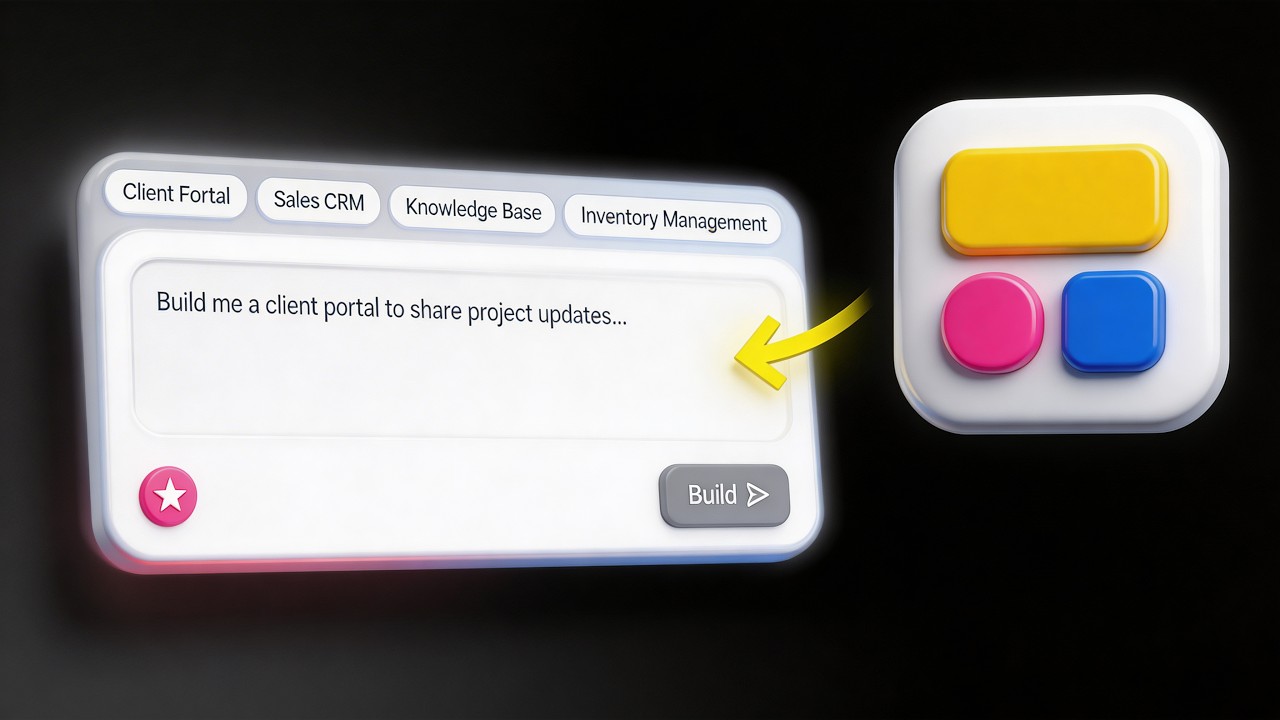
We are going to turn this problem into a prompt for the AI co-builder. Let's go to the Softr tab and click create new app. We need to tell it what we want.
You want a system to help you manage a project for a design firm. We should mention the data we are entering, the clients, and the status of progress. Projects have start and end dates, and tasks are assigned to team members.
Tasks will have due dates and notes so you can track responses. We should also specify that a task can have multiple assets related to it, like images or files. I want the AI to create a separate asset table that links back to tasks.
I also want to include naming conventions for projects, like making them lowercase with dashes. Finally, we need permission levels. An admin should be able to create and edit projects, while a member can only update information and attach assets.
[.blog-callout]
Note from Softr: While the AI sets up your initial structure, you can manage your data using Softr Databases, which offer a spreadsheet-like interface with the power of a relational database.
[.blog-callout]
The AI co-builder is taking over. It asks questions about project and task statuses. You want a clients table so team members can't just input anything; you want to set the standard.
We will stick to email for invitations since you'll invite the users yourself. For the layout, we will choose the top navigation for both desktop and mobile to keep it consistent. We'll pick a clean theme like the Breeze color palette.
The database looks like a spreadsheet, which helps because it feels familiar but has the power of a relational database. It keeps people out of the backend while letting them see the user interface.
In the preview mode, you can see the app as different users. As an admin, you can add clients and view projects in a kanban view. You can see assets and metadata attached to specific tasks.
If we switch the view to a team member, the buttons to add or edit clients disappear. This shows the permissions are working. You can't edit the project like an admin can.
You made this in one prompt in under five minutes. Usually, this would have taken hours of rethinking. Now that it's visual, you can see other things you'd like to add and have faith the AI can do it in minutes.
[.blog-callout]
Note from Softr: If you need a specific custom component that doesn't exist yet, you can use the Vibe-Coding block to prompt for exactly what you need, and it will connect it to your database.
[.blog-callout]
You can add workflows to make the app talk to Slack or send daily reports. This creates a system you can hand off to a team member. Every block in Softr represents part of your data.
You can add a chart by asking AI to show open tasks versus closed tasks. It generates a chart on the homepage based on your request. You don't need to learn the tool deeply; you just need to know what you want.
Using this instead of spreadsheets gives a much better visual representation. You feel more empowered to have the system speak your language. It clears brain space and reduces the friction of updating multiple areas manually.
One last note: when you click the publish button, it's ready for everyone to use instantly. In the past, you'd have to set up servers and wait for fixes to show up. Now it's next level.
[.blog-callout]
Note from Softr: You can start building today for free. Softr now offers unlimited published apps across all plans, so you can scale your portals without worry.
[.blog-callout]
People can be empowered to go into a system and build something they need. Get over the intimidation hurdle of technology. Use Softr and its AI co-builder to go beyond your spreadsheet.