Transcript
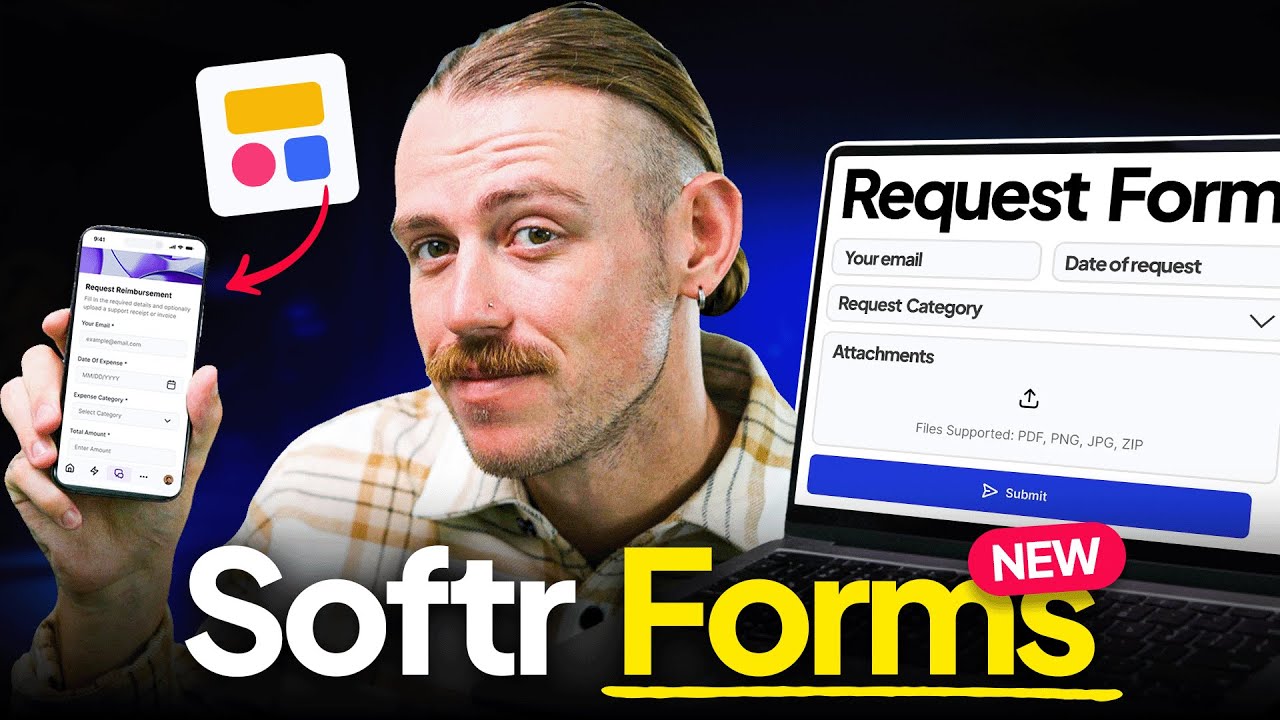
I am going to show you two new things that we have launched in 10 days of Softr. The first thing is the embed field. We have changed and given some additional options on how you can embed links and embed codes into Softr.
Let's take a look and see how that works. If I go to my important embeds, you can see that I have a list of a couple of different things to show. I am going to go to the actual content details page here.
We have got a couple of different fields set up for this. If I go to my content tab and open up this section, you will see that I have the two different embed fields. One is called embed code and the other is URL embed.
If I click on the embed code, you can see that we now have some options for HTML embeds or URLs. You can define how something should be embedded in a block. You can also assign different heights depending on which one you choose.
[.blog-callout]
While setting up embed blocks manually is great for specific external content, you can also use the AI co-builder to instantly generate pages or sections that include these types of components based on your prompt.
[.blog-callout]
Let's take a look and see how each of these looks, both URL and HTML. If we jump over to our preview and I click on the song embed code, you can see that I can take something like Spotify, SoundCloud, or YouTube and embed the actual share embed code directly with HTML in an iframe.
But then if you look at the song URL, I can also, for certain platforms, just take the URL from the URL bar and put it in, and it works exactly the same way. Now let's take a look at the tags feature.
If we open up the tab and go back to our Softr studio and click on our block again, you can see that we have some additional features added to how tags look and feel inside of your app. You can optionally show a limited number of tags.
If you have a lot of them, you can show only the first few. You can also apply some sorting to these tags as well to determine if they are alphabetical, numerical, or based on date and time.
[.blog-callout]
Softr allows you to manage these tag lists within Softr Databases, which is the powerful, native way to manage your data directly within the platform for maximum performance.
[.blog-callout]
You can also change the color palette. We can set no color palette, or we can set it as defined in the data source, which is a great way for customizing what this palette should look like.
You can also choose one of the predefined palettes here as well. These are some really great options. We will take a look and see what this looks like in the preview as well.
If I click on our tags example here, you can see that it opens up. I have it set to as defined in the data source. You can see that these are perfectly replicating the colors that I have set up in Softr Databases.
[.blog-callout]
If these native tag styles do not quite fit your advanced design needs, you can use the Vibe-Coding block to prompt for the exact custom component you want, and it will generate it and connect it to your database seamlessly.
[.blog-callout]
I hope you enjoyed those features and hope you are enjoying 10 days of Softr.