This free template from Softr helps you build a custom release notes app, fast, no coding required.
Data sources supported





.svg)


Resources


Overview
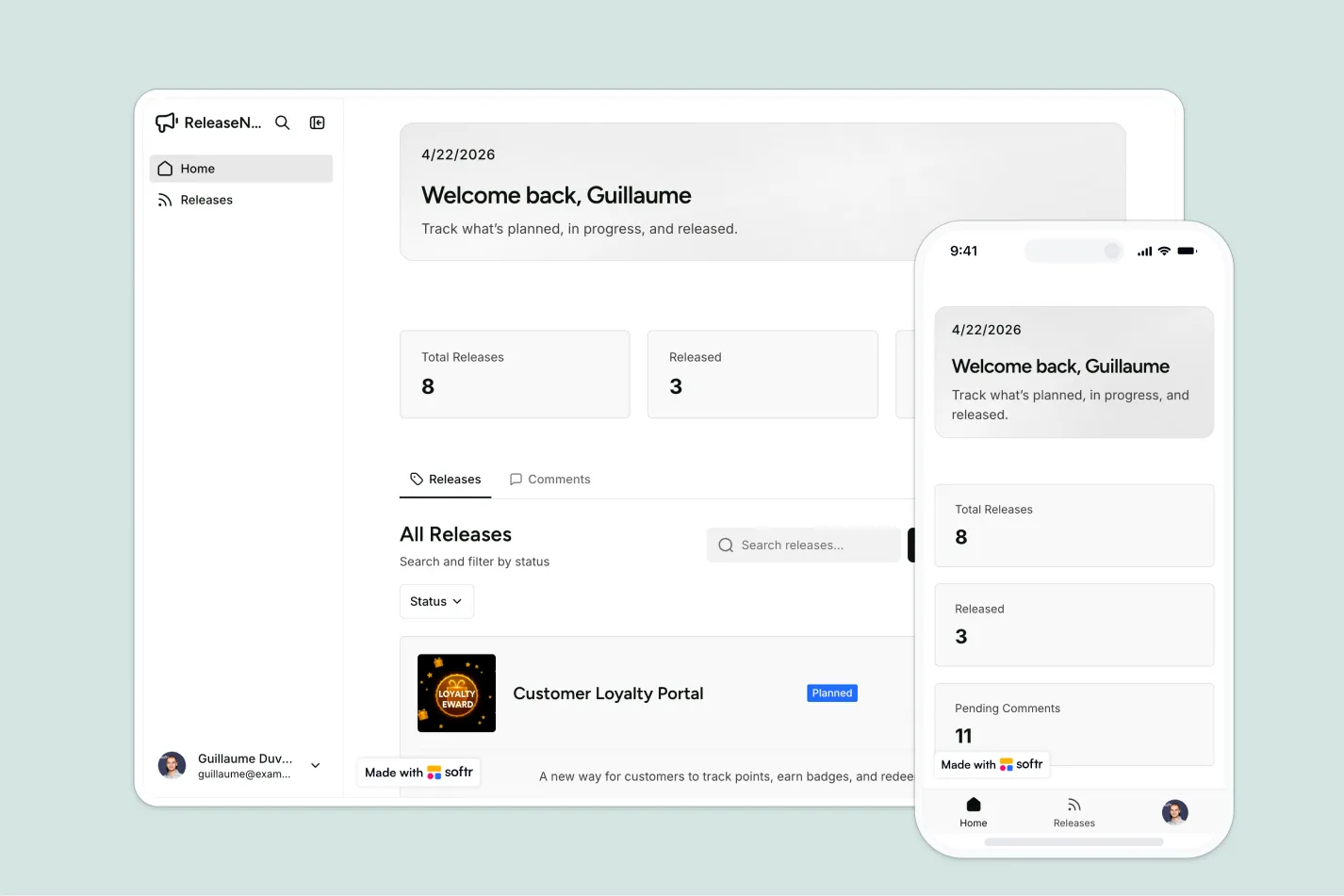
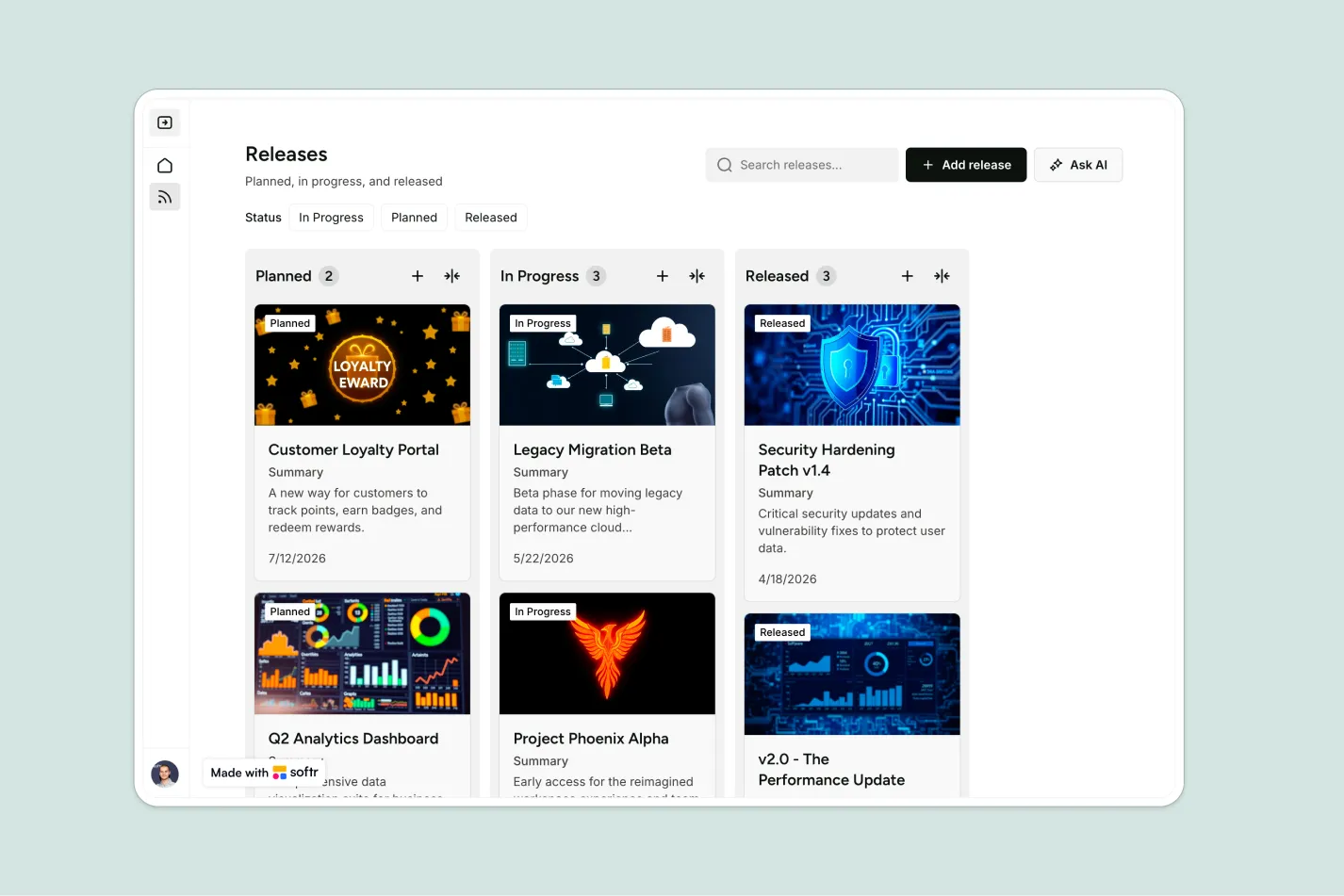
This free template helps you build a release notes app where visitors can browse product updates, filter releases by status, and leave comments or feedback.
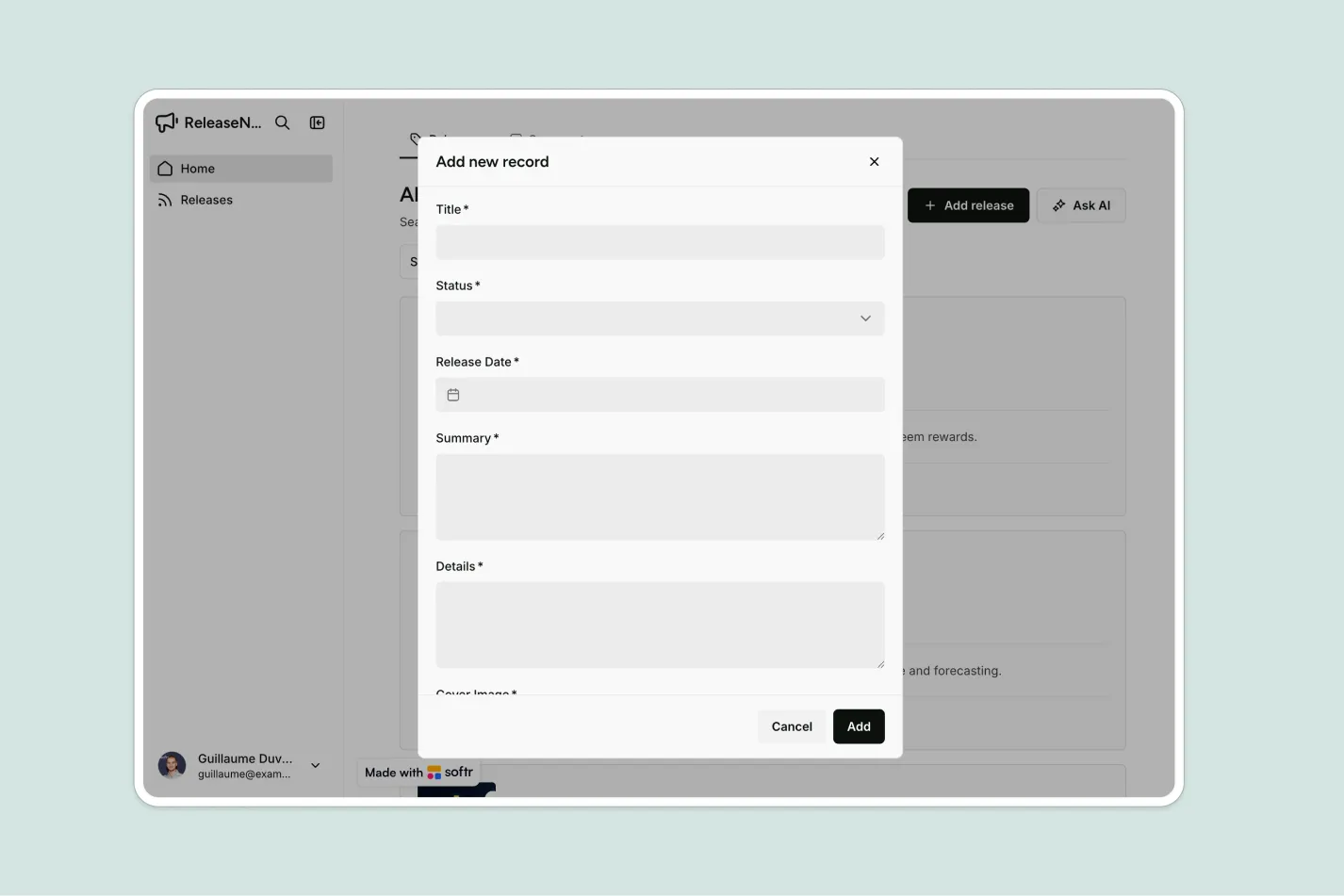
It includes a simple admin area for logged-in admins to create, edit, and manage releases, plus a sample database you can customize or connect to any Softr-supported source like Airtable, Google Sheets, Notion, monday.com, HubSpot, and more.
Why use this release notes template
- Keep users informed: Share planned, in-progress, and completed releases in one public, easy-to-browse page.
- Collect useful feedback: Let visitors comment on releases so your team can understand questions, reactions, and customer needs.
- Manage updates securely: Give admins a private workspace to create, edit, and manage releases and comments without exposing internal controls.
Template features:
- Public release notes
- Status filtering
- Admin-only workspace
- Release creation
- Release editing
- Public comments
- Comment management
- Customizable database
Who is this release notes template for?
This template is built for teams that want a simple, public way to communicate product progress while keeping release management secure. It's a great fit for:
- SaaS product teams: Publish new features, bug fixes, improvements, and upcoming work for customers and internal stakeholders.
- Startups and software companies: Replace scattered changelog posts or spreadsheets with a structured release notes hub.
- Customer success teams: Give customers a reliable place to track product updates and share feedback on releases.
- Internal tools teams: Share updates about internal systems, process changes, and operational improvements across the company.

“What we love most about Softr is the instantaneous, customizable power a no-code platform allows.”

- 1
- 2
- 3
- 4
Frequently asked questions
What is a release notes app?
What should a release notes page include?
Can visitors leave feedback on releases?
How do I edit or customize this template?
What data sources does this release notes template integrate with?
Why build a release notes app with Softr?