Overview
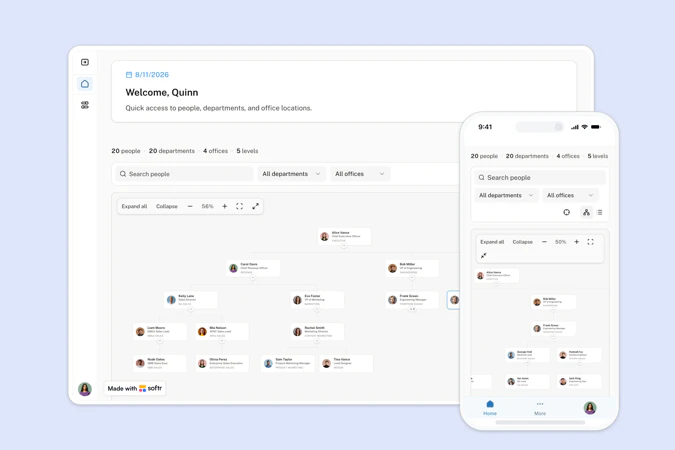
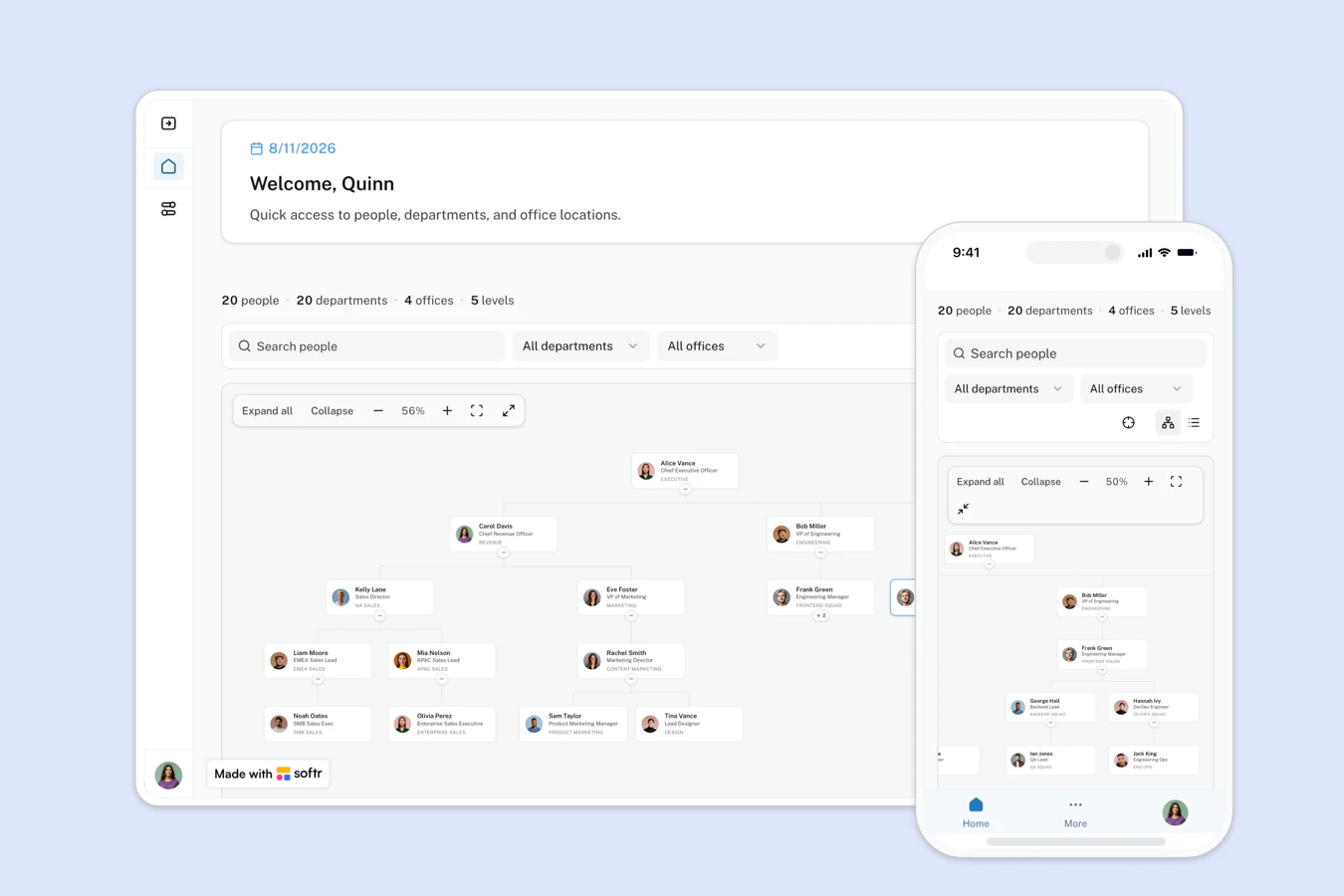
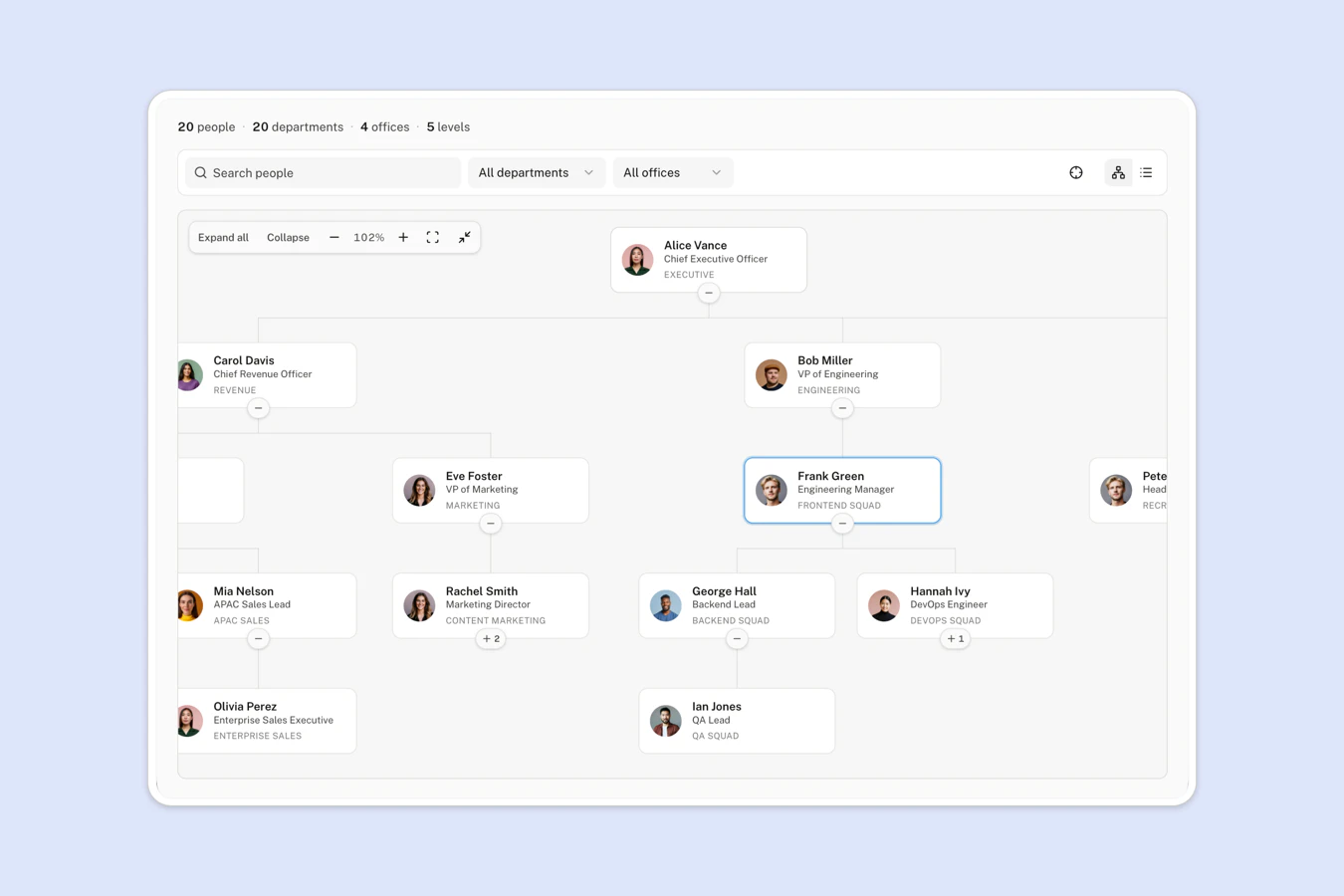
This free template helps you build an interactive org chart from your existing people data, so everyone can see reporting lines, teams, and office locations in one place.
It includes a sample database to show how to structure users, departments, and locations. You can also connect to any Softr-supported source like Airtable, Google Sheets, Notion, monday.com, HubSpot, and more.
Why use this org chart template
- See the whole company at a glance: The chart draws reporting lines from each person's manager, so nobody has to redraw a diagram by hand again.
- Find any person in seconds: Search by name, job title, or department, and the chart expands that reporting line and scrolls to the person.
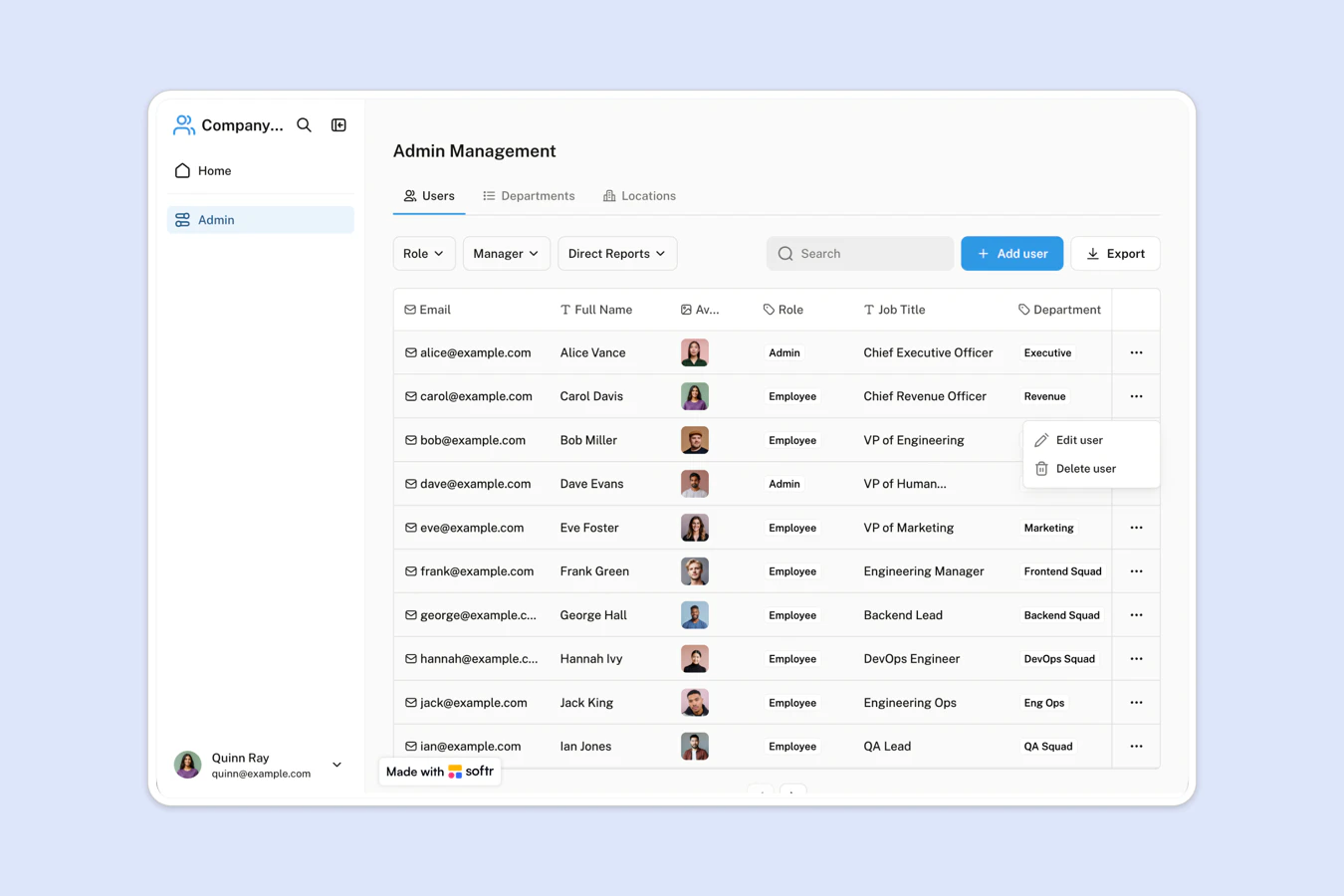
- Separate viewing from editing: Employees browse a read-only chart, while a dedicated admin page lets HR add people, set managers, and maintain departments.
Template features:
- Interactive reporting tree
The chart builds itself from each person's manager field, and every branch collapses or expands with one click.
- Search across the company
Search any employee by name, job title, or department, then jump straight to their card in the chart.
- Zoom, pan, and fullscreen
Fit the whole company on screen, zoom into a single branch, or open the chart fullscreen for presentations.
- Department and office filters
Filter the chart by department or by office to see how one team or one location is staffed.
- Employee detail view
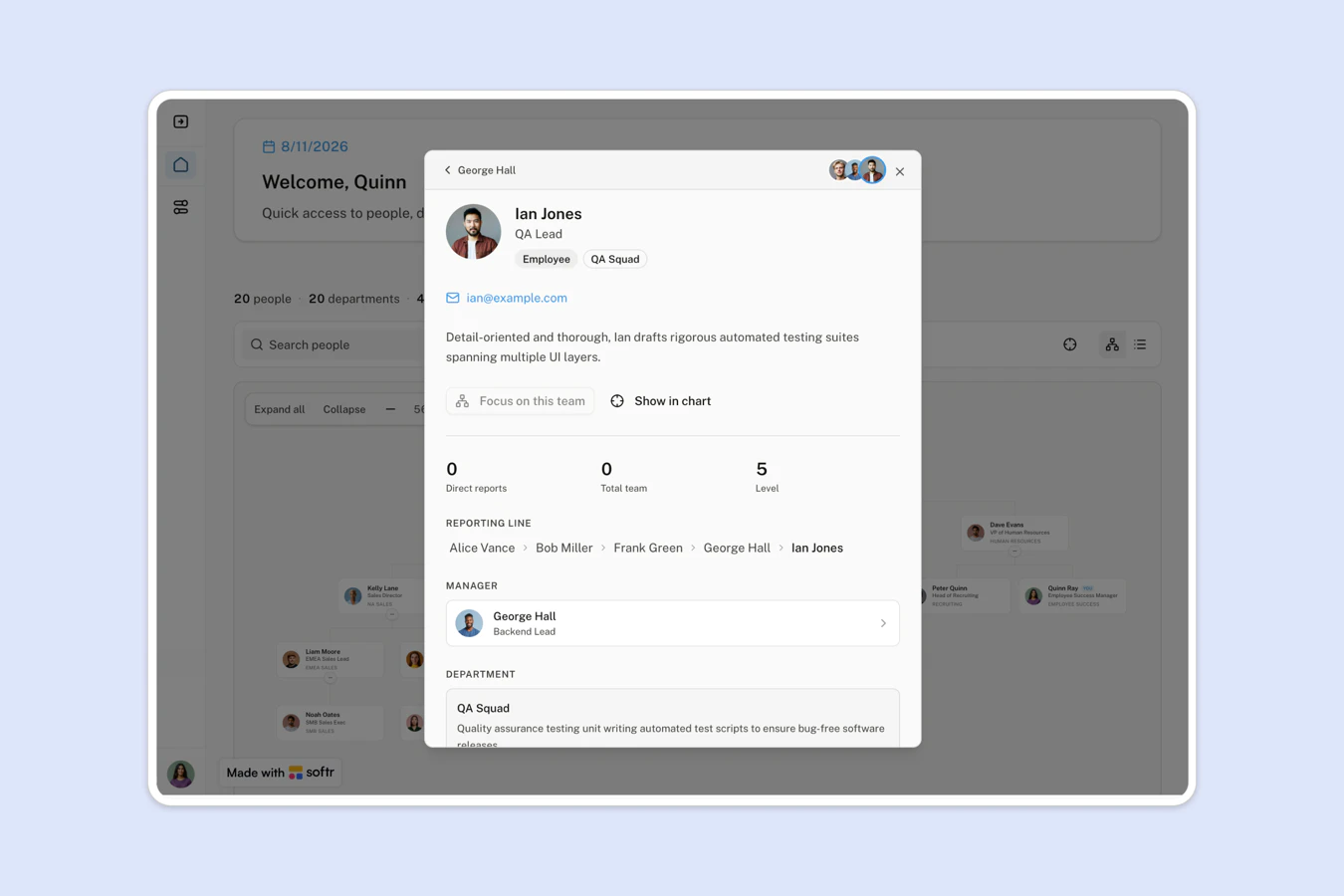
Click any person to see their role, email, bio, manager, direct reports, and full reporting line up to the top.
- Team focus mode
Re-center the chart on any manager to review their team on its own, then return to the full company view.
- Separate admin page
Admins add employees, set managers, and maintain departments and offices from their own page, away from the chart.
- Built with the Vibe Coding block
The chart is a Vibe Coding block, so you can change how it looks and behaves by prompting the AI Co-Builder.
Who is this org chart template for?
This template is built for teams that need a current, shared view of who reports to whom. It's a great fit for:
- HR and people teams: Keep reporting lines, job titles, and department assignments accurate as the company grows.
- Onboarding and new joiners: Give new hires a map of the company on day one, with names, roles, photos, and teams.
- Managers planning headcount: Focus the chart on one manager to review their full team and count everyone reporting into it.
- Distributed companies: Filter people by office to see how each location is staffed across departments.

“What we love most about Softr is the instantaneous, customizable power a no-code platform allows.”
- 1
- 2
- 3
- 4
Frequently asked questions
What is an org chart?
An org chart is a diagram of a company's reporting structure. It shows who reports to whom, which department each person belongs to, and how teams fit together. An interactive org chart replaces the static slide or diagram that goes out of date the moment someone joins or changes role.Who should use an org chart template?
An org chart template is useful for HR teams, people ops, and any growing company where nobody can name every colleague anymore. It helps new joiners understand the company during onboarding, and it gives managers a clear view of team structure before they plan headcount.How does the chart know who reports to whom?
Each employee record has a Manager field that links to another employee. The chart reads those links and draws the reporting lines for you. When HR changes someone's manager on the admin page, the chart reflects the new structure right away, with no diagram to redraw.How do I edit or customize this template?
Duplicate this template into your Softr workspace, then prompt the AI Co-Builder to adapt it, for example ask it to show tenure on each card or add a headcount summary per department. Prefer hands-on control? Use the visual editor to change pages, fields, and permissions yourself, and edit the chart's own Vibe Coding block directly.What data sources does this org chart integrate with?
Softr includes a native, built-in Database, and also connects to 21+ external data sources including Airtable, Google Sheets, Notion, HubSpot, monday.com, SQL databases, Supabase, and ClickUp.
You can also use native Softr Workflows to automate people-data tasks, for example emailing a manager when a new report is assigned to them, or alerting HR when an employee record has no department.
Can I control who sees and edits employee data?
Yes. The chart is read-only for everyone who views it, and a separate admin page handles adding and editing people. Softr supports granular roles and permissions, with visibility controls at the page, block, or button level. Softr also offers SOC 2 Type II compliance, SSO, and European data hosting.