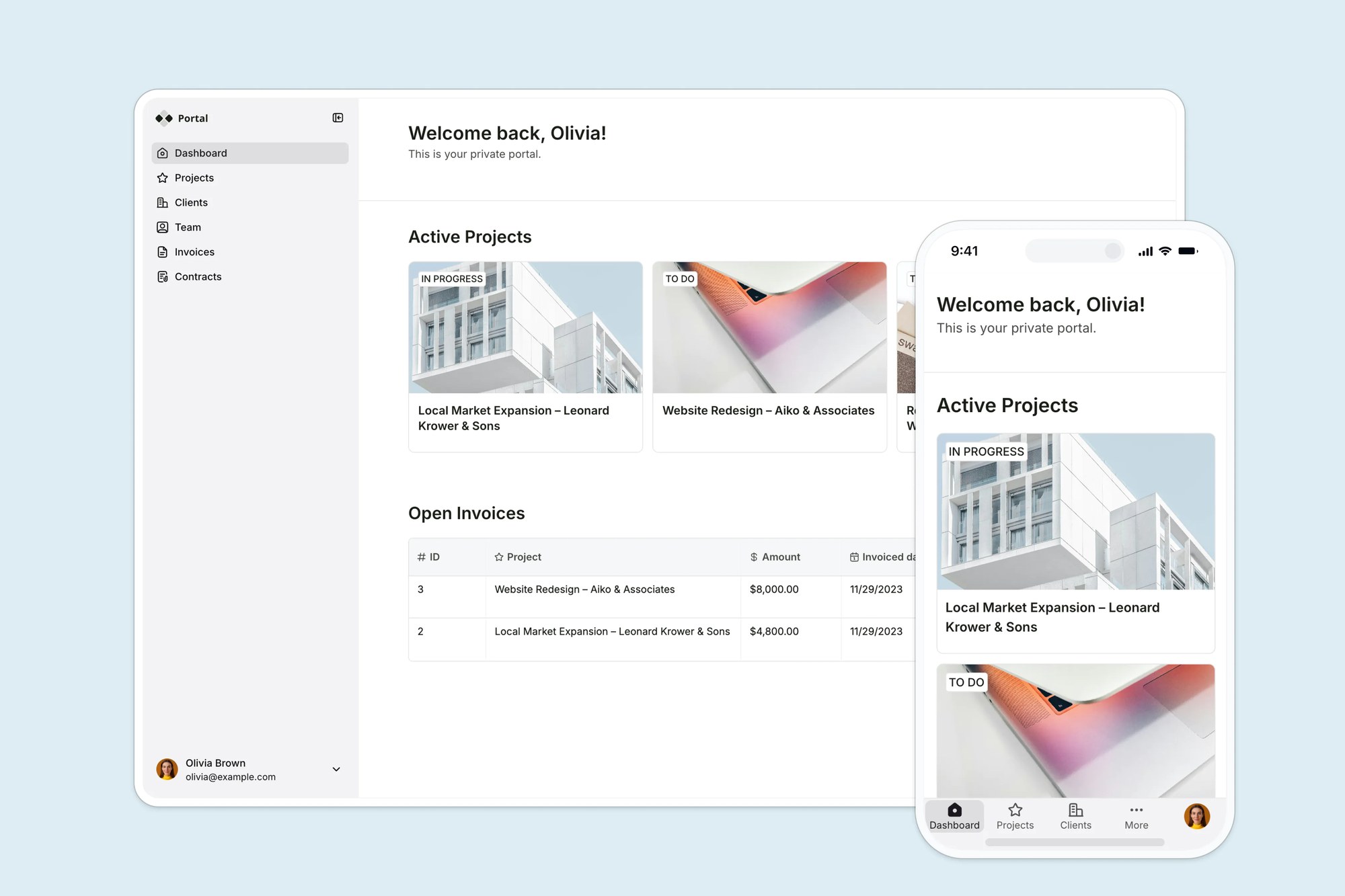
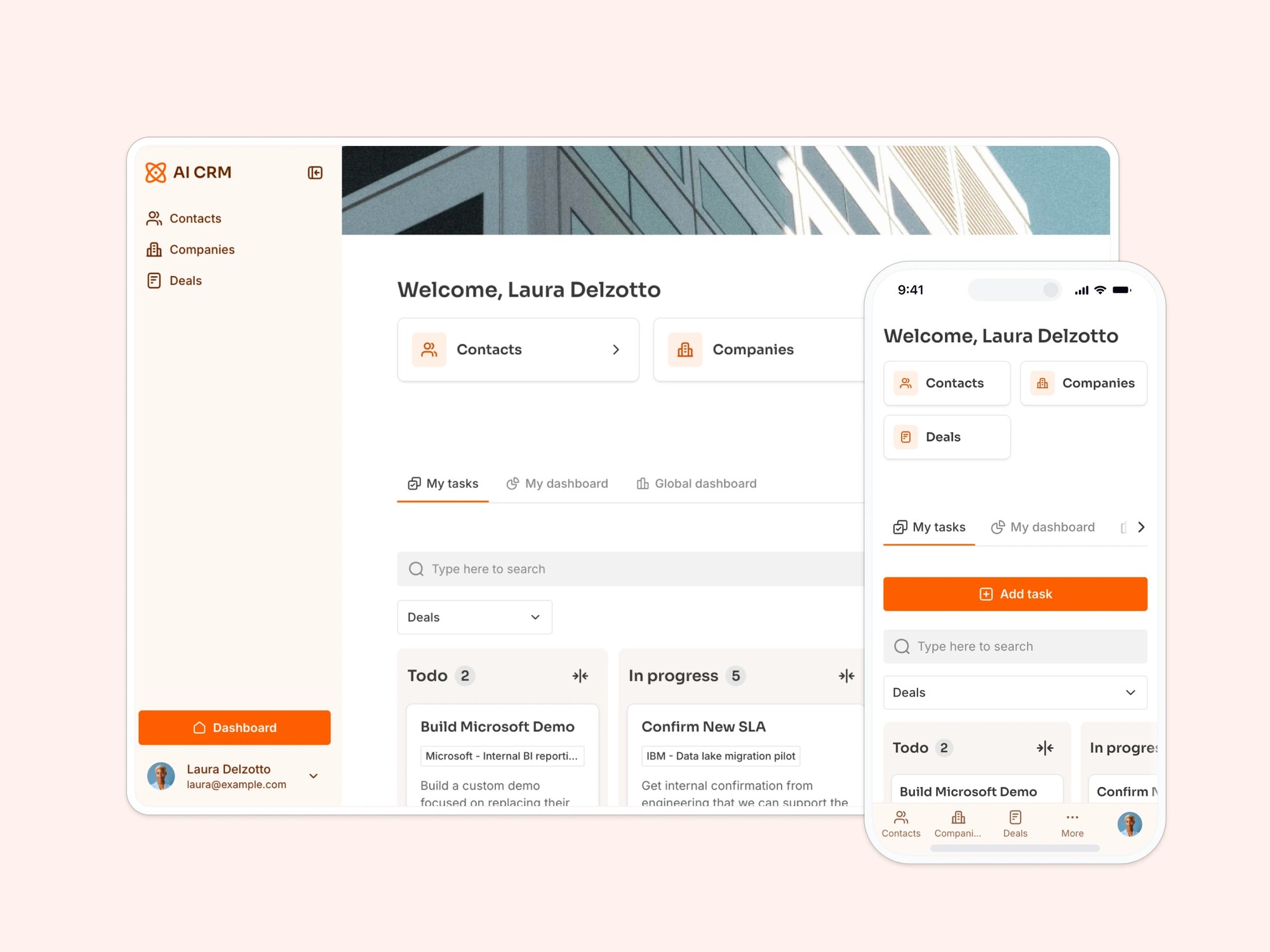
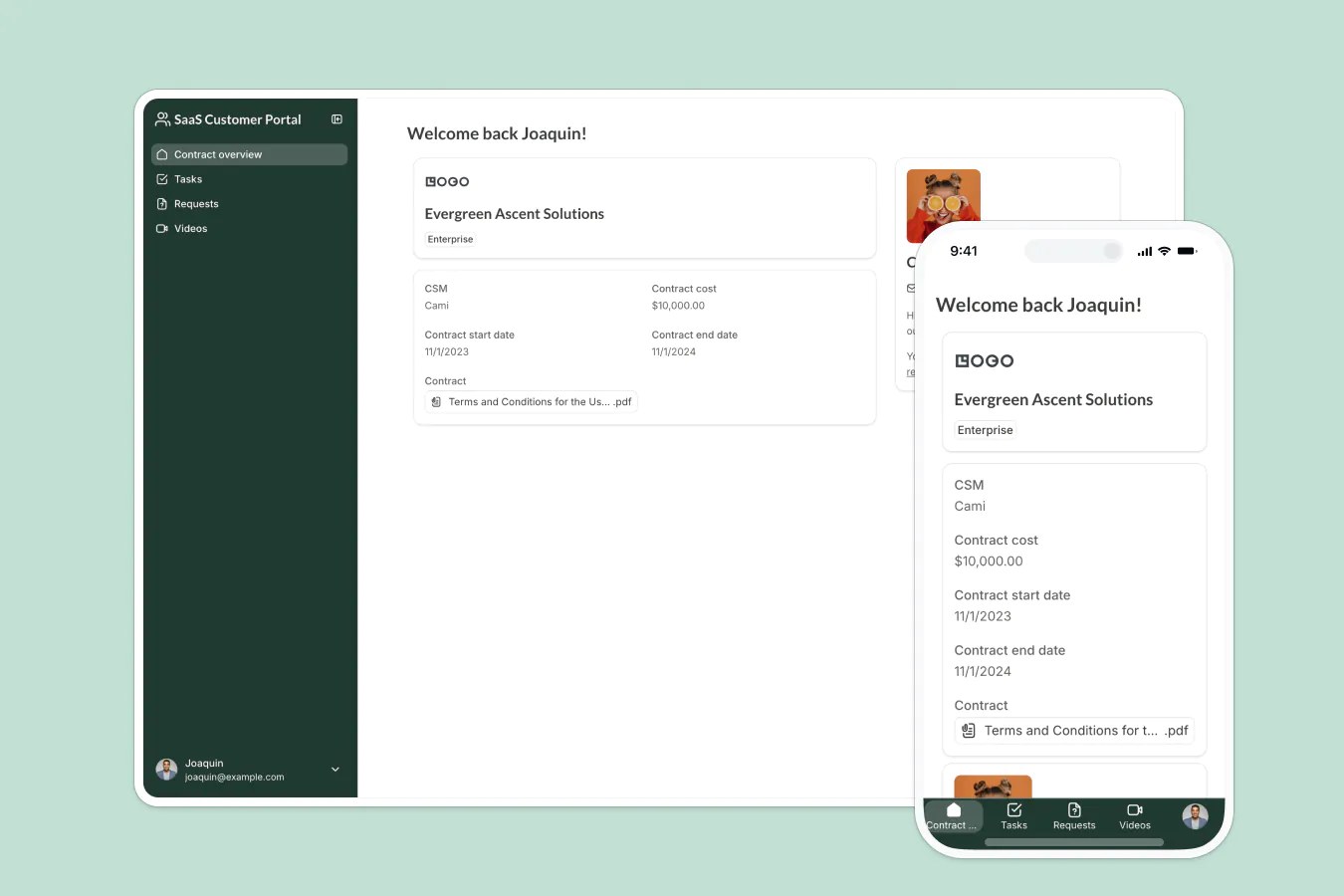
Build a custom SaaS dashboard with a built-in Softr Database, no coding required. Compatible with Google Sheets if you want to connect your existing data.
Data sources supported





.svg)


Resources


Overview
This free template helps you build a SaaS dashboard for tracking high-level KPIs and managing the core records that power your metrics.
It comes with a built-in Softr Database, so you can get started right away with structured, relational data designed for app workflows rather than manual spreadsheet management. If you already track SaaS metrics in Google Sheets, Softr connects to it natively, so you can keep your existing data and power the same app without migrating anything.
Why use this Google Sheets SaaS dashboard template
- Monitor the metrics that matter: Give admins and team members a clear view of high-level KPIs without overwhelming them with unnecessary detail.
- Centralize core SaaS records: Manage customers, subscriptions, revenue, usage, or other key records in one place.
- Control access by role: Let admins create and edit records while team members get secure, read-only access to dashboards and related data.
Template features:
- KPI dashboard
- Core record management
- Admin editing controls
- Read-only team access
- Role-based permissions
- Record detail pages
- Flexible data structure
- Mobile-friendly access
Who is this Google Sheets SaaS dashboard template for?
This template is built for SaaS teams that need a simple, secure way to track performance metrics and manage the records behind them. It's a great fit for:
- SaaS founders and operators: Track key business health metrics and keep core records organized as your company grows.
- Customer success teams: View customer, subscription, or usage records alongside high-level performance indicators.
- Revenue and growth teams: Monitor revenue, pipeline, activation, or retention trends from one shared dashboard.
- Product teams: Give stakeholders visibility into product usage KPIs and the records that support them.
- Internal operations teams: Replace scattered spreadsheets with a controlled dashboard and structured record management system.

“What we love most about Softr is the instantaneous, customizable power a no-code platform allows.”

- 1
- 2
- 3
- 4
Frequently asked questions
What is a SaaS dashboard?
Do I need to use Google Sheets to run this template?
Can I use this template for customer, subscription, or revenue tracking?
How do I edit or customize this template?
What data sources does this SaaS dashboard integrate with?
Why build a SaaS dashboard with Softr?