


This free template from Softr helps you build a custom Gantt chart, fast, with no coding required.
Data sources supported





.svg)


Resources


No items found.
Overview
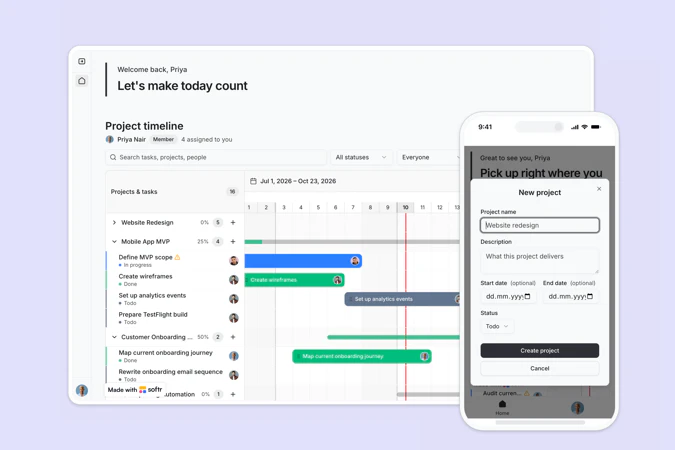
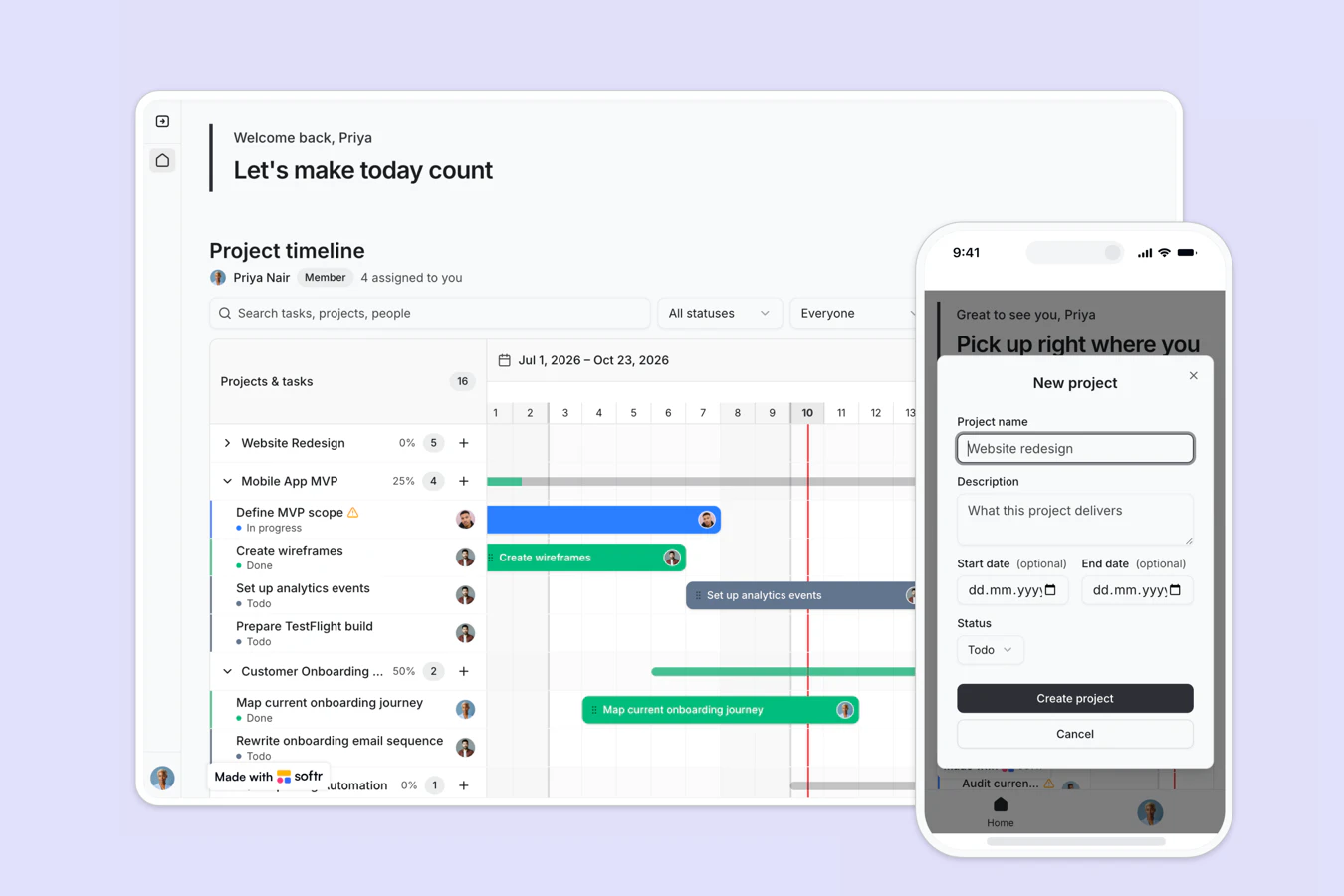
This free template helps you plan projects on a drag-and-drop timeline, so your team can see what is happening this week and what is coming next.
It includes a sample database to show how to structure users, projects, and tasks. You can also connect to any Softr-supported source like Airtable, Google Sheets, Notion, monday.com, HubSpot, and more.
Why use this Gantt chart template
- Change dates by dragging: Drag a task bar to move its start and end dates, and the record updates in your database right away.
- See ownership and progress together: Every bar carries its assignee and status, so you can spot unowned or stalled work without opening a report.
- Group tasks under projects: Expand a project to read its tasks, or collapse it to keep the timeline legible when you run many projects at once.
Template features:
- Drag-and-drop timeline
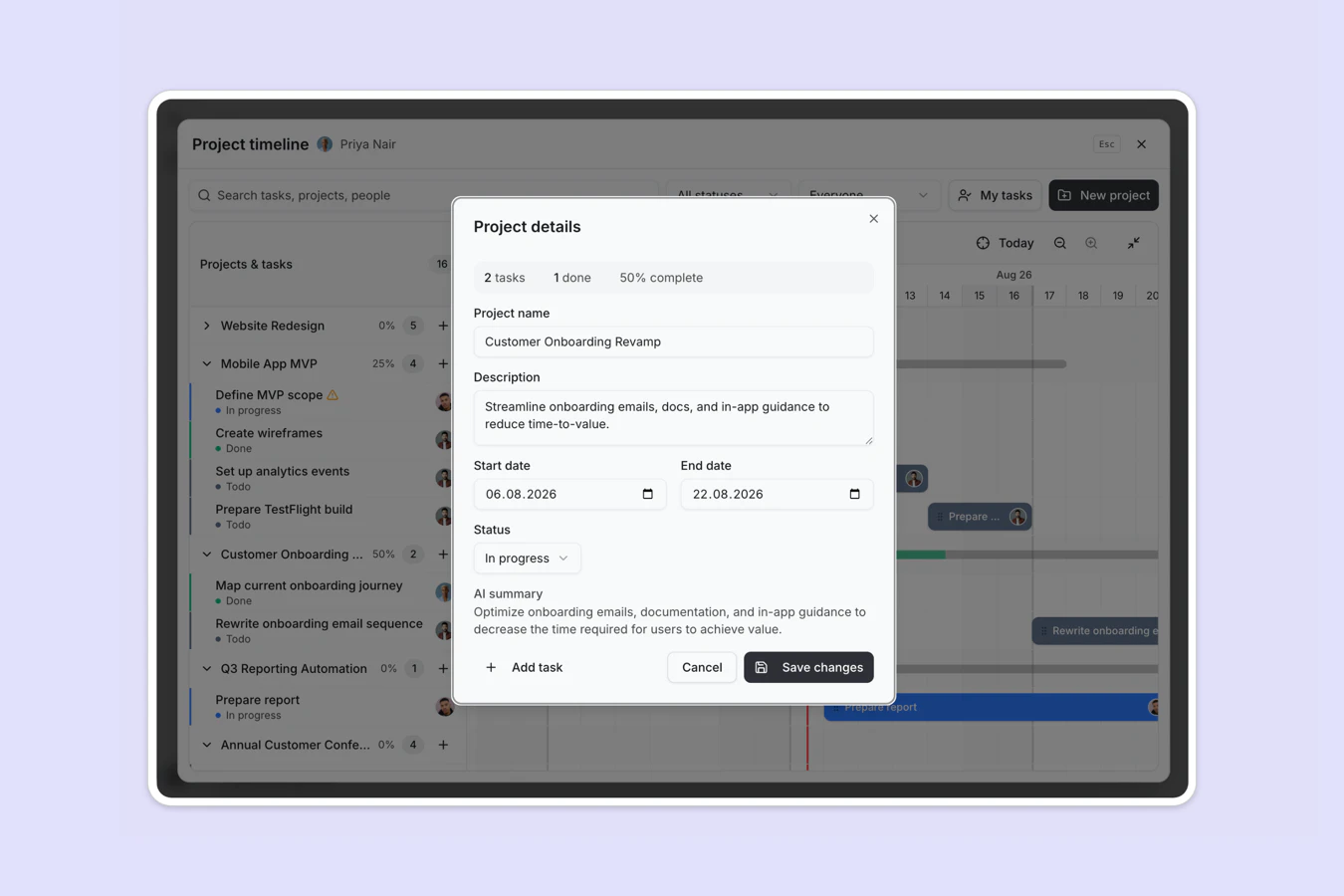
- Projects with nested tasks
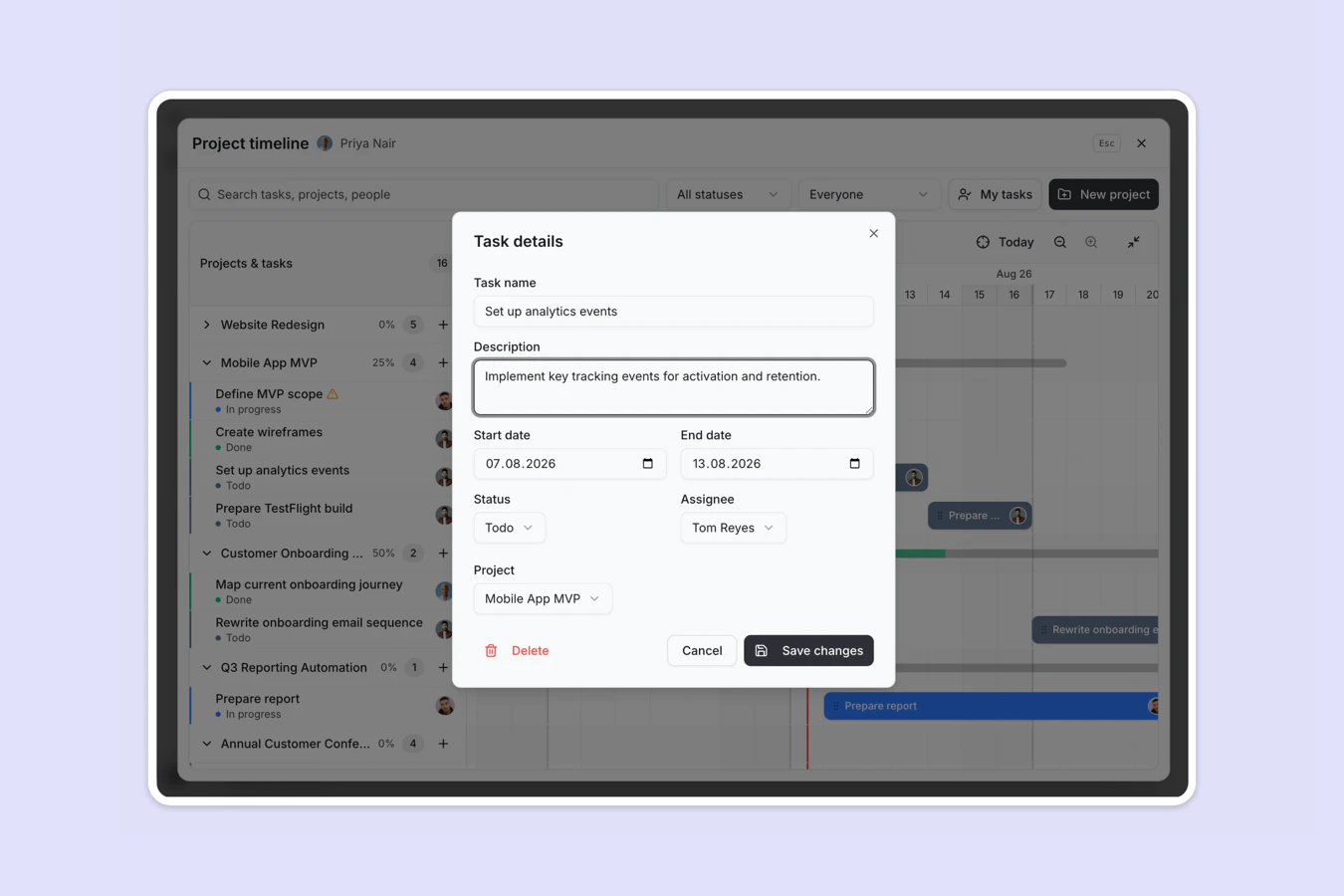
- Task assignment
- Status tracking
- Project completion percentage
- Task and project detail forms
- Fullscreen planning view
- Built with the Vibe Coding block
Who is this Gantt chart template for?
This template is built for teams that plan work across weeks and need one shared timeline. It's a great fit for:
- Project and program managers: Sequence tasks, adjust dates when things slip, and keep every stakeholder looking at the same plan.
- Agencies and consultancies: Track several client projects side by side, with a clear owner and deadline on each deliverable.
- Product and engineering teams: Map a release across sprints, then open a single task to update its status or description.
- Operations teams: Plan recurring internal projects, such as audits or onboarding programs, without buying dedicated project software.


“What we love most about Softr is the instantaneous, customizable power a no-code platform allows.”

- 1
- 2
- 3
- 4
Frequently asked questions
What is a Gantt chart?
Who should use a Gantt chart template?
Can I change task dates directly on the timeline?
How do I edit or customize this template?
What data sources does this Gantt chart integrate with?
Can I control who sees and edits each project?