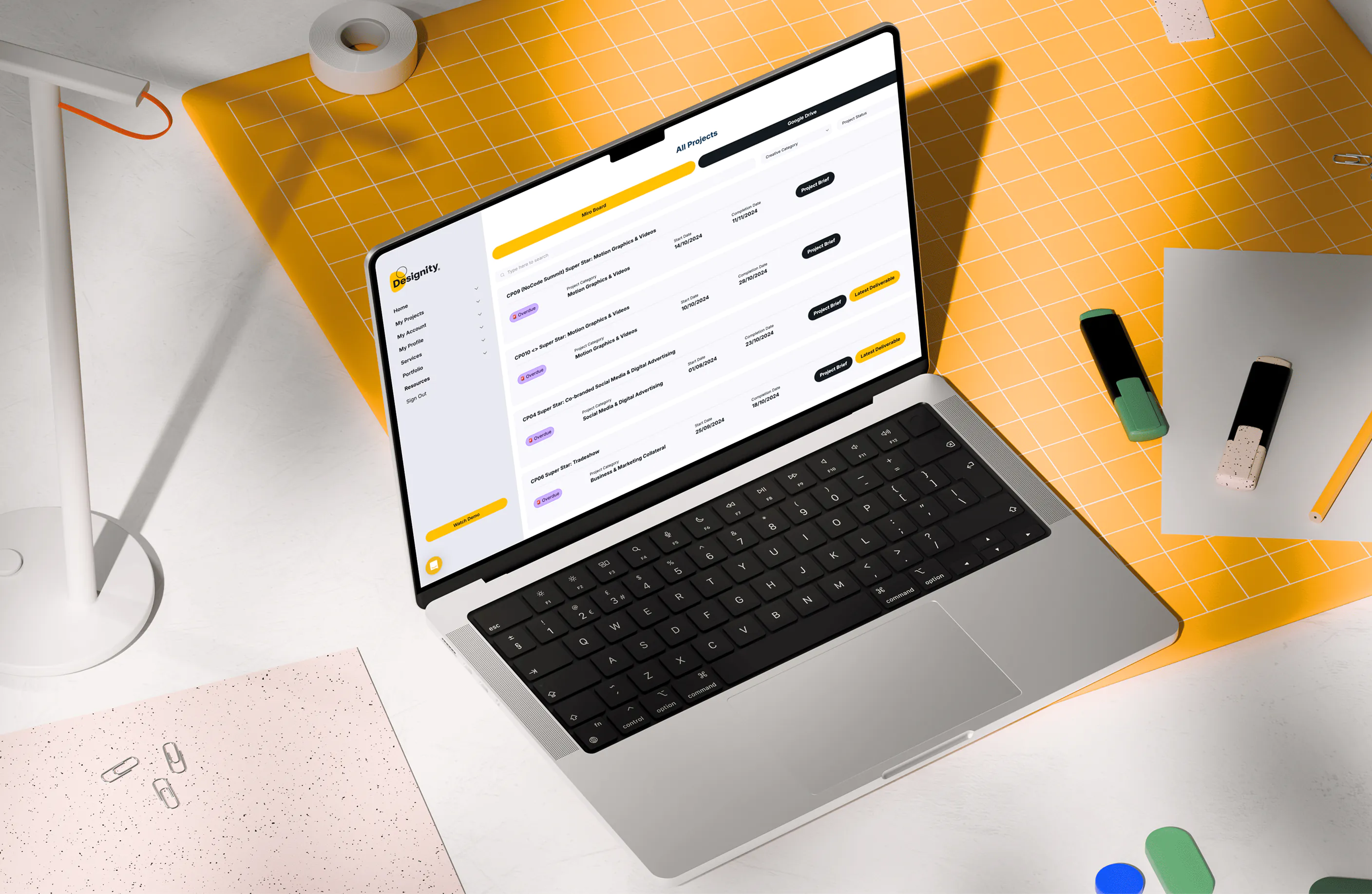
Turn Notion databases into custom portals and apps
Build client and member portals, directories, and other custom tools powered by your Notion data—no code required.














Connect Notion with a 2-way sync.
Link your Notion databases to Softr and keep data up to date automatically—no manual exports needed. Combine Notion with 15+ other data sources or any system via REST API to centralize your operations.

Manage what your clients and team can view or edit.
Create secure portals where clients, partners, and teammates only see what's relevant to them. Set granular permissions and user roles to manage access without sharing your Notion database.

Create professional, full-stack apps.
Customize how your Notion data is displayed with full control over layout, logic, and design. Extend functionality with conditional forms, Softr workflows, AI features, and more.

Bring Notion data to life
Stop overspending on pricey software or custom development. Build apps that fit your workflows perfectly.

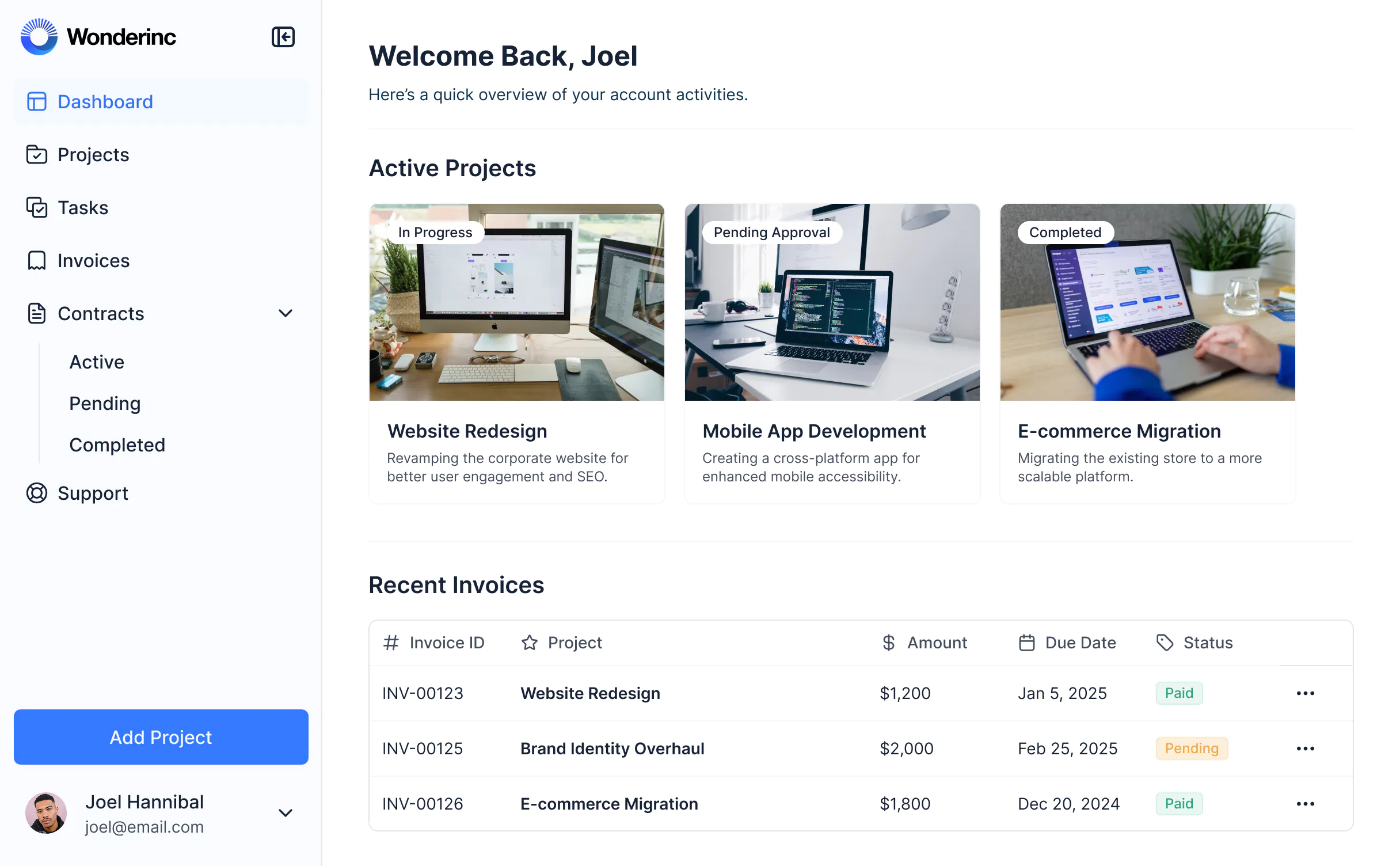


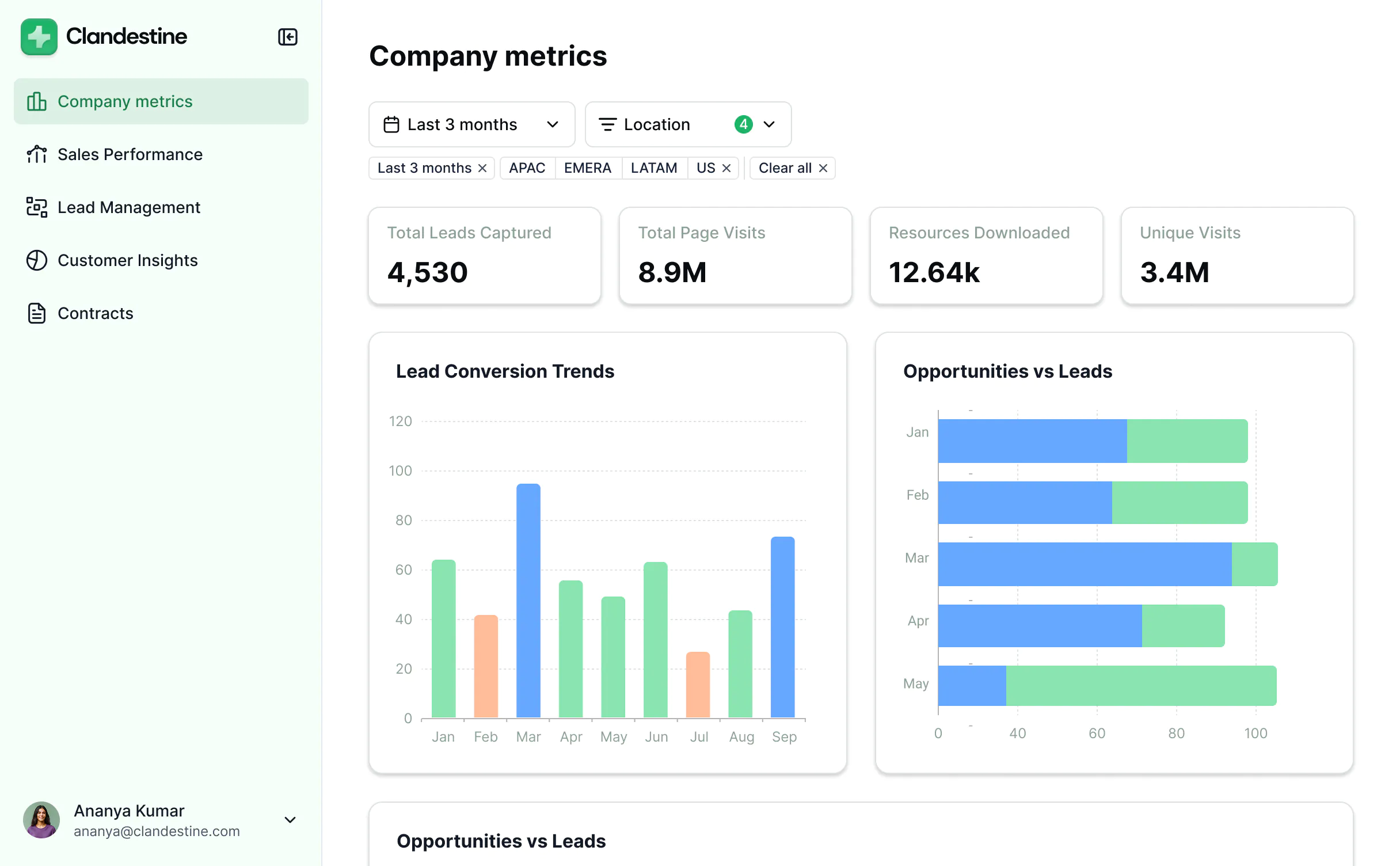
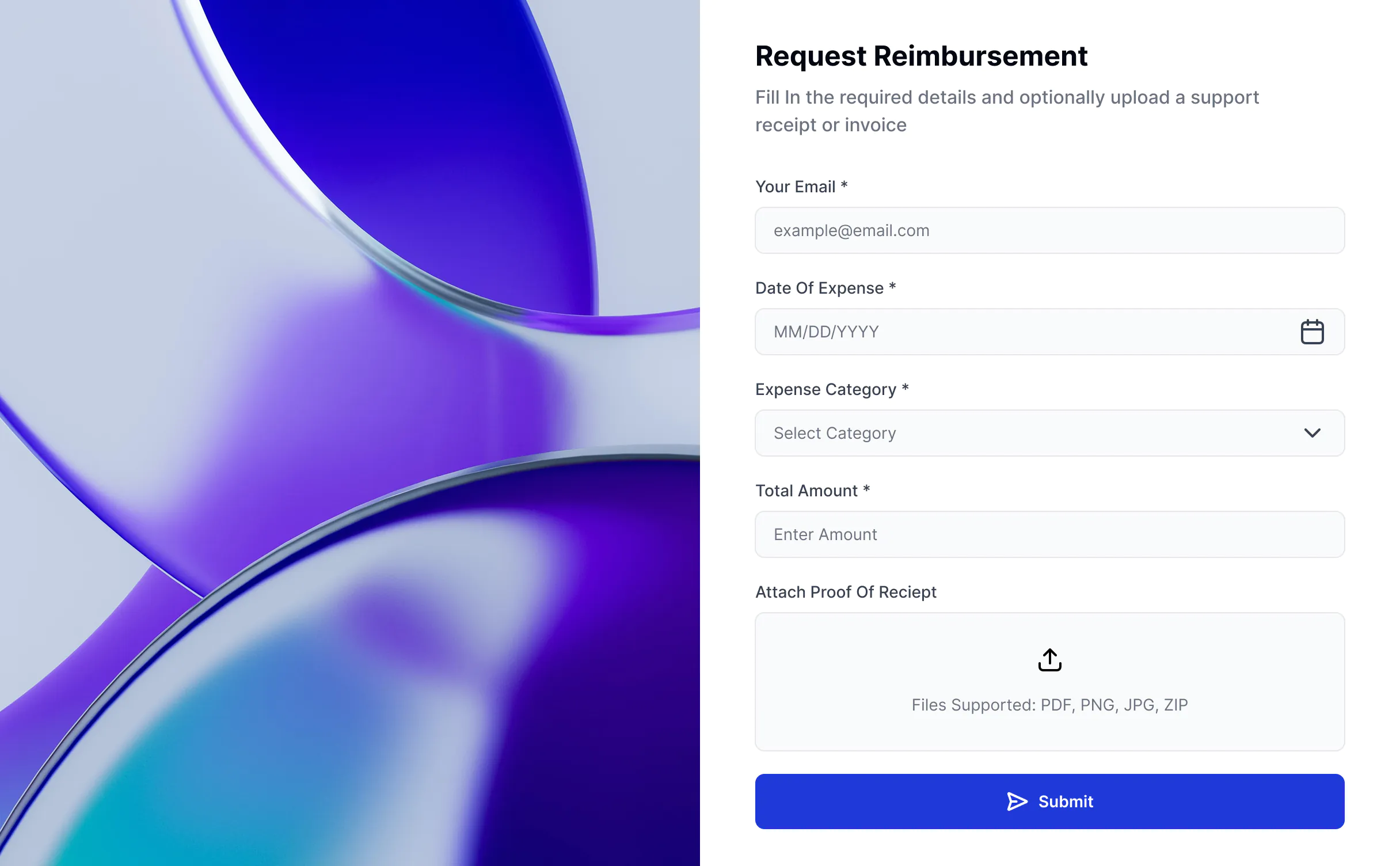


Take Notion further with Softr


Permissions & client access
Sharing options limited to invited guests or workspace members.
Build secure portals and tools where users log in and see only the data they need—no extra Notion seats required.
Hard to restrict visibility or manage access across multiple clients or teammates.
Control who can see and edit what with granular permissions for each block, page, and field.
External sharing risks exposing internal workspace data.
Protect privacy with secure sign-in/user management that control access to filtered views.

User experience & branding
Limited visual customization or white-labeling options.
Fully branded apps with custom domains, colors, fonts, and navigation.
Interface designed for document collaboration, not client-facing apps.
Use drag-and-drop blocks to design polished experiences for clients, partners, or members.
No easy way to share page content externally in a branded layout.
Display Notion page content directly in Softr blocks—perfect for knowledge bases or project hubs.
Forms
Conditional forms are limited and only available on Business and Enterprise plans.
Advanced forms with conditional logic, response routing, and custom styling available on Softr paid plans.

Pricing
External access requires paid guests or workspace invites.
Use Notion for backend logic and Softr to handle the front-end experience, including edit access.
Costs rise as external collaborators increase.
Start free and scale affordably as your client or team base grows.

Dashboards & reporting
Limited visualization and charting for database views.
Build dashboards that combine Notion data with other sources like Airtable, HubSpot, or Softr Databases.

All the features you need for a Notion portal or app
Create a personalized, secure experience for every app user. Tailor the look and feel to align with your brand.

Branding
Deliver professional, white-label apps that impress your team and clients. Customize to reflect the look and feel of your brand.

Works on any device
Softr apps are mobile-ready by default. Turn it into a downloadable app in one click with Softr’s PWA—no extra design needed.

Automations
Connect with your existing tools (Make, Zapier) or use Softr Workflows to build automations directly inside your apps.

User groups
Create custom user groups and separate logins to provide personalized dashboard views and access levels for different users..

Advanced permissions
Customize who sees what, and which actions they can take, even at the most granular level.

Security
Protect information from security threats. Softr is fully compliant with SOC2 and GDPR regulations.

Go from zero to app, incredibly fast
Co-build with AI
Simply describe what you need. Let Softr handle everything - Interface, database, workflows.
Iterate with AI or visually
Control most critical parts of your app yourself, including: roles, permissions, and security.
Ship the same day
Invite team members or external clients and partners right away. Build AI apps with no developer handover.