Transcript
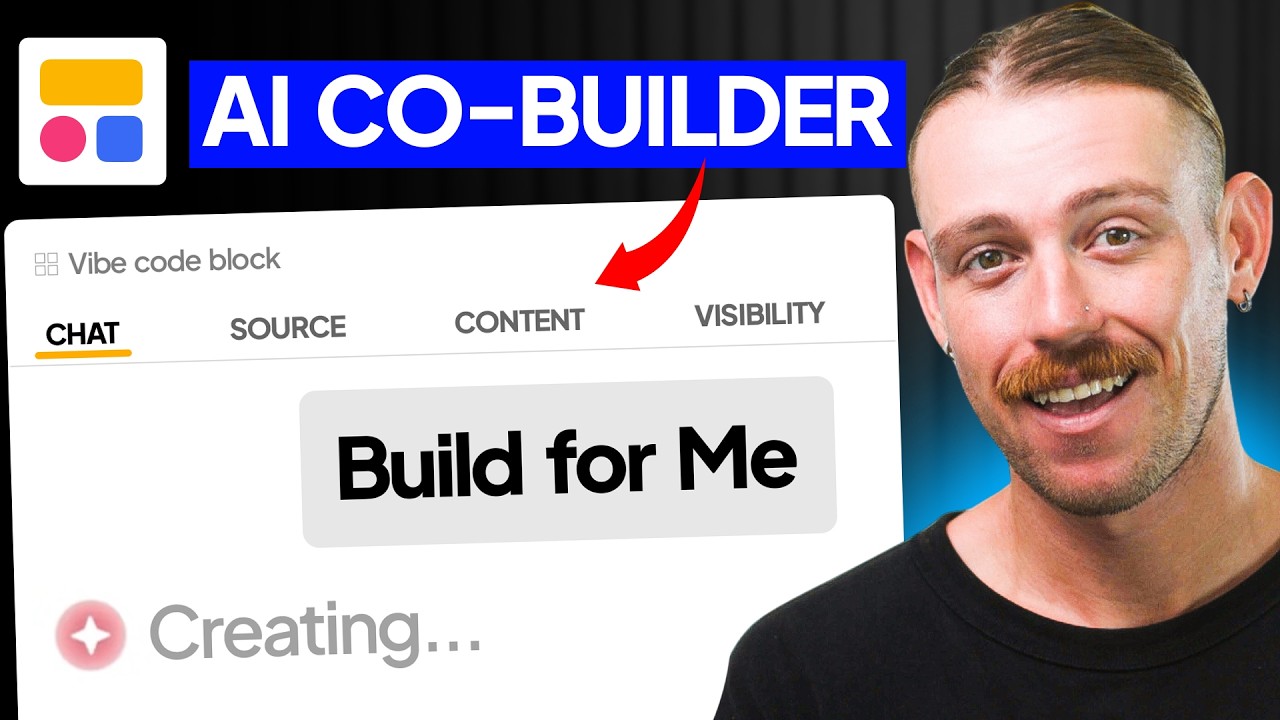
Most AI app builders are great at building a prototype, but the real test is whether they can build software a business can actually use. That is where a lot of vibe coding videos stop, focusing on how quickly a tool can deliver something polished rather than focusing on things that actually matter like structured data, permissions, real users, and secure access. In this video, we are taking a look at Softr's new AI Co-Builder to see how it holds up in a real business use case.
I am Alex Knowles from AutomationHelpers.com, and we have helped hundreds of businesses streamline operations with industry-leading portals, apps, and integrations. Softr has just released its new AI Co-Builder, and today I am excited to see how well it performs when you push it beyond a simple demo. Let's jump into the Softr dashboard and start testing it out.
You can open the AI Co-Builder by selecting Generate with AI. Just like any AI app builder, you insert your prompt, but instead of just generating a front-end, it begins to set up the foundations of an app. This includes pages, database structure, and layouts using Softr elements, so you are not just starting from a blank canvas.
Most importantly, the outcome you get is only as good as the prompt you provide. If we put in a simple prompt asking the AI Co-Builder to build a client portal, we will get a solid but basic app. We can see this basic structure both on the front-end and in the database.
[.blog-callout]
Note from Softr: Building a client portal is one of the most popular ways to utilize Softr. You can securely share project updates, files, and data with your external partners using the powerful native AI co-builder to get structured results instantly.
[.blog-callout]
While we do have multiple tables in our Softr database built from the prompt, we get a much better outcome if we give the AI Co-Builder a more in-depth prompt. When we provide more details and specify the data we want to see, the generated build is significantly improved. We get a similar project tracker on the front page, but we also have a kanban board down below.
The data now includes users, companies, projects, tasks and deliverables, files and assets, approvals, invoices, and requests. This build is much better because we took note of how we prompted the AI Co-Builder. Jumping back into the interface view of our built app, we can lean on the AI Co-Builder to generate the first build and then iterate from there.
We can go further and ask it to change the branding and design, and it will come back with clarifying questions. Many AI app builders take your prompt and immediately build from it, but the AI Co-Builder in Softr prompts you back for more responses. It asks what kind of branding changes you want, such as brand colors, fonts, overall feel, and layout tweaks, so it best understands the jobs to be done.
You want to ensure your prompt provides enough information so you do not get stuck in a back-and-forth loop. Providing clear requirements from the start results in a clean build. Let's look at what else we can do with the AI Co-Builder and why this collaborative approach is a massive win.
Softr's AI Co-Builder is not just generating a front-end interface. It understands the database, pages, navigation, business logic, and user groups. Once you prompt it, it understands that you are the builder and gathers requirements, which is a core differentiator from other popular vibe coding tools.
It feels a lot less like throwing prompts at an AI and more like collaborating on an app specification. Diving back into our digital agency client portal, we can rely on the AI Co-Builder as an actual element. We can search for the Vibe-Coding block and pull it directly into the center of our page.
[.blog-callout]
Note from Softr: When standard components don't quite fit your vision, you can leverage the Vibe-Coding block. It allows you to simply prompt for the exact custom component you want, and it will generate the structure while intelligently mapping to your database without any complex workarounds.
[.blog-callout]
Adding the Vibe-Coding block opens its own builder where we can see settings for chat, source, content, actions, and visibility. We can prompt it directly or select a data source to bring in, like the files and assets table. We can add a condition defining what is shown and then open the chat to state that we need to bring related files and assets front and center.
You can prompt the Vibe-Coding block to generate a kanban board, a table, or whatever you feel you might need. I am just going to ask it to bring the related files and assets front and center to see what we get. The prompt is processed, and it brings our files and assets forward through a card-style view.
We can always click on that block and edit it manually, but let's see what else we can do by deleting it and jumping into our data structure. This is where our tables live and the data source of our app resides. We can open the AI Co-Builder tool again and ask it to generate a new table for client reviews.
[.blog-callout]
Note from Softr: While Softr connects to dozens of external tools, building natively with Softr Databases is the best way to supercharge your app's performance. The AI Co-Builder inherently understands your schemas here, ensuring complex linked records and data formats are mapped out correctly from the jump.
[.blog-callout]
The response shows that the AI Co-Builder truly feels like a collaborative experience. It successfully applies the updates and builds out our client reviews with fields like title, rating, review date, status, company, project, and client user. Notice that it went ahead and created related records to the rest of our tables without me having to prompt it or manually fix the field types afterwards.
With many other vibe coding tools, the generated databases often have field types that do not correspond to what you need. They might create a date field as plain text or a company field that is not an actual relation. You usually have to jump in after generation and manually edit these fields yourself.
With Softr, we can jump straight in, create a new item, select from our companies and projects, and accurately insert the due date. A key difference with Softr's AI Co-Builder is how it approaches responses based on where you are currently working. If you want to edit the front-end interface, you need to prompt it from the interface tab.
If you want to change the data structure or add new tables, you prompt it from the data tab. This brings us to user groups, which is a massive win because Softr handles user authentication and access as it builds. Most vibe coding tools simply cannot set up proper permissions and data security.
If we jump back to the Softr dashboard and ask it to generate a client portal, it will ask those familiar foundational questions. It asks what clients should be able to do, whether they are viewing their accounts, tracking invoices, or submitting support requests. We can type our own prompt to say they should be able to do all of the above.
Next, we tell it who will use the portal, selecting between clients only, internal staff, or a mix of clients and admins. It also clarifies what kind of content clients will access, ensuring the balance between private data and shared resources is correct. Finally, we establish the authentication settings to keep the app locked and secure.
We can choose between email sign-in, Google, or single sign-on while deciding whether users can sign up independently or if they must be invited. From there, it transitions into the design and overall layout of the build. That is the true win here, providing a structural foundation that most other AI app builder tools simply cannot compete with.