Transcript
So you build with Softr, portals, apps, dashboards, workflows, and internal tools. But until recently, if you wanted to create just a simple form for lead capture, you had two options. You could either build an entirely new app for this or use a separate tool entirely.
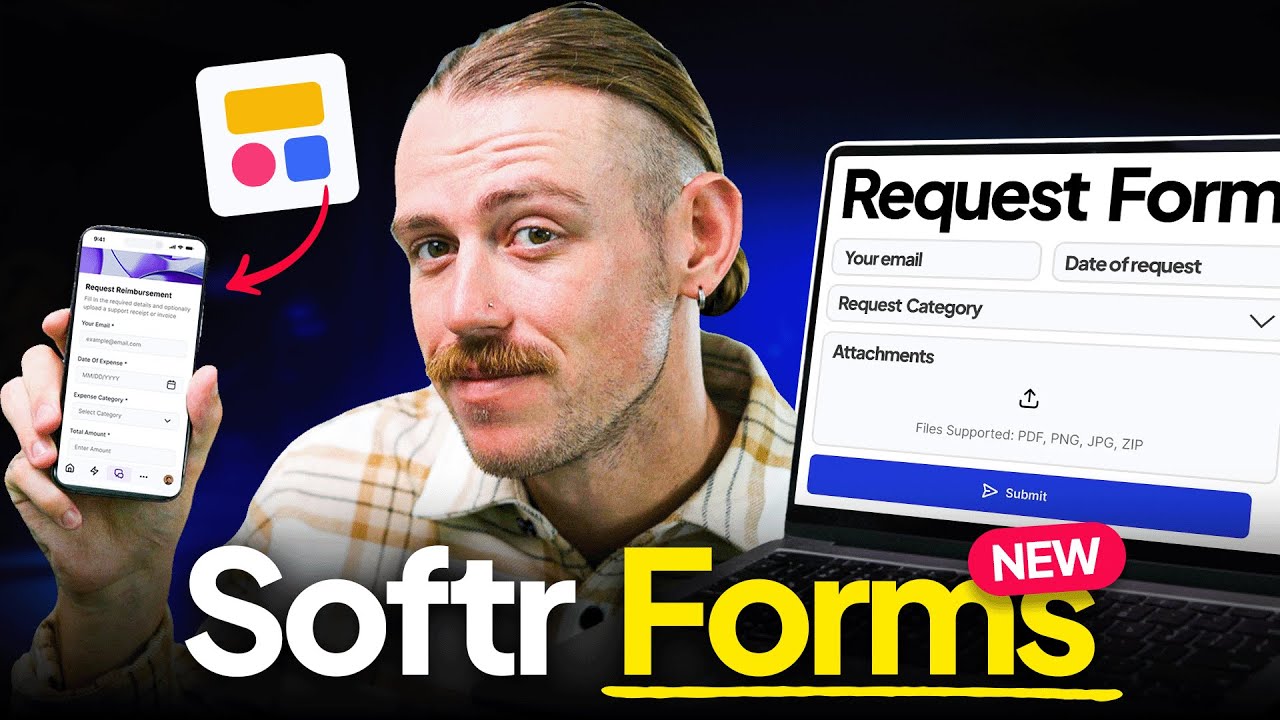
Neither was ideal, so Softr built a better way. Softr Forms is a fully standalone, customizable form builder designed to collect structured input without building an app around it. They feel exactly like Softr, connected, flexible, and powerful, but stripped down to what you and your team actually need.
I am Alex Knowles from automationhelpers.com, where we help businesses and companies adopt and use the right internal tools, apps, integrations, and platforms. In this video, I am introducing you to Softr Forms, a fully functional standalone form builder that does not require you to build an entire app around it. Whether you are collecting internal requests, onboarding new users, or just need a fast way to gather input, Softr Forms gives you a cleaner, more connected way to do it.
When you dive into your Softr dashboard, you will see that you now have Forms on the left side panel. We saw databases released, workflows, and now we have an internal standalone form builder. Softr understands that you are trying to reduce your tech stack, not add to it.
Let's say your team needs a quick way for employees to request access for internal tools. You definitely don't want them messaging IT directly, and you don't want requests to simply be dropped into a Slack channel. You also don't need an entire app built around this process.
You just need a form that is easy for your team to find and fill in, which pipes directly into a shared database that your team can track. Your teams are already using Softr for your apps and your processes, so why not include your forms too? Without signing up to another platform, we can jump into forms and create a new one right away.
[.blog-callout]
Note from Softr: Want to save even more time building? Instead of manually placing elements and layouts, you can use the AI co-builder to instantly generate complete apps, pages, or database schemas simply by describing what you need in plain text.
[.blog-callout]
Straight away, things feel comfortable within this UI because we are familiar with how Softr works. On the left is where we get the theme or the design settings to create a form that better portrays your brand or business. Below that, we have settings for things like logos, favicons, custom domains, integrations, custom code, and localization.
This free form builder actually goes beyond just the simple drag and drop that we see available through Softr. We can actually utilize custom code, and we also decide where our data is going to be stored. On the right panel is where we get the work done and build our form, much like when we are building an app or a page with Softr.
We have settings for the destination to determine where we want our inputs or submissions to land. Currently, we have a built-in database that we can access from the top navigation, just like we can with our apps. Jumping back, we also have the ability to select Softr Databases or integrate with any of the work management platforms out there like Airtable, Google Sheets, or SmartSuite.
[.blog-callout]
Note from Softr: While integrating with external tools is powerful, Softr Databases is our native solution to manage your data directly within Softr. Using it ensures maximum performance and creates a truly unified workspace for your entire team.
[.blog-callout]
There is an incredibly long list of data sources, and this is such a massive win for you as a Softr user. Not only can you use Softr Forms as a free form builder, but you are able to integrate it with the data sources that you use to build your apps. We can also see options for domain restrictions right here.
This is a free form builder, but they understand that you need functionality like conditional logic and access restrictions. If you have an internal request form, you don't really want someone not on your team submitting it. We also want to avoid someone accidentally using their personal email to submit a request when we know we actually need permissions and someone to review it.
Below that, we can also change the submit button. Instead of jumping through all of this, let's take a look at how we can quickly build a form and explore functionality like steps, logic, and styles. I went ahead and built a couple of pages, which Softr Forms refers to as steps, so that we can take a look at how you can actually use it for your business.
Now that we have added extra steps and pages, we also have previous and next buttons. The level of customization and configurability that Softr Forms is giving us is really cool. On the opening cover page, which is step one, we have a clean header image section where you can also include a side section to better portray your brand.
Moving into our steps, we have the heading section which can be labeled whatever we want. You can edit your theme over in the left panel and add a description underneath. Let's take a look at the actual fields that we have in section two of our first step.
We have an email field, a name field, and a department field. We can open this up to edit what is actually going on within the field, add a label image, include a placeholder, a hint, a description, or a default value. We also have validation options built right in.
[.blog-callout]
Note from Softr: Whether you use standalone pages or embed them in larger apps, Forms in Softr give you full control over formatting, layout, and multi-step conditionals to ensure you capture clean, accurate data every time.
[.blog-callout]
Basic validation allows us to bring in our current user, current time, URL parameters, or the page URL. We can also rely on regex formulas, which is awesome and really pleasing to see here. If you want to add a field, there are many inputs available out of the box like dropdowns, quick select, multi-select, short text, long text, files, URLs, ratings, signatures, and addresses.
The reason I included a department field is so that we can take a look at logic. Beyond step one, we have step two where we can see the logic that we have enabled. We have separate software access labeled for marketing and sales, showing different options for each department.
Let's take a look at that logic mapping. I absolutely love how Softr has gone ahead and visualized this, not only in the way it is mapped out but also through interactive visuals. We have step one with section one for the headers, and section two for the inputs.
As we move forward to step two, we can see that if a user selects marketing as their department, they are taken to the marketing page to select their software. If they select sales, they are shown the available software for sales. Think about how much you can actually use this functionality.
The visualization and customization we have here is up there with leading form building tools, but it is baked directly into our Softr platform. It is a free form builder, and we can do so much with what we have got. You also have so much available when it comes to configuring how your form actually looks through the styles menu.
You can always access your data from the top navigation, which dictates how we manage and utilize it. Before we wrap up, I want to quickly mention the capabilities of this form builder. If you want to create forms for your internal workflows, you can easily set up permissions and restrictions using logged-in users.
You can also have this as a publicly accessible form, meaning you are not limited to just an internal tool. You can embed it on your websites for clients and leads or use it to create fully functional surveys and quizzes utilizing the exceptional logic behavior baked in. Now let's quickly touch on integrations, because adopting the right tools is critical.
Straight away, we can connect with external platforms like Make and Zapier, and we have got plenty of available options there. Softr hasn't just thought of this form builder as an internal tool, but also considered the perspective of marketing, sales, and service departments.
[.blog-callout]
Note from Softr: If you're looking to orchestrate automations without relying entirely on external tools like Make or Zapier, consider using Softr Workflows. Native workflows allow you to automate actions entirely within Softr, streamlining backend processes and reducing your reliance on third-party automation platforms.
[.blog-callout]
We have the ability to connect to Google Analytics, Google Tag Manager, Hotjar, and many more. We haven't even mentioned all the capabilities available through our data sources. We can quickly generate a database directly in Softr Databases, bring form submissions into a preexisting table, or create a completely new internal database.