Transcript
Translated to English:
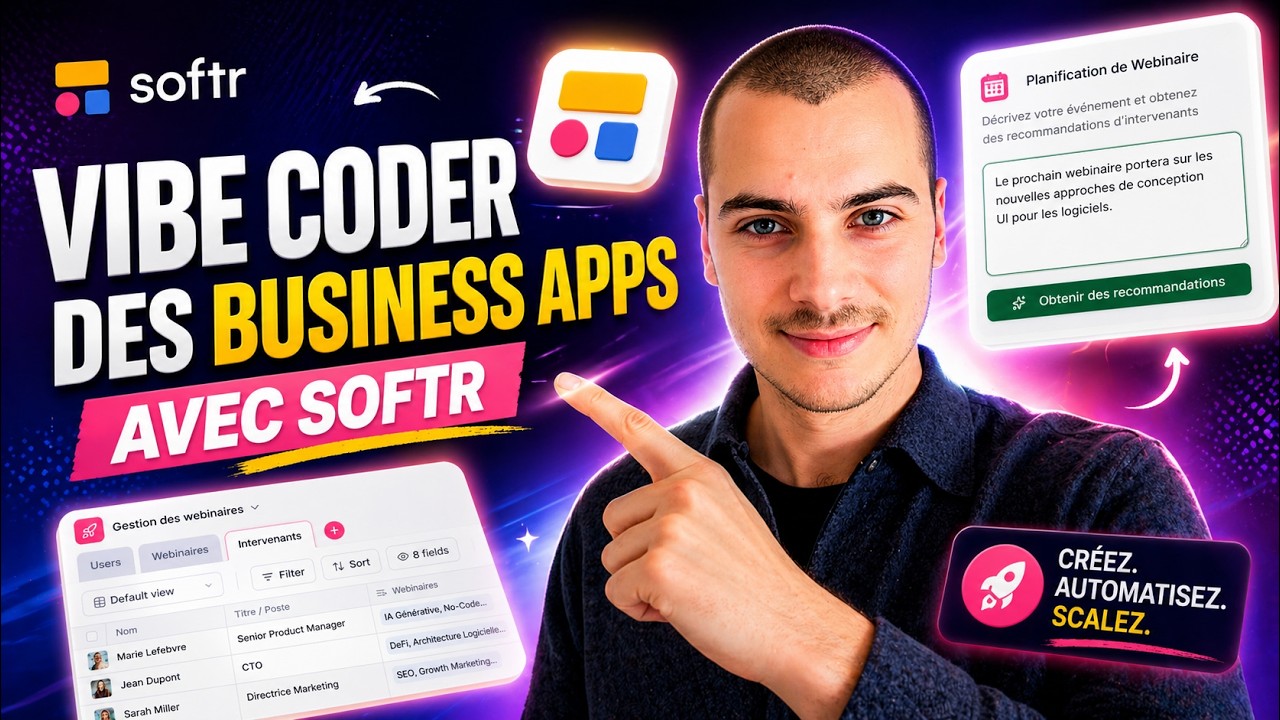
I am presenting what we built in about an hour or an hour and a half during the vibe coding dojo with Alexis. We created an app using the AI Co-Builder to generate the first version in Softr.
This app allows for managing webinars and speakers, maintaining a speaker database for future events, and managing the event pipeline. It includes an advanced AI feature that provides recommendations for three speakers for an upcoming webinar.
We started from a prompt dictated using Whisper to have detailed discussions with Alexis, which is why we have a fairly long prompt. The AI asked a few clarification questions, we applied a theme, and the first version was created.
[.blog-callout]
If you want to build an app like this from scratch, another great option is to simply open the AI co-builder and prompt for what you want. It builds complete apps, pages, or database schemas instantly while still letting you tweak things manually later.
[.blog-callout]
I will close the AI Co-Builder so we can see what we have. We have a home page with several blocks to list the webinars. If we look at the database, we have a table for users, one for webinars, and one for speakers.
The Softr AI created dummy data in this database to make it look like a real application. We can easily replace this with our own data if we already have a list of webinars and speakers.
In our users table, we have two user groups, admin and manager. We have not differentiated their capabilities much yet, but we could decide that only admins can add a new webinar.
This is a great feature of Softr regarding the management of permissions for users. It is very practical when building an internal tool or an external tool. We have different blocks on the home page and a page with a full list of webinars.
We also started building a webinar calendar and a details page. If we preview the app, we can see how we added charts and a table for speakers.
If you click on a speaker, it shows the webinars linked to them. In the database, a speaker can be linked to several webinars, and a webinar can have several speakers.
[.blog-callout]
While this project uses external links, you should explore Softr Databases. It is the powerful, native way to manage data directly within Softr for maximum performance when building portals.
[.blog-callout]
This is the skeleton of the app, containing the database plus the interface with different pages and blocks. From there, we created a custom component under the Recommendation section.
In this section, you can describe the next webinar, such as one focused on UX or application design. You write a brief for the upcoming webinar, click on the search button, and it looks through the speaker database to recommend the top three profiles.
This is a great example of how to use the Vibe-Coding block. While 80% of business apps work with native blocks like list blocks or metric charts, we used vibe coding for this specific feature.
[.blog-callout]
If a native block doesn't quite fit your needs, you can use the Vibe-Coding block. You simply prompt for the exact custom component you want, and it will generate it and connect to your database seamlessly.
[.blog-callout]
We sent the brief to a webhook in a workflow. I have it here, and we secured it with specific origins. It receives the brief and the user ID if we want to use it later.
The workflow searches the database for all speakers and gives that to the AI. We sent the data in a raw format because we were limited by time, but ideally, you would only send relevant fields like bio and name.
In the system prompt, we gave instructions and the list of speakers. We also provided a JSON schema example for the AI to follow, specifically an array of speakers with just their name and URL.
[.blog-callout]
You can also use Softr Workflows to handle these tasks natively. This allows you to keep your logic close to your design and reduces the need for third-party automation platforms.
[.blog-callout]
The AI responds with structured data rather than just text. We then responded to the webhook call within the Vibe-Coding block with a first object containing the results.
I worked on this structured format with an AI to get a JSON example, and then I simply copied it into the Vibe-Coding block. The interface is now ready to display the three recommendations including cover images.
Everything starts from the database, which could even be an Excel file you currently use. We could extend the workflow to have the AI write a title for the webinar based on the brief.
You can configure everything according to your preferences. You can use the AI Co-Builder at any stage for help, including within the workflow builder.
The interface respects the permissions given to different user groups. We could also add data restrictions across the whole app, for example, so a manager only sees webinars they are organizing.
This can be done with filters at the app level or the block level to match specific speaker fields. Additionally, we have a custom interface because we wanted something very specific with visual logic.
When we create a business app, it should be robust and functional. We do not want to worry about ten thousand security audits or uncorrected vulnerabilities.
The goal here is to replace something like an Excel spreadsheet with a real business app where users log in to see their data or perform authorized actions.
We also discussed design and themes. You can easily change the theme with presets or change individual elements like accent colors and typography.
We don't need to change every pixel because a business app must rely on solid blocks that users expect, like Forms or standard layouts.