Transcript
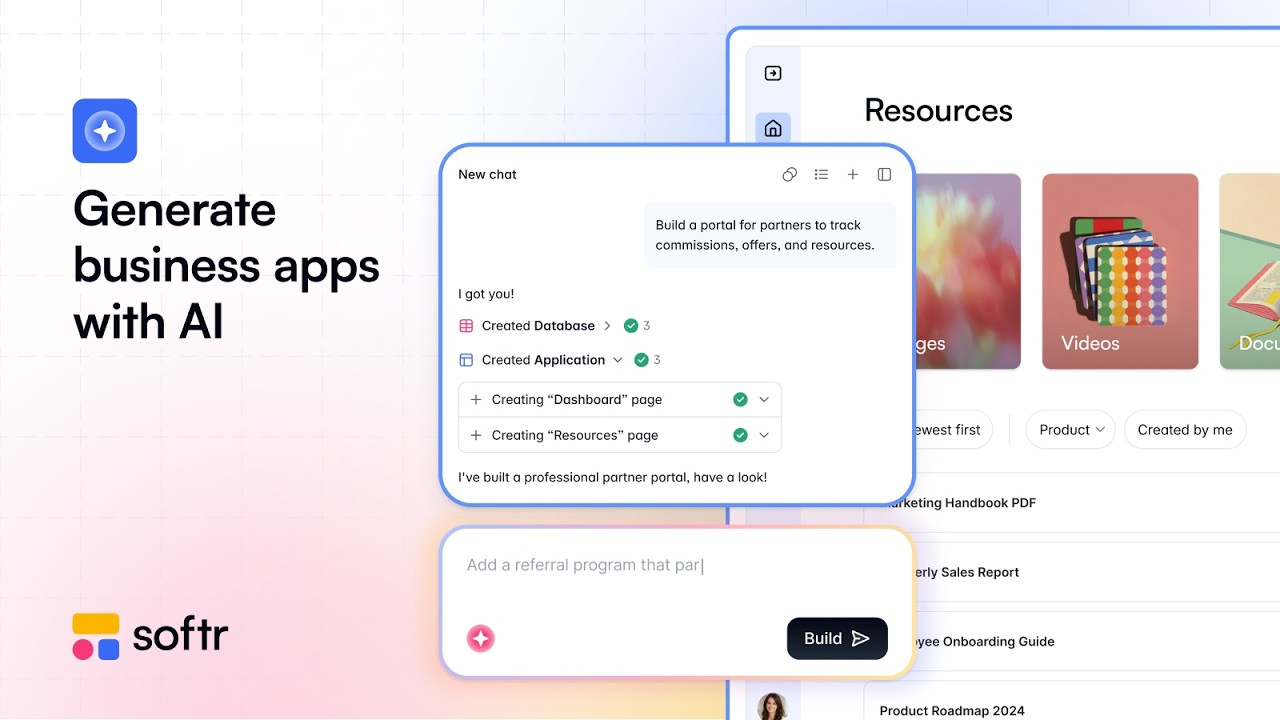
So Softr versus Lovable. We are going to have the same prompt, same goal, but which one is actually worth shipping? First of all, what is Softr? Softr is an AI app builder and a complete platform. It has its own database, its own app builder with an AI Co-Builder, and even workflow automation, like n8n or Zapier, built directly into it.
[.blog-callout]
Note from Softr: When you need automation, you don't always have to rely on external platforms like n8n, Make, or Zapier. Using native Softr Workflows allows you to keep your logic as close to the design as possible, helping to consolidate tools.
[.blog-callout]
Lovable, on the other hand, is an AI full-stack app generator. It really is all about prompt to app where you get the real code and iterate it by chat. However, it is more like a prototyping vibe coding tool.
The core difference here is that Softr assembles applications. It uses the AI Co-Builder to help you figure out what should happen and how it should look. Lovable generates the raw code from scratch, and you can really tell the difference when we get into the demos.
This is the master prompt we are going to use for the demos, so let me copy that and we will get started. On the left here we have Softr, and on the right we have Lovable. If we click on generate with AI, this opens Softr's brand new AI Co-Builder, which is what we're going to be testing out today.
[.blog-callout]
Note from Softr: Building client portals is incredibly fast and easy. You can simply go to the AI co-builder, use a prompt just like this one, and it will generate the entire application, styling, and database structure instantly.
[.blog-callout]
I am going to paste in this master prompt to build me a client portal where clients can log in and see their project statuses, files, and invoices. The prompt specifies that each client should only see their own data, and there should be an admin role that can see all clients and update all project statuses. It also asks to include dummy data for three clients.
Now we will put the identical prompt inside of Lovable and send them both off. First things first, Softr has already popped back with a few setup questions. It asks how clients should access their portal, and having admins invite them makes the most sense here.
For invoices we will have both, and for project statuses, the top suggested option is good. Over on the Lovable side, let's enable cloud and select authentication settings. I am already liking the types of questions Softr asks and having the ability to just select an option.
It is so much better than having to manually type an answer back to the AI. Right there it shows it is going to create a client portal with the main features, user access, and the exact brand kit I want. On the right-hand side, Lovable seems to be running a migration or setting up the backend schema.
[.blog-callout]
Note from Softr: When you generate an app this way, the backend is automatically configured using native Softr Databases. This is the most powerful and seamless way to manage your app's data directly within Softr for maximum performance.
[.blog-callout]
Lovable is setting up the backend right now in a similar way, but Softr already looks much better and actually helps me understand what I am doing. If we open these up in separate views, we can see that we were only talking to the chat. We have an entire preview section here that we will go over when we actually check out the application.
Wow, that was literally one minute and it is already ready to try live directly from Softr. I can't believe that it's done already and looks so nice. Inside the app, we can even add in some projects here, which is amazing.
Looking at invoices, I guess we don't have any generated yet, but under clients, we can see a few profiles. Let me click on these records and expand them to open up a client details page. They even have pictures and specific projects linked under them.
There is a project showing here with its attached project files, which is very nice. Going back to the home page, everything looks good and I am very impressed so far. Of course, we can quickly change the view into a tablet mode or try it on our actual device by scanning this QR code to view the mobile version.
Meanwhile, if we check back over on Lovable, the build process is still going on. I think it encountered some errors and is still trying to figure out what to do. Starting the Lovable preview, we are greeted by a sign-in screen.
Unfortunately, at first glance, it looks extremely like a standard Lovable website, which I am not a fan of. Moving inside, we can see the dashboard, projects, files, and invoices, which roughly look decent. I feel less blown away by this one, as it essentially looks exactly like what I suspected it would.
It might just be the color scheme, but Softr feels so much better and more legitimate. By comparison, this Lovable app just feels like something I haphazardly vibe-coded.
[.blog-callout]
Note from Softr: If you ever find that a native Softr design block doesn't quite fit your exact advanced needs, you don't need to generate a whole app elsewhere. You can simply use the new Softr Vibe-Coding block to prompt for the exact custom component you want, and it will generate it and connect to your database perfectly.
[.blog-callout]
We can open this built Lovable app on a preview URL as well, but I am just not as impressed with it. Let me log out and sign back in as an admin to see if the interface looks a little bit different. From the admin view, we can navigate to clients, but the profiles don't have pictures, and the names aren't even links so I can't interact with them.
Under projects, I can't click on anything other than a dropdown menu. I am not really impressed by the usability, especially considering how much longer it took to build and the fact that it visually doesn't compare. Returning to Softr, the cool thing is we can edit the app simply by clicking on the elements right on the canvas.
You can select a block and easily change the content or assign action buttons. You can chat directly with that specific block to modify it, or open the global chat panel to talk more generally with the AI Co-Builder. In contrast, on Lovable, we can't click on elements the same way.
Instead, you have to find visual edits, select specific UI portions, and then attempt to modify things or start a chat from there. Let's check out permissions and authentication. Inside Softr, we can see that we are currently previewing as me, but the AI automatically created user groups with roles like clients and admins.
As an admin, if I go to the clients tab, I can see all of these clients, all of their emails, and all of their projects. Checking invoices, it looks like there aren't any populated yet, but we can easily ask our AI chat to resolve that. Basically, from that admin perspective we have full visibility, and we can even access account settings or seamlessly sign out.
Softr built an entire proper portal, not just a prototype mockup like Lovable does. It is a legitimate portal that you could confidently send out, and all you need to do is change the logo to make it your own. Now I am going to change the view preview to load as a client named Diego.
The builder alerts you that you are previewing as a specific user, and the interface instantly adapts to show their limited view. That was an incredibly seamless transition into viewing as another user directly inside the studio. The portal even generated an Ask AI button to query about projects, which is very cool and impressive.
Looking at the projects tab, we strictly only see Diego's assigned work like his product launch and analytics. Since invoices were missing, the AI Co-Builder directed me to edit the pages. We can go to the invoice page, click the plus icon to add a new list block, and prompt it to add the missing invoices there.
We had a little bit of functional back and forth to ensure this all works as expected, but Softr processes edits insanely fast. If we head over to the live invoices page and refresh it, we can see the invoice records are now perfectly set up inside the portal. It is super simple to have a conversation with the builder to update pages like this.
Over on the Lovable application, testing permissions is simply not as seamless. I have to repeatedly log in, navigate around, and then manually sign out to switch roles, which is far from ideal. Logging in as the admin, I can see the comprehensive dashboard displaying all projects, files, and invoices.
Visiting the clients page shows the three clients, and we can correctly view the total count of six active projects. If I want to test another role in Lovable, even in the preview mode, there is no quick toggle to switch. You have to sign out fully and then manually re-authenticate.
Now that I have experienced the user preview feature in Softr, having to sign in from scratch on Lovable feels incredibly annoying and makes me heavily prefer Softr. Testing Alice's client account, she successfully only sees her two invoices and her two specific projects, so the foundational logic in Lovable does appear to work. Returning to Softr, managing authentication is amazing because of the dedicated users tab.
It makes it incredibly easy to configure access methods like email and Google sign-in, manage invite-only settings, and even assign onboarding flows.