7 best Noloco alternatives in 2026 (and how to choose)

Noloco builds internal apps and portals on top of data you already keep elsewhere. Power users tend to hit the same three walls: data management, limited customization, and scaling. We tested seven Noloco alternatives that handle all three better.
Best Noloco alternatives at a glance
To save you some time, here’s a shortlist of the standout options. Use it to find your top 2 or 3 choices before you dig into the details.
| Tool | Category | Best use case | Standout features | Pricing |
|---|---|---|---|---|
| Softr | Full app builder | Building complete business systems with AI | AI Co-Builder, built-in database, workflow automation, permissions, portals, dashboards | Free plan available; paid plans from $19/mo |
| Glide | Spreadsheet app builder | Fast, mobile-friendly apps | Polished UI, quick setup, spreadsheet-based building | Free plan available; paid plans from $19/mo |
| Stacker | Portal platform | Client portals | External access, structured permissions, branded portals | From $29/mo |
| Bubble | Full app builder | Fully custom web apps | Deep customization, workflows, built-in backend | Free plan available; paid plans from $29/mo |
| Retool | Internal tool builder | Technical internal tools | Database and API integrations, dashboards, workflows | Free plan available; paid plans from $10/admin/mo + $5/user/mo |
| Airtable | Backend platform | Flexible backend plus simple interfaces | Relational tables, automations, interfaces | Free plan available; paid plans from $20/seat/mo |
| Jet Admin | Internal tool builder | Internal dashboards | Admin panels, data connections, permissions | Free plan available; paid plans from $24/mo |
What should you look for in a Noloco alternative?
Choosing the right Noloco alternative really comes down to the exact problem you’re trying to solve. The key attributes to look at are:
- Data handling: Does this solution work with my current data sources?
- Ease of use: Usability is more important if your users aren’t technical.
- Customization: Are you happy with templates or do you need something custom?
- Permissions: Key feature if folks outside your organization will be accessing data.
- Workflow automation: This can take a lot of work off your hands.
- Scalability: Some platforms are better suited to a dozen users than thousands.
- Integrations: Can you hook up your favorite productivity apps?
1. Softr — best for building complete business systems with AI
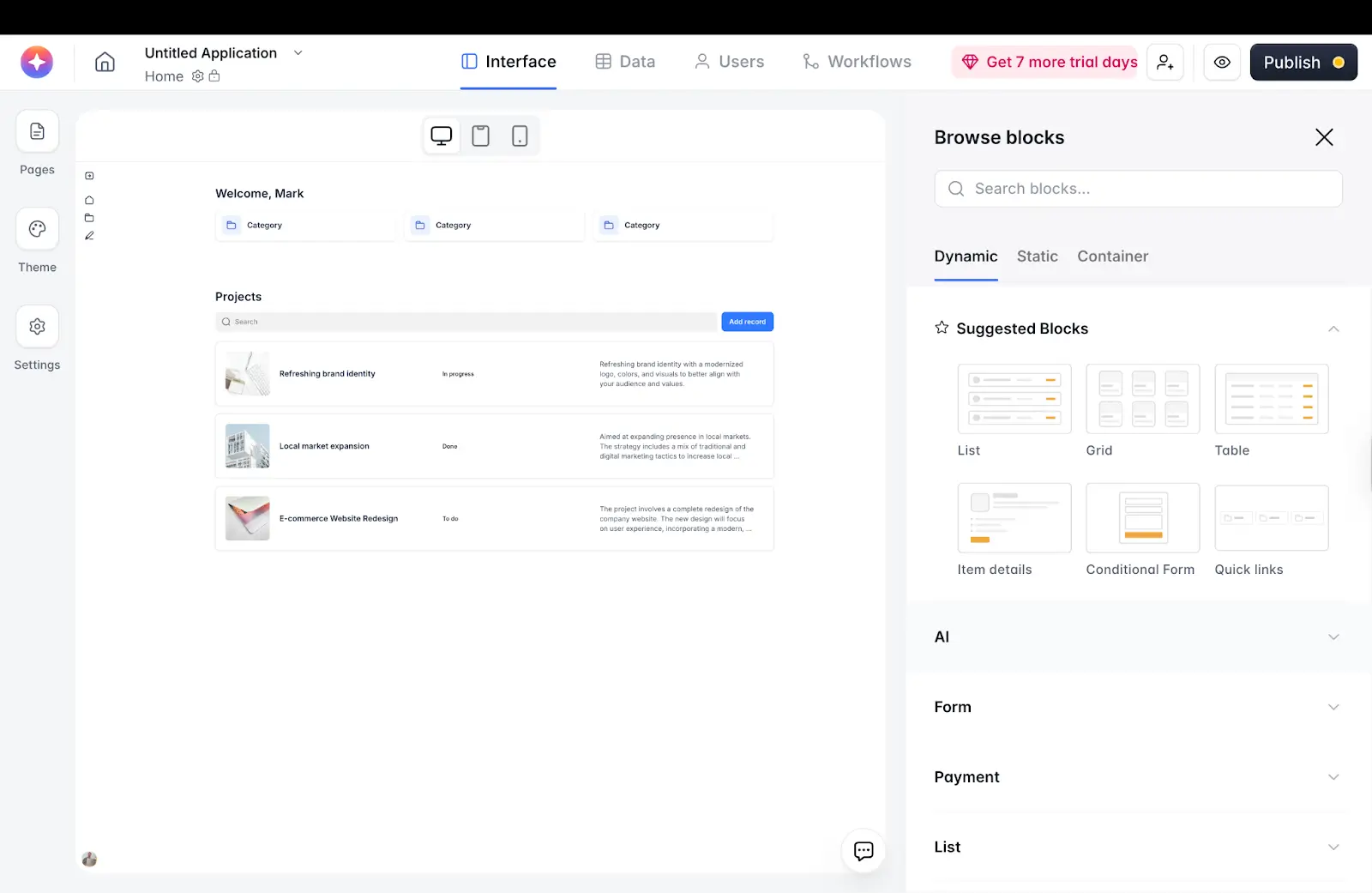
Softr is the best Noloco alternative for teams moving beyond simple internal tools into complete business systems.
This versatile platform has an AI Co-Builder, a built-in relational database, native workflows, and permissions under one roof. It also integrates with 21+ external data sources, plus many of the apps you use every day.
But what makes Softr especially compelling is how these pieces work together.
Softr helps you build client portals, internal tools, dashboards, and CRMs with AI — with the database and business logic connected, secure, and ready for real users. You can also automate processes like approvals and notifications, and manage what data users can edit and access.
Pros and cons
Pros:
- Everything under one roof: Build apps, manage data, and construct workflows in a single system.
- Very flexible: You can build a wide range of apps, and adapt the front end to suit your needs.
- Works with your existing data sources: The list includes Google Sheets, Airtable, Notion, Supabase, SQL, and many more.
- Granular permissions: You have total control over access to your private business data, role-based visibility and actions.
- Really easy to use: You don’t need a technical bone in your body to use this tool effectively.
- Scales beyond spreadsheets: Softr can handle complex structures and multiple user roles.
Cons
- No native mobile apps: If you want to reach mobile users, you’ll need to use a PWA (progressive web app).
Key features
- Built-in relational database: Handle complex, linked data (like clients, projects, invoices, users).
- AI and visual app builders: Create client portals, internal tools, dashboards, and CRMs with simple text prompts, then customize your builds.
- Native workflows: Run approvals, status changes, notifications, and task routing inside the app.
- Granular permissions: Provide something different for your admins, staff, clients, and vendors.
- External user portals: Give clients or partners secure, branded access to the exact data they need.
- Support for multiple data sources: Start on Airtable/Sheets or move to Softr’s database as you scale, without rebuilding from scratch.
- Plenty of integrations: Connect your existing apps and trigger actions across multiple tools.
Pricing
- Free: Unlimited apps for up to 3 builders, with access to Softr Workflows and Softr Databases, 5 app users, 5,000 database records
- Basic ($19/mo): Unlimited apps with 42+ integrations, Team: 5 + Client: 5 app users, 50,000 database records
- Pro ($99/mo): Unlimited apps with 45+ integrations and custom code, Team: 10 + Client: 50 app users, 500,000 database records, custom user groups
- Business ($329/mo): Unlimited apps with 52+ integrations, Team: 30 + Client: 100 app users, 1 million database records, custom user groups (up to 10)
- Enterprise (custom pricing, contact sales): Custom limits, SSO, advanced security, dedicated support
Best for
Teams looking to upgrade from simple apps and spreadsheets to complete internal systems.
It also works for agencies and service businesses that want to build their own client management apps, such as portals and CRMs.
2. Glide — best for fast, mobile-friendly apps
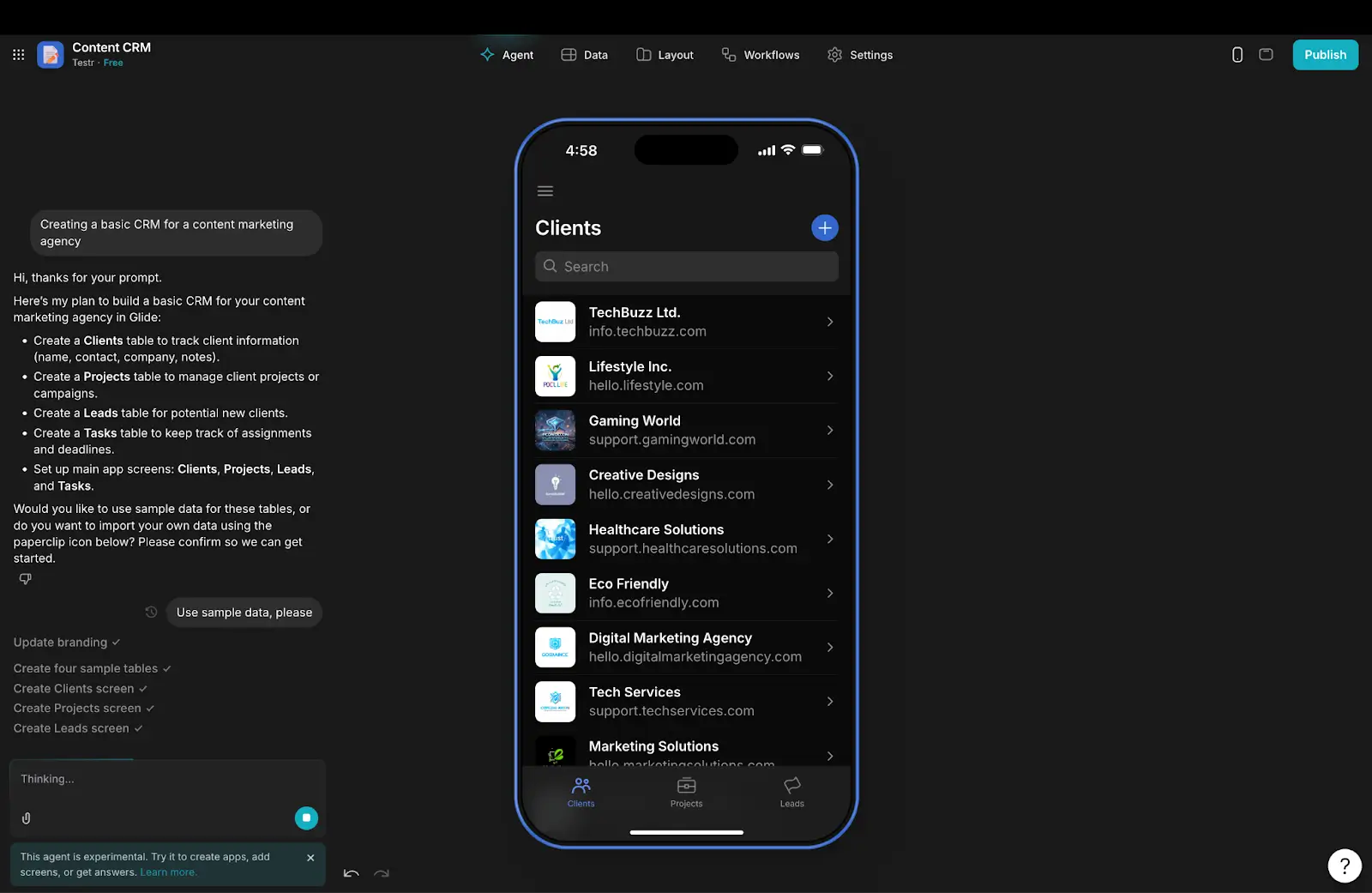
Glide lets you build simple, mobile-friendly apps at speed. It’s easy to use and optimized for mobile. This makes Glide well suited to building lightweight apps and internal tools. It feels more like a UI layer for your spreadsheets than a coding platform.
That’s great when your needs are simple, but you may struggle with complex data and scaling.
Pros and cons
Pros
- Fast to launch: Glide is easy to learn, and you can build apps very quickly.
- Strong mobile experience: Apps work well on phones and tablets.
Cons
- Limited workflow depth: It’s not great for multi-step processes and messy logic.
- Scaling limits: Some users say that Glide-made apps don’t maintain performance as you add users.
Key features
- Spreadsheet-based builder: Turn Google Sheets or Airtable data into a working app in minutes.
- Prebuilt app templates: Quickstart for common projects like directories, checklists, and simple CRMs.
- Lightweight workflows: Add basic actions, forms, and automations.
Pricing
- Free: 1 editor, built-in database only, up to 25,000 rows
- Explorer ($19/mo): 1 app, 100 users, 25,000 rows; workflows and integrations
- Maker ($49/mo): 3 apps, unlimited users, 50,000 rows; Google Sheets support, custom branding
- Business ($199/mo): Unlimited apps, 30 users, 100,000 rows; API access, support for Google Sheets, Airtable, and Excel
- Enterprise: Custom
Best for
Teams that want to build clean, mobile-friendly apps quickly, and don’t need any clever logic.
3. Stacker — best for scalable client portals
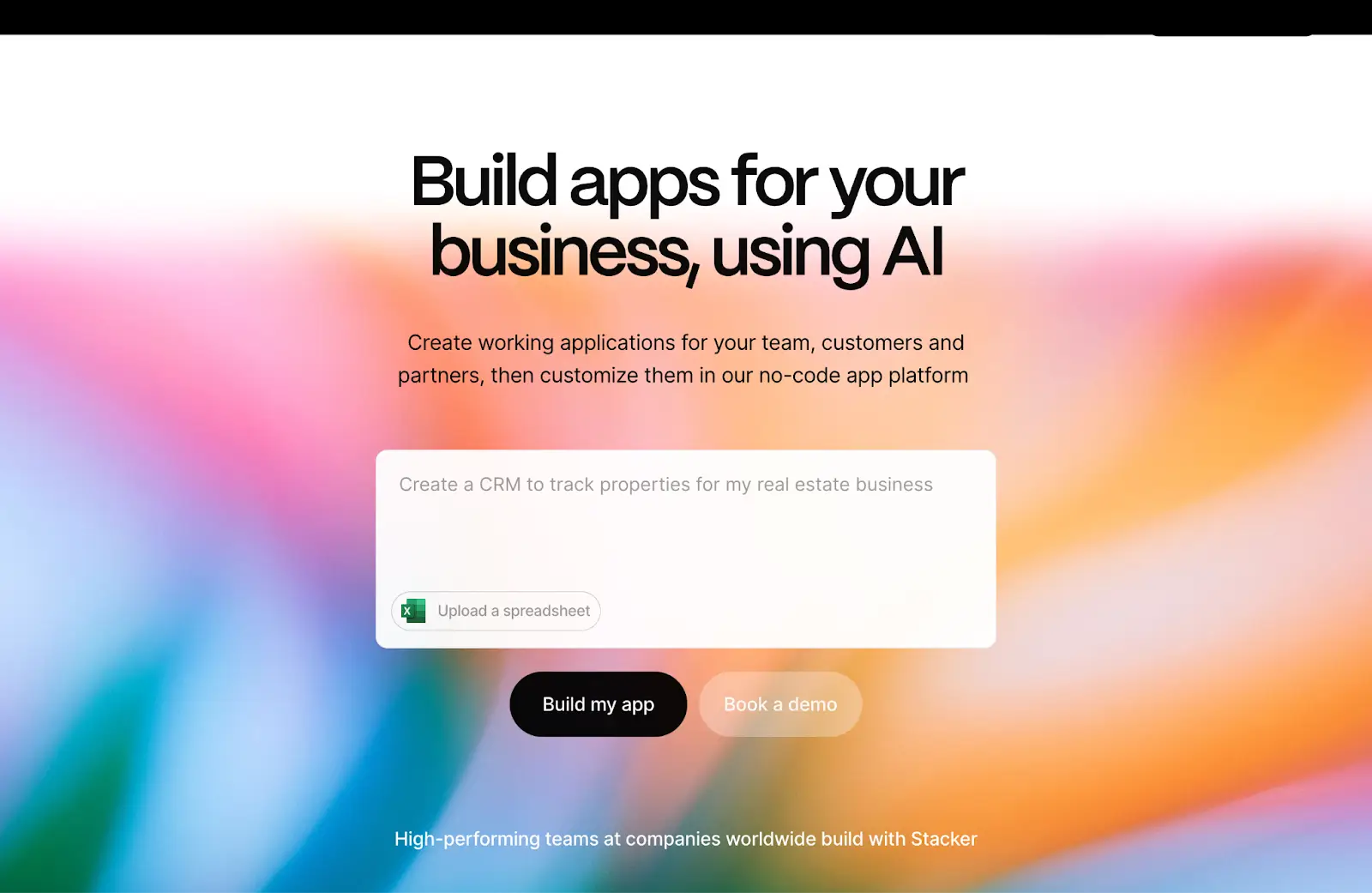
Stacker is a business-minded platform, mainly aimed at teams that need to create secure portals. Compared with some platforms on this list, Stacker feels very polished. The default app templates are clean and professional.
The tradeoff is flexibility and cost. Stacker is optimized for specific use cases, and the pricing is better suited to larger businesses.
Pros and cons
Pros
- Great for external portals: The platform does a good job of handling users outside your organization.
- Clean designs: The default layouts are beautiful and pleasant to navigate.
Cons
- Limited scope: Stacker focuses on portals and basic internal tools.
- Not the most flexible: You don’t have as many customization options as with some platforms.
Key features
- Portal builder: Create secure client, partner, and vendor portals through simple controls.
- Permissions system: Choose exactly what data each user can access.
- Data integrations: Connects to Airtable and other sources.
Pricing
- Starter ($29/mo): 1 app, 10,000 records, 50 external users, 5 internal users
- Plus ($149/mo): 3 apps, 100,000 records, unlimited external users, 10 internal users, 3 user roles
- Pro ($299/mo): Unlimited apps, records, users, and roles
Best for
Agencies that need to create client portals, or teams that want to share data externally.
4. Bubble — best for fully custom web apps
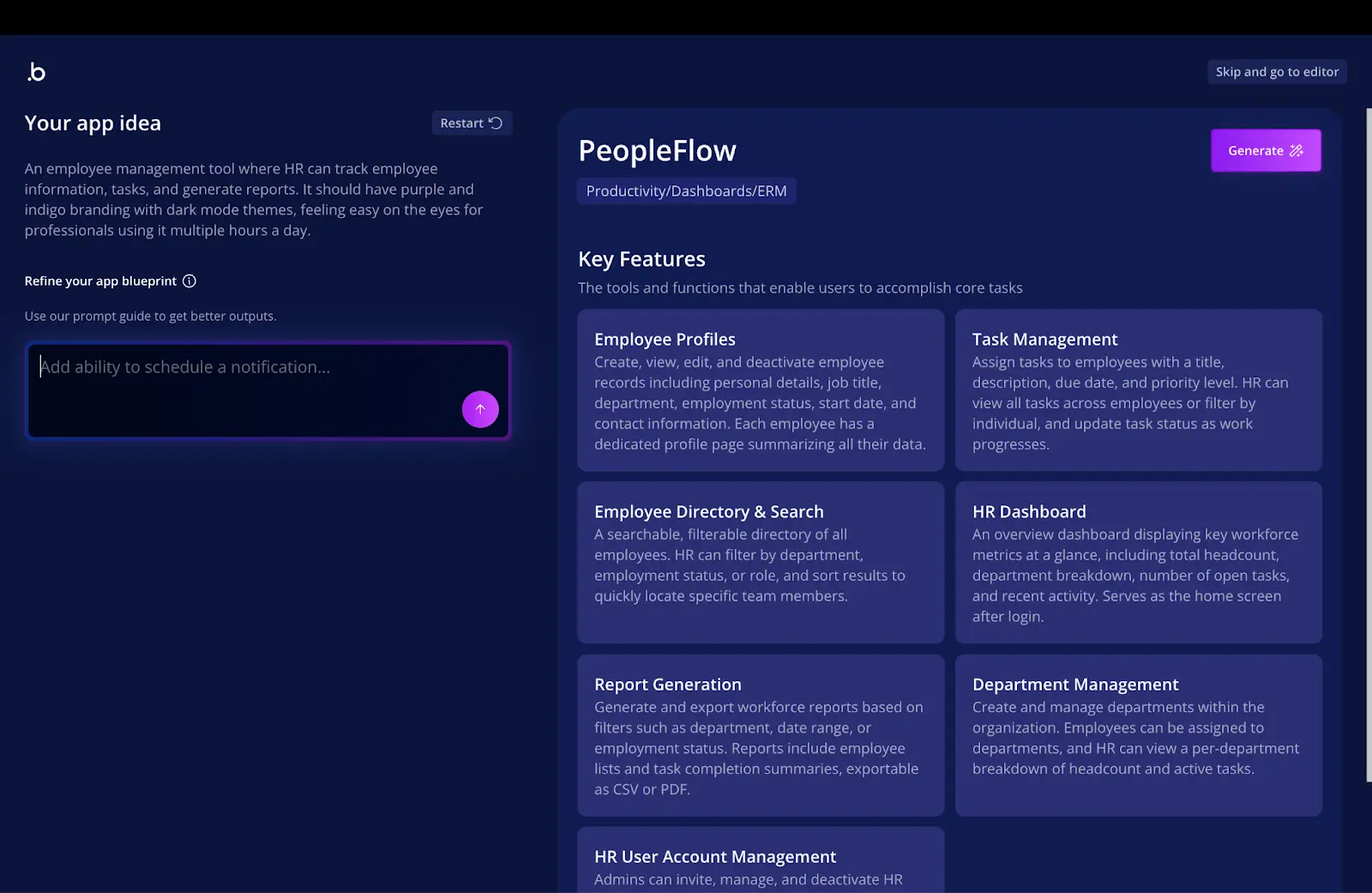
Bubble is a no-code development platform that allows you to build custom web apps, and native mobile apps for iOS and Android. Because Bubble operates more like a dev tool, you get more freedom on this platform. The built-in AI and editing tools allow you to create something completely unique.
That said, there are easier ways to build common business solutions.
Pros and cons
Pros
- A lot of flexibility: You can build almost anything you can dream of with Bubble’s no-code tools.
- Production-ready outputs: Bubble apps can support thousands of users.
Cons
- The learning curve: It can take a whole year to master Bubble’s full toolkit.
- Requires careful data maintenance: Messy records will quickly slow down your apps.
Key features
- AI and visual builders: Design custom web apps without code using prompts and on-screen tools.
- Workflow engine: Map out every step in the user journey with advanced controls.
- Plugin ecosystem: Over 8,000 plugins to choose from, providing connections with popular third-party tools.
Pricing
Bubble’s pricing tiers are based on workload units (WU) — actions that your users take that require server resources.
- Free: Access to dev tools
- Starter (from $29/mo): 175,000 WU/mo, live site/app, server logs, custom branding
- Growth (from $129/mo): 250,000 WU/mo, better version control, two editors, custom branches
- Team (from $349/mo): 500,000 WU/mo, sub apps, 5 editors, more branches
- Enterprise: Custom pricing
Best for
Non-technical founders building SaaS products or MVPs, and teams that need total control over the apps they build.
5. Retool — best for technical internal tools
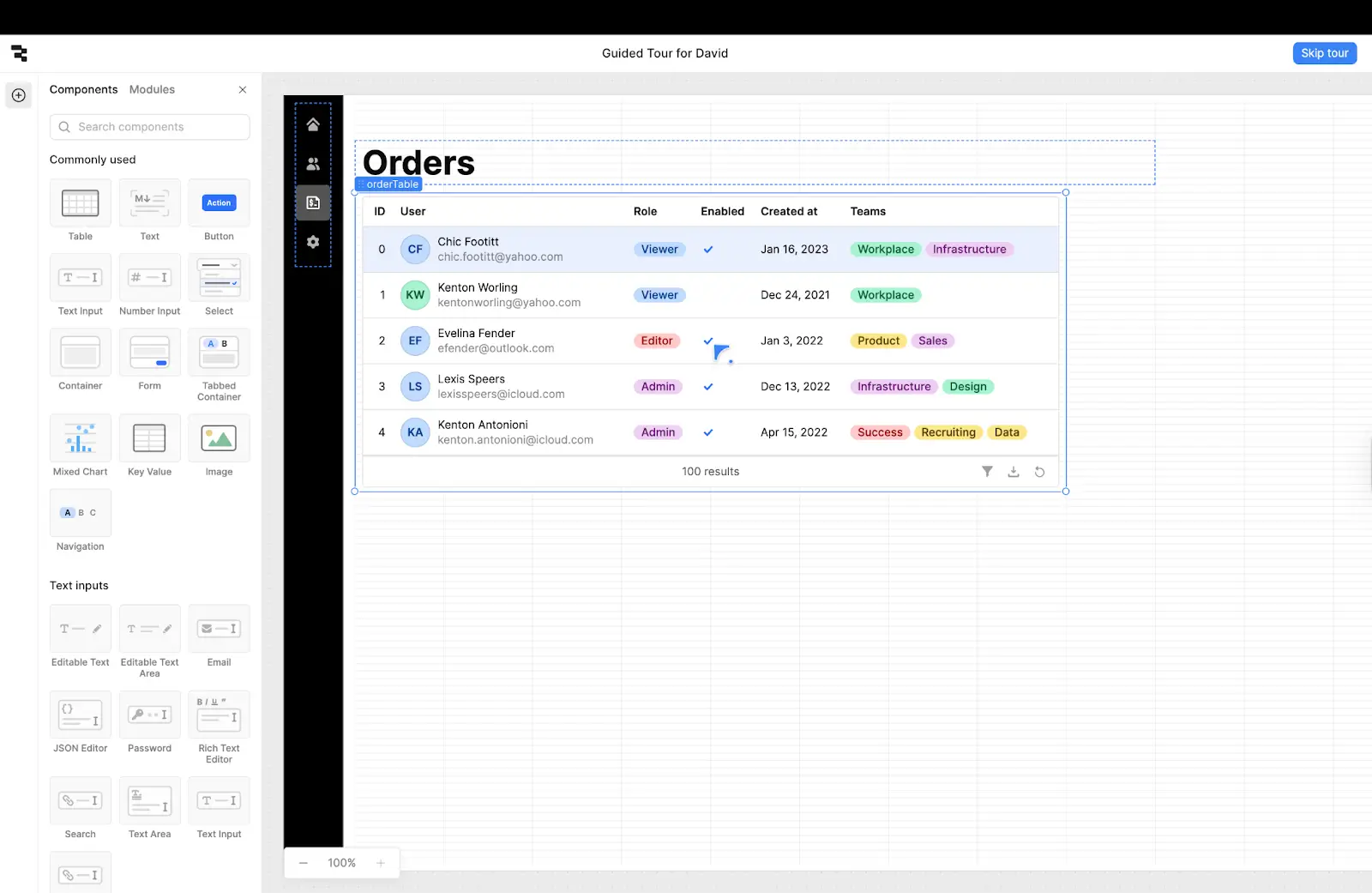
Retool is designed for teams that need powerful internal tools that connect directly to databases, APIs, and operational systems. Strictly speaking, Retool is low-code rather than no-code. If you know what you’re doing, you can build powerful internal tools.
But unlocking the best features requires some technical knowledge.
Pros and cons
Pros
- Strong integrations: Retool connects to APIs and databases smoothly.
- Powerful builder options: The AI coding features can really speed up development.
Cons
- Very technical: This platform calls for developer-level knowledge.
- Not optimized for external apps: Retool does support portals, but it’s not the primary focus.
Key features
- AI development workflow: Build advanced internal tools via text prompts.
- API and database integrations: Hook into your existing workflows and apps.
- Drag-and-drop designer: Build modern interfaces, based on the React library.
Pricing
- Free: Unlimited apps, 500 workflow runs, 5 users, 5GB storage, 20 hours of agents, 100 AI credits per user
- Team ($10 admin/mo + $5 user/mo): 5,000 workflow runs, staging
- Business ($50 admin/mo + $15 user/mo): External users, app embeds, custom branding, audit logs
- Enterprise: Custom with SSO, full white-labeling
Best for
Operations and engineering teams, first and foremost. Also teams that need API connections.
6. Airtable — best as a backend
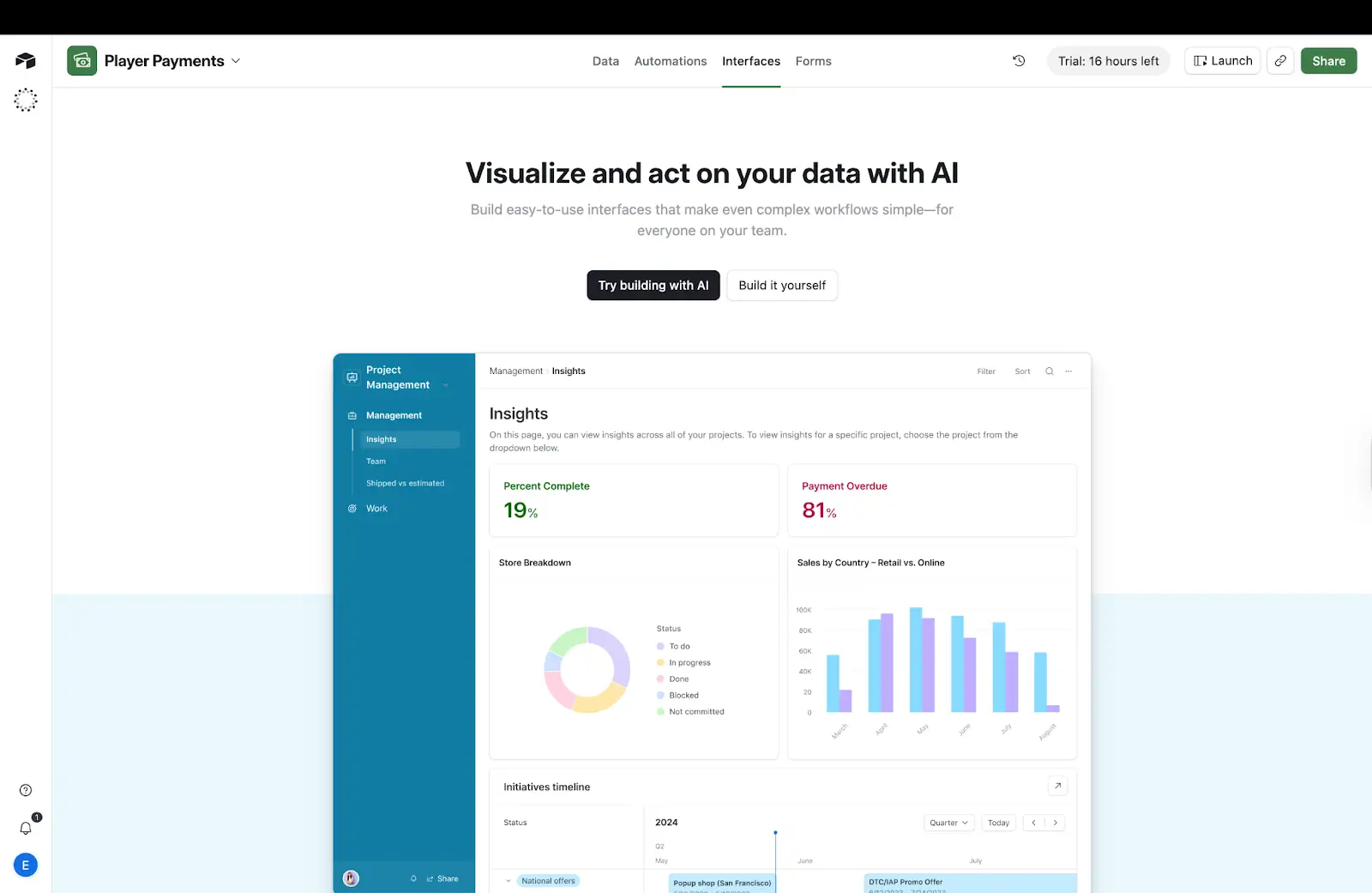
Airtable mainly works as a flexible backend, allowing you to organize business data and make it accessible to other apps. The platform lets you build simple interfaces and it does work with automation platforms like Zapier and Make.
But unless your needs are very basic, Airtable is best used in conjunction with another tool.
Pros and cons
Pros
- Flexible views: From Kanban boards to CRM data, Airtable can display data in many ways.
- Familiar workflow: Working in Airtable is just like editing a spreadsheet.
Cons
- Not really an app builder: If you want anything more than a simple form, you’ll need to hook up another tool.
- Mobile performance can be slow: Some users find it frustrating using Airtable on the go.
Key features
- Relational tables: Link up your data so edits are synced across multiple tables.
- Automations: Run actions automatically when data changes.
- Integrations: Works with over 1,500 apps.
Pricing
- Free: Up to 5 editors, 1,000 records, 1 GB attachments, 100 automation runs
- Team ($20 seat/mo): 50,000 records, 25,000 automations, 20 GB attachments
- Business ($45 seat/mo): 125,000 records/base, 100,000 automations, advanced admin + SSO
- Enterprise Scale: Custom pricing, 500,000 records
Best for
Teams that handle a lot of data and need only very basic internal tools.
7. Jet Admin — best for internal dashboards
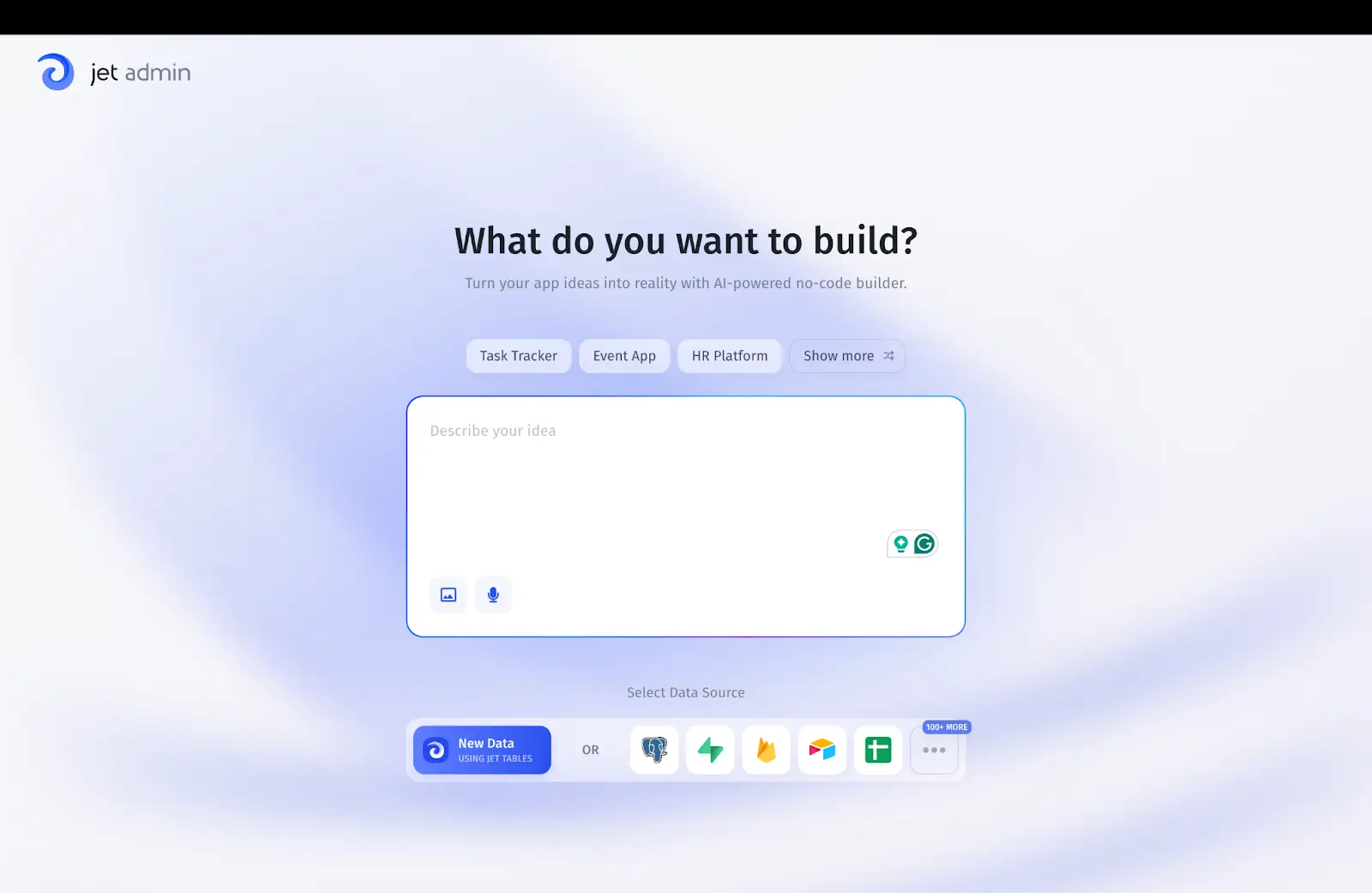
Jet Admin is a lightweight tool builder focused on dashboards and admin panels with data from existing sources. The platform feels fun and friendly. Jet Admin doesn’t have the features to match more advanced tools, but the visual builder is easy to use. You can even build customer portals, if you want.
Just don’t expect to build a complete system for your business on this platform.
Pros and cons
Pros
- Fast setup: You can build apps quite quickly on top of existing data.
- Good for internal apps: Dashboards and admin panels are the main menu here.
Cons
- Small ecosystem: Not as many integrations as some better-known platforms.
- Less proven at scale: Jet Admin is still emerging as a major platform.
Key features
- Visual panel builder: Design internal dashboards, tools, and portals.
- Data connections: Integrates with databases, APIs, and popular productivity tools.
- Easy automation: Add lightweight workflows with scheduling and webhooks.
Pricing
- Free: 1 app, unlimited workflow runs
- Starter ($24/mo): Team permissions, environments, support for tasks and comments
- Pro ($48/mo): Custom code and domain, app themes
- Custom pricing: SSO, unlimited apps
Best for
Teams that need to build internal dashboards on existing data, and automate simple ops workflows.
Which Noloco alternative is right for you?
When it comes to choosing the right app, think about what exactly you want to achieve:
- Want to build apps with AI and manage data in one place? Choose Softr.
- Only need something simple? Look to Glide or Jet Admin.
- Need a client portal? Go for Softr or Stacker.
- Need technical internal dashboards? Try Retool.
- Mainly focused on handling data? Use Airtable.
It’s also worth considering whether you want a tool that sits on top of your existing data or a complete system that can power your whole business.
For most teams, Softr is likely to provide the best overall alternative to Noloco. It’s versatile enough to handle most use cases, reliable enough for everyday workflows, and simple enough for anyone to use. Plus, it works perfectly without external tools.
👉 Sign up free today to see how Softr can help your business grow.
Frequently asked questions
What is the best Noloco alternative in 2026?
Which Noloco alternative is best for client portals?
Which Noloco alternative is best for internal tools?
Is Softr better than Noloco for complex workflows?