
Emergent is one of a crowded field of AI app builders, and just two years after launching it’s built a real following among no-coders. But it can struggle with complex requests and sometimes confuses users with its pricing structure. If you’ve run into those or other blockers, this guide covers five Emergent alternatives and exactly what each is good for.
Best alternatives to Emergent at a glance
The prices described here (and throughout this article) apply to monthly billing cycles. Most of these tools offer discounts if you go with an annual plan, so be sure to check their pricing pages for the latest information.
| Tool | Best for | Key features | Pricing |
|---|---|---|---|
| Softr | Businesses of all sizes building production-ready business apps without developer support | AI-native, no-code visual editor with built-in relational databases, granular permissions, workflow automation, and enterprise-grade security | Free plan available. Paid plans at $19/month. |
| Replit Agent | Builders who want one place to code, run, and deploy with AI assistance | Cloud IDE with AI agent, 50+ languages, built-in database and auth, real-time collaboration | Free plan available. Paid plans at $20/month. |
| Bolt | Builders who want to go from idea to running app in the browser without local setup | Full-stack generation from prompts, Supabase database and auth, WebContainers runtime, GitHub sync, one-click deploy | Free plan available. Paid plans at $25/month. |
| Base44 | Non-technical founders who want the fastest path from idea to lightweight internal tool | Prompt-to-app builder, built-in database, auth, backend functions, Stripe integration, code export on higher tiers | Free plan available. Paid plans at $20/month. |
| Bubble | Non-technical builders who want full app logic and database depth without writing code | Visual drag-and-drop editor, relational database, conditional workflow builder, user auth, plugin marketplace | Free plan available. Paid plans at $69/month. |
Note: Every tool on this list lets you build apps with natural-language prompts. Where they differ is how easy they make it to iterate on and maintain your build over time.
What to look for in an Emergent alternative
A strong Emergent alternative should let you build software your team can rely on.
Here are key features to prioritize in your search:
- More predictable pricing: Emergent users frequently gripe about its credit system. It's easy to reach credit limits (never a fun surprise, especially if you’re mid-build and on a deadline). Look for platforms with flat monthly plans, or at least ones with credit systems that are easy to understand.
- Non-technical maintenance: Some tools generate code. That sounds impressive…until you realize you don’t have the skills to fix bugs when they happen. You should be able to run an app yourself, even after it goes live, so prioritize tools that let you do that.
- Built-in data management: Some platforms will generate your app but expect you to store your data elsewhere. To avoid tool bloat, seek options that come with a native database or integrations with data sources you already use.
- User authentication and permissions: You want to be able to control who can see what in your apps, whether you’re protecting sensitive data or showing different screens to different people. The best platforms build this in from the start.
- Production-readiness: Lots of AI app builders promise production-ready results. But I’m sure you know from personal experience and from scrolling subreddits, actual user experiences can vary. Before committing to a tool, make sure it’s been proven to work for your use case.
1. Softr — best for teams building fully functional business apps from day one
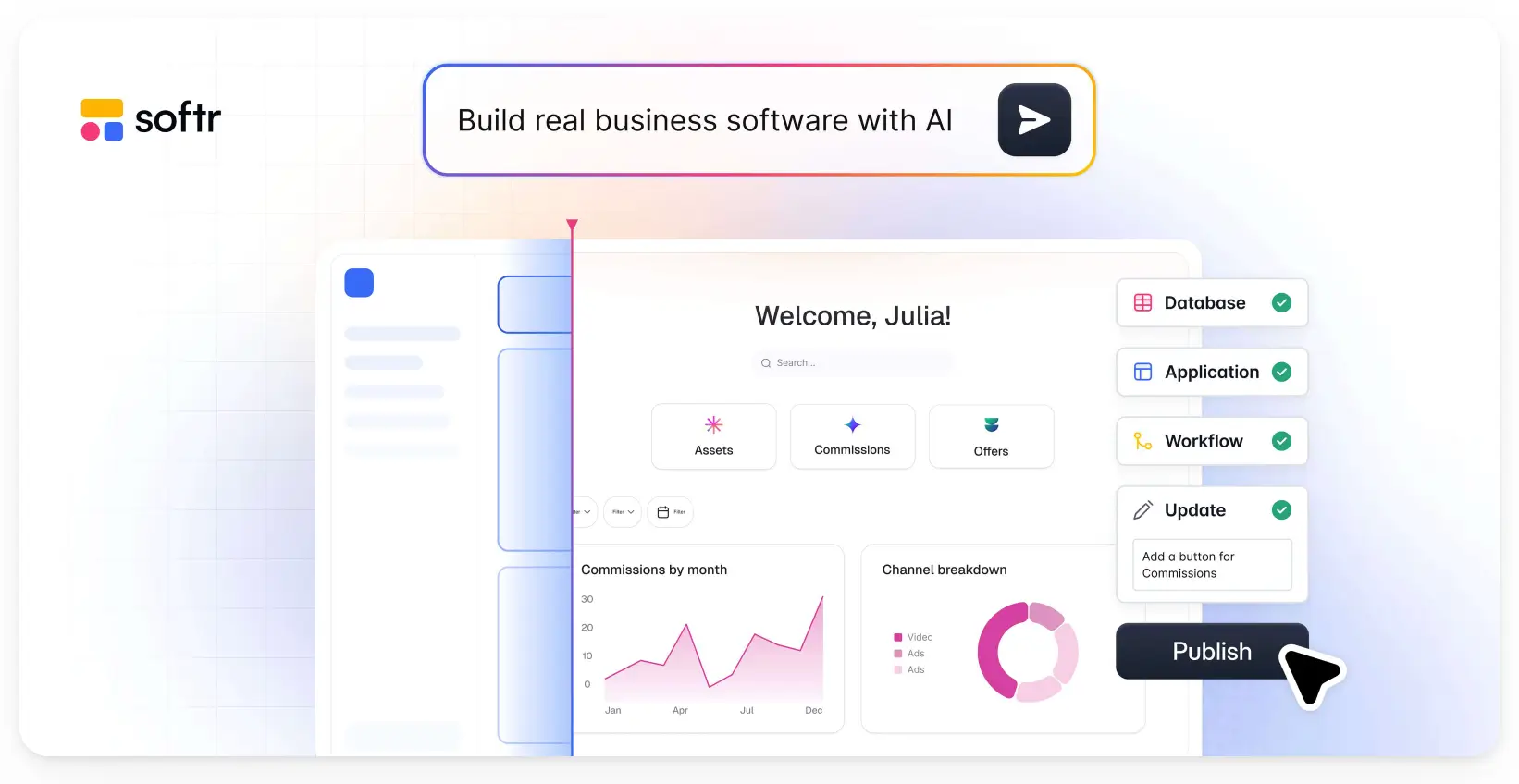
Even though you can build web and mobile apps on Emergent, complex builds tend to run into context limits and credit walls. Not so with Softr. An AI-native platform, Softr lets you build real business software—connected, secure, and fully functional for real users—in less than five minutes. Describe what you need, and Softr's AI Co-Builder creates the database, app, and business logic in one go. Logins, user management, permissions, and hosting are all built in and working from the moment you hit publish.
What makes it different from most AI builders is that it’s easy to switch between AI prompting and visual editing at any time. And because making visual changes doesn’t tap your credits, any non-technical team member can own the app and iterate on it without needing a developer or a deep budget.
Pros
- Intuitive AI and no-code app builder: Build from a prompt, or switch into a drag-and-drop visual editor at any time.
- All-in-one platform for business ops: Build portals, internal tools, CRMs, dashboards, and more, all tailored to your exact business logic.
- Production-ready from day one: User management, hosting, security, and permissions are all built in from the start. There’s no infrastructure setup, no backend code, and no surprises when you go live.
- Works with your existing data: Already loving a current system? Softr integrates with multiple data sources, so you don’t have to worry about migration.
- Custom role-based access: Control who sees what at the app, page, block, and record level.
- Built-in workflow automation: Trigger emails, Slack notifications, or data updates based on client activity without needing a separate automation tool.
- Live chat support and an active community: Access live chat support and a thriving community of builders.
Cons
- Softr is a hosted platform, meaning it doesn't generate exportable code. If you ever want to move off the platform, it may take some planning.
Key features
- Ready-made templates: You can build from scratch, but with 90+ templates for client portals, CRMs, dashboards, and more, you don't have to. Start from something close to what you need and customize from there.
- Native Softr Databases: Structure, organize, and connect your data with relational tables, filters, and flexible field types. Already using a different tool? Import your data instantly with Softr’s external integrations and REST API connector.
- Progressive web app (PWA) support: Softr apps install and run like native mobile apps without any extra configuration.
- Enterprise-grade security: Rest assured that your business data will stay safe with SOC2- and GDPR compliance.
- Built-in AI assistant: Add an AI assistant directly inside your app, so users can ask questions and get instant answers from real data sources.
- Vibe coding blocks: Need something your app doesn't have out of the box? Build custom components with AI that connect to your data and match your app’s look and feel.
Pricing
Softr offers flexible pricing and a generous free plan:
- Free: Unlimited apps, with access to Softr Workflows and Softr Databases, 5 app users, 5,000 records, 5 AI credits
- Basic: $19/month, unlimited apps with 42+ integrations, Team: 5 + Client: 5 app users, 50,000 records, 10 AI credits
- Pro: $99/month, unlimited apps with 45+ integrations and custom code, Team: 10 + Client: 50 app users, 500,000 records, 50 AI credits
- Business: $329/month, unlimited apps with 52+ integrations, Team: 30 + Client: 100 app users, 1M records, 100 AI credits
- Enterprise: Custom pricing. Contact sales.
The bottom line: What Softr has on Emergent
Softr runs on a flat monthly fee. And it comes with everything you need for a professional, polished app: database records, workflow actions, and AI credits all baked in. Emergent's Standard plan includes 100 credits for $20, but you might fly through those if you’re building something complex (read: a valuable app that’s viable long-term). With Softr, you get production-readiness and a predictable bill.
2. Replit Agent — best for developers who want to code, run, and deploy in one place
Replit is a cloud-based coding environment, which means you can open up a browser and start building on it on your desktop or phone. Its built-in AI can spin up SaaS MVPs, quick prototypes, and simple internal tools. And as one of the older platforms in this space, it has a solid reputation to back it up.
Pros
- Hosting, databases, and authentication are all built in. Describe what you want to build and Replit Agent gets to work, no infrastructure decisions or configuration required.
- Replit Agent suggests code. But it can also build entire features, resolve complex logic, and work through problems autonomously.
- After launch, Replit monitors your production logs and fixes live bugs on its own—so you're not stuck watching the screen waiting for something to break.
- If you’re building something that needs to work on both desktop and mobile, you don’t have to manage separate projects in different places. The web and mobile versions exist in the same workspace. And any updates you make carry across both automatically.
Cons
- Even though AI does the initial heavy lifting for you, if you use Replit long-term, you’ll likely need a dev’s help for comprehensive updates and bug fixes.
- Making changes after the initial build requires you to re-prompt the AI, which uses credits. Ongoing iteration adds up.
- There’s no visual automation builder. You’ll need to code your own workflows or connect a third-party tool.
- AI agents need human oversight. A widely reported incident saw a Replit agent delete a production database, so you’ll definitely want to review outputs before deploying.
Key features
- Cloud IDE: Replit runs entirely in your browser. It’s a full coding workspace that doesn’t require you to install a thing.
- Figma import: Have a designer on your team? You can import UI designs straight from Figma to jumpstart your build.
- Smart data security: Just by asking the AI, you can set up professional login systems and row-level security (RLS). If you’re more technical, you can dive into the code to manually fine-tune the access rules.
- Real-time collaboration: Multiple users can work in the same project at the same time.
Pricing
- Starter: Free—publish 1 app with limited AI credits
- Core: $20/month—$20 in monthly credits, up to 5 collaborators, and unlimited workspaces
- Pro: $100/month—$100 in monthly credits, up to 15 collaborators, private deployments, 28-day data retention, and premium support
- Enterprise: Custom pricing
3. Bolt — best for technical builders who want to go from prompt to full-stack app in the browser
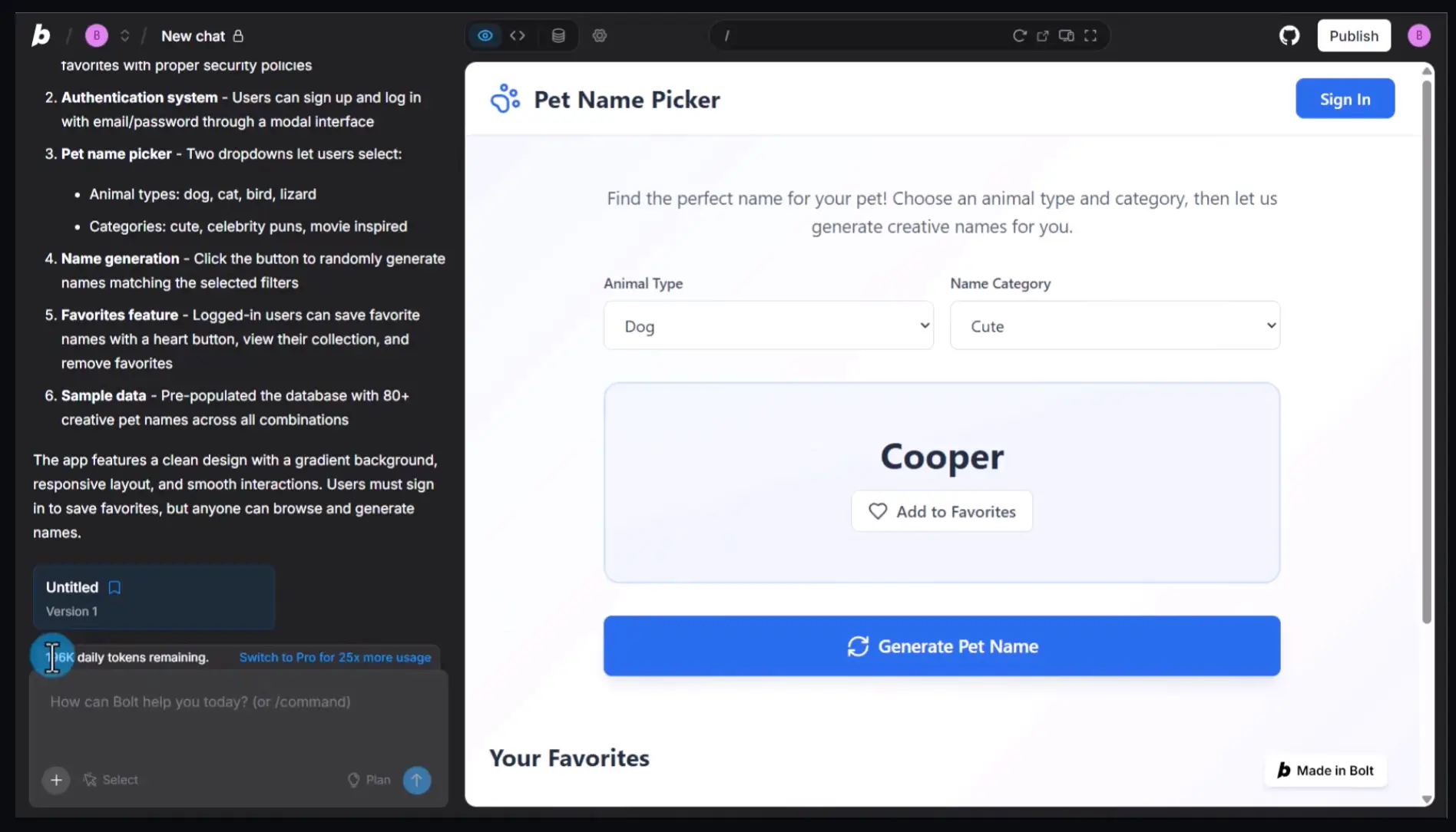
Bolt lets you begin a project like a no-coder: describe what you want, and AI handles the initial build. But the underlying code is fully accessible, so it’s great for developers or technical users who want under-the-hood access to customize their apps.
Pros
- Infrastructure is included. Bolt Cloud handles hosting and authentication, with one-click deployment to Netlify if you prefer.
- Bolt generates a full-stack app with a built-in Supabase database, server functions, storage, and secrets, all from one prompt.
- Bolt links directly to tools like Notion, Linear, GitHub, and Jira, so it can work right from live context.
- You can feed Bolt your company's actual UI components, design tokens, and brand guidelines. Everything it builds will match your existing codebase, so engineers can review and ship it instead of rebuilding it from scratch.
Cons
- Because Bolt runs entirely in your browser, it can hit performance limits with larger projects. Startup errors and out-of-memory issues are common.
- It’s not production-ready out of the box. Security rules are set up by AI prompts with no visual editor for permissions. You’ll need technical skill to audit and harden your app before real users touch it.
- Data integrations are manual. To connect to external services, you’ll need to build API connections yourself.
- If you restore an earlier version of your app, your database doesn’t roll back with it. Your app and your data can get out of sync, causing errors or broken pages.
Key features
- Bolt Cloud: This automatically handles host, auth, and one-click Netlify deployment.
- WebContainers runtime: Everything runs in your browser tab. You don’t need to install developer tools to get started.
- Connectors: Link Bolt directly to tools like Notion, Linear, GitHub, and Jira via MCP, so the AI works from live context instead of whatever you remember to paste in.
- Design system support: Feed Bolt your company's UI components, design tokens, and brand guidelines. Everything it builds will match your existing codebase from the start.
- GitHub sync: Export and sync your project to GitHub for version control and portability.
- Code export: You can take your frontend and backend code with you if you move to another platform.
Pricing
Bolt uses a token-based model. Pro and Teams plans let you scale token volume for a higher monthly cost.
- Free: 1M tokens/month, website hosting, unlimited databases, Bolt branding
- Pro: From $25/month — starts at 10M tokens/month, custom domains, token rollovers, and no Bolt branding
- Teams: From $30/member/month — starts at 10M tokens/month per member, plus team collaboration features
- Enterprise: Custom pricing
4. Base44 — best for non-technical founders who want the fastest path from idea to working app
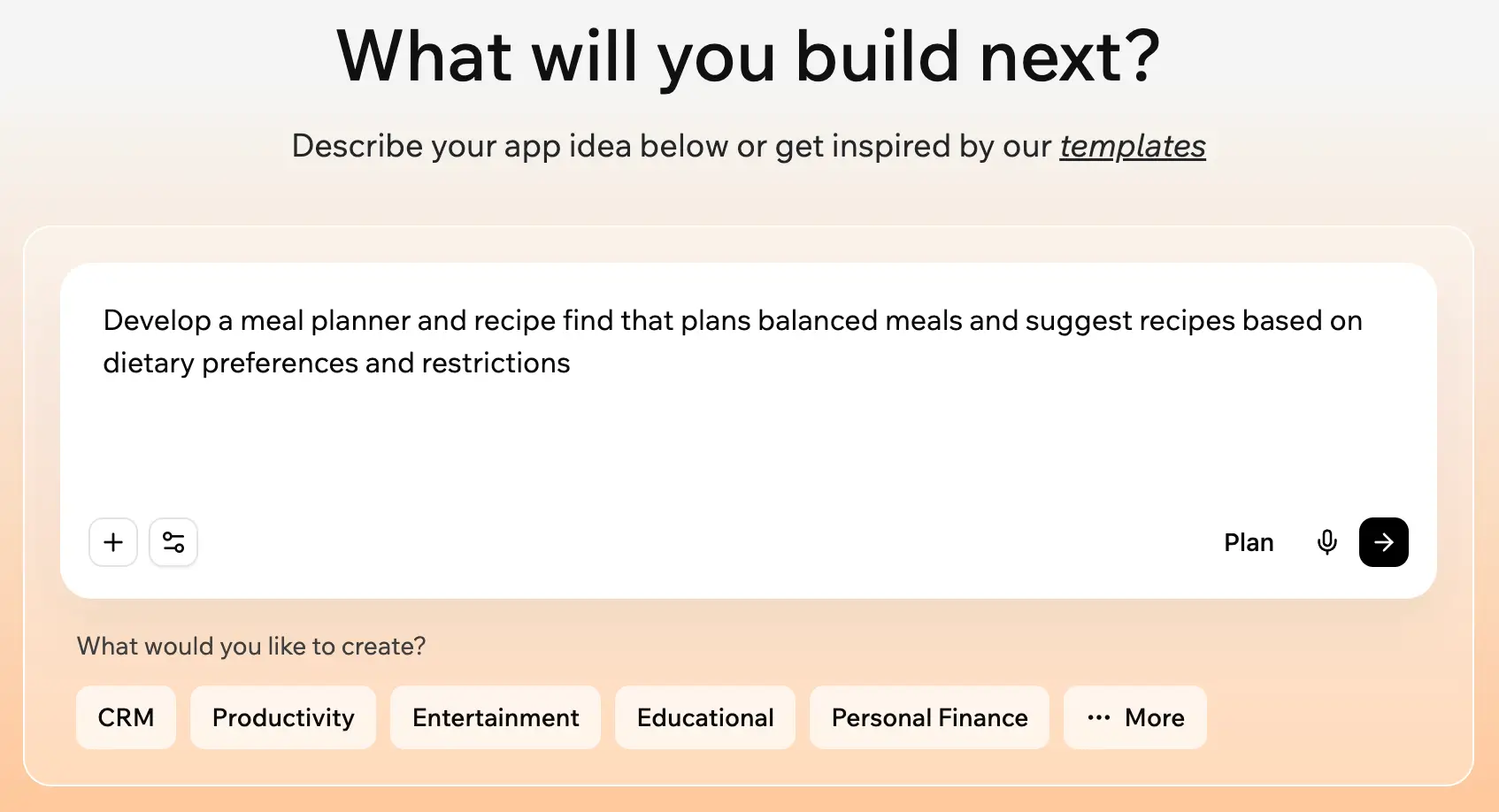
If you care about a smooth building experience, Base44 stands out for its intuitive UI and reliable performance. Users report fewer crashes and errors than with comparable tools, which makes a difference when you're trying to stay in a flow state and actually get something built.
Pros
- Infrastructure is handled for you. Hosting, database, file storage, and email are included with no deployment setup.
- It comes with built-in authentication and user management.
- There's a low technical barrier. You can build by prompting, with the option to edit code or use the visual editor.
- A discussion mode lets you brainstorm and plan features with the AI without affecting your live app or burning through credits.
- You can add AI-powered features like chatbots, predictive insights, and automation to your app without writing any additional logic.
Cons
- Code export and GitHub sync are gated behind paid tiers. If portability matters to you, you'll need to upgrade.
- Credit-based pricing for messages and integrations can feel metered, especially if you're doing a lot of prompting. Unused credits don't roll over into the next billing cycle, either.
- Even on paid plans, only frontend code is exportable. The backend and database stay on Base44's infrastructure, which limits how far you can take the code elsewhere.
- Only around 15 pre-built integrations are available, which is thin compared to most competitors at this price point.
Key features
- Authentication and user management: Supports email and password login, social login, and SSO—configurable without touching code.
- Connectors and integrations: Native connections to Google Drive, HubSpot, Zapier, and email, plus credit-based access to LLMs, image generation, SMS, and more.
- Code export: Available on higher tiers. Export your frontend code to GitHub or download it as a ZIP. Keep in mind that backend logic and database infrastructure stay on Base44's servers even after export.
Pricing
Base44 uses a credit-based model for messages and integrations.
- Free: 25 message credits/month, 100 integration credits
- Starter: $20/month—100 message credits, 2,000 integration credits
- Builder: $50/month—250 message credits, 10,000 integration credits, plus backend functions, custom domains, and GitHub integration
- Pro: $100/month—500 message credits, 20,000 integration credits
- Elite: $200/month—1,200 message credits, 50,000 integration credits, plus premium support
- Enterprise: Custom pricing
5. Bubble — best for non-technical builders who need deep app logic and data control without code
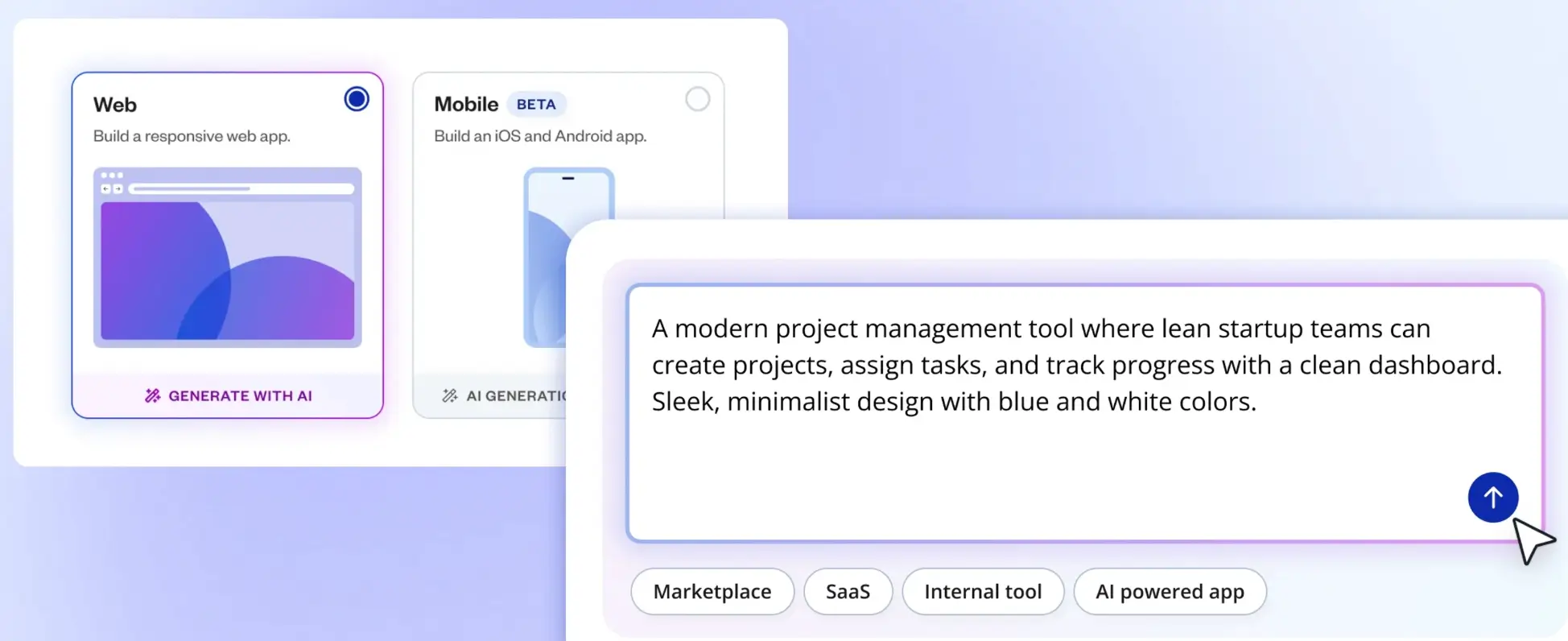
Bubble was founded in 2012, before "no-code" was even a category, and it's built up a loyal user base ever since. Today it offers full-stack control: database, server logic, and UI all in one place. That depth comes with a real learning curve, but if you need a platform you won't outgrow, the investment pays off.
Pros
- Bubble goes beyond UI generation with workflows, a built-in database, user authentication, and real app behaviors, all built visually.
- A marketplace of thousands of plugins and a built-in API connector let you integrate external services like payments and analytics.
- You can extend and evolve your app over time without rebuilding it, making long-term maintenance more manageable.
Cons
- Bubble isn’t the simplest builder out there. You’re essentially building full application logic, a skill that takes time to learn, even if you’re not using code.
- Bubble doesn’t generate exportable code. Your app is built and run on Bubble’s platform, so if you need to switch tools, you’ll have to start fresh.
- Bubble uses a workload unit (WU) system that meters server processing. Basically, costs can soar as your app gains users and runs more complex workflows.
Key features
- Built-in database: Define data types, set up relationships between tables, and manage records from Bubble’s visual editor. No SQL required.
- Workflows and logic: Set up conditional logic, schedule recurring actions, and chain together multi-step workflows that respond to user behavior or data changes.
- Versioning: Create development branches to test changes safely before pushing them live. And if something breaks, it’s easy to roll back to a previous version.
Pricing
Because of the WU system, costs can scale with traffic and app complexity.
- Free: For projects under construction—50K WU/month, 1 app editor
- Starter: $69/month—175K WU/month, custom domain, recurring workflows, and version control
- Growth: $249/month—250K WU/month, 2 app editors, two-factor auth, and 10 custom branches
- Team: $649/month—500K WU/month, 5 app editors, 25 custom branches, and sub apps
- Enterprise: Custom pricing
Which Emergent alternative is right for your team?
If you're finding the Emergent credit model unpredictable, the generated code difficult to maintain, or the platform a poor match for your needs, it's worth exploring these alternatives.
The right one depends on what you're building:
- If you want to code and deploy from a single browser-based environment with AI assistance, Replit Agent is worth testing for its flexibility and multi-language support.
- If you want no per-user fees and an accessible no-code experience for teams of any size, Zite offers strong value with its unlimited-user pricing model.
- If you want fast, full-stack generation with clean code export and GitHub integration, Bolt is the strongest vibe coding option for technically comfortable builders.
- If you want the lowest friction possible for getting from prompt to working app, Base44 is the fastest onramp for solo founders and small teams.
- If you need deep visual control over app logic and data without writing code, Bubble remains the most capable no-code builder for complex, long-term projects.
- And if you want a complete, production-ready business app without writing or managing code, Softr is the strongest fit on this list — and the most purpose-built for operators, business teams, and SMBs.
Ready to move beyond prototypes and build software that scales with your business? Try Softr for free today.
Frequently asked questions
What criteria were used to select these Emergent alternatives?
Are app builders and vibe coding tools the same thing?
Is Vitara a good Emergent alternative?