Transcript
As someone who has tested dozens of AI app builders, I can tell you one thing for sure: most AI app builders are good at generating something that looks like an app, but when you actually use it in the real world, it doesn't work. You send it a prompt and it generates the UI, but when you want to set up login functionality or configure permissions, it becomes a hassle. This happens because those platforms generate code from scratch without a structure underneath.
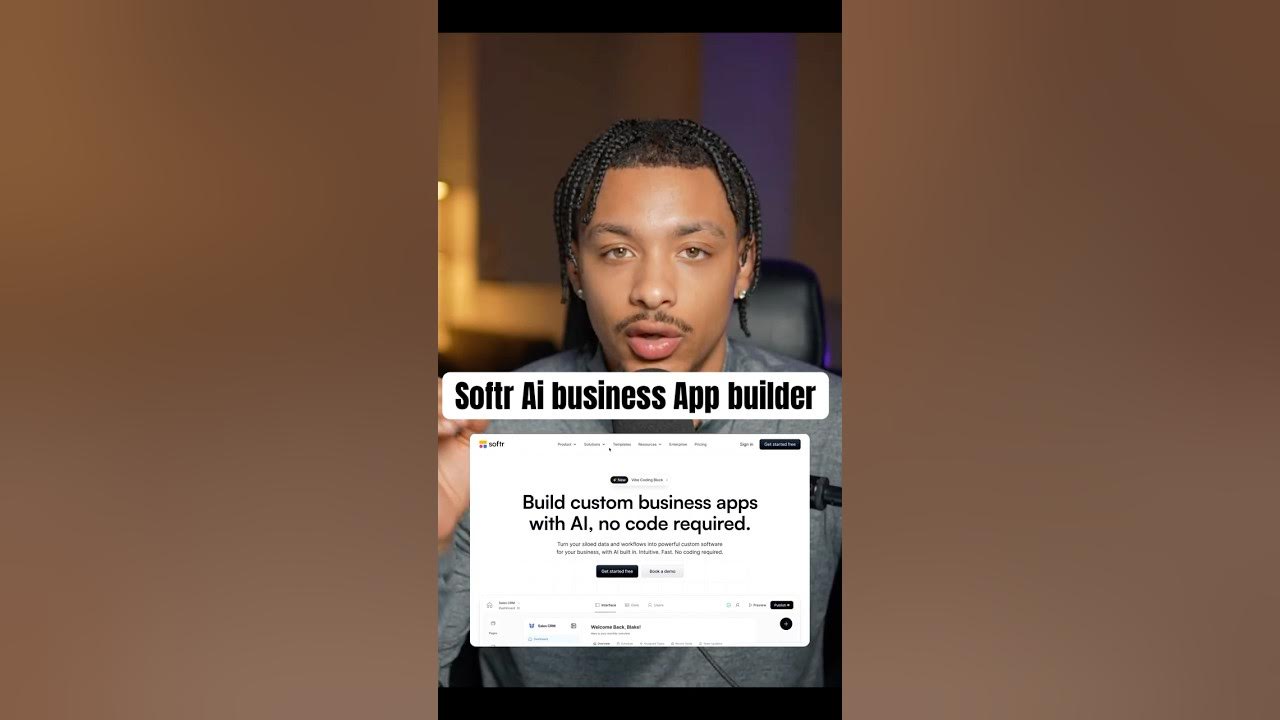
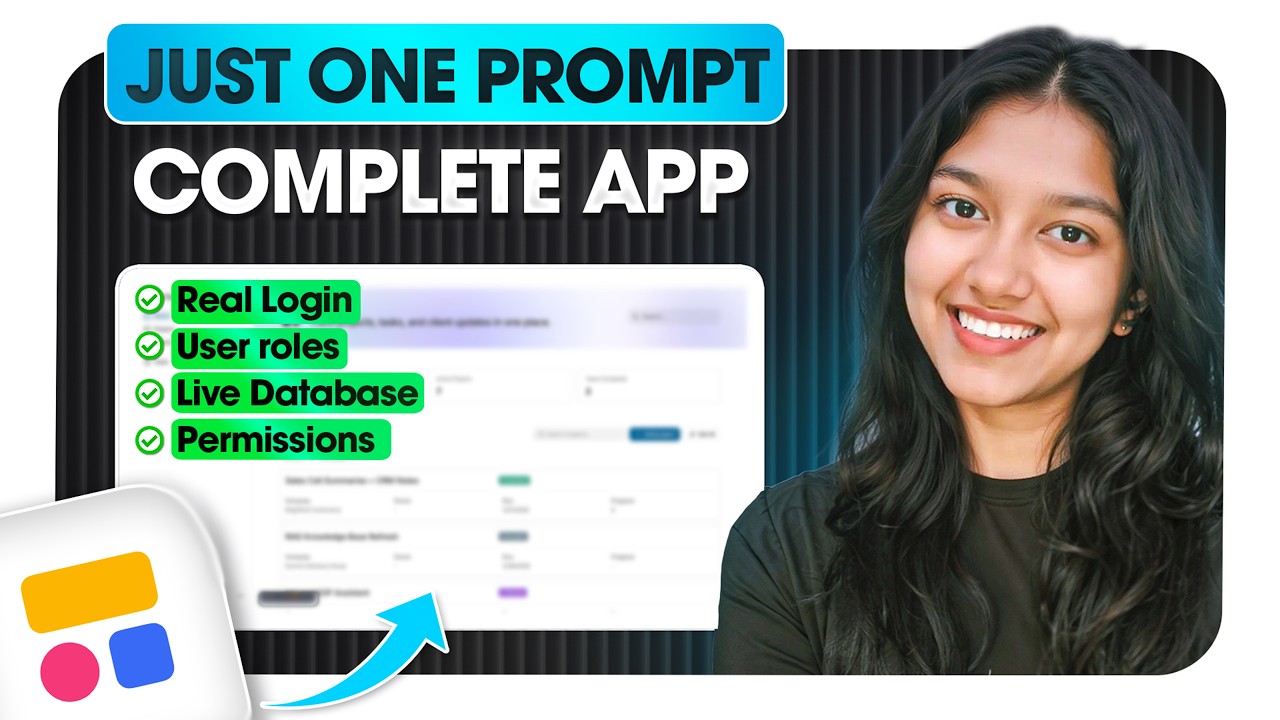
To solve this problem, today I am building a complete client portal with AI that has a real database, user roles, permissions, and a login system. I am going to be using Softr and its AI co-builder to build it. Softr takes a different approach by assembling your apps using production-tested building blocks so things like authentication just work out of the box.
Softr is a complete platform that has its own database, building tools, and workflow automation system. They recently introduced the AI co-builder that lets everyone, even non-technical teams, build, maintain, and scale apps. All you have to do is create an account to start using the generator.
[.blog-callout]
If you want to skip the manual setup and get a head start, the AI co-builder is the fastest way to turn your idea into a working application. It handles the database schema and page layout automatically based on your prompt.
[.blog-callout]
Within the Softr account, I click on create new app and choose the option to generate with AI. You can build any app you want, such as a CRM, a client portal, or an invoicing system. All you have to do is send a prompt in plain English and it will do the rest of the job for you.
My goal today is to build a client portal for my own agency where clients can see their designated projects, track statuses, and give feedback. We will have login systems in place so that clients can only check the projects linked to their specific company. Here is the prompt I am using for the build.
[.blog-callout]
Building a portal for your business? Check out how Softr helps you create a professional client portal that keeps your data secure and your clients informed.
[.blog-callout]
The AI co-builder starts by asking smart follow-up questions to better understand the needs. It asks how clients should be linked to projects for access control, how team member access should work, and what the activity feed should look like. These details ensure the logic of the app is correct before the build begins.
We also choose authentication settings, such as email login, and decide if the app should be private or open for sign-ups. Since this is a client portal, I will choose to invite my users manually. I also select the main navigation layout and a professional theme like Horizon.
One great thing about Softr is that it first generates the Softr Databases back-end. It creates the tables, columns, fields, and dummy data first, then builds the pages on top of them. This is a relational database where all tables are connected, enforcing the access model I requested.
[.blog-callout]
While Softr integrates with many tools, using native Softr Databases ensures the best performance and easiest setup for your application's logic.
[.blog-callout]
Once the database is ready, it works on the front end by generating pages like projects, project details, and tasks. It even creates functional buttons like edit and delete. When the app is ready, we can use the preview feature to view the portal as an owner, a client, or a team member.
As the owner, I have a search bar and can see total counts of projects and tasks. There is even an Ask AI feature where I can ask an AI agent which projects are currently in progress. I can filter projects by status or company name and drill down into the specific deliverables and activity feeds.
When we switch the view to a client's perspective, they can only see the projects associated with their own company. This shows how nicely the user groups and permissions were set up by the AI. Clients can view details and tasks but cannot edit or delete the owner's records.
If you want a custom functionality that is not an existing building block, you can use the Vibe-Coding block. The AI can generate custom code for you to add specific features. For this portal, I am asking the AI to build an interactive comment section with avatars and threaded conversations.
[.blog-callout]
If a standard block doesn't meet your specific design needs, the Vibe-Coding block allows you to prompt for a custom-tailored component that connects directly to your data.
[.blog-callout]
The AI generates the code for the Vibe-Coding block and adds a comments table to the database. I can then refine the feature, asking the AI to make comments a separate tab or to differentiate between internal and client-facing messages. The AI updates the app interface in real-time based on these requests.
In the data tab, you can access your Softr Database to manage your tables and link data together. To change the dummy data, you can simply delete the generated records and add your actual business data. You can also manage users and user groups in the users tab.
Softr also includes native Softr Workflows, so you don't need to go to third-party apps for basic logic. You can manage everything from email notifications to data restrictions. Once your app is ready, you can publish it to a subdomain or connect your own custom domain.
[.blog-callout]
You can simplify your tech stack by using native Softr Workflows to handle logic and automations directly within your workspace.
[.blog-callout]
The entire authentication process is handled automatically, including forgot password links and verification codes. Using the AI co-builder allows you to focus on the structure and data of your app while the platform handles the technical overhead. You can find the link to Softr and the prompt used in this build to start creating your own apps.