Transcript
Translated into English:
Hello everyone, I hope you are doing well. Today I am coming to you with a very interesting tool called Softr. What does it do? Quite simply, it creates an application using AI.
The difference between this tool and the tools that exist today is that it is capable of creating a complex and, above all, functional application. You know, when we try to use no-code, even when working with Claude or ChatGPT, the application often lacks features.
Whenever we fix one feature, another one becomes non-functional. That is the problem we have today with no-code. But today with Softr, as I will show you in this demonstration, it is capable of creating a complete application.
It allows me to touch the code, create specific features, and above all, it is intended for anyone who wants to create an application from A to Z with AI. When we talk about applications, it is capable of building platforms like a CRM or SaaS for a company.
I can handle billing, customer management, sales management, generate invoices, and connect all my suppliers and customers. Imagine the potential with this tool. In this training, I will show you how to create a complete application with a free account.
[.blog-callout]
While it is great to see how much you can do for free, starting with the AI co-builder is the fastest way to generate your initial database schema and app structure. You can then refine everything manually as shown in the video.
[.blog-callout]
This will allow you to test and see that this intelligence is very different from what we have on the market today with other applications that require high costs and often have functional or security issues. Stay until the end, and I will give you complete documentation with all the prompts used.
I will start creating a test application from A to Z with you so you can understand that you can create your own application or even sell one to clients without needing specific IT knowledge. We just need to know how to create our prompt and submit it. Let's get started.
The first thing to do is to register to access the interface. On the official Softr website, you will see several plans, and as mentioned, the free plan is sufficient to start. Note that this system has its own database.
[.blog-callout]
The speaker is referring to Softr Databases. This is the native way to manage your data directly within Softr for the best performance and ease of use.
[.blog-callout]
Database creation, user management, and connections are all automated. To access it, simply register with your email. The system gives you default AI credits, but I have a link in the description that gives you access to 200 free AI credits.
Now, a very important step is the prompt. I must tell the application what I need to create. You can click on application and search for existing templates. There are complete applications on various themes like marketing or sales.
For example, for sales, you can see a preview with user management where you can track sales, contacts, companies, and deals. You can click Use Template and start modifying. This is a great method if you have clear ideas.
[.blog-callout]
If you are looking for a quick start for your project, check out these App templates, such as the AI CRM template or a comprehensive ERP template.
[.blog-callout]
Another method, if you want to create custom applications for clients or your own business with technical details, is to start from scratch. Here, I will put in the first prompt. The more information you give, the better the system will process your application.
In the documentation, I show 10 pieces of information you should include in your first prompt for a complete system. You should provide a general presentation, the target audience, the problem to solve, and the types of user groups.
Defining user roles early is important. Softr handles this well and gives you access to its own database. You also have the possibility to connect with Airtable, Google Sheets, or Notion if you prefer an external data source.
Next, give information on the database structure. For a CRM, you might have fields for company names, addresses, and phone numbers. You also need to describe the interface, such as the login page and the dashboard.
Don't forget permissions and restrictions. Can everyone modify data, or is it only for an administrator or finance department? You should also specify the core features like search and record management.
[.blog-callout]
To manage complex logic and business rules without external tools, you can use Softr Workflows. It keeps your logic close to your data and design.
[.blog-callout]
Softr can create internal workflows for small automations. For example, if a client pays a deposit, the system can automatically notify the client of the balance due date. This makes a CRM very useful.
It can handle prospecting, lead generation, or connect to your email to capture prospect information. I recommend finishing the core mechanism of your CRM before adding complex workflows if you aren't familiar with them yet.
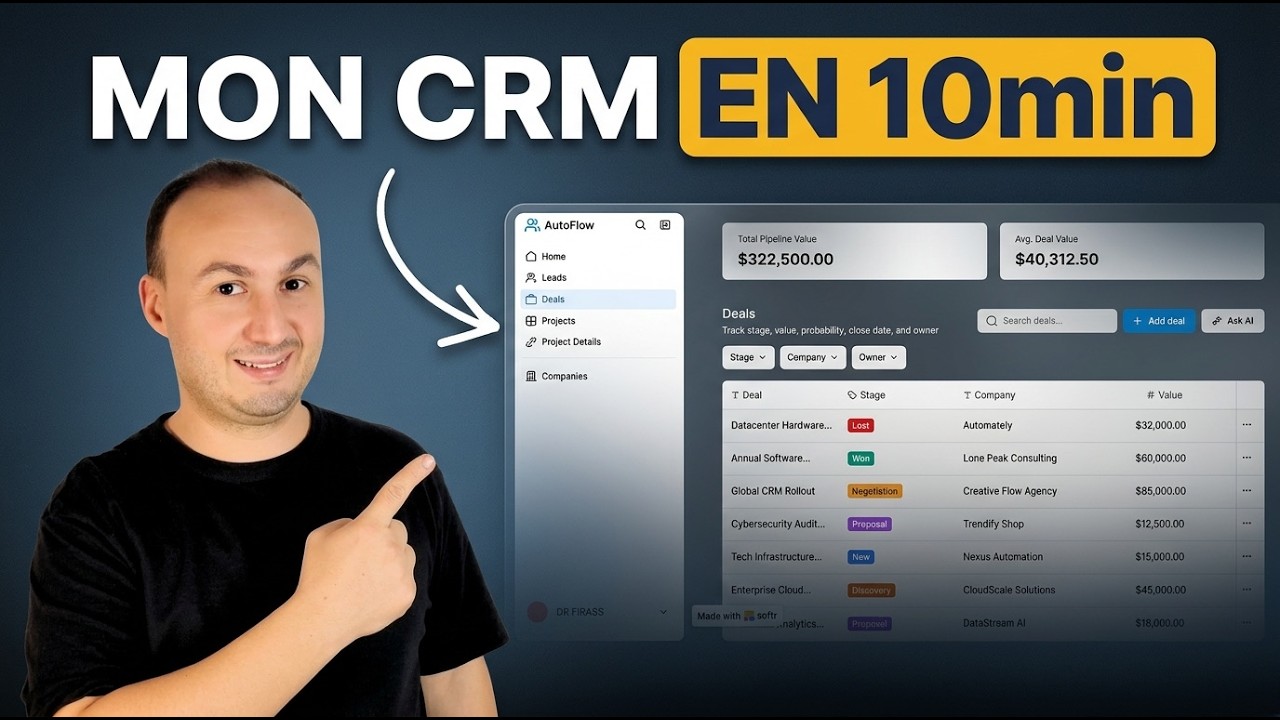
In the demonstration, I want to create a CRM for a workflow automation company. I provided information on users and modules like lead management, sales, customer tracking, and reporting. I will use a GPT I created to generate the technical requirements.
I copy the prompt generated by the GPT into Softr. The system receives the request and starts understanding it. It will ask questions to finalize the creation, such as how users should authenticate.
I will choose email and Gmail authentication. It asks if I want to invite people via a special link or have a public registration page. I will choose a simple option where anyone can register.
Then comes the design. I want the menu on the left for desktop and at the top for mobile. I select a color scheme that matches the design and click on create application. It will take a few minutes to create the database and code.
You can see on the right that it is creating the database and filling it with test information. This is very helpful for testing how the application flows. It starts with the database, just like a professional programmer.
[.blog-callout]
Softr recently updated its policy to offer unlimited published apps on all plans, including the Free plan. This is perfect for testing your new portals.
[.blog-callout]
The result is extraordinary. On each part of my system, I can click and launch a request with the AI chat. If I want to change something on a specific page, I don't need to explain the whole app; I just select the block.
The system shows the connected sources. For example, a search bar can be connected to a specific table. I can update text variables, change titles, or even access the code if I am comfortable with it.
This level of customization is not common in other tools. We can update everything without spending extra tokens or credits. There is also a visibility setting. I can choose if a block is visible to everyone, only to admins, or only on desktop.
Now we look at the dashboard. This is the home page. I can see leads generated, revenue, and payment status. I also have a task management module to see the negotiation progress with clients.
You can access the user groups and permissions here. For example, you can create a marketing group and a finance group. This allows you to restrict invoice creation to the accounting department while letting sales create quotes.
If I want to add a new page, I just click add. I can add project details, rename pages, and modify buttons. The design is specifically oriented for a CRM or a SaaS, not just a generic website.
When I click publish, it creates a subdomain. My application is now online and accessible outside the management interface. I can open the link in another browser and test the login system.
The system works immediately. I can navigate as a user, add leads through Forms, edit information, or delete records. It is very flexible and the relationships between pages and projects are already functional.
[.blog-callout]
If you hit a design wall or need a specific feature not found in standard blocks, use the Vibe-Coding block. You can prompt for exactly what you need, and it will generate the custom component and connect it to your database.
[.blog-callout]
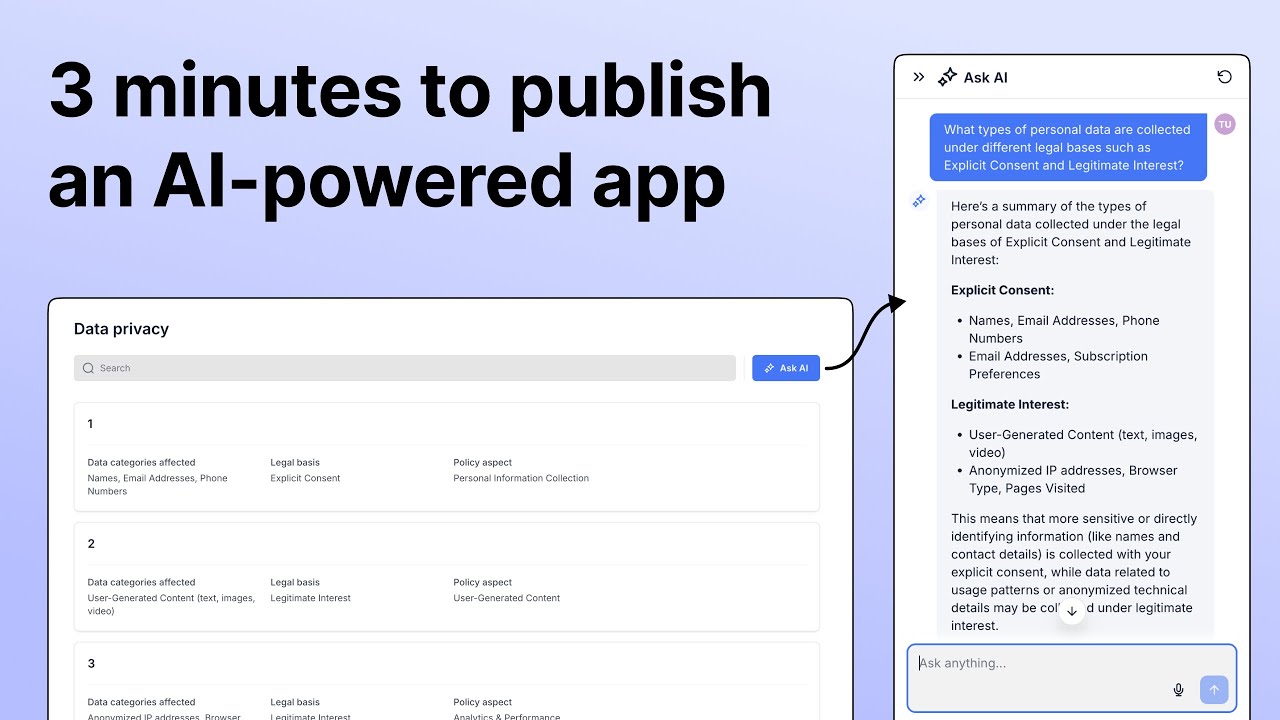
I see an Ask AI feature was added to help with deep searches on projects. I can ask which projects are currently blocked, and it searches the database to answer me. This is very interesting and saves a lot of time.
In the settings, you can connect a custom domain, add your logo, and work on SEO. You can also hide the application from search engines if it is for internal use. Integration options include Google Analytics, Stripe, and Google Maps.
Finally, the workflows. You can start with a trigger. For example, every time I add a new company to the database, I want the system to scrape the company's website and provide a summary using AI.
I add a long text field called summary to my database. I then configure the workflow to update that specific field with the AI-generated text. This avoids repetitive tasks for the user and keeps the CRM data rich.
We have finished creating our CRM application. I invite you to test it and take advantage of the 200 free credits. Tell me in the comments what application you want to create next, and we might build it together in a live session.