Transcript
If you are paying thousands or even hundreds of dollars a month for internal or external business applications, you are probably wasting a lot of money. Unless you have been living under a rock recently, you have probably seen a lot of news around vibe coding and using AI to build applications for you. This could be through tools like Claude Code.
These AI models are incredible and allow us to essentially code up applications. Instead of paying HubSpot or GoHighLevel several hundred or even thousands of dollars a month to access their software, there is a transition happening where we are going straight to these AI systems. We are prompting the applications that we need and directly using these AI coded systems instead of traditional subscription platforms.
This is certainly very exciting, but there is also a big risk involved when it comes to the security of these systems. Getting an AI model directly to build out an application for you means you are fully relying on that AI model to have built in all of the security measures. If you are a business with a lot of sensitive data, that approach can be a bit scary.
For today's walkthrough, I am going to show you a platform that combines traditional development with exciting new AI capabilities so we can quickly build robust and secure systems. This tool is called Softr. They have recently made a massive release with their AI Co-Builder feature, where we can essentially prompt the exact business apps we are looking for. Whether that is a CRM, inventory management, a client portal, or whatever you are currently using, we can prompt that tool into existence.
[.blog-callout]
Note from Softr: Creating a CRM from scratch is incredibly fast with the AI co-builder. You can also jumpstart your custom CRM using our pre-built AI CRM template or explore other App templates directly within Softr.
[.blog-callout]
It uses the existing components, database authentication, and security systems that have been pre-programmed to build this for us. Because you are building in the contained ecosystem of Softr, you have access to a secure and scalable environment that traditional bare-metal AI generation simply cannot guarantee. Even if you are not a business owner but are looking to build and sell these systems to other businesses, this platform ensures everything is secure, reliable, and backed by robust pre-created components.
Jumping right into it, this is a CRM system that I built through Softr, mostly generated by the AI Co-Builder itself. I will show you some of the features I added in here, what the capabilities are, and the benefits of doing it this way instead of paying for expensive external platforms. We have a basic dashboard page right here showcasing pipeline value, upcoming bookings, and contacts, which is pretty traditional CRM stuff.
We have a tab that jumps us straight into the contacts where we can view a list of our contacts, search through them, and click into specific contact details. We can easily add contacts or use Ask AI inside the app. Because it is an AI-powered platform, we are able to add a lot of helpful, customized AI features directly into our application.
We also have a deals section with a great kanban board where we can drag and drop and move things across various stages. It does not look strictly AI-generated like outputs from other tools because Softr has pre-created, highly polished components. The AI uses this tested kanban component rather than trying to hand-code it from scratch, which is a massive win for application reliability.
[.blog-callout]
Note from Softr: While native components are extremely reliable, you are never boxed in. If you need a fully custom layout or specialized element that does not exist natively, you can use the Vibe-Coding block to prompt the exact custom component you need, seamlessly connect it to your database, and inject it straight into your app.
[.blog-callout]
Then we have another pipeline specifically for client onboarding, pushing users through stages like kickoff, in progress, or blocked. I also created a bookings section with a built-in calendar to track and create appointments. If we want to completely replace external calendar tools, we can do that through a direct native integration with Google calendar.
We can build out a custom system, add a booking, and send that directly into an external account or jump into workflows to plug into other apps. Lastly, we have an invoice tracking and management section. You might be using a separate expensive tool for running, sending, and following up on invoices.
Through a tool like this, you can tell the AI to build an invoicing workflow exactly to your specifications, allowing you to easily replace that subscription and manage everything natively in one CRM. This method is incredibly custom to your specific operational needs and far more effective from both a cost perspective and a pure user experience standpoint.
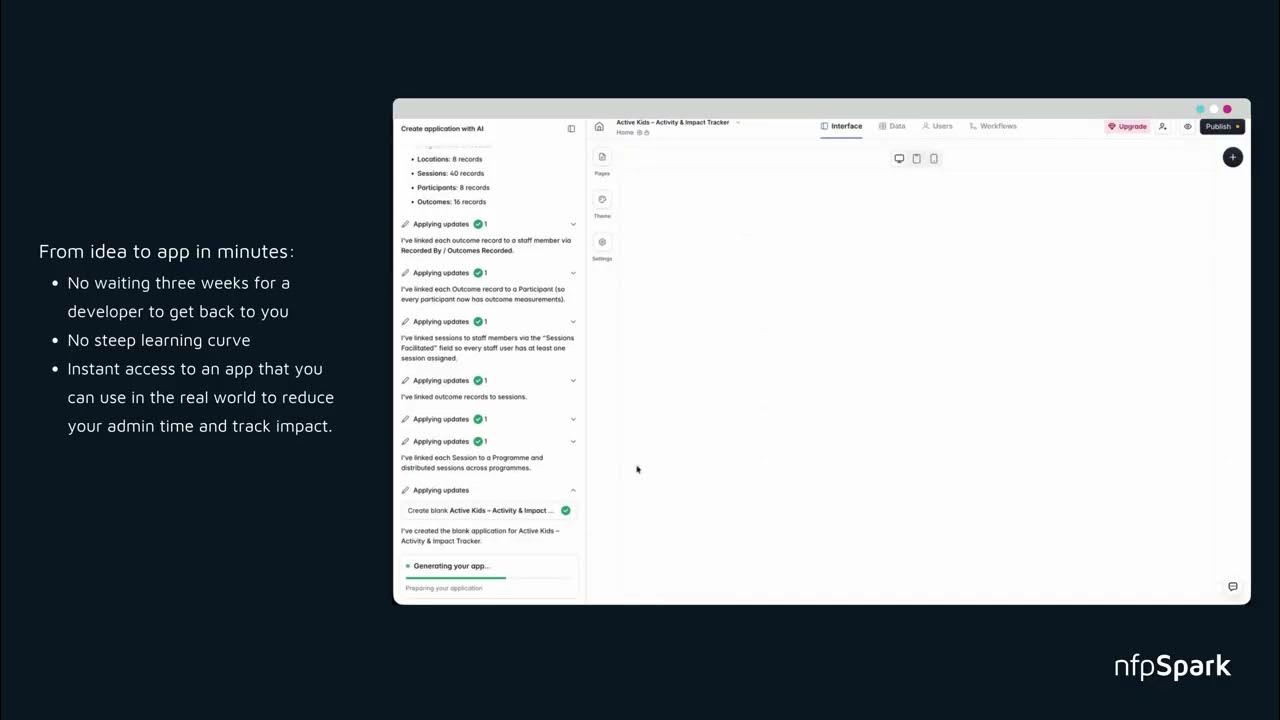
Quickly jumping into the Softr builder itself, this is where we manage and develop everything related to the application. We have the AI Co-Builder on the left-hand side, which acts as an agent we can use to add, build, or change elements within the CRM. While the AI can control everything about the app, we also maintain complete manual control over the workspace ourselves.
If you use other AI coding tools, you know it can be a pain to ask the agent to make simple text updates. With Softr, it is incredibly straightforward to just click into a block's content and manually change the title. You can click into your pages to view and control the layout of each individual screen in your app.
But the key thing I really want to highlight is the workflows aspect. How do we actually connect this into external apps? We do it through workflows, which you can think of as a direct Zapier or n8n replacement.
[.blog-callout]
Note from Softr: When dealing with complex app logic, Softr Workflows allow you to keep your automations as close to your design as possible. This natively consolidates your tool stack and drastically reduces reliance on expensive third-party automation platforms.
[.blog-callout]
For example, in the invoices tab of this application, we can open up our actions, which handle everything related to connecting external apps or executing in-app functions. A lot of this was initially generated by the AI Co-Builder, but we can always jump in to modify, edit, or add logic as we wish. One specific feature I had the AI build was the ability to directly send an email to a client regarding an unpaid invoice.
We simply added an action menu that you can click to reveal a send button. This allows me to directly send an invoice to the specific email associated with that individual database record. Hitting that send button triggers an API webhook URL created in Softr, passing along URL parameters to ensure the invoice gets sent properly.
If I look at the top of my workspace and navigate into Softr Workflows, you will see a visual interface very similar to Zapier. It features step-by-step connections triggering through a webhook directly into an application like Gmail. You can also click the plus button to see a wide variety of native integrations. The massive benefit here is that we retain complete visual control and visibility over every automation occurring in the background.
Even though AI can write code to integrate external apps, the big downside is that you do not always know exactly what is going on under the hood. For non-technical business builders, visually constructing a workflow is still the best approach for reliability. Plus, you no longer have to build the entire workflow manually from scratch.
The AI Co-Builder integrates directly with your workflows, meaning you can just tell it to construct the logic, and it will build out the step-by-step flow for you to attach to your app. Hopefully, you now have a great understanding of how we can construct powerful applications and why this approach is so valuable.