


Overview
Managing client relationships can be chaotic. This template simplifies the process by providing a centralized hub. You can quickly build a Softr Client Portal to share documents, track project statuses, and allow clients to update their profiles securely.
Comparison: Traditional Methods vs. Softr
Traditional Methods
Using endless email threads, scattered Google Drive folders, and disparate project management tools leads to confusion, lost files, and poor client satisfaction.
The Softr Approach
With Softr's Airtable integration, you create a single source of truth. Your clients get a dedicated login, personalized dashboards, and seamless access to their specific data, while you manage everything from a simple spreadsheet interface.
-
Users
Manage QA testers and developers with roles, contacts, and assignments
-
Features
Organize high-level product epics with status tracking and test coverage
-
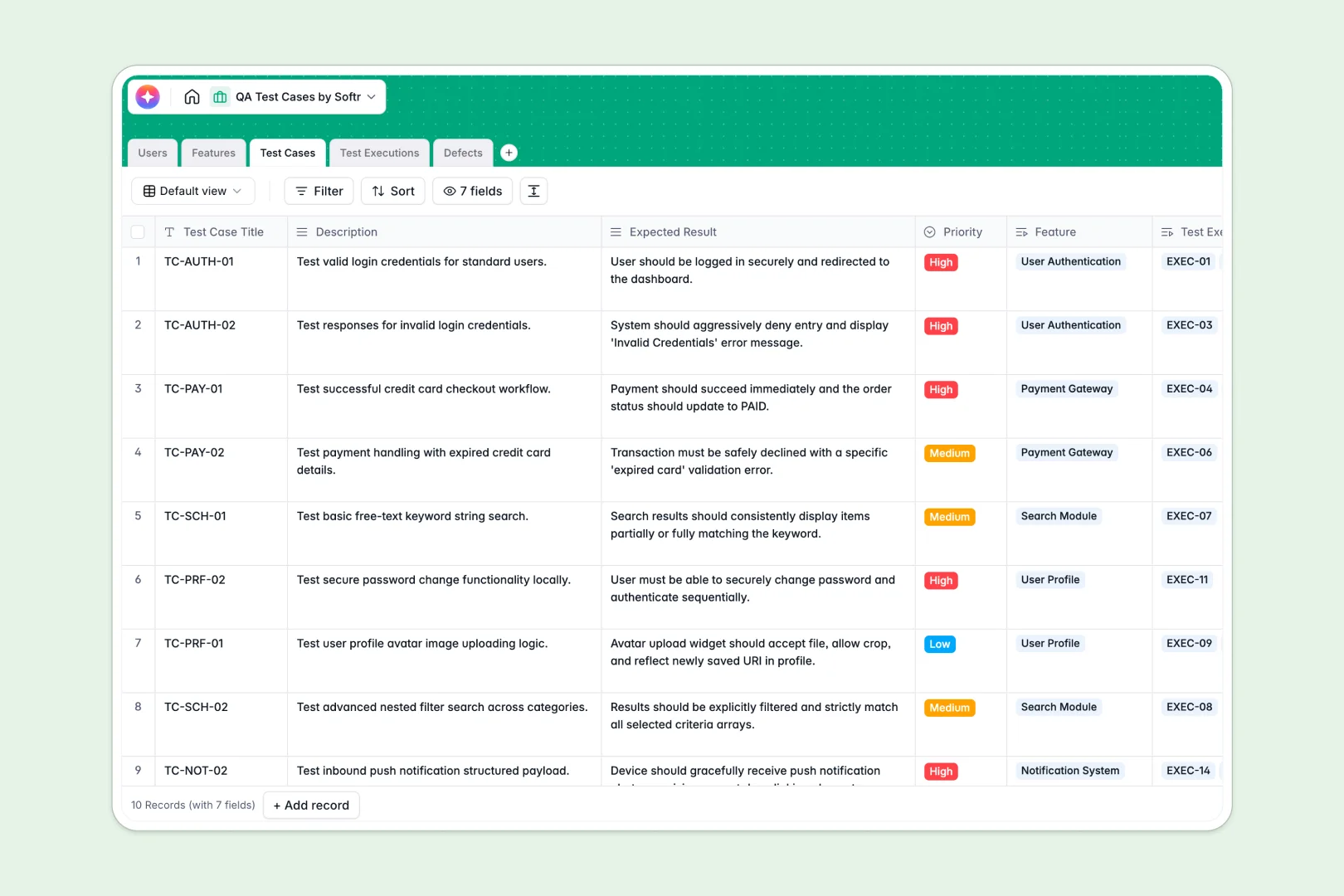
Test Cases
Manage scenarios with AI-powered step generation based on descriptions
-
Test Executions
Record test runs with AI analysis of discrepancies in results
-
Defects
Track bugs using AI to automatically classify the severity of reports
Who is this for
This template is perfectly suited for service-based businesses and agencies looking to elevate their client experience:
- Marketing Agencies: Share campaign reports, creative assets, and invoices.
- Consultants: Provide a secure hub for strategy documents and meeting recordings.
- Freelancers: Manage client feedback, contracts, and project milestones efficiently.
- Accounting Firms: Securely exchange sensitive financial documents and tax forms.
How to take it further
Once you have your basic portal set up, you can easily expand its capabilities to suit your growing needs. By integrating with Softr's Stripe integration, you can accept payments and handle subscriptions directly within the portal.
Additionally, you can connect your existing CRM or use Softr's HubSpot integration to automate user onboarding and trigger personalized email sequences when clients complete specific actions within their dashboard.
-
1
-
2
-
3
-
4
Frequently asked questions
-
How secure is the data in the client portal?
-
Can I customize the design to match my brand?
-
Do my clients need to pay to use the portal?
-
Can clients upload their own files to the database?
-
Is it possible to integrate a payment system?
Start building today. It's free!
Build and launch your first app in under 30 minutes.