You’ve probably already used Bolt.new to spin up a quick tool—a simple client dashboard, a landing page, or a prototype to show your team how a new workflow could work. It does that well. But once that prototype needs real users, reliable data, permissions, or ongoing updates, cracks start to show. Here are the best Bolt alternatives, and what each one is best for.
Best alternatives to bolt.new at a glance
| Tool | Best for | Standout features | Pricing |
|---|---|---|---|
| Softr | Production-ready business apps and built-in data management | • AI Co-Builder + Vibe Coding block • Built-in AI agents and workflow automation • User roles, permissions, and access control • Visual builder paired with AI app generation | Free plan available; paid plans from $19/month |
| Replit Agent | Developer-led builds with AI coding help | • Generates real, editable codebases • Browser-based IDE with deployment • Multi-language support | Free plan available; paid plans from $20/month |
| Lovable | Prompt-to-app generation with code ownership | • Full-stack app generation from prompts • Exportable codebases • Fast idea-to-product workflow | Free plan available; Paid plans from $21/month |
| Vercel v0 | UI scaffolding for modern web apps | • React/Next.js UI generation • Design Mode visual editing • GitHub export + deployment on Vercel | Free plan available; paid plans from $20/month |
| Cursor | AI-assisted coding inside a real IDE | • AI agent for multi-file code changes • Project-wide understanding • Debugging and refactoring assistance | Free plan available; paid plans from $20/month |
| Softgen | Rapid MVP creation with exportable code | • Full-stack app generation (frontend + backend + DB) • Built-in auth, payments, integrations • Conversational app building | Annual license from $33/year + usage |
Why look for a Bolt alternative
You may want to consider an alternative to Bolt if you’re running into these common issues:
| Reasons | Common limitations |
|---|---|
| 1. You’re hitting token limits or usage caps | Bolt runs on a token-based system. Every prompt and generated change consumes usage credits. On free plans, you’ll face daily limits (e.g., around 150K–300K tokens per day depending on the tier), and once you run out, app generation pauses until the limit resets or you upgrade. |
| 2. It’s optimized for small projects and experimentation | Bolt’s free and entry plans are designed for testing ideas and lightweight apps. These tiers work best as a playground for learning or prototyping rather than running large production systems. |
| 3. Version control and rollback options are limited | Unlike traditional development environments, Bolt doesn’t yet provide full version control. If the AI changes something unexpectedly or introduces errors, restoring a previous working state can be difficult. |
| 4. Large or complex apps require many iterations | Testing shows that as project complexity increases, builds take longer, require more iterations, and succeed less consistently compared to simple apps. Complex applications demand dozens of revisions before reaching a stable result. |
| 5. Team collaboration is still evolving | Bolt was initially designed for individual builders working quickly, not full teams managing shared projects. If multiple people need to contribute, review changes, or maintain the app over time, the lack of mature collaboration features can slow things down. |
| 6. No native database layer for structured data | Bolt relies on external data sources connected through APIs and generated code. Managing relationships between records, querying data, or updating structures requires modifying generated code or external services. |
What to look for in a Bolt alternative
Different Bolt.new alternatives and competitors solve different problems. Before picking one, make sure it matches your team’s expectations in terms of shipping and maintaining software. Here’s what matters most:
- Production-ready output: Many AI builders generate prototypes that look complete but require significant fixes before real use. Look for tools that support stable deployments, user management, secure permissions, and long-term maintenance.
- Control over the app: Some platforms lock you into auto-generated structures that are hard to modify. Choose a tool that lets you edit logic, data structure, and workflows as your needs evolve.
- Backend and database capabilities: Frontend generation is the norm. But what a working app needs is reliable data handling in the backend, workflow automation, permissions, and relevant integrations.
- Reliability & troubleshooting support: AI-generated anything can easily break in edge cases. The best practices for working with AI suggest that you look for version history, error handling, logs, and ways to troubleshoot without starting over.
- Ease of use and adoption: If you don’t have a technical background or in-house developers, you shouldn’t need coding skills to fix issues or keep the app running.
- Performance and scalability: Evaluate how the platform handles larger datasets and growing user bases.
- Collaboration: Your team should be able to co-edit, share feedback, and manage roles in one place without relying on Git or external dev tools.
- Cost structure: Compare how pricing scales by credits, user seats, or features. The best bolt alternative is one that supports growth without breaking the budget.
1. Softr — best Bolt alternative for production-ready business apps and built-in data management
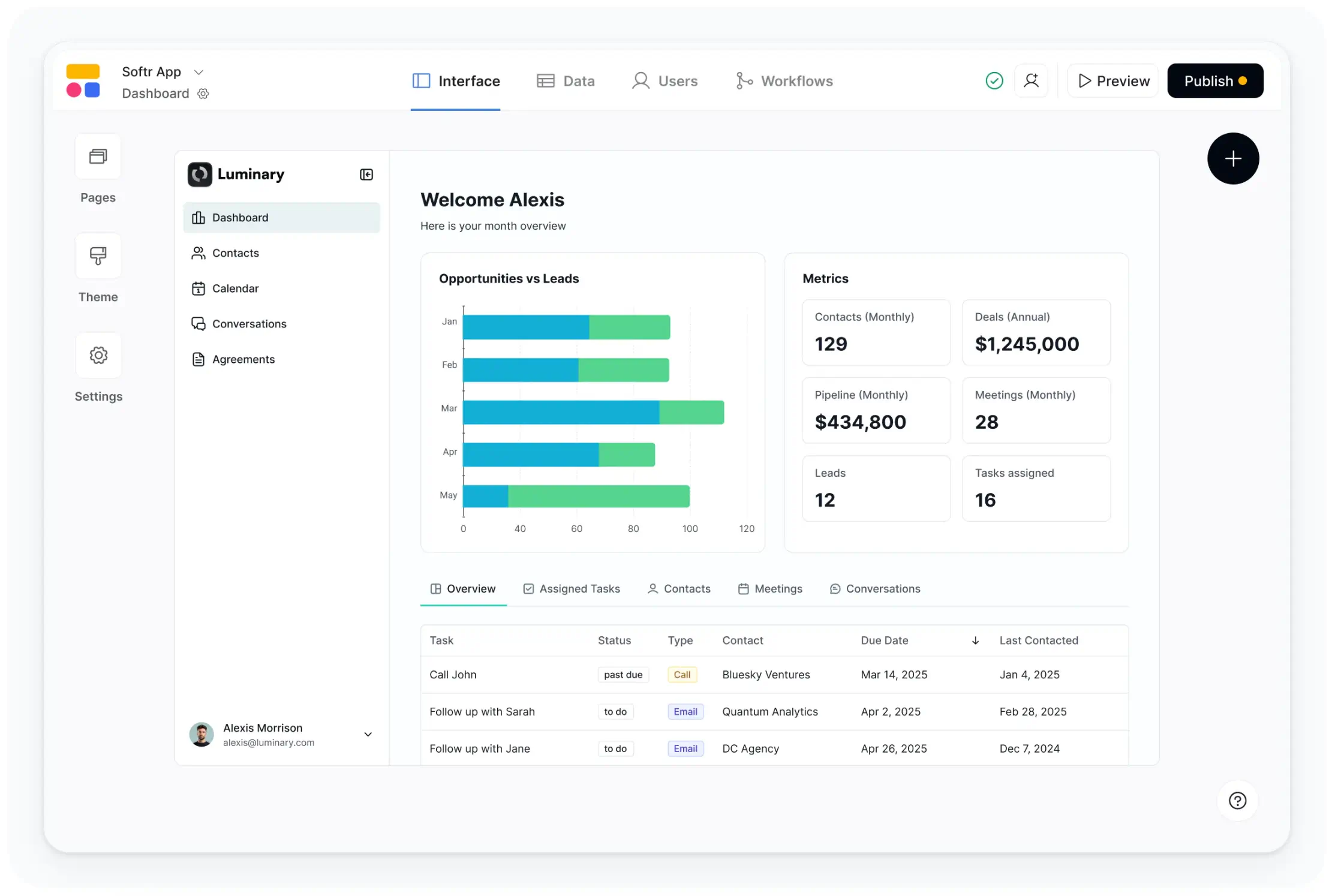
Bolt helps you test an idea. Softr is for turning that idea into a business reality your team relies on every day. It’s an AI-powered platform for building apps without code — customer and partner portals, CRMs, knowledge bases, directories, internal tools, and more.
Instead of generating standalone code that you have to maintain, you use AI to build full apps (interface, database, business logic, and workflows) directly in Softr and then create custom apps on top of that data. Generate the first version of your app using plain language prompts and then visually edit the logic, permissions, interface, and data structure directly.
This way, you’re not stitching together hosting, authorization, databases, and automations yourself — or hoping generated code holds up under real usage. All of those infrastructure pieces are already built in Softr from the moment you start using it, and can be adjusted as your needs evolve.
Softr pros and cons
Pros
- Designed for full-stack, functional apps: You can build production-ready internal tools, portals, CRMs, and dashboards your team depends on daily.
- Built-in data layer instead of patchwork integrations: Store and manage data directly inside the app, connect to external databases, or do a mix of both.
- Secure logins and user management included: Create apps for clients, partners, or employees with authentication, user groups, and permissions already handled natively.
- Flexible, visual building beyond AI prompting: Start with AI, use the visual builder from scratch, or combine both. You're not locked into prompting and re-prompting; you have visual control over your app at any point.
- Granular permissions and role-based access: Control exactly who sees what by role, group, or record. This matters for when you need to share access with clients, external users, or stakeholders.
- Automation inside the app: Trigger automations when users take actions in your apps with logic, approvals, notifications, and more running directly within Softr.
Cons
- Not intended for consumer SaaS startups or marketplaces, as it’s focused more on internal tools and operational software
- Less suitable for developers who want full code ownership
Softr best features
- Ask AI: You (and your app users) can query Softr AI about your app data and receive accurate, permission-aware answers in real-time.
- Vibe Coding Block: Picking your desired LLM model and generate app layouts, dashboards, pipelines, and custom tools using prompts.
- AI Co-builder: Describe the database or workflow you want in plain English, and Softr generates the structure for you. Use the co-builder to create systems quickly, then customize them with the visual editor to match your process.
- Native relational databases: Build apps and interfaces on top of your data in Softr Databases or connect multiple external data sources into a single system of record.
- Database AI agents: Configure AI agents in Softr Databases to automatically categorize feedback, enrich records, validate inputs, summarize submissions, and keep operational data clean and consistent.
- Advanced permissions and user groups: Create custom user groups for members, admins, moderators, and partners with granular access control. Show content, programs, or resources based on membership tier, role, or status.
- Conditional forms: Collect structured data via forms and route it through processes like approvals, onboarding, or requests. You can also create, publish, or integrate standalone forms without building a full app and collect submissions to store them in one place via Softr Databases.
Softr pricing
Softr offers predictable pricing tiers and a generous free plan. The prices listed below reflect annual billing.
- Free: Unlimited apps, with access to Softr Workflows and Softr Databases, 5 app users, 5 AI credits, 5,000 database records, and 500 workflow actions
- Basic: $19/month for unlimited apps with 42+ integrations, Team: 5 + Client: 5 app users, 10 AI credits, 50K records, 2.5K workflow actions
- Pro: $99/month for unlimited apps with 45+ integrations and custom code, Team: 10 + Client: 50 app users, 50 AI credits, 500K records, and 10K workflow actions
- Business: $329/month for unlimited apps with 52+ integrations, Team: 30 + Client: 100 app users, 100 AI credits, 1M records, and 25K workflow actions
- Enterprise: Custom pricing
Why it’s better than Bolt pricing
Bolt’s token-based pricing ties costs to prompts and iterations, which can spike during development or troubleshooting. With Softr, you don’t have to worry about token usage. AI usage is credit-based, so you pay for prompts when you use them. After generating your app, you can continue building and iterating visually without being forced to spend more AI credits.
Who Softr is best for:
Businesses and internal teams that need software to run their real operations on, not just test ideas. This includes operations, HR, finance, agencies, field and professional services teams that want to replace spreadsheets, disconnected tools, and manual workflows with one system that keeps everything organized.
Verdict: Softr vs Bolt
If you need to experiment quickly, or if you’re a developer, Bolt can be very useful for building prototypes and early concepts. If you need AI-powered software that employees, clients, or partners rely on with data, permissions, workflows, and security built in, Softr is the better choice.
2. Replit Agent — best for developer-led builds and AI-assisted coding
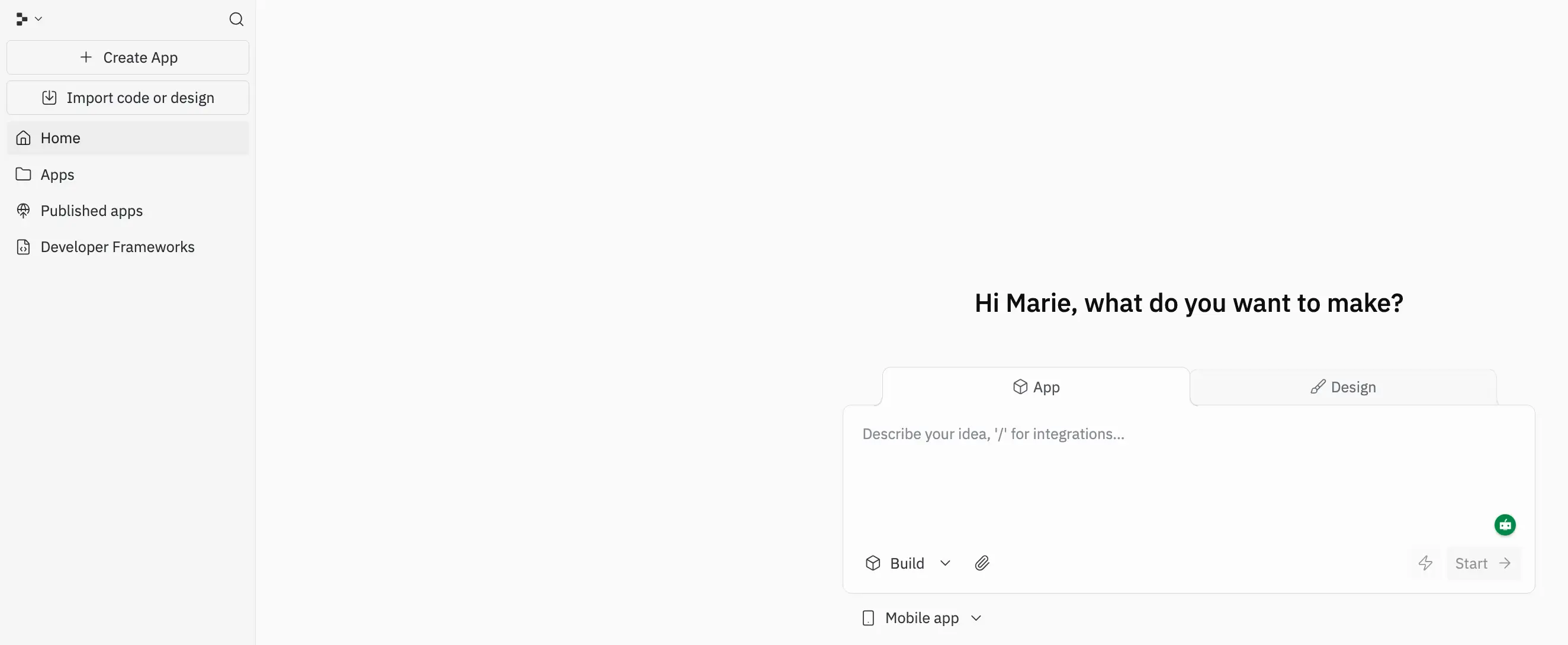
Replit Agent is built for people who want to use AI to help write and ship real code. It works inside a browser-based development environment: you describe what you want, and the agent generates code, files, and structure that you can edit, run, and deploy. It can be a good choice if you’re comfortable reviewing code or working alongside developers.
Where Bolt focuses on speed to prototype, Replit Agent focuses on speed to production-grade code — but it still assumes someone will own and maintain that code afterward.
Replit Agent pros and cons
Pros
- Produces real, editable codebases: You get actual source code you can run, modify, or move elsewhere. It’s not a not a locked environment.
- Closer to traditional development workflows: Developers can review, debug, and extend what Replit’s AI creates instead of rebuilding from scratch.
- Built-in coding environment: Write, test, and deploy from the same browser workspace without setting up local tooling.
- Better suited for custom logic: If your app needs unusual workflows, integrations, or architecture, code gives you flexibility that prompt-only tools can’t.
- Collaboration features for technical teams: Multiple developers can work in the same project environment.
Cons
- Still requires technical oversight to understand the generated code, dependencies, and architecture
- You’re responsible for updates, debugging, scaling, and infrastructure decisions
Replit Agent best features
- Natural-language coding agent: Describe features or fixes and the agent generates or updates the codebase.
- Browser-based IDE: Code, run servers, manage files, and deploy without local setup.
- Multi-language support: Build apps across many programming languages in one environment.
- Live preview and debugging tools: Test changes immediately while iterating with the agent.
- Deployment from the same workspace: Ship apps directly from Replit without separate hosting setup.
Replit pricing
All prices shown billed annually.
- Starter: Free
- Replit Core: $20/month
- Teams: $35/user/month
- Enterprise: Custom pricing
Who Replit Agent is best for
Developers, technical founders, and product teams who want AI help but still need full control over architecture and code. It works well when you’re building custom software that will evolve over time — so long as you have engineers to maintain it.
Verdict: Replit Agent vs Bolt
If you want a fast way to spin up ideas without touching code, Bolt is the simpler choice. If you want AI to help you build real software you can maintain, customize, and deploy long-term, Replit Agent is the stronger alternative.
3. Lovable — best for turning prompts into full web apps (with code ownership)
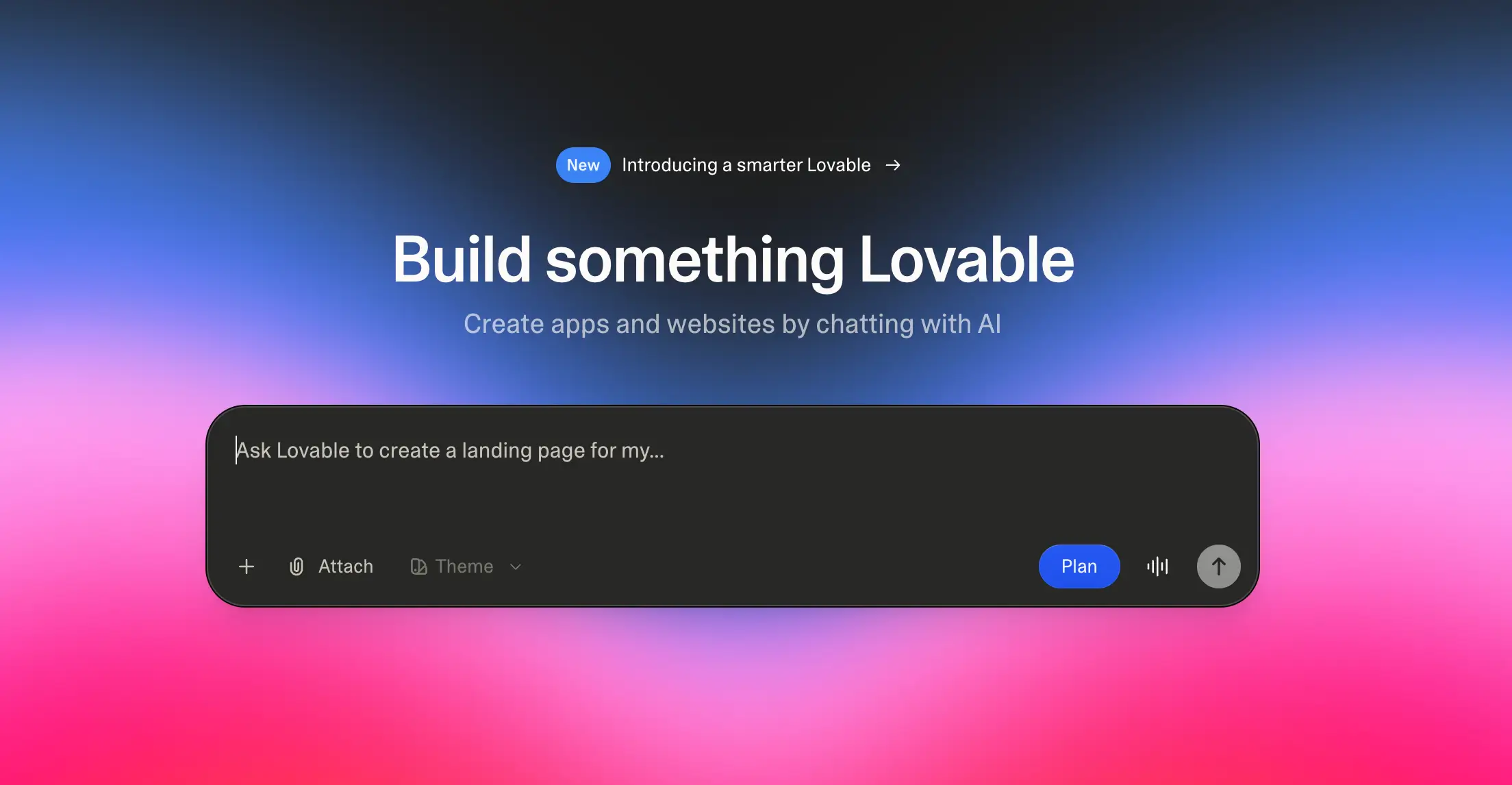
Lovable sits close to Bolt in spirit, but pushes further toward generating complete apps you can deploy and extend. It’s an AI app builder that lets you create SAAS MVPs, personal mini-apps, prototypes, and landing pages by chatting with AI .
Where Bolt often focuses on quick prototypes inside its environment, Lovable aims to produce full codebases you can own, export, and build on. The platform uses natural-language prompts (“vibe coding”) to generate basic functional software.
Lovable pros and cons
Pros
- Generates basic apps, not just prototypes: Lovable can produce functional code, interfaces, and integrations from prompts.
- Accessible to non-technical users: It’s built so people without engineering backgrounds can create software using plain language AI prompts.
- Code ownership and exportability: Users can store and extend the generated code outside the platform.
- Fast idea-to-product pipeline: Founders or teams validating concepts can use Lovable to spin up and iterate personal apps quickly.
Cons
- Still relies on generated code, so maintenance, debugging, and scaling require technical skills
- Uses prompt-based Row Level Security (RLS) and is at high risk of data exposure if audited
- Permissions, workflows, and long-term data management aren’t turnkey
Lovable best features
- Prompt-to-app generation: Build apps and websites simply by describing them in chat.
- Full-stack output: You can generate UI, backend logic, authentication, and integrations in one pass.
- Vibe coding workflow: Natural-language coding lowers the barrier-to-entry for non-developers.
- Startup-ready builds: Lovable can be used by founders to create real products and even launch solo businesses.
Lovable pricing
All prices shown billed annually.
- Free: 5 daily credits, up to 30/month
- Pro: $21/month
- Business: $42/month
- Enterprise: Custom credit limits
Who Lovable is best for
Founders, product teams, and technically curious operators who want to go from idea to a working product fast, especially when they’re comfortable handling code later or bringing in developers once the concept proves itself.
Verdict: Lovable vs Bolt
If Bolt helps you spin up experiments quickly, Lovable gets you closer to something you could actually launch. It’s a solid alternative when your goal is to come away with an app you can own and evolve.
4. Vercel v0 — best for UI-first app scaffolding with deployment built in
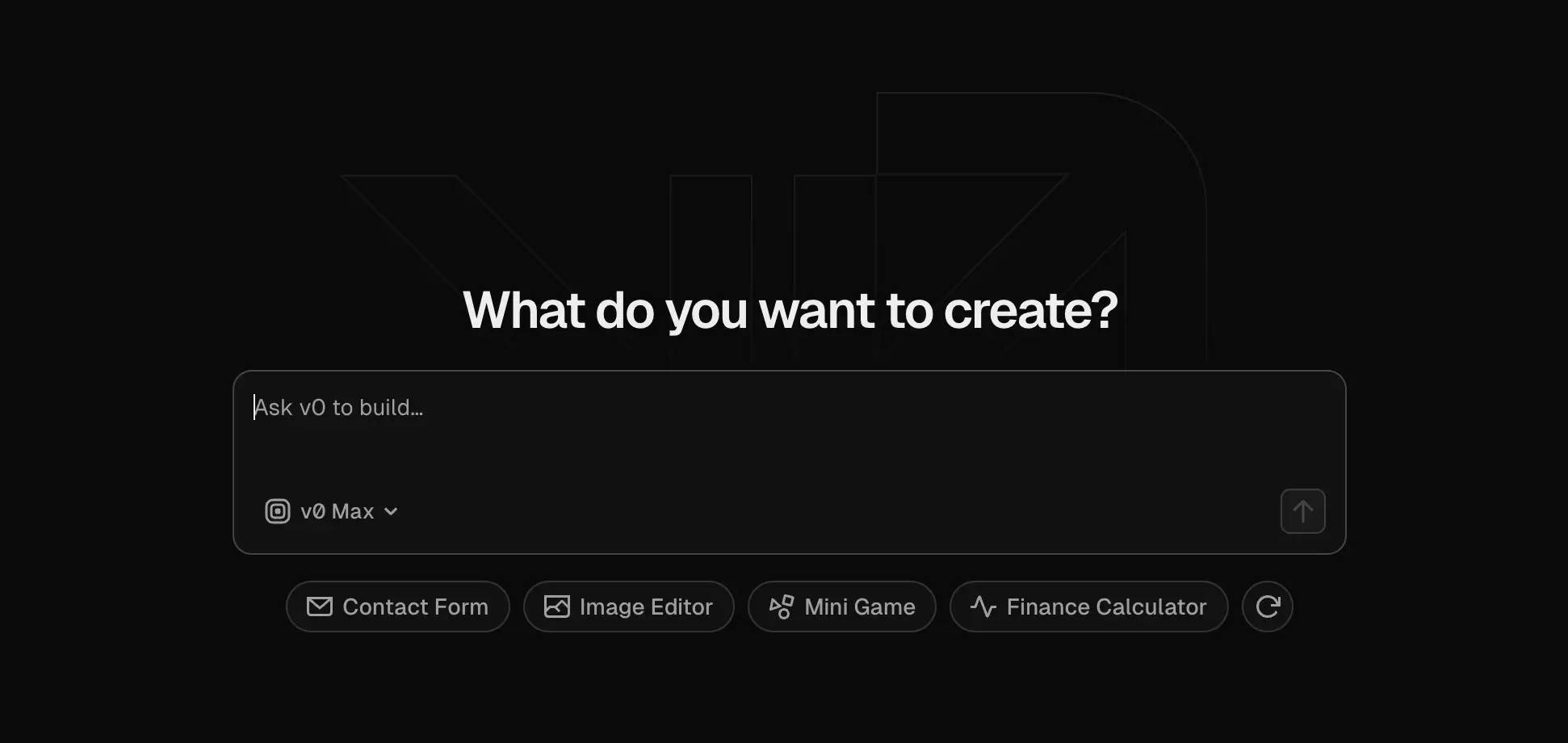
Like Bolt, Vercel v0 exists in the “prompt-to-app” category of tools, but it leans heavily toward frontend generation and deployment. Bolt helps you spin up a quick prototype and polished UI code fast (especially React/Next.js interfaces) and immediately deploy them on Vercel’s infrastructure. v0 assumes you’re comfortable working with code or handing it off to developers. The output is meant to be integrated into a real codebase rather than run as a standalone business app.
Vercel v0 pros and cons
Pros
- Good UI generation quality: Produces modern, responsive layouts and components quickly, especially for React/Next.js stacks.
- Fast path from idea to deployed interface: You can go from prompt to a live URL using Vercel hosting and deployment tools.
- Strong for developer workflows: It outputs real code that can be edited, version-controlled, and integrated into existing projects.
- Design-to-code acceleration: Use it to turn mockups, Figma files, or concepts into working interfaces without manual coding.
Cons
- Frontend-heavy by design: Focuses on UI scaffolding, so backend logic, permissions, and data architecture still need separate setup.
- Requires technical follow-through: Generated code must often be reviewed, adjusted, and maintained by developers.
- Not a full business app platform: You still need to assemble databases, auth, workflows, and infrastructure yourself.
Vercel v0 best features
- Prompt-to-UI generation: Describe a page or component and get ready-to-use code.
- Design Mode visual editing: Adjust layouts visually after generation.
- Code export and GitHub sync: Move generated code into your repo and continue development.
- One-click deployment on Vercel: Host generated apps instantly using Vercel’s platform.
- Collaboration features for teams: Share credits, billing, and team workflows on higher plans.
Vercel v0 pricing
- Free: $5 included monthly credits, 7 messages/day
- Premium: $20/month
- Team: $30/user/month
- Business: $100/user/month
- Enterprise: Custom pricing and credit allocation
Who Vercel v0 is best for
Developers, product teams, and startups that already have engineering resources and need to move faster on front-end development — dashboards, marketing sites, SaaS interfaces, and internal tools built on modern web frameworks.
Verdict: Vercel v0 vs Bolt
If you want a quick prototype that behaves like a runnable app without deep coding, Bolt is easier to use. If you want high-quality UI code that your developers can ship, scale, and maintain inside a real product, v0 is stronger.
5. Cursor — best for AI-assisted coding inside a real IDE
.webp)
Cursor is much closer to a traditional software development tool than Bolt. Instead of generating a runnable app from prompts, it gives developers an AI-powered coding environment where they can build, edit, debug, and maintain real codebases. Essentially, it’s an AI-native code editor (a fork of Visual Studio Code) with built-in agents that can write code, refactor projects, explain errors, and modify multiple files at once.
Cursor pros and cons
Pros
- Produces and edits real production code: You’re working with a full codebase you can version-control, deploy, and scale.
- Understands entire projects, not just single files: Cursor can analyze your codebase and make multi-file changes in one step.
- AI assistance across the development lifecycle: Write features, refactor code, debug errors, and generate tests in one environment.
- Natural-language programming: Describe changes in plain English instead of manually editing every file.
- Works with existing developer workflows: Cursor supports extensions, Git workflows, and collaboration similar to VS Code.
- Powerful autocomplete and code suggestions: Agents can predict actions and fills in code as you work.
Cons
- Requires developers to oversee and maintain the code output
- Over-reliance on AI-generated code can create long-term technical debt without careful review
Cursor best features
- AI coding agent: Describe features or changes and let Cursor implement them across the codebase.
- Project-wide understanding: Query your codebase in natural language to find logic or dependencies.
- Multi-file refactoring: Update related parts of a project automatically.
- Smart debugging assistance: Explain errors and suggest fixes.
- Agent workflows: Delegate development tasks to the AI while focusing on decisions.
- Integrated development environment: Code, run, and test software in one place.
Cursor pricing
- Hobby: Free
- Pro: $20/month
- Pro+: $60/month
- Ultra: $200/month
- Teams: $40/user/month
- Enterprise: Custom pricing
Who Cursor is best for
Developers, technical founders, and engineering teams building custom software that’s meant to evolve over time. If you want to leverage AI to accelerate coding without giving up control over the architecture, you’ll likely find Cursor useful.
Verdict: Cursor vs Bolt
While Bolt is designed for speed and accessibility—especially for non-technical users exploring ideas—Cursor is designed for depth and control. It’s a better fit when you’re building complex software with engineers and need AI to speed up development rather than replace it.
6. Softgen — best for rapid MVP creation with exportable full-stack code
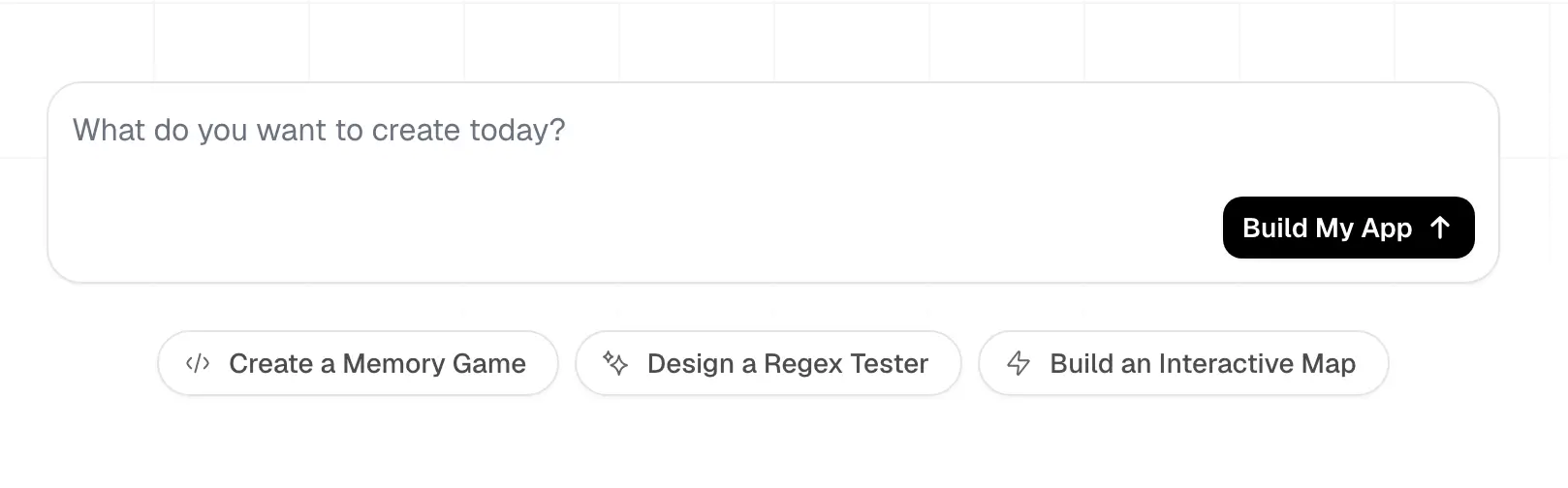
Softgen is an AI web-app builder that generates MVPs from plain-language descriptions, handling frontend, backend, database, and integrations automatically. Whereas Bolt helps you get prototypes running fast, Softgen focuses on getting you to a working product foundation you can deploy elsewhere. This makes it appealing for founders or small teams who want to validate an idea quickly but still end up with something closer to a production system than a demo.
Softgen pros and cons
Pros
- Generates full-stack apps from natural language: Softgen builds the front-end, back-end, database, and integrations automatically.
- Accessible to non-technical builders: You can create apps without coding knowledge.
- Code ownership and export: Projects can be exported to GitHub for further development or deployment.
- Modern tech stack out of the box: Combine AI with tools like Next.js, Firebase, and Tailwind CSS.
- Supports real business use cases: Use it to build basic or mini CRMs, marketplaces, booking systems, dashboards, and internal tools.
- Rapid MVP development: Softgen is designed to move from idea to functional MVP in a matter of hours or days.
Cons
- Less visual control after generation, so iteration requires editing code or re-prompting
- Apps may slow down when relying heavily on integrations.
- No built-in hosting by default
Softgen best features
- Conversational app generation: Describe your app idea in plain English to create a working project.
- Automatic frontend + backend scaffolding: Softgen builds both layers without manual setup.
- Built-in authentication, payments, and integrations: Connect to external tools to access features like payment processing through Stripe or email services.
- Database and real-time capabilities: Handle data storage and synchronization automatically.
- Deployment flexibility: Export code and host on your own stack.
Softgen pricing
Softgen has annual licenses plus a pay-as-you-go AI usage model.
- Trial: 3-day trial with the option to cancel anytime and keep unused credits
- License: $33/year, access to the platform, up to 10 projects, add-on services, and cooperative benefits over time
Who Softgen is best for
Founders, solo builders, and small teams that want to move from idea to MVP quickly — especially when they plan to own the code and scale the product later.
Verdict: Softgen vs Bolt
Bolt is optimized for fast experimentation, but Softgen is better when you want a path toward long-term development and real products instead of just testing ideas.
Choose the right Bolt alternatives for your team
If you’re still exploring ideas or validating concepts, tools like Bolt and similar AI builders are great for getting started. But once your app needs to support real users, structured data, permissions, and ongoing processes, you’ll need something built for production.
If you’ve made it this far, you’re already asking the right questions. Moving from demo and prototyping tools to software your team can rely on is a sign your workflows are maturing.
For teams that want AI to accelerate how they build without handing them fragile code to maintain, Softr is designed for that next stage. Instead of stopping at generation, it lets you use AI to create databases, workflows, interfaces, and logic — then manage everything visually as your operations evolve. That’s what makes it so useful for client portals, internal tools, CRMs, approval systems, and other apps that need to run continuously, not just demo well.
If your goal is software your employees, clients, or partners will log into daily, start from a proven template and adapt it with AI instead of rebuilding from scratch.
👉 Explore ready-made templates
The best Bolt alternative isn’t the one that generates the most code. It’s the one that leverages AI to help you build systems your business can actually run on (and keep improving long after the prototype stage).
Frequently asked questions
What to use instead of Bolt?
Is cursor better than bolt new
Are Bolt New and Bolt DIY the same?