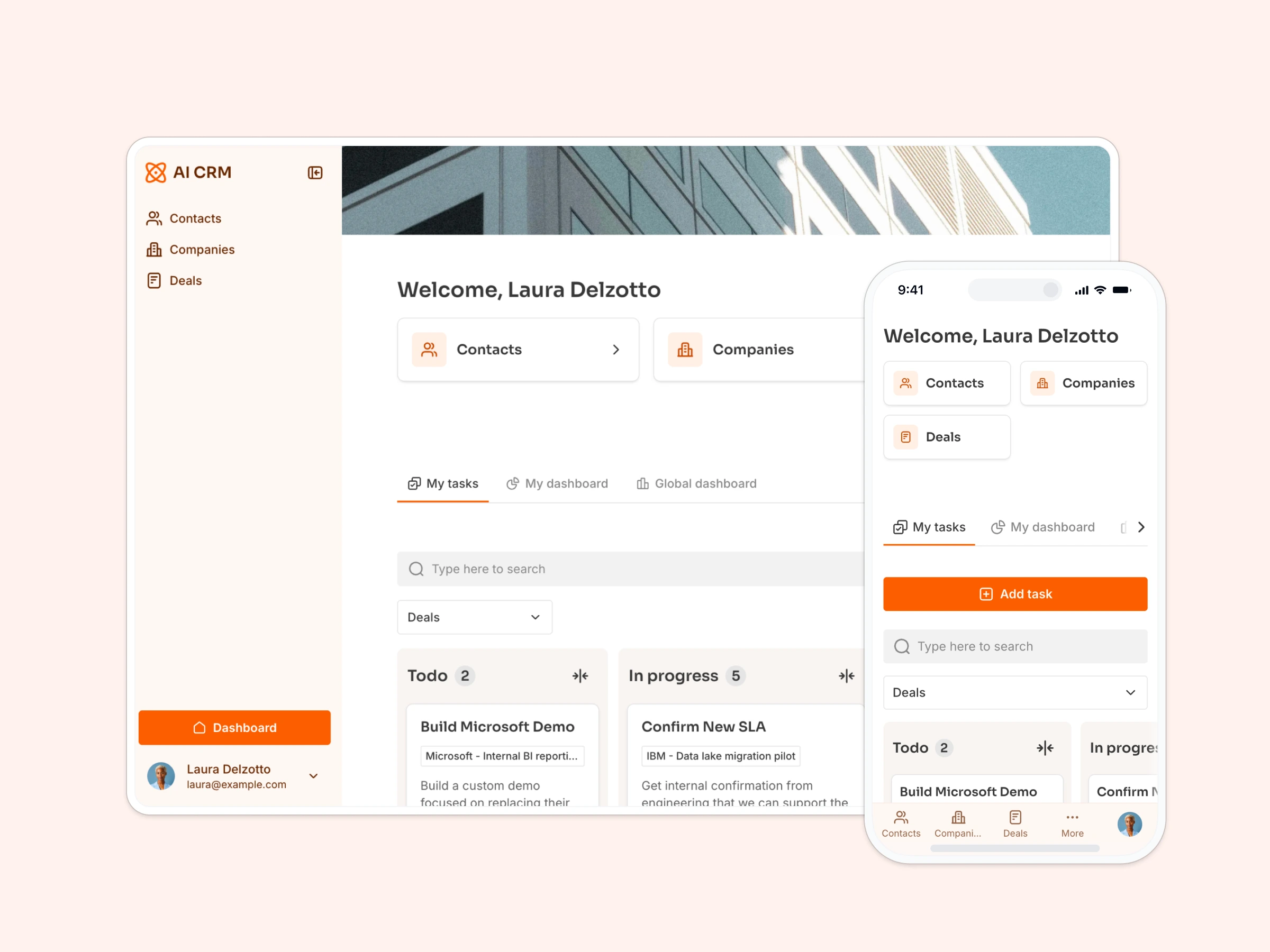
Use this Business Listing template powered by Google Sheets to build curated business listings and directories.
Data sources supported


.svg)


Resources


No items found.
Overview
This free template lets you build a professional business listing or resource directory — no design or dev skills required.
It comes with a pre-built Google Sheets database so you can quickly see how to structure your directory content. Whether you’re showcasing startups, tools, vendors, or internal resources, this template helps you turn a database into a sleek, searchable directory.
Why use this Google Sheets business listing template
- Curate and showcase content: Build a polished directory for your audience with minimal setup.
- Offer powerful search & filtering: Help users find exactly what they need or filter by category.
- Collect and manage submissions: Let users suggest new listings with an easy-to-use submission form.
Template features:
- Search & filtering tools
- Listing detail pages
- User submission form
- Built-in dark theme
- Works on any device
- External link support
Who is this Google Sheets business listing template for?
Perfect for anyone curating and sharing content with an audience:
- Startup communities & VC firms: Highlight founders, tools, accelerators, or portfolios.
- Marketers & product curators: Showcase favorite tools, digital products, or industry-specific resources.
- Internal teams: Build a private resource directory for tools, SOPs, or internal vendors.
- Event organizers: Share a directory of partners, sponsors, or exhibitors.
- Agencies: Feature a vetted list of service providers or referral partners.


“What we love most about Softr is the instantaneous, customizable power a no-code platform allows.”

- 1
- 2
- 3
- 4
Frequently asked questions
- Do I need a Softr account to use the template?
- Can users submit new listings?
- Is this template mobile-friendly?