


This free template from Softr helps you build a secure property listing app, fast, no coding required.
Data sources supported


.svg)


Resources


No items found.
Overview
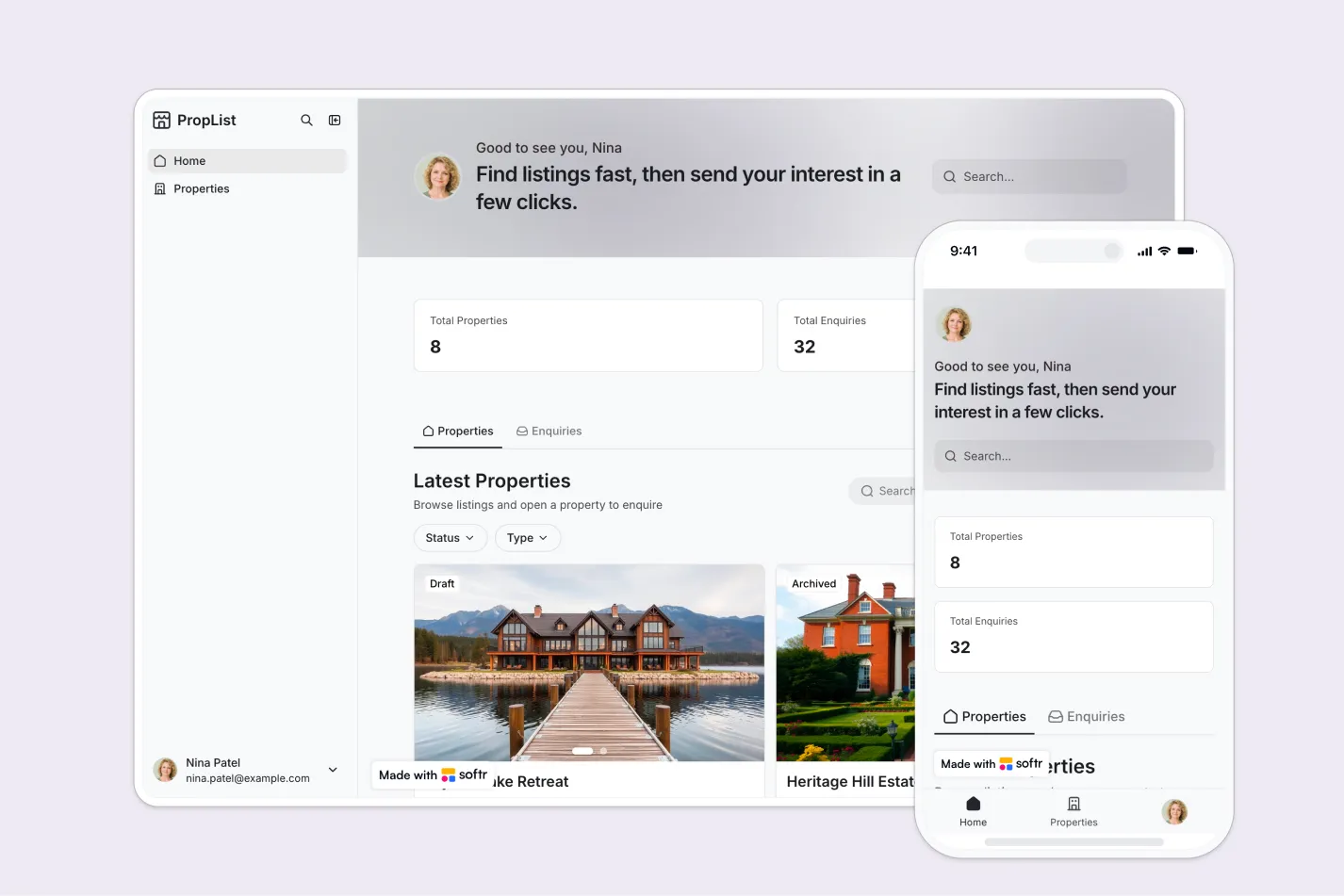
This free template helps you build a secure property listing app where clients and staff must log in before viewing listings, property details, or enquiries.
It includes workflows for browsing listings, capturing buyer or tenant interest, and giving staff a simple way to create, edit, and manage property records.
Why use this property listing template
- Keep listings private and secure: Require users to log in before accessing property information, photos, and enquiry forms.
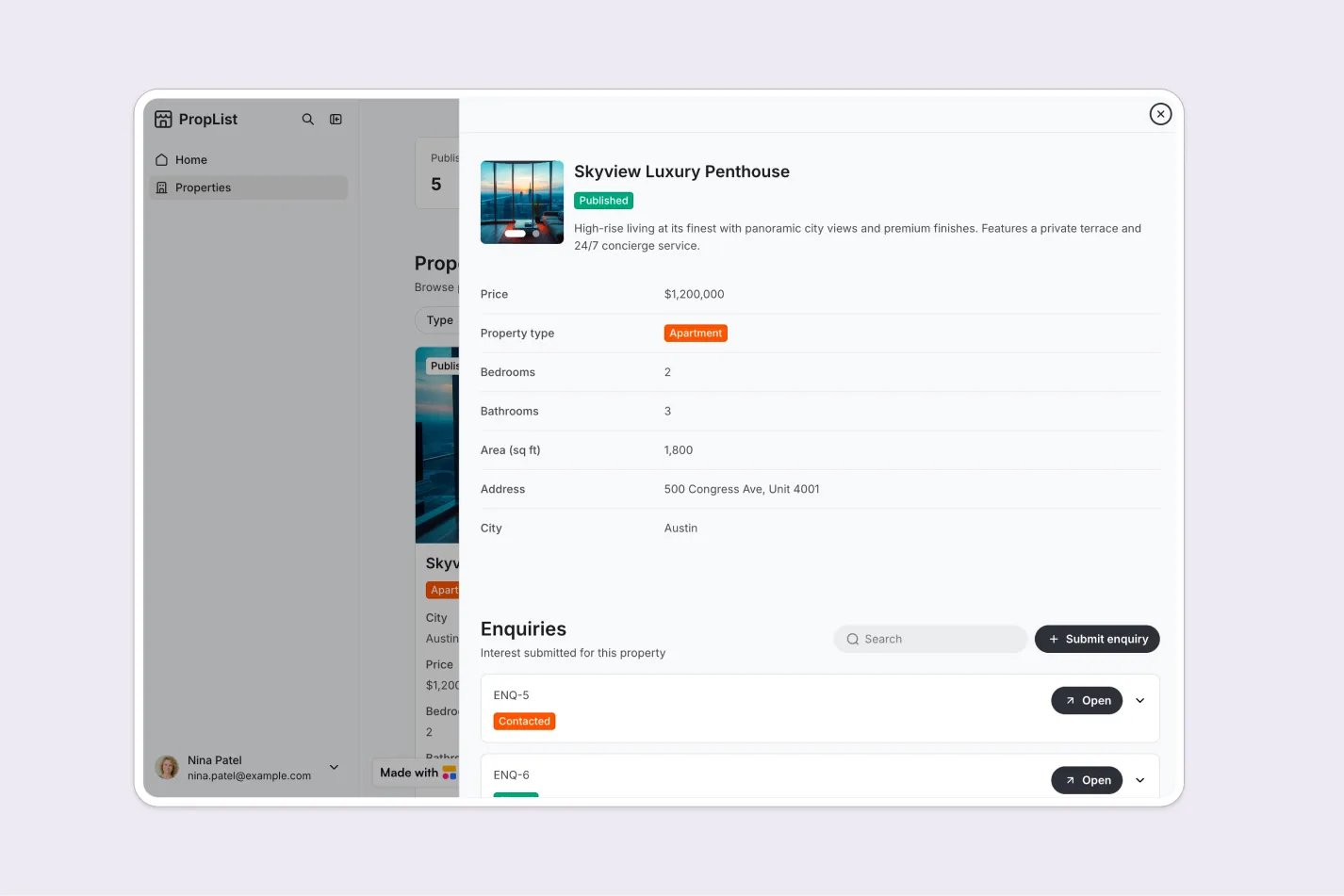
- Help clients find the right property faster: Let clients browse listings, search by relevant criteria, apply filters, and view detailed property pages.
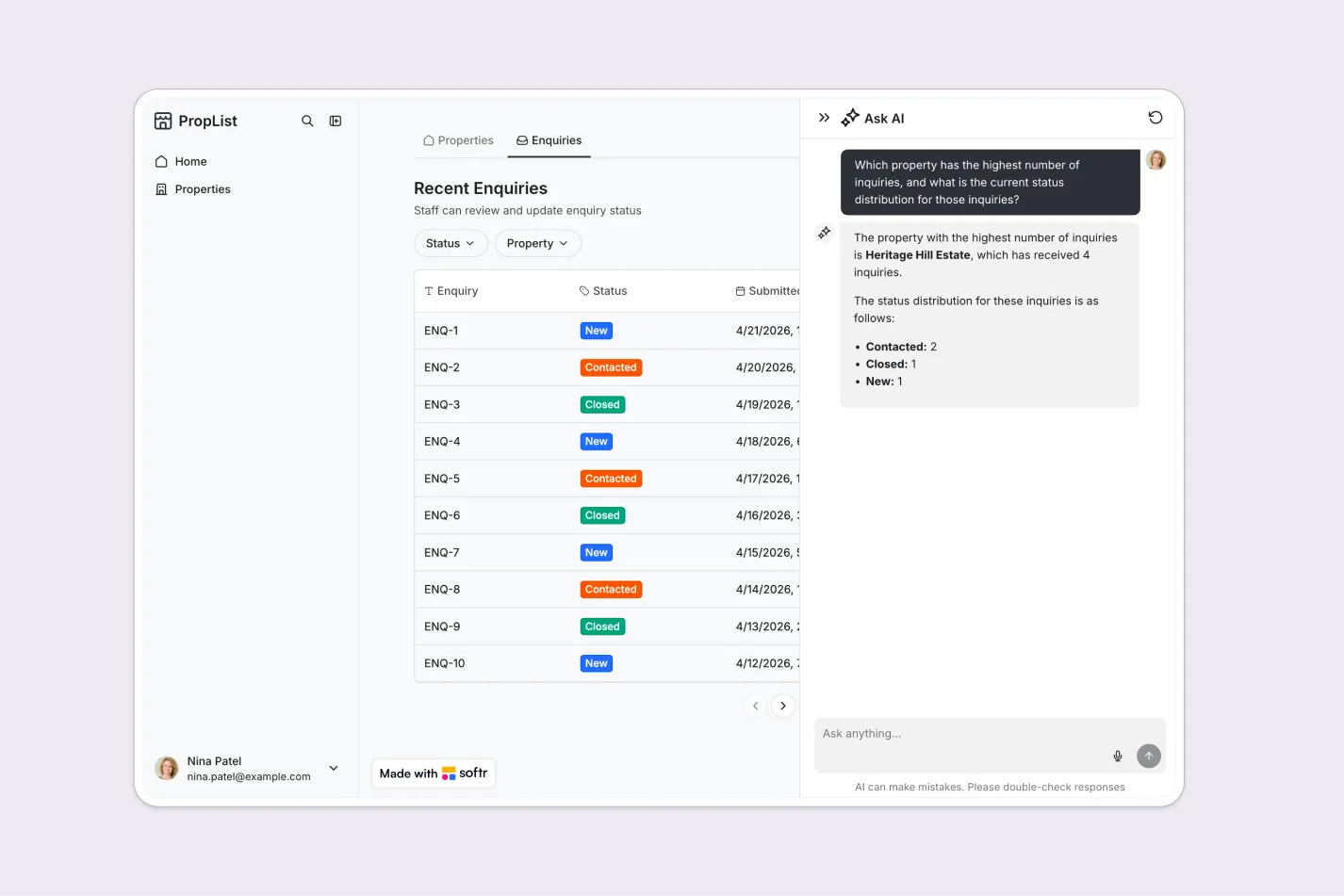
- Streamline enquiry management: Capture client interest directly from each listing so staff can review and follow up from one central place.
- Give staff control over listings: Staff users can create and update property records without relying on developers or external tools.
Template features:
- Login-only access
- Property listing directory
- Search and filters
- Property detail pages
- Enquiry forms
- Staff listing management
- Enquiry review
- Role-based permissions
Who is this property listing template for?
This template is built for teams that need a private, login-only property portal for sharing listings and collecting enquiries. It's a great fit for:
- Real estate agencies: Share available homes, apartments, or commercial spaces with registered clients and capture property-specific enquiries.
- Property managers: Maintain an internal or client-facing catalog of available units, including photos, pricing, and key details.
- Rental businesses: Let approved users browse rental properties, submit interest, and track enquiries in a structured workflow.
- Developers and brokers: Present curated property inventory to prospects while keeping access restricted to qualified or invited users.


“What we love most about Softr is the instantaneous, customizable power a no-code platform allows.”

- 1
- 2
- 3
- 4
Frequently asked questions
- What is a property listing app?
- Can clients submit enquiries for specific properties?
- Can staff create and edit property listings?
- How do I edit or customize this property listing template?
- What data sources does this template integrate with?
- Is Softr secure enough for a private property listing portal?


