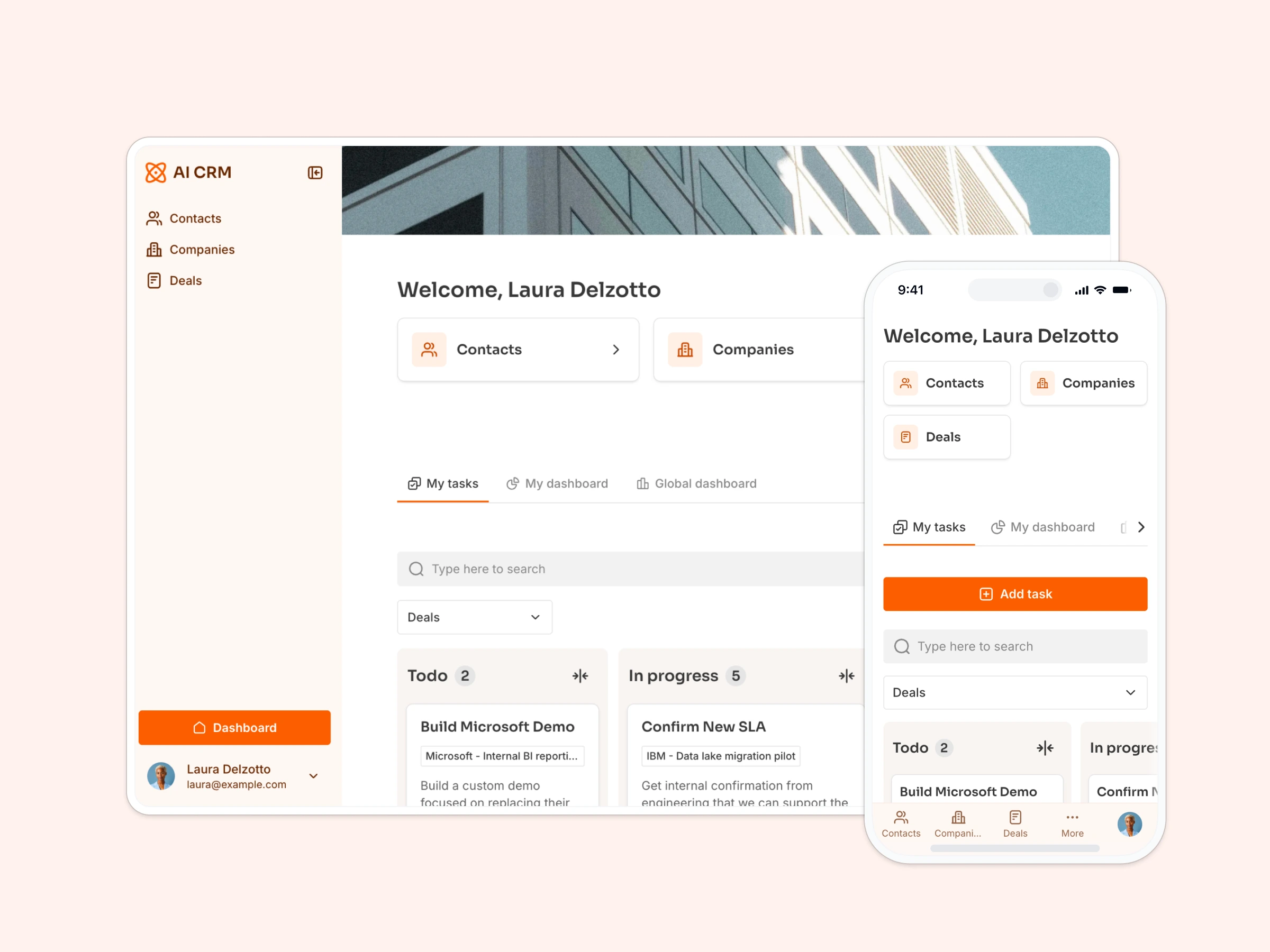
Manage contracts, track tasks, and make it easy for customers to access resources and help.
Data sources supported


.svg)


Resources


Overview
This free SaaS portal template helps you create a self-service customer experience, so your team can spend less time answering repetitive questions and more time driving success.
It includes a sample database to show how to organize your customer data, but it's flexible enough to work with any Softr-supported data source (Google Sheets, Notion, monday.com, HubSpot, and more).
Why use this SaaS portal template
- Reduce support tickets and repetitive emails: Give customers everything they need in one place, including contracts, tasks, a help ticketing system, and onboarding docs.
- Empower customer success teams: CSMs get tools to manage each account, assign tasks, track requests, and share resources.
- Deliver a polished onboarding experience: Customers can log in securely, view their onboarding tasks, and stay up to date, without the need for back-and-forth emails
Template features:
- Role-based access
- Contract & document sharing
- Task assignments
- Help desk & support tickets
- Customer directory & account views
- Works on any device
Who is this SaaS portal template for?
This template is built for SaaS companies looking to streamline customer onboarding, engagement, and support, but it can easily be adapted for any recurring-service business. Ideal for:
- Customer Success teams: Assign tasks, track contract renewals, and centralize account data.
- Support teams: Reduce repetitive requests with a dedicated ticketing and resource center.
- Founders & small teams: Deliver a white-glove experience without a heavy lift.
- B2B SaaS companies: Provide secure, scalable access to account resources and CSM touchpoints.


“What we love most about Softr is the instantaneous, customizable power a no-code platform allows.”

- 1
- 2
- 3
- 4
Frequently asked questions
- Can I use this even if I’ve never built a portal before?
- Do I need a Softr account to use the template?
- What if I want to use a different data source?
- Can customers submit tickets or upload files?
- Can I use my own branding and domain?
- Can I automate notifications when a customer submits a request?