


Overview
The Softr Client Portal Template offers a seamless way to build a custom interface. Without writing code, you can connect your Airtable data and provide a secure login.
Traditional Development vs Softr
Speed and Agility
Building with Softr is remarkably faster than standard development.
Incredible Ease of Use
Our intuitive builder ensures updates are completely effortless.
-
Users
Manage inspectors and technicians with role types and contact information
-
Assets
Inventory of properties and equipment tracked for damage and valuations
-
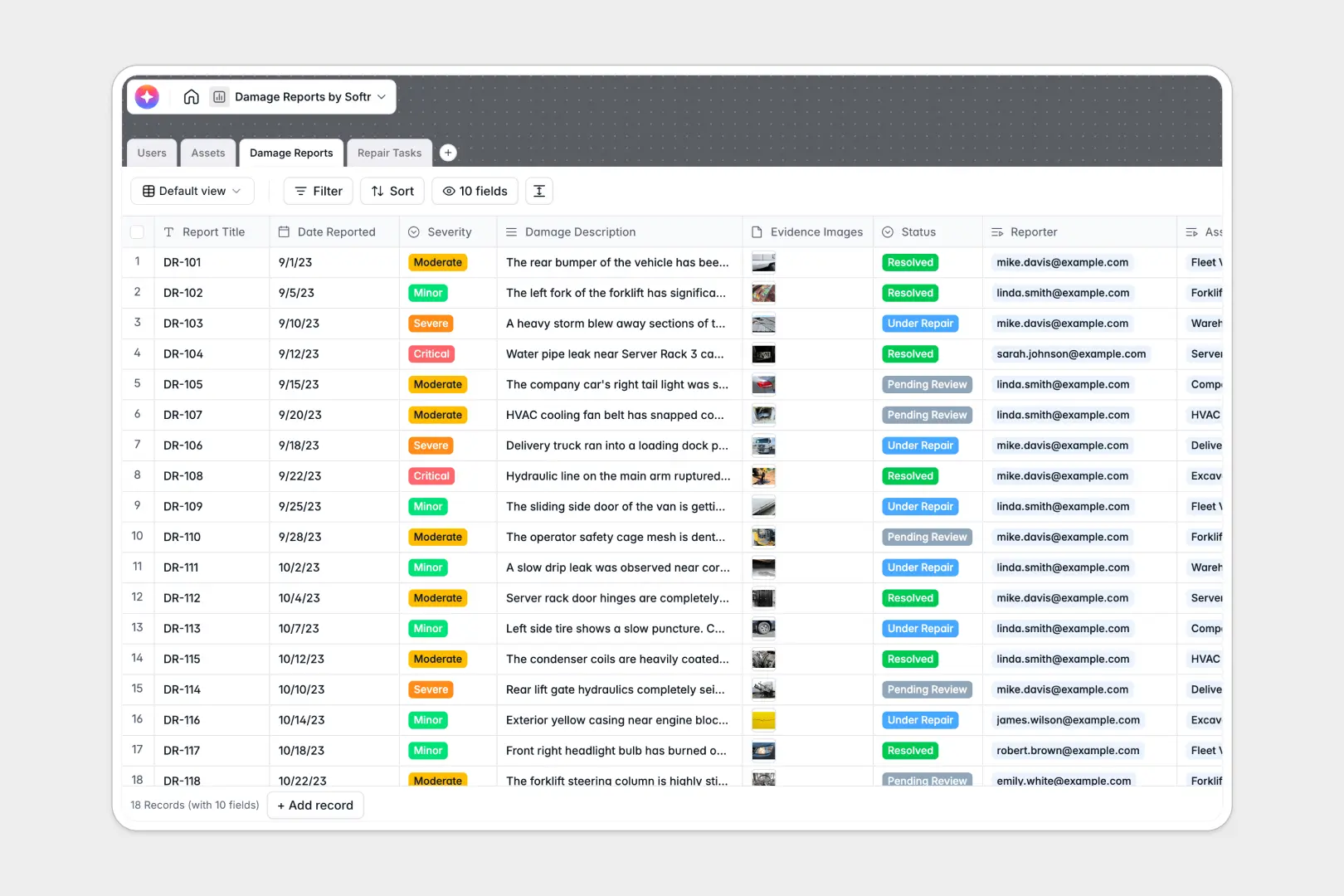
Damage Reports
Log incident data and use AI to generate formal executive summaries
-
Repair Tasks
Manage work orders and utilize AI for step-by-step repair methodology
Who is this for
This powerful template is ideal for service-based businesses.
- Agencies: Share deliverables securely.
- Consultants: Manage all your client files.
- Freelancers: Track project milestones.
How to take it further
Expand functionality by integrating Softr User Accounts and defining specific permissions. You can connect Zapier to automate email notifications and keep everyone entirely in the loop.
-
1
-
2
-
3
-
4
Frequently asked questions
-
How difficult is it to set up this template?
-
Can I connect my existing Airtable base?
-
Is client data secure within the portal?
-
Can I use a custom domain for my portal?
-
How many clients can I invite to the portal?
Start building today. It's free!
Build and launch your first app in under 30 minutes.