


Overview
Transform how you collaborate with the Softr Client Portal template. Stop relying on messy email threads and disorganized file sharing. With this template, you can provide an organized, professional workspace for projects, documents, and updates.
Comparison
Traditional Methods
Using email or generic file-storage solutions leads to scattered information, missed deadlines, and overall frustrated clients.
The Softr Approach
By leveraging Softr's powerful capabilities, you create a unified, branded hub. Unlike complex CRM builds that take months, it launches in minutes.
-
Users
Manage team members with role assignments and link social media posts
-
Campaigns
Group marketing themes with AI-generated brief summaries for planning
-
Platforms
Define target social networks with character limits and visual branding
-
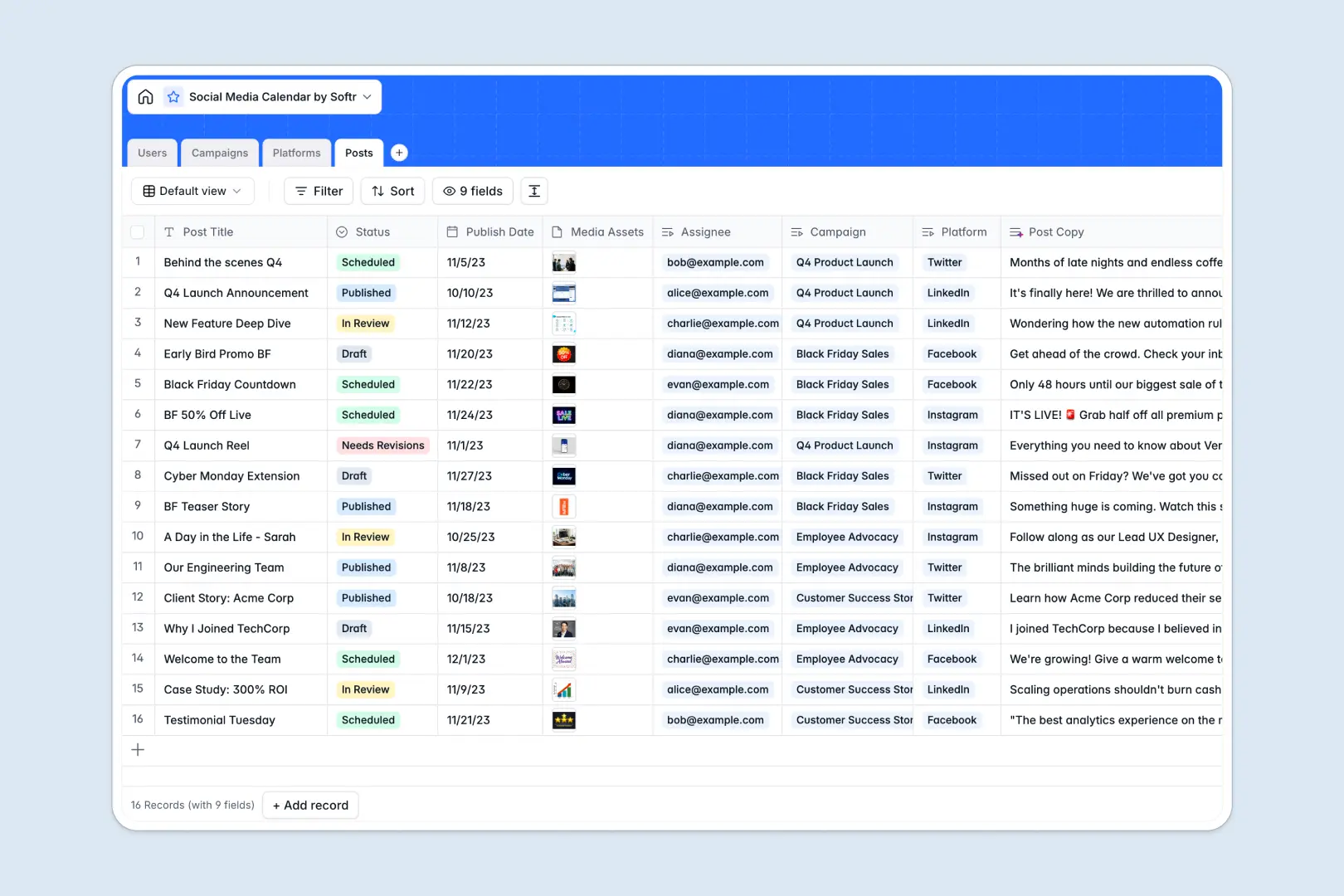
Posts
Track publication status with AI-powered copy generation for captions
Who is this for?
This powerful portal is custom-built for modern service-based businesses:
- Agencies looking to share client deliverables efficiently and securely.
- Freelancers who need a centralized, professional hub for gathering unified feedback.
- Consultants managing multiple high-value client accounts simultaneously.
How to take it further
You can expand this setup by seamlessly integrating with your existing database. Using Softr's Airtable integration, you can automate your client onboarding workflows completely.
Additionally, connecting a Stripe integration lets you accept subscription payments directly within your custom Softr application.
-
1
-
2
-
3
-
4
Frequently asked questions
-
How long does it take to set up the client portal?
-
Do my clients need a Softr account to log in?
-
Can I customize the branding of the portal?
-
Is my client data securely stored?
-
Can I accept payments through this client portal?
Start building today. It's free!
Build and launch your first app in under 30 minutes.