


Overview
The Softr Client Portal template provides a streamlined way to interact with your customers securely. Build out modular features to share critical deliverables, track milestones, and increase overall satisfaction.
Comparison: Custom Build vs Softr
Traditional Custom Build
Building from scratch requires expensive developers, months of coding, and constant maintenance.
The Softr Approach
Using Softr, you can launch a portal connected to Airtable or Google Sheets in less time, saving thousands in development costs.
-
Users
Manage internal account managers with roles, contact info and access levels
-
Partners
List external organizations with AI-powered web research for company missions
-
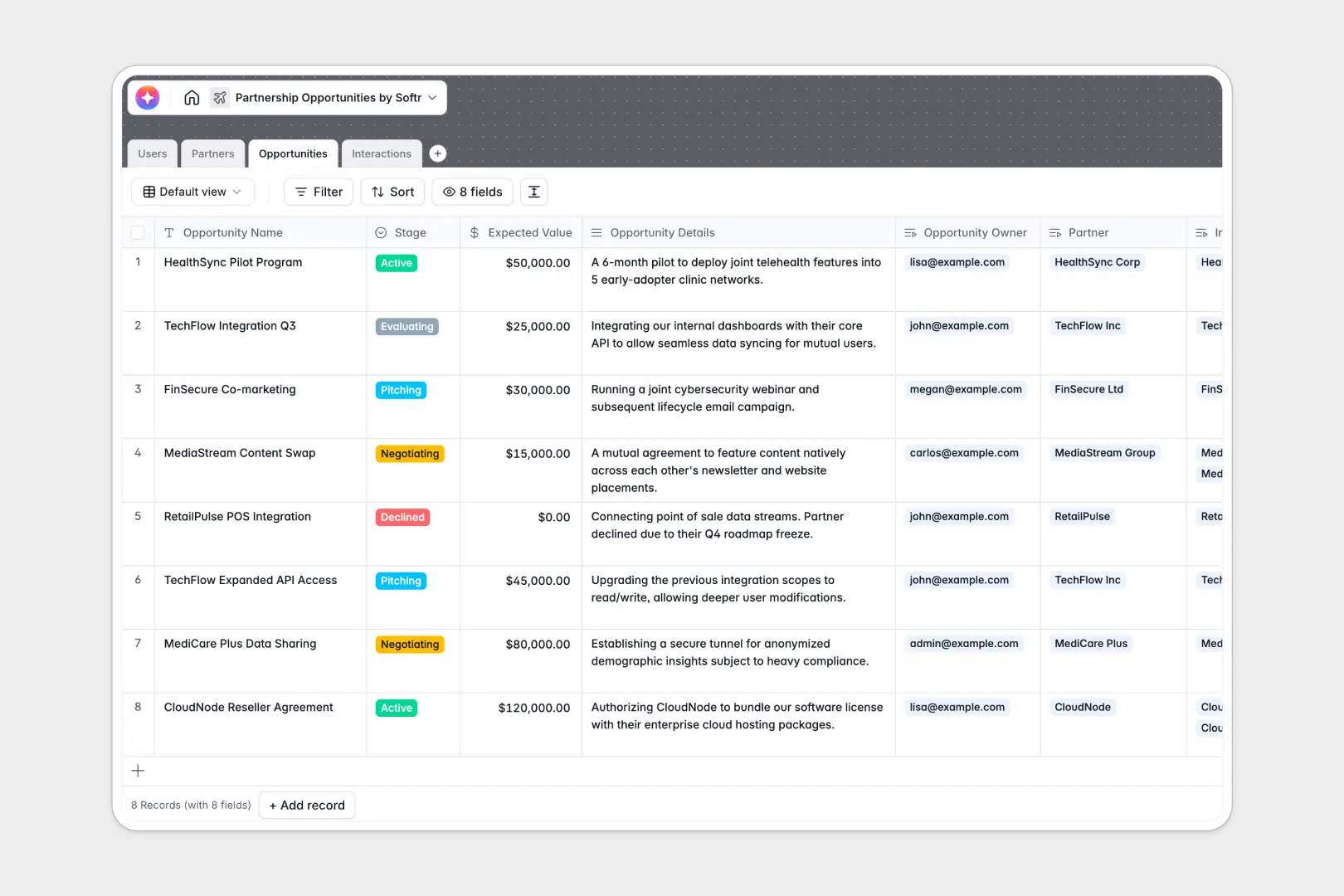
Opportunities
Track pipeline stages with AI generating bulleted executive pitches from data
-
Interactions
Log communications using AI to extract action items from meeting notes
Who is this for?
This template is ideal for service-based businesses who need a central hub for their clients.
- Freelancers managing multiple client projects.
- Agencies sharing design mockups and progress reports.
- Consultants delivering sensitive documents and strategic roadmaps securely.
How to take it further
Once you've launched your baseline portal, you can easily expand it with Softr integrations. Add payment processing, connect form submissions, and implement advanced role-based permissions to personalize each client's dashboard experience.
-
1
-
2
-
3
-
4
Frequently asked questions
-
What is a client portal?
-
Do I need coding experience to use this template?
-
Can I connect my own database?
-
Is the client portal secure?
-
Can I use my own custom domain?
Start building today. It's free!
Build and launch your first app in under 30 minutes.