


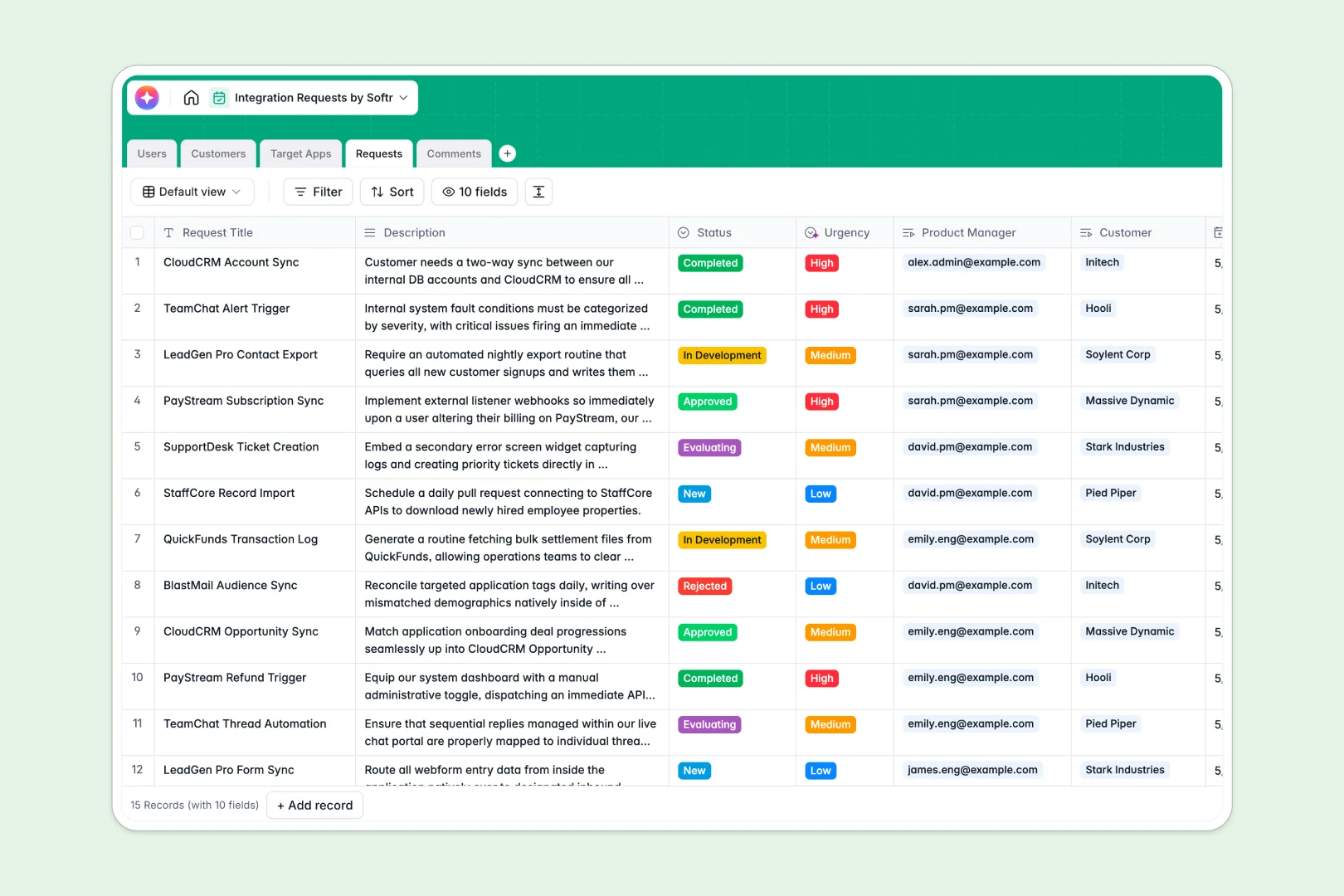
Overview
This Client Portal template provides a secure, streamlined environment for your customers to access their personal data, invoices, and deliverables. By leveraging Softr's Airtable integration, you can instantly turn your database into a fully functional web app without writing unmaintainable code.
How It Compares
Traditional Development vs. Softr
Building a custom portal from scratch requires significant engineering resources, time, and budget. With Softr's Client Portal tools, you eliminate the hassle of custom coding while maintaining complete control over your branding and user experience.
Other No-Code Tools
While other platforms offer simple website building, Softr provides deep, native data integrations, powerful user authentication, and granular permissions out of the box.
-
Users
Manage internal team members, their roles, and assigned integration tasks
-
Customers
Track client organizations and their volume of requested software integrations
-
Target Apps
Catalog third-party platforms with AI-generated professional descriptions via web
-
Requests
Oversee integration workflows using AI for urgency scaling and brief summaries
-
Comments
Centralize internal discussions and communication logs for specific project updates
Who is this for
This template is ideal for businesses that manage multiple internal or external clients:
- Freelancers and Agencies: Share design assets, deliverables, and progress trackers.
- Consultants: Give your clients a unified dashboard for meeting notes and strategy documents.
- B2B Service Providers: Securely distribute invoices and weekly reports.
How to take it further
Once your portal is up and running, you can easily expand its capabilities. Consider adding advanced filtering and search blocks to help users navigate large datasets. You can also integrate your app with Softr's internal tools to build an admin dashboard for your team to manage client accounts from a single place.
-
1
-
2
-
3
-
4
Frequently asked questions
-
What data sources can I connect to this client portal?
-
Is it possible to customize the portal's branding?
-
How do I manage client access and permissions?
-
Can I use a custom domain for my portal?
-
Does this template support mobile devices?
Start building today. It's free!
Build and launch your first app in under 30 minutes.