


Overview
Managing multiple clients can quickly become overwhelming when relying on endless email threads and scattered spreadsheets. Our Client Portal allows you to create a secure, branded space where clients can log in, view updates, and upload files. Built on Softr, it turns your Airtable or Google Sheets data into a fully functional web app in minutes.
Why Use a Custom Portal?
When deciding how to manage client interactions, teams usually choose between off-the-shelf software, custom development, or a no-code builder.
Off-the-shelf Software
While quick to setup, standard SaaS tools often lack the flexibility needed to adapt to your unique workflow.
Custom Development
Hiring developers gives you complete control, but it takes months and costs thousands of dollars.
Softr's No-Code Solution
With Softr's templates, you get the best of both worlds. You can launch in hours, fully customize the design, and scale as your business grows without writing a single line of code.
-
Users
Manage staff profiles with roles, departments, and equipment assignment counts
-
Equipment
Track asset inventory using AI to research and generate technical specifications
-
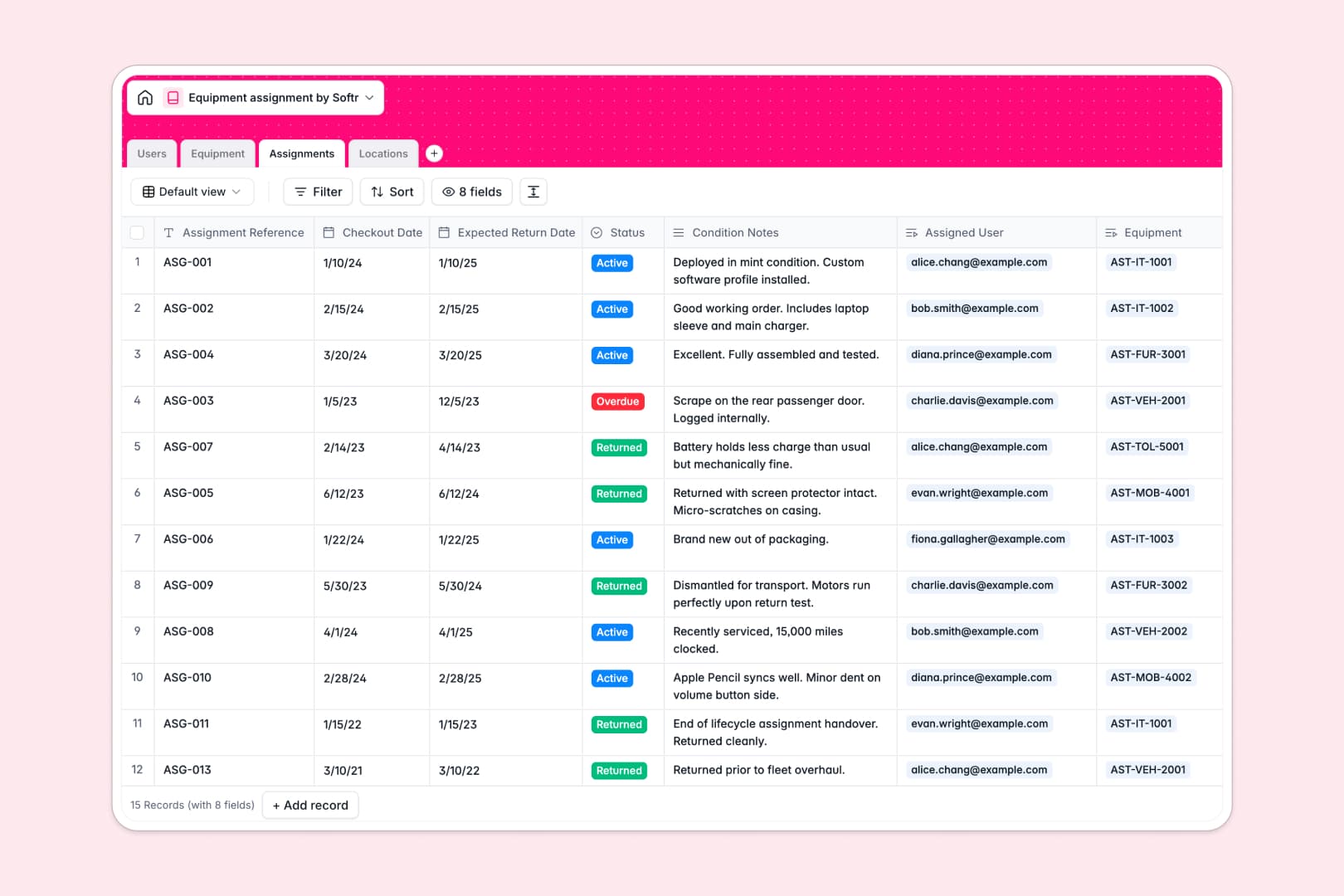
Assignments
Monitor checkout logs with AI-generated summaries of status and asset condition
-
Locations
Organize physical storage sites and track real-time inventory counts per facility
Who is this for?
This template is perfect for service-based businesses looking to elevate their client experience.
- Agencies: Share deliverables, gather feedback, and track project progress in one centralized hub.
- Consultants: Provide clients with secure access to reports, meeting notes, and invoices.
- Freelancers: Move away from email attachments and offer a professional onboarding experience.
- Educators: Distribute course materials and track student progress seamlessly.
How to take it further
Once you've set up the basics, you can expand your portal's functionality using Softr's advanced features. You might integrate Stripe to accept payments directly within the portal, or set up granular permissions so clients only see the data assigned specifically to them. By connecting Zapier or Make, you can automate email notifications whenever a client uploads a new document. The possibilities are endless when you build with Softr!
-
1
-
2
-
3
-
4
Frequently asked questions
-
What is a client portal?
-
Do I need coding skills to use this template?
-
Can I connect my own domain name?
-
Is my clients' data secure?
-
How much does it cost to get started?
-
Can I integrate payment processing?
Start building today. It's free!
Build and launch your first app in under 30 minutes.