


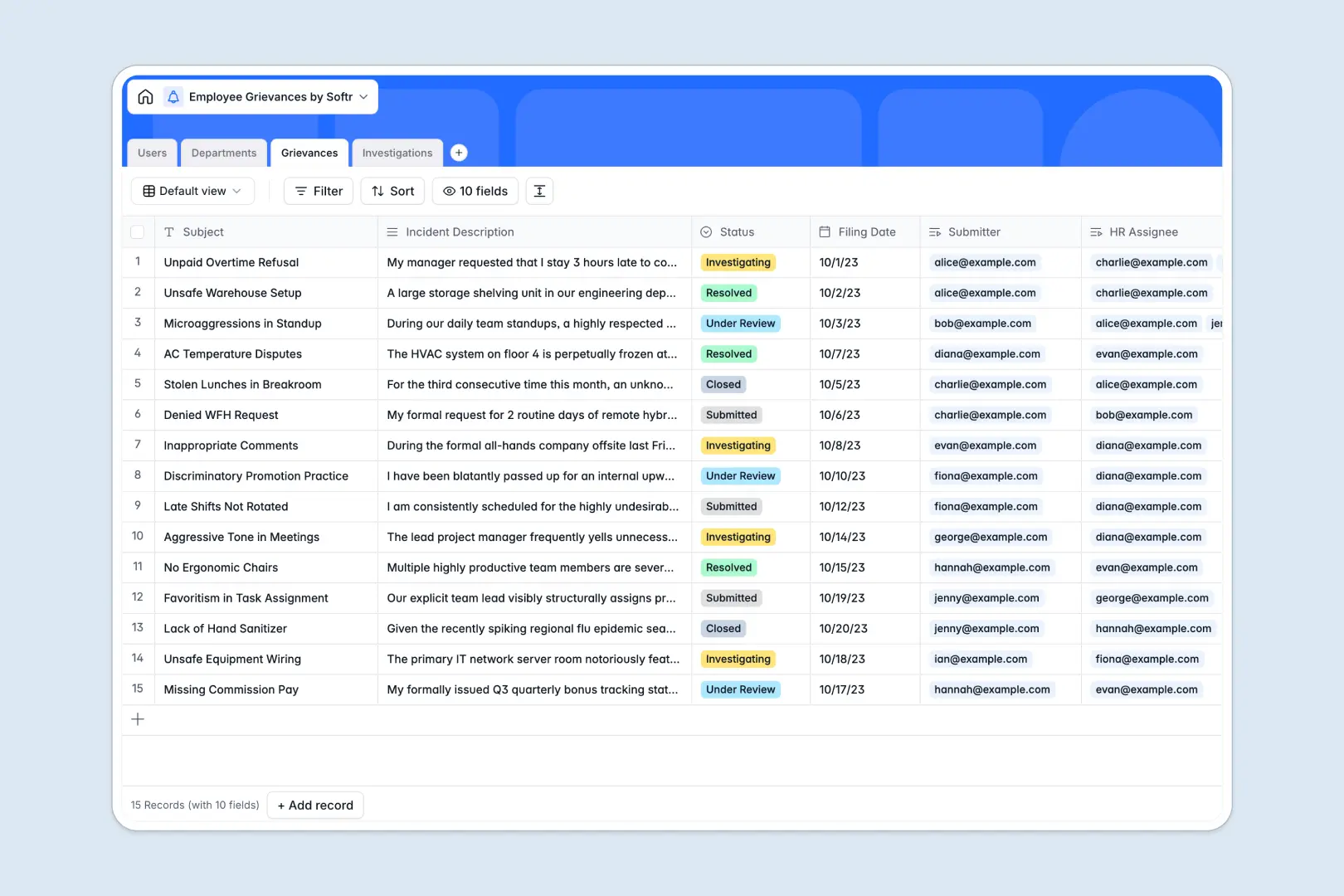
Overview of the Client Portal Template
This client portal template allows you to build powerful custom web apps powered by your data. It provides a dedicated workspace where your clients can log in, view their specific files, track ongoing projects, and securely submit updates. By leveraging Softr's Client Portal App, you can quickly turn your Airtable or Google Sheets data into a fully functional application.
Comparing Solutions
Traditional Portals
Most traditional portals require months of custom development, heavy maintenance, and significant upfront costs. They are rigid and difficult to adapt as your business grows.
The Softr Approach
With Softr's Custom Web Apps, you eliminate the need for costly development. You can drag and drop components, manage roles with granular permissions, and instantly publish updates, saving you time and valuable resources.
-
Users
Manage employee and HR profiles with contact info and roles
-
Departments
Organize business units and track regional or team grievance health
-
Grievances
Log complaints using AI to categorize and summarize incident details
-
Investigations
Record HR actions and findings with AI-generated follow-up steps
Who is this for?
This solution is designed for businesses looking to enhance their client experience without hiring a team of software engineers.
- Agencies: Share deliverables and track campaign performance transparently.
- Consultants: Provide secure, gated access to private documents and project milestones.
- Freelancers: Centralize invoices, contracts, and feedback in a personalized Softr Freelancer Portal.
How to take it further
Once your basic portal is up and running, there is no limit to how much you can customize it. You can build advanced automations using Zapier or Make, and even add payment blocks to accept invoices directly through Stripe. To truly unlock its potential, explore Softr's advanced integrations to connect your CRM, email marketing tools, and analytics platforms seamlessly.
-
1
-
2
-
3
-
4
Frequently asked questions
-
What is a client portal?
-
Do I need coding skills to use this template?
-
Is my clients' data kept secure?
-
Can I integrate my existing database?
-
Can I customize the design to match my brand?
Start building today. It's free!
Build and launch your first app in under 30 minutes.