


Overview of the Client Portal Template
Managing client relationships requires a centralized hub. With Softr's Client Portal, you can instantly spin up a professional space authenticated with Airtable or Google Sheets.
Comparison
Traditional Portals
Traditional tools often require heavy developer resources and high costs.
Custom Softr Portals
Using Softr, you build directly from your data without writing code. You control granular permissions, data access, and overall designs visually.
-
Users
Manage requesters and approvers with roles, departments and budget history
-
Departments
Organize teams and track total budget spend across different business units
-
Vendors
Store external suppliers with web-searched AI summaries of their services
-
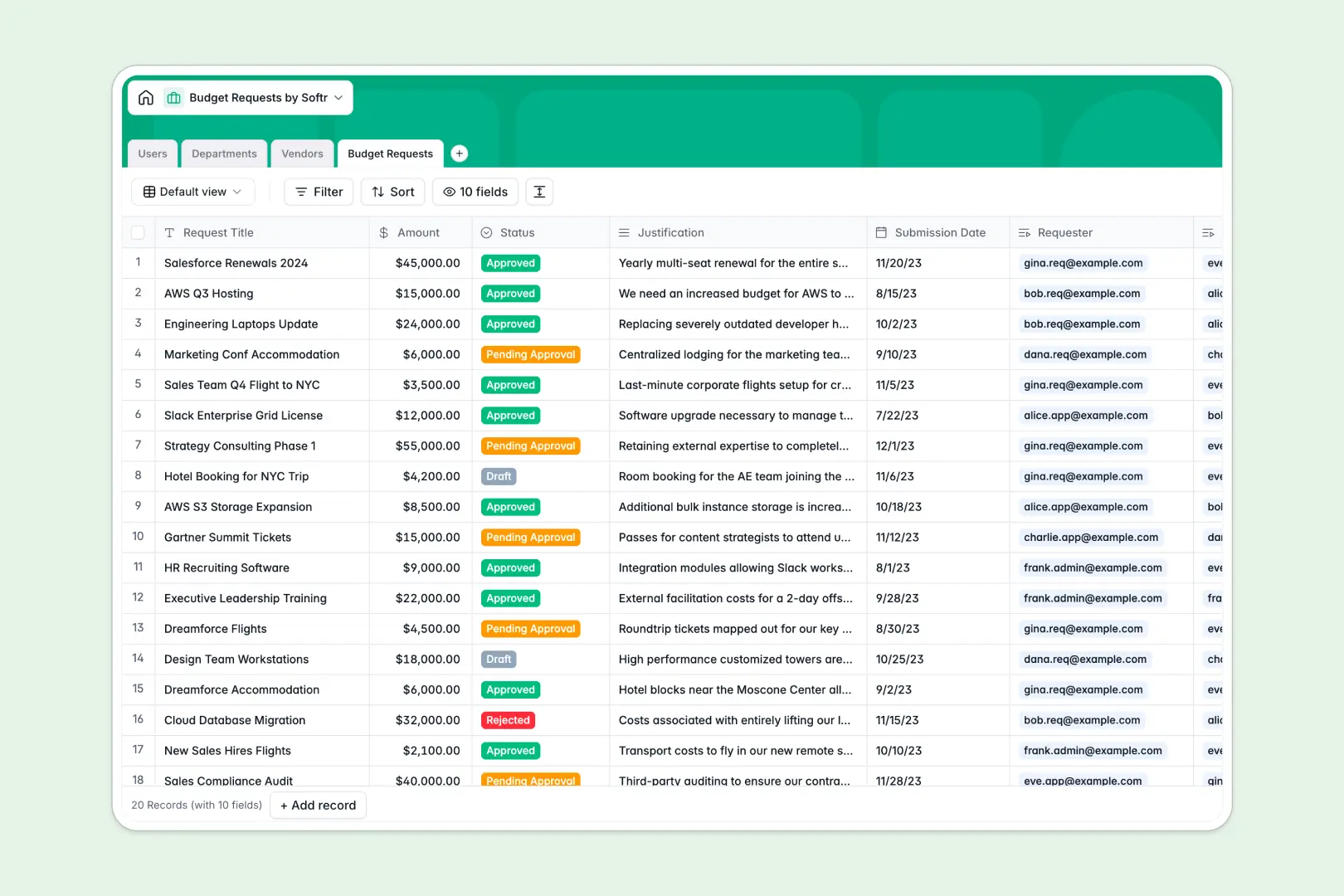
Budget Requests
Track funding items using AI to summarize justifications for faster approvals
Who is this for
- Freelancers and Agencies: Looking to provide a branded, unified experience for their extensive client networks.
- Consultants: Needing a secure way to exchange documents and sensitive materials.
- Small Businesses: Wanting standard CRM capabilities combined with a powerful Softr frontend.
How to take it further
Once your foundational portal is live, you can easily scale it. Integrate billing sections via Stripe, or connect custom automations using external webhooks. Check out more Softr templates to seamlessly expand your business ecosystem today.
-
1
-
2
-
3
-
4
Frequently asked questions
-
What data sources can I connect?
-
Do I need coding skills to use this template?
-
Is the client data completely secure?
-
Can I customize the portal to match my brand?
-
How much does it cost to start building?
Start building today. It's free!
Build and launch your first app in under 30 minutes.