


Overview
The Softr Client Portal template provides a seamless and completely customizable platform to manage your client interactions. Create a fully functional app with no coding required, allowing you to streamline file sharing, status updates, and communication.
Comparison
Softr vs. Traditional Portals
Unlike traditional portals that require extensive custom development, building a Softr web app reduces deployment time from months to minutes.
Flexibility & Integrations
With Airtable or Google Sheets as your backend, you maintain complete control over your client data, making Softr the superior choice for scaling businesses.
-
Users
Manage property managers and applicants with roles and contact details
-
Properties
Track rental units and use AI to generate attractive listing descriptions
-
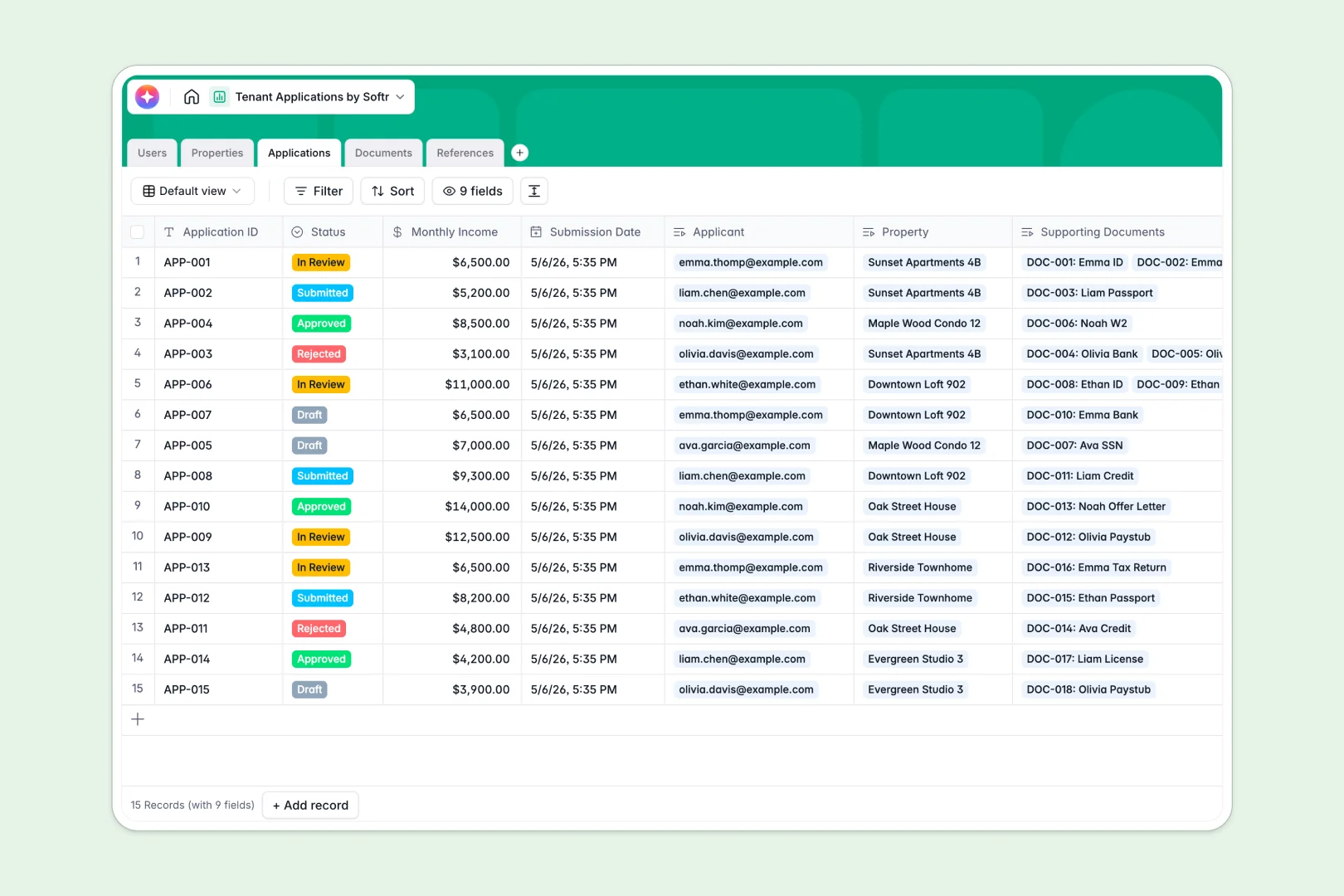
Applications
Evaluate tenant submissions with AI summaries of financial eligibility
-
Documents
Store and verify applicant supporting files like IDs and financial records
-
References
Review applicant references with AI-powered sentiment analysis of feedback
Who is this for
This template is perfect for businesses of all sizes looking to elevate their client experience:
- Freelancers & Agencies: Keep track of project deliverables and invoices in one place.
- Consultants: Share reports securely using Softr's user authentication tools.
- B2B Service Providers: Centralize communication to avoid messy email threads.
How to take it further
Once you setup the basic portal, you can easily expand its capabilities. Connect it with Stripe to handle subscriptions or one-time payments directly within your app. You can also integrate internal tools using Softr's seamless integrations to automate your standard workflows, freeing up valuable time for your team.
-
1
-
2
-
3
-
4
Frequently asked questions
-
What is a client portal template?
-
Do I need coding skills to use this template?
-
Can I customize the design to match my brand?
-
How secure is the data shared in the portal?
-
Which data sources can I connect to this template?
Start building today. It's free!
Build and launch your first app in under 30 minutes.