


Overview
This template allows you to launch a custom portal quickly using Softr. Connect your data and provide a seamless digital experience.
Comparison
Traditional Portals
Traditional methods are hard to build, require expensive coding, and demand constant maintenance updates.
Softr Client Portals
Using Softr's zero-code platform, you can build visually stunning, fully functional portals in minutes.
-
Users
Manage property managers and staff with roles and linked property assets
-
Properties
Catalog rental units and use AI to generate compelling listing descriptions
-
Tenants
Track active renters and applicants with contact info and background checks
-
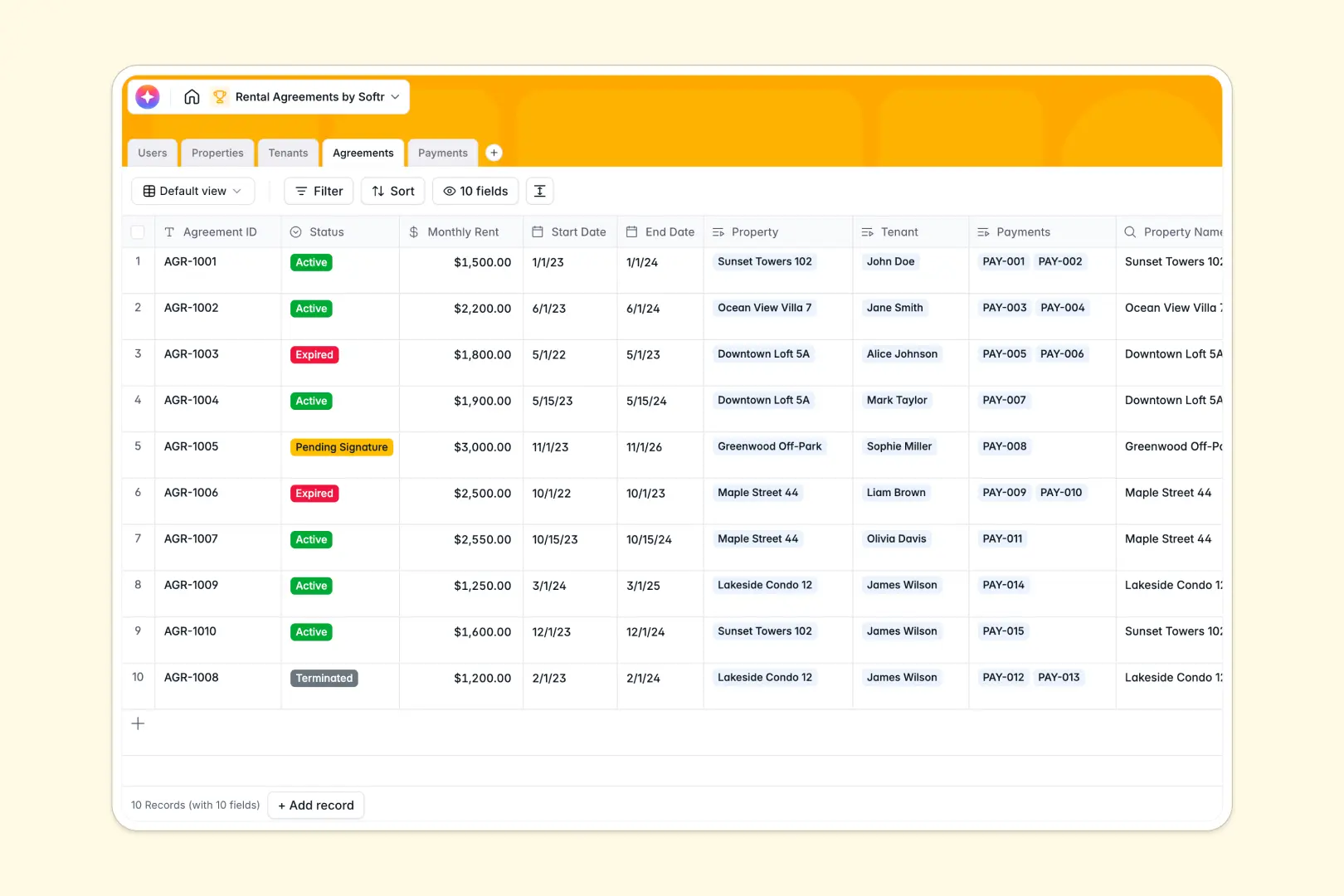
Agreements
Manage rental contracts using AI to summarize key terms and financial status
-
Payments
Record rent collections with payment statuses, receipts, and ledger references
Who is this for
- Agencies: Deliver assets, share timelines, and track project status seamlessly.
- Freelancers: Keep client feedback organized in one simple dashboard using Softr's intuitive blocks.
- Consultants: Securely distribute private files and reports to key stakeholders.
How to take it further
You can expand this template by connecting new integrations and automations. Add interactive forms or embed custom analytics dashboards. Discover more tools on the Softr integrations page to extend your portal's core functionality.
-
1
-
2
-
3
-
4
Frequently asked questions
-
What is a client portal?
-
Do I need to know how to code to use this template?
-
Is my data secure in this customized portal?
-
Can I connect my own custom domain?
-
How long does it take to launch the project?
Start building today. It's free!
Build and launch your first app in under 30 minutes.