


Overview
Manage all your client interactions seamlessly with this versatile portal template. By centralizing communication, document sharing, and project tracking, you eliminate email clutter and improve organizational transparency. Leverage Softr's client portal features to create a white-labeled experience aligned with your brand identity.
Comparison: Custom Portal vs. Email Threads
The Old Way: Email Threads
Relying on email leads to buried attachments, miscommunication, and scattered updates. It's difficult to scale as your client base grows.
The New Way: Softr Client Portals
Using a dedicated Softr web app, you provide a single source of truth. Clients can log in, view real-time progress, and securely upload files without sifting through their inbox.
-
Users
Manage warehouse staff and managers with roles and audit logs
-
Products
Catalog items using AI to generate professional product descriptions
-
Locations
Organize warehouse zones and facilities where inventory is stored
-
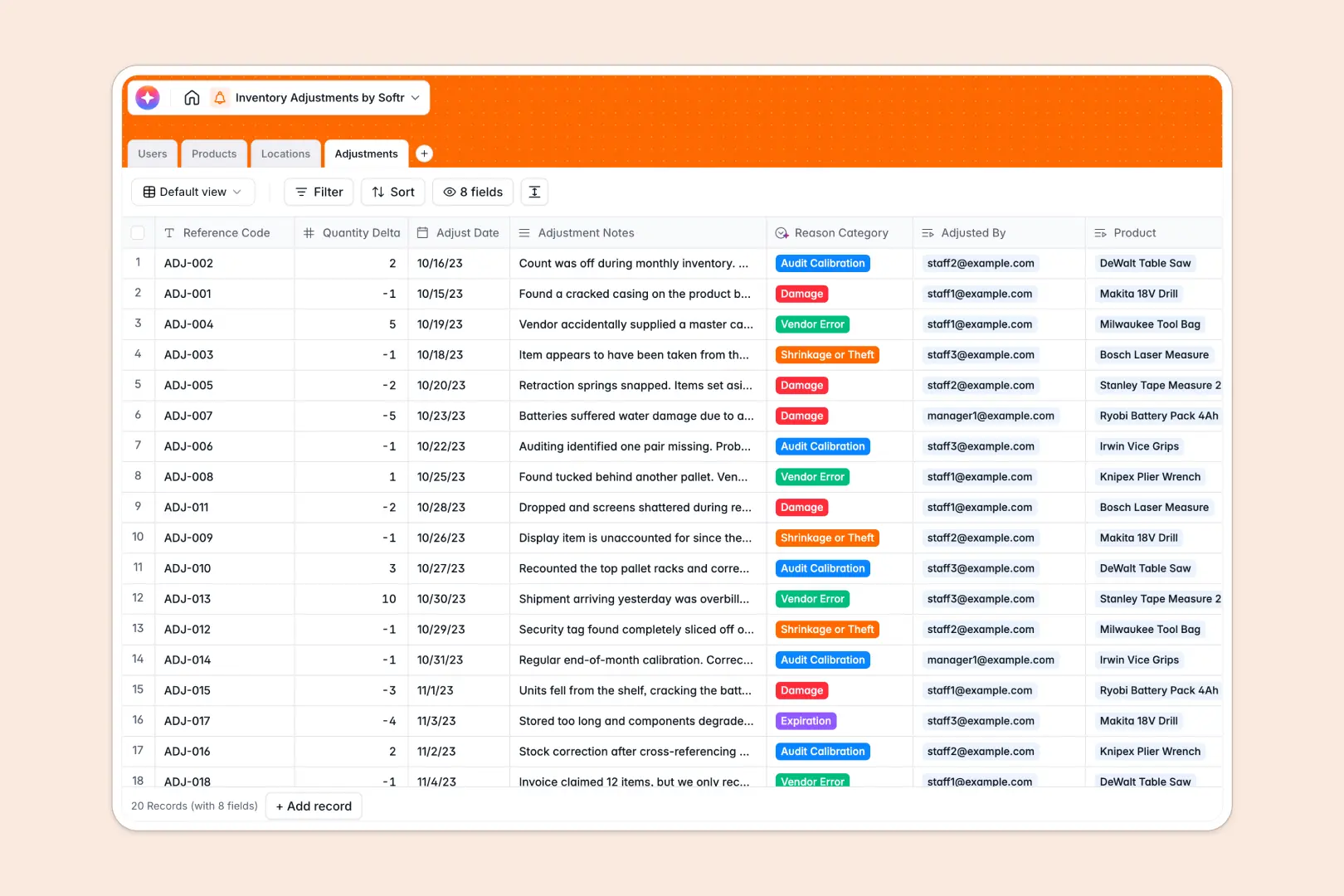
Adjustments
Log stock changes using AI to categorize reasons based on notes
Who is this for
This template is ideal for service-based businesses needing a centralized professional hub.
- Agencies: Share deliverables and track campaign progress securely.
- Freelancers: Keep invoices, contracts, and briefs in one easy-to-access area.
- Consultants: Deliver reports and gather client feedback effortlessly.
How to take it further
Once you have the basics down, you can customize your portal extensively. Add role-based permissions using Softr's advanced user management to ensure clients only see their specific data. You can also integrate directly with Airtable or Google Sheets, scaling your backend operations as your Softr platform grows.
-
1
-
2
-
3
-
4
Frequently asked questions
-
What is a client portal?
-
Do I need coding skills to customize this template?
-
Is my clients' data secure within the portal?
-
Can I match the portal to my company's branding?
-
Which data sources can I connect to my portal?
Start building today. It's free!
Build and launch your first app in under 30 minutes.