


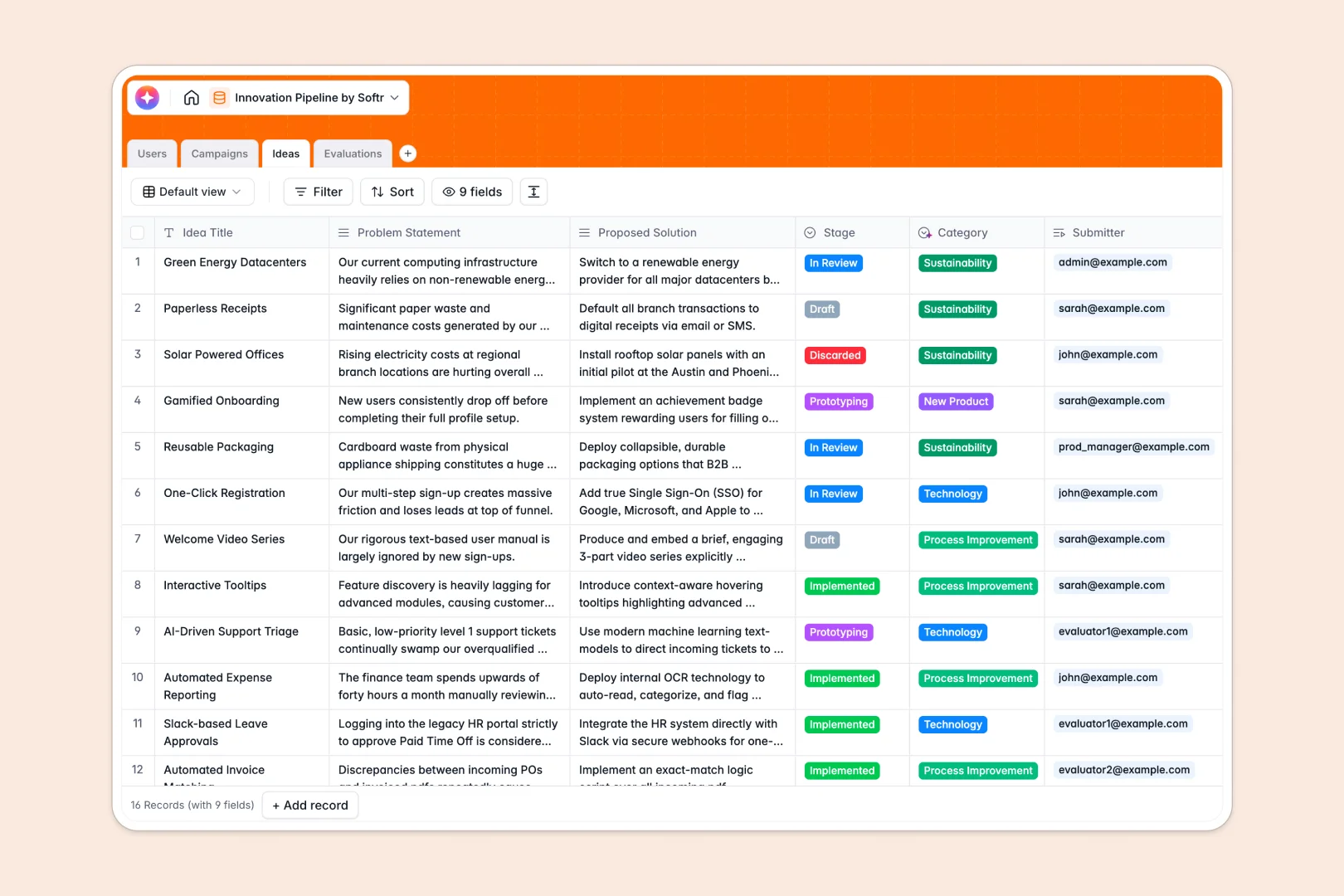
Overview of the Client Portal Template
Manage all your client interactions seamlessly. Connect your Airtable or Google Sheets data and turn it into a beautiful dashboard using Softr's Client Portals.
Why Choose Our Solution vs. Traditional Methods
Traditional Portals
Typically require heavy custom code, costly developers, and months of waiting to launch securely.
The Softr Approach
With Softr custom apps, you can build powerful, code-free solutions in hours, equipped with granular permissions and secure authentication.
-
Users
Manage team profiles, roles, and participation across innovation campaigns
-
Campaigns
Organize thematic innovation challenges and track submission progress and status
-
Ideas
Centralize proposals with AI-generated pitches and automated category classification
-
Evaluations
Store impact and feasibility scores with detailed feedback from assigned reviewers
Who is this for?
This template is built specifically for organizations handling external interactions:
- Independent freelancers managing multiple project deliverables.
- Agencies needing a secure hub for client approvals.
- Service-based businesses aiming to professionalize their brand.
How to take it further
Once your foundational portal is live, enhance it by linking Softr's integrations like Stripe for direct invoicing. You can also expand your workspace by exploring Softr's Internal Tools capabilities to manage your own team's tasks right alongside client requests.
-
1
-
2
-
3
-
4
Frequently asked questions
-
What is a client portal template?
-
Do I need to know how to code to use this?
-
Can I customize the branding of my portal?
-
How secure is the data shared with clients?
-
Does this integrate with my existing CRM?
Start building today. It's free!
Build and launch your first app in under 30 minutes.