


Overview
A Softr client portal serves as a unified digital workspace where businesses and clients interact. By leveraging Softr's no-code app builder, you can transform simple Airtable or Google Sheets data into a high-end web application.
Comparison: Custom Portals vs. Email
Managing projects via email leads to lost attachments and fragmented conversations. A custom portal built on Softr ensures data integrity, organized file management, and real-time status updates that emails simply cannot provide.
-
Users
Manage employee profiles, departmental roles, and unique referral contributions
-
Open Positions
Track active job vacancies highlighted by AI-generated social media summaries
-
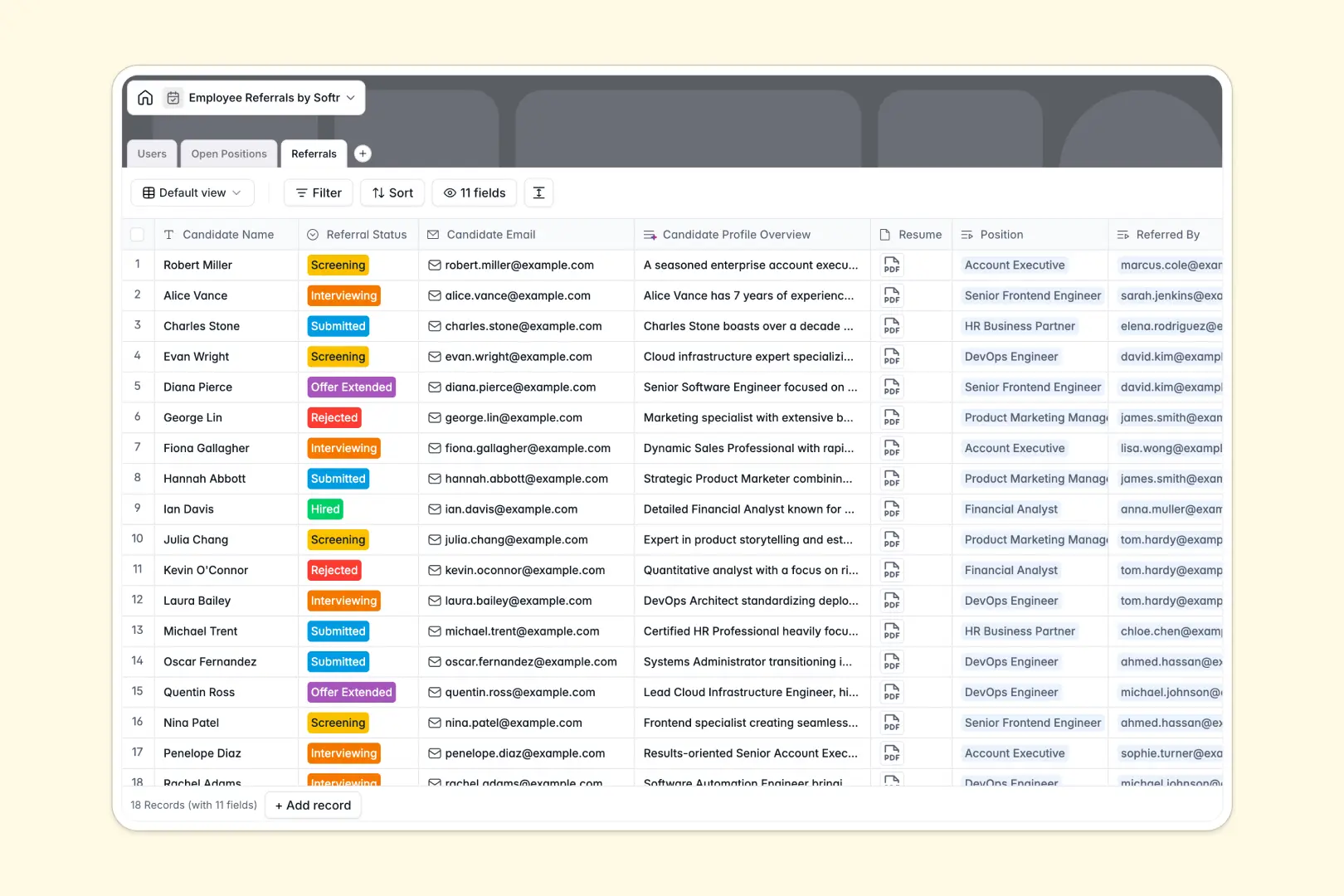
Referrals
Monitor candidate leads with AI-driven background insights from professional profiles
Who is this for
- Agencies: Professionalize project handoffs and approvals.
- Freelancers: Provide a branded space for client deliverables.
- Consultants: Securely share sensitive reports and strategic roadmaps.
How to take it further
You can expand your portal's functionality using Softr integrations.
- Integrate Stripe for seamless client billing and invoicing.
- Connect Zapier to automate notification workflows between your portal and team Slack channels.
-
1
-
2
-
3
-
4
Frequently asked questions
-
Do I need coding skills to build a client portal?
-
How secure is the data in my portal?
-
Can I use my own domain name?
-
Is the portal accessible on mobile devices?
-
Which data sources can I connect to Softr?
Start building today. It's free!
Build and launch your first app in under 30 minutes.