


Overview
Managing client relationships doesn't have to mean endless email threads and lost attachments. With Softr's Client Portal template, you can quickly build a secure, branded hub where clients can access project updates, invoices, and deliverables directly from your Airtable or Google Sheets data.
Softr vs. Traditional Methods
Traditional Methods
Manual onboarding and disjointed email threads lead to confusion, delayed approvals, and a poor client experience overall.
The Softr App Advantage
Unlike traditional methods, a custom Softr web app provides a single source of truth. You get robust permissions, custom dashboards, and automated data syncs without writing a single line of code.
-
Users
Manage administrative staff and inspectors with assigned permit records
-
Projects
Track construction initiatives with AI-generated titles to categorize sites
-
Contractors
Log external specialized firms and use AI to research company profiles
-
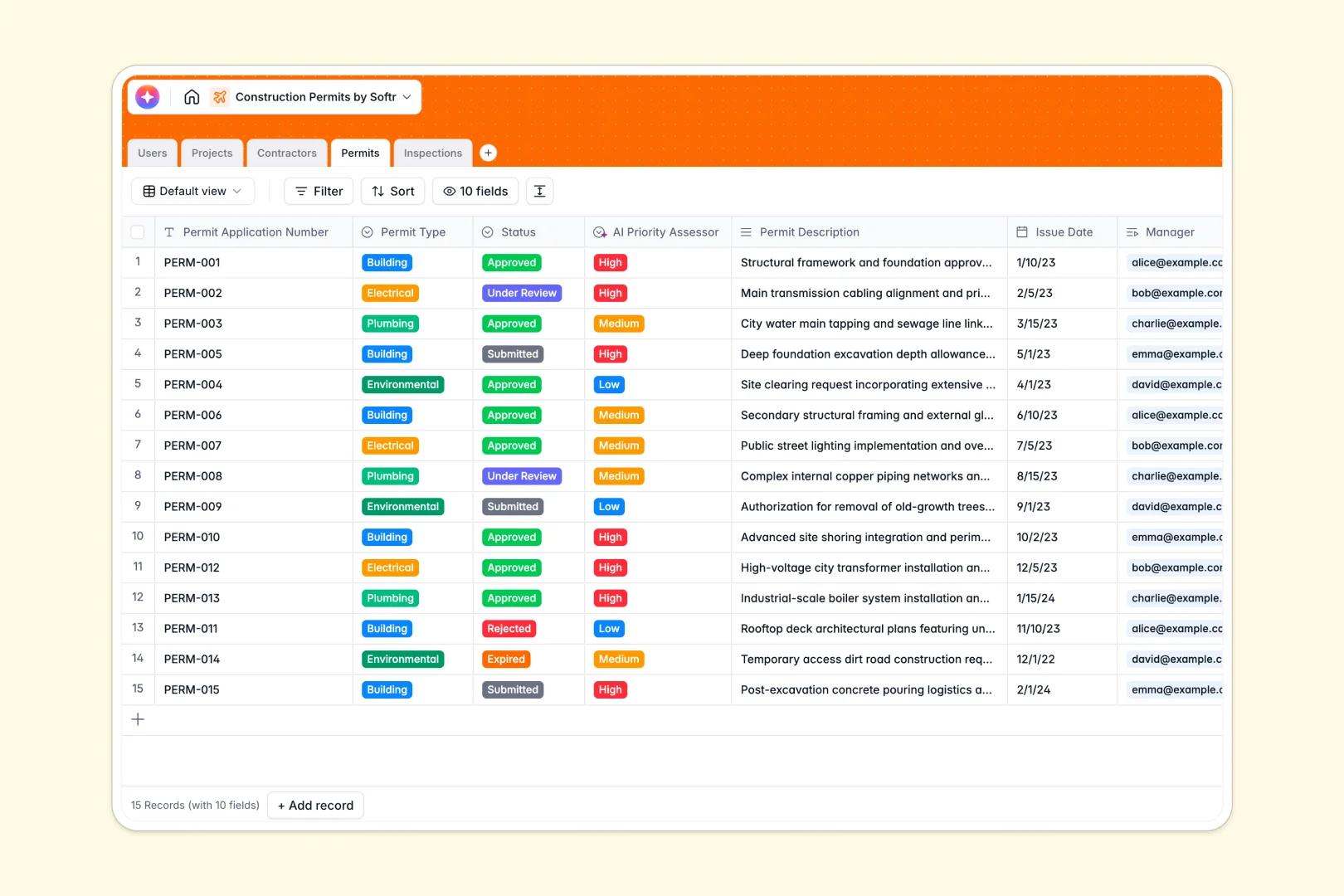
Permits
Monitor permit status and usage with AI to prioritize application urgency
-
Inspections
Record site visits with AI-powered summaries of field notes and outcomes
Who is this for
This template is ideal for businesses looking to professionalize and streamline their client interactions.
- Agencies: Share deliverables, host assets, and track project milestones efficiently.
- Freelancers: Manage your invoices, contracts, and design briefs within a unified Softr workspace.
- Consultants: Provide exclusive clients with secure, self-serve access to private reports and feedback loops.
How to take it further
Once you launch your basic portal, the possibilities are endless. Integrate custom forms to collect client feedback instantly, or utilize Softr's user management features to easily segment access levels for different enterprise clients. You can even connect Stripe to directly monetize your services or add a community directory to let your premium clients network.
-
1
-
2
-
3
-
4
Frequently asked questions
-
What data sources can I connect to my client portal?
-
Is it secure to share sensitive files with clients?
-
Do I need coding skills to customize this template?
-
Can I publish the portal to my own custom domain?
-
How many clients can I invite to access this portal?
Start building today. It's free!
Build and launch your first app in under 30 minutes.