


Overview
Our Client Portal template allows you to centralize interactions with your clients in a secure environment. Built natively for Softr, it deeply integrates with your Airtable or Google Sheets data.
Comparison: Custom Portal vs. Traditional Email
The Problem with Email Chains
Relying on endless email threads often leads to lost files, missed messages, and overall poor communication.
The Power of Dedicated Portals
Using Softr client portals provides a custom-branded, single source of truth to efficiently manage every project.
-
Users
Manage internal staff profiles including roles, contact info and assigned trialists
-
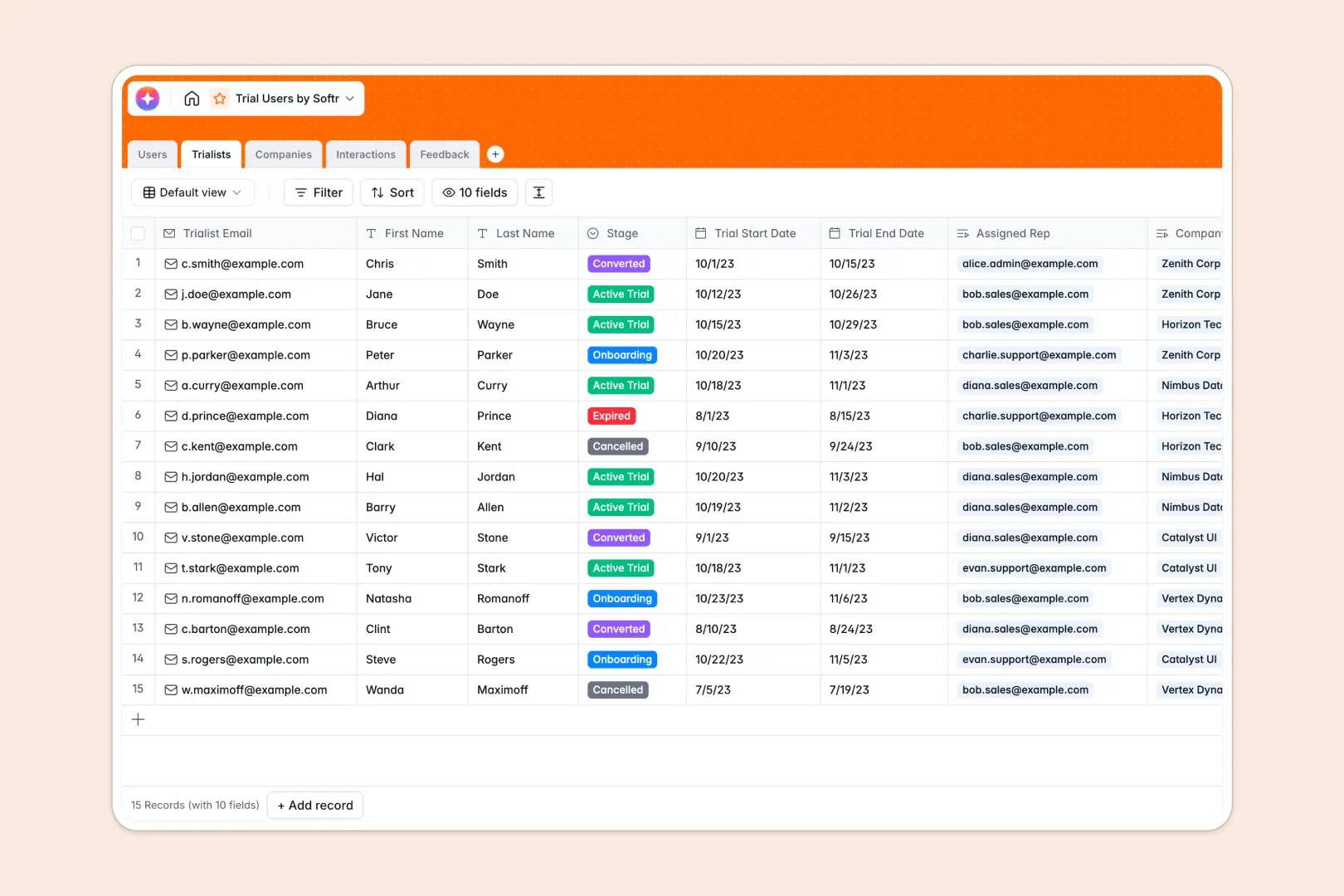
Trialists
Track external users evaluating products with trial status and assigned representatives
-
Companies
Organize B2B records with AI-generated profiles and aggregated trial performance data
-
Interactions
Log trialist communications and meetings with automated AI-powered summaries of notes
-
Feedback
Centralize product feedback and ratings using AI for automated sentiment detection
Who is this for?
This powerful template is perfect for various service-based businesses, including:
- Agencies needing a secure and customizable project dashboard.
- Freelancers looking for a professional way to share deliverables.
- Consultants aiming to provide a high-end, centralized client experience.
How to take it further
Once you have created your basic portal, you can expand its functionality by easily integrating payment flows using the Softr Stripe integration. Additionally, you can add custom domains and unlock advanced user group permissions as your online business scales.
-
1
-
2
-
3
-
4
Frequently asked questions
-
What is a client portal and why do I need one?
-
Do I need any programming or coding skills to use this template?
-
Can I connect this client portal to my existing data sources?
-
Is the client portal secure enough to store sensitive documents?
-
Can I fully customize the portal to match my company's branding?
Start building today. It's free!
Build and launch your first app in under 30 minutes.