


Overview
Managing client relationships doesn't have to be complicated. With the Softr Client Portal, you can create a centralized hub for all your client interactions. Share documents, track project statuses, and facilitate secure communication without writing a single line of code.
How It Compares
Choosing the right platform is essential for your business operations.
Custom Development vs. Softr
Building from scratch is expensive and time-consuming. Using Softr's intuitive builder, you can launch in days instead of months.
Legacy Portals vs. Softr
Traditional client portals are often rigid. Softr connects directly to Airtable, giving you maximum flexibility and control over your data.
-
Users
Manage maintenance staff profiles, contact information, and system access levels
-
Tools
Track equipment inventory with statuses and AI-generated capability summaries
-
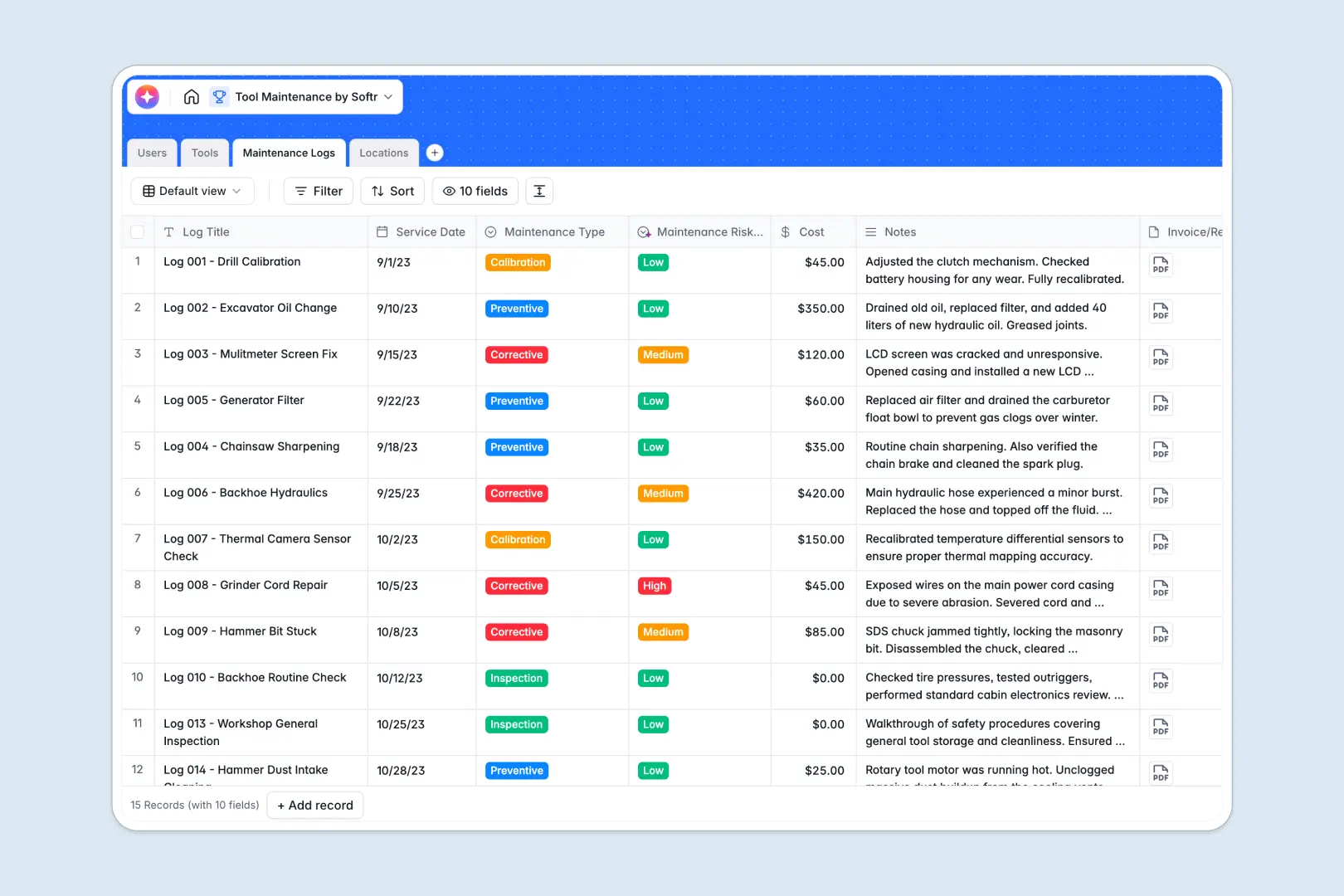
Maintenance Logs
Audit tool repairs using AI to evaluate risk levels and summarize service notes
-
Locations
Organize physical tool storage sites with access codes and inventory counts
Who is this for
This template is perfectly suited for businesses managing multiple client relationships.
- Agencies: Share deliverables and track campaign progress.
- Consultants: Securely exchange sensitive documents.
- Freelancers: Keep client feedback and invoices in one place.
How to take it further
Once your basic portal is up and running, you can easily expand its capabilities. Connect advanced analytics tools, integrate custom payment gateways, or build a complementary internal CRM with Softr to manage your sales pipeline alongside your client communications. The sky is the limit!
-
1
-
2
-
3
-
4
Frequently asked questions
-
What is a client portal?
-
Do I need coding skills to use this template?
-
Can I use my own custom domain?
-
How secure is the data stored in the portal?
-
Is it possible to integrate third-party tools?
-
How many clients can I invite to my portal?
Start building today. It's free!
Build and launch your first app in under 30 minutes.