


Overview
Launch your custom portal without writing a single line of code. Our Client Portal Template seamlessly integrates with your data source to give clients immediate access to data, documents, and project statuses.
Softr vs. Traditional Development
Why spend thousands of dollars and months of development time? With Softr, you get enterprise-grade security, instant updates, and a visual builder that dramatically outpaces traditional coding.
-
Users
Manage employee profiles, roles, and department assignments
-
Departments
Organize teams and track total headcount across business units
-
Skills
Standardize competencies with AI-generated definitions and categories
-
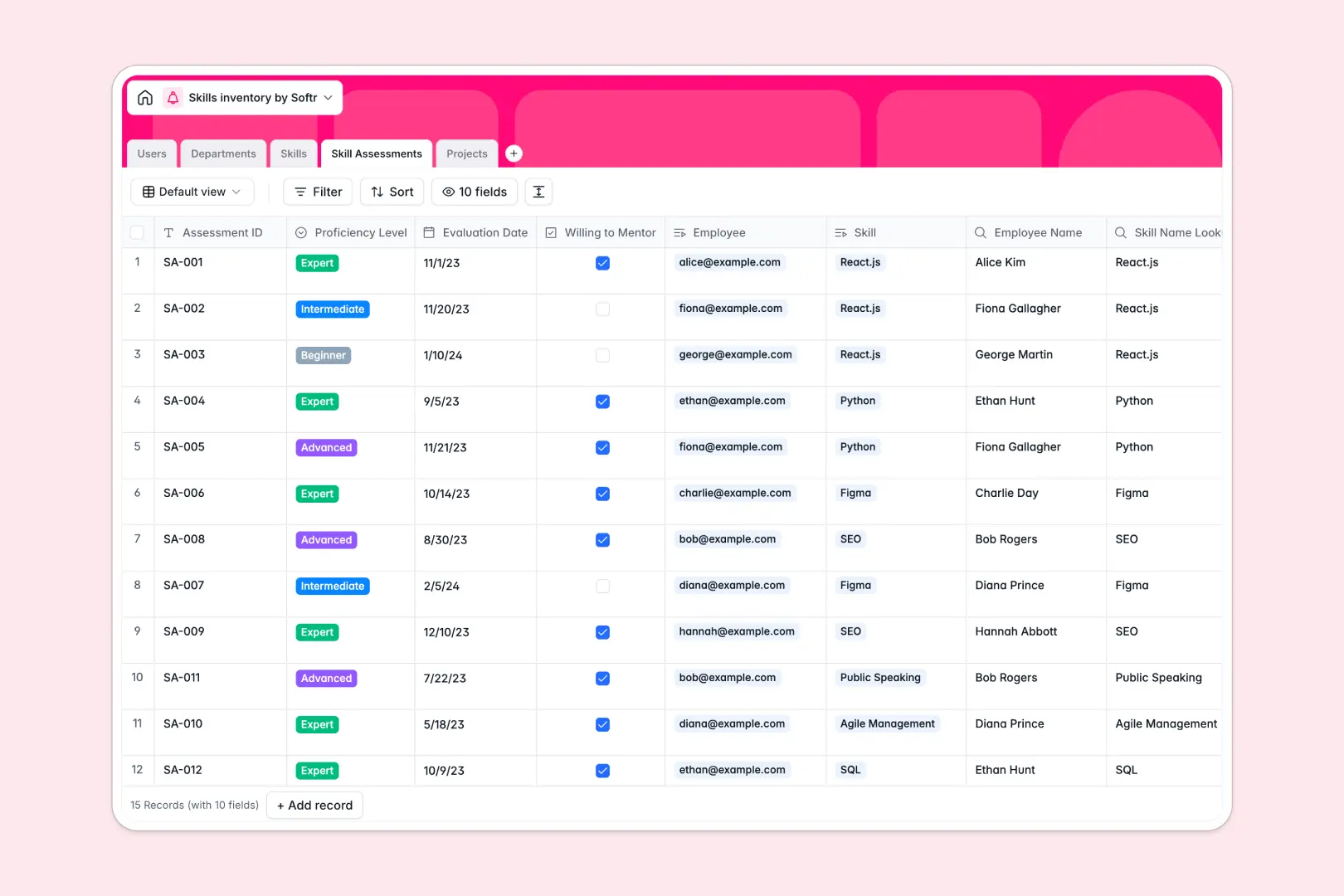
Skill Assessments
Log proficiency with AI-driven growth tips and mentorship status
-
Projects
Map skills to initiatives with AI-generated executive summaries
Who is this for
- Agencies: Centralize your client deliverables and invoices.
- Consultants: Provide a professional dashboard for your clients to track progress.
- Service Providers: Create a secure environment using Softr's user authentication to safely share sensitive documents.
How to take it further
Customize this template to perfectly match your brand style. Add a custom domain, accept payments directly, or connect webhooks using Softr integrations to fully automate onboarding.
-
1
-
2
-
3
-
4
Frequently asked questions
-
How hard is it to set up this template?
-
Can I use my own custom domain?
-
Is my client data completely secure?
-
Does this template work seamlessly with Google Sheets?
-
Can I automatically collect payments through the portal?
Start building today. It's free!
Build and launch your first app in under 30 minutes.