


Overview
Creating a secure, centralized hub for your clients has never been easier. This template empowers agencies and freelancers to deploy a fully functional client portal in minutes. Using Softr's Client Portal Builder, you can seamlessly integrate with Airtable or Google Sheets to display project statuses, invoices, and secure file uploads.
Client Portal vs. Traditional Email
Traditional Email
- Scattered Communication: Messages and files get lost in long threads.
- Security Risks: Sensitive documents sent without encryption.
- Manual Updates: Constant back-and-forth to communicate project status.
The Softr Client Portal
- Centralized Dashboard: Everything your clients need in one place.
- Secure Access: Built-in authentication via Softr's User Management ensures only authorized access.
- Real-Time Sync: Data updates automatically from your database to the portal.
-
Users
Manage team roles, contact info, and landing page assignments for staff
-
Campaigns
Track marketing initiatives and use AI to summarize creative briefs for teams
-
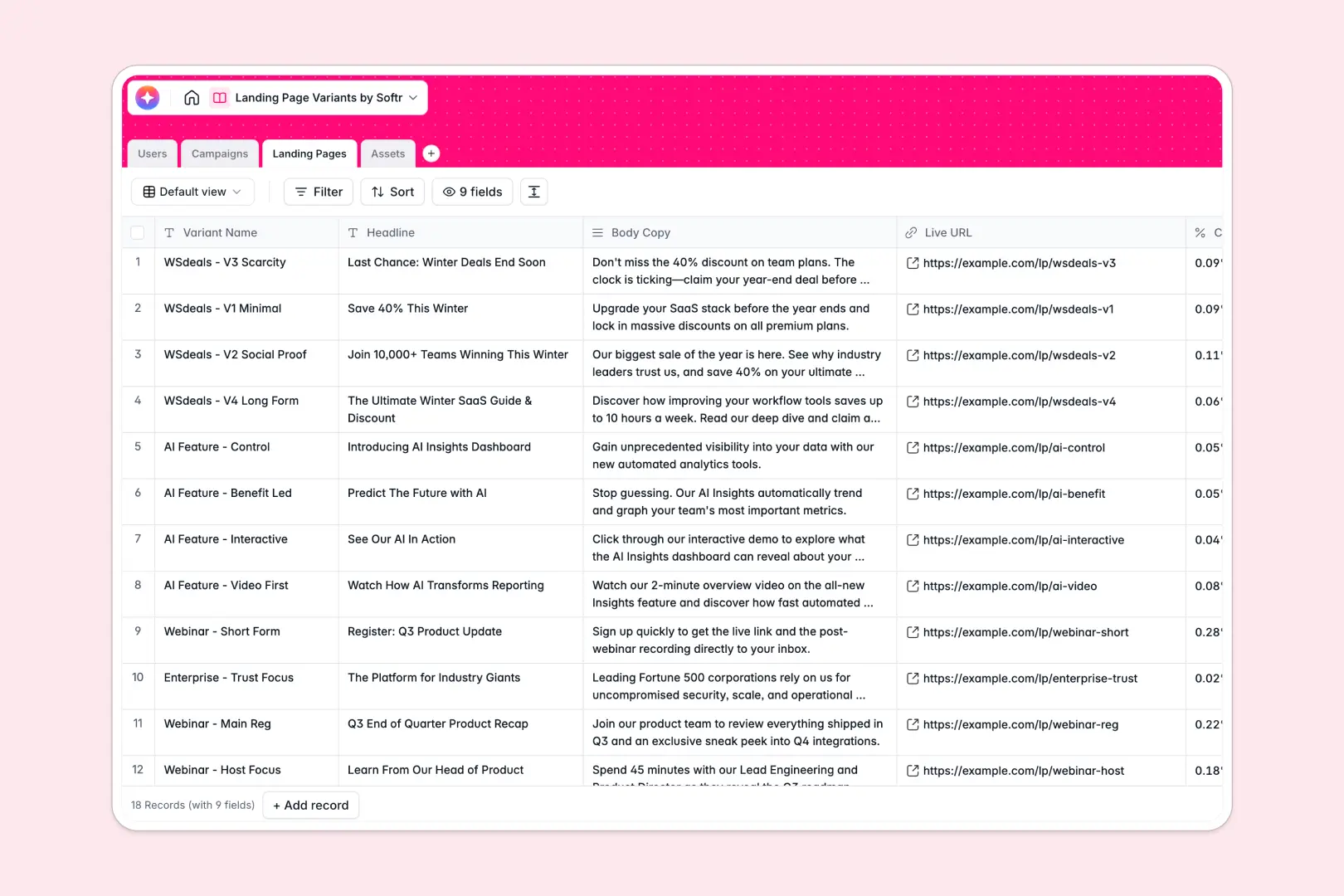
Landing Pages
Manage page variants and automate SEO meta descriptions using AI tools
-
Assets
Store media files and use AI to generate descriptive alt text for accessibility
Who is this for
This template is designed for service-based businesses that need a streamlined way to interact with their customers. It is ideal for:
- Agencies: Share deliverables, gather feedback, and present invoices professionally.
- Freelancers: Provide a high-end experience without needing to write custom code.
- Consultants: Securely share reports and schedule meetings through integrated Softr custom apps.
- Accountants: Safely collect tax documents and financial statements.
How to take it further
Once you have your client portal up and running, you can easily extend its functionality to match your growing business needs. Add payment capture using Stripe integration, or set up automated email notifications when a client uploads a new document. By leveraging Softr's advanced integrations, you can connect your portal to thousands of tools via Zapier or Make. You could even embed custom charts to create an interactive analytics dashboard for your enterprise clients.
-
1
-
2
-
3
-
4
Frequently asked questions
-
What is a client portal?
-
Can I connect this template to my existing database?
-
How secure is the data stored in the portal?
-
Do I need coding skills to customize this template?
-
Can I use my own custom domain for the portal?
Start building today. It's free!
Build and launch your first app in under 30 minutes.