


Overview
Building an effective portal doesn't require complex coding. With Softr's Client Portal Builder, you can quickly turn your Airtable or Google Sheets data into a fully functional, secure web application.
Traditional vs. No-Code Comparison
Traditional Development
Requires months of coding, high costs, and ongoing maintenance from specialized engineers.
The Softr Way
Using Softr, you can easily drag and drop components, integrate existing databases, and launch your business application in a matter of hours, all without writing a single line of code.
-
Users
Manage inspectors and maintenance staff with roles and contact details
-
Locations
Track physical sites and facilities where equipment assets are stored
-
Equipment
Manage machinery logs and use AI to research technical specifications
-
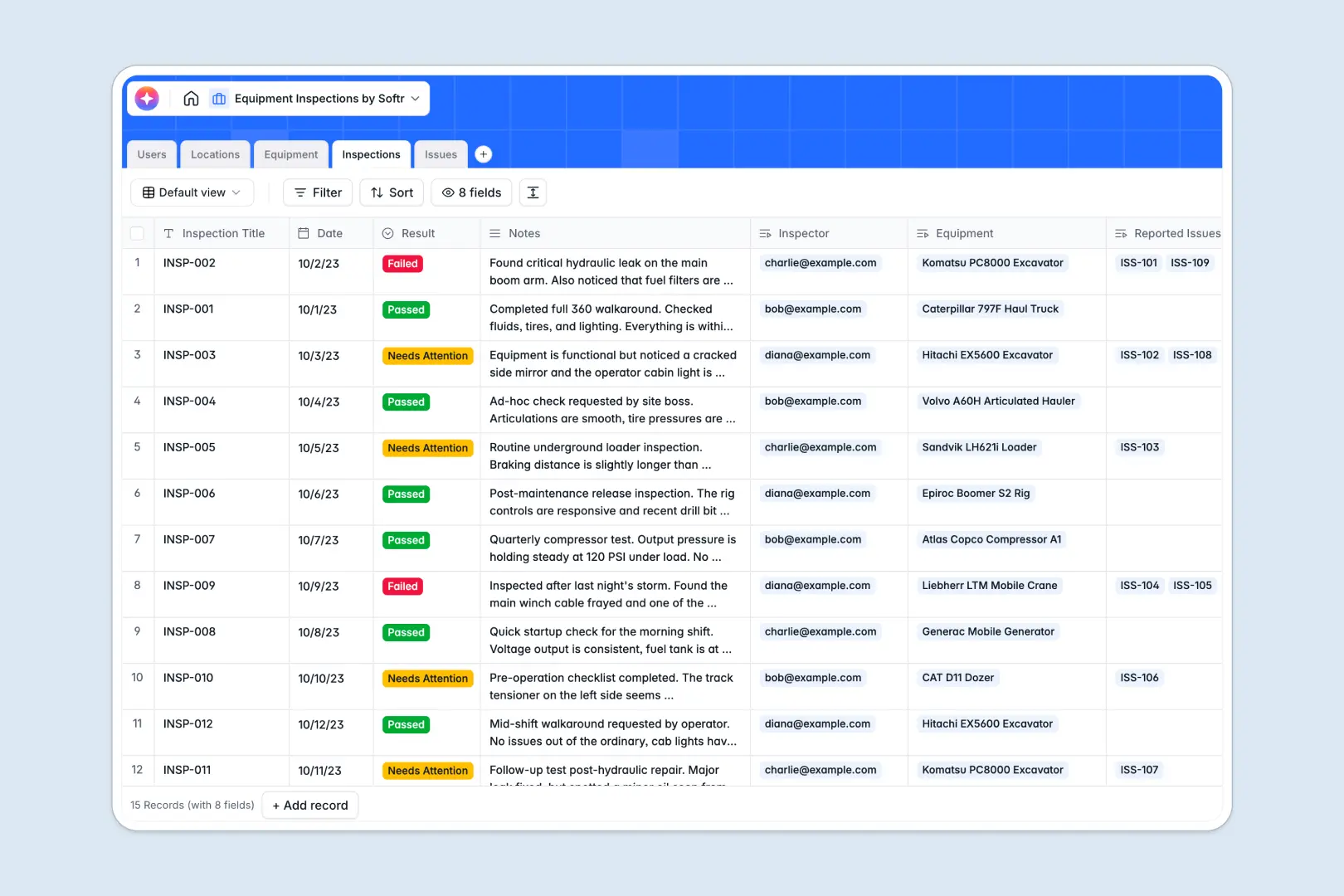
Inspections
Log safety checks and use AI to summarize complex inspection findings
-
Issues
Track asset defects using AI to automatically assess risk severity
Who is this for?
- Agencies: Streamline client onboarding, project tracking, and asset collaboration in one unified workspace.
- Freelancers: Share invoices, contracts, and work deliverables automatically using Softr's integrations.
- Service Businesses: Keep internal teams and external clients on the same page by offering self-serve access to essential business data.
How to take it further
After launching the basics, you can easily expand your app's capabilities. Integrate your preferred CRM, set up automated workflows, or incorporate custom user permissions to create personalized dashboard views for different client tiers. Explore all Softr features to see how you can scale your platform seamlessly as your business grows.
-
1
-
2
-
3
-
4
Frequently asked questions
-
What is a secure client portal?
-
How long does it take to create a portal?
-
Is my customer data adequately secured?
-
Do I need technical skills or coding experience?
-
Can I connect my own custom web domain?
Start building today. It's free!
Build and launch your first app in under 30 minutes.