


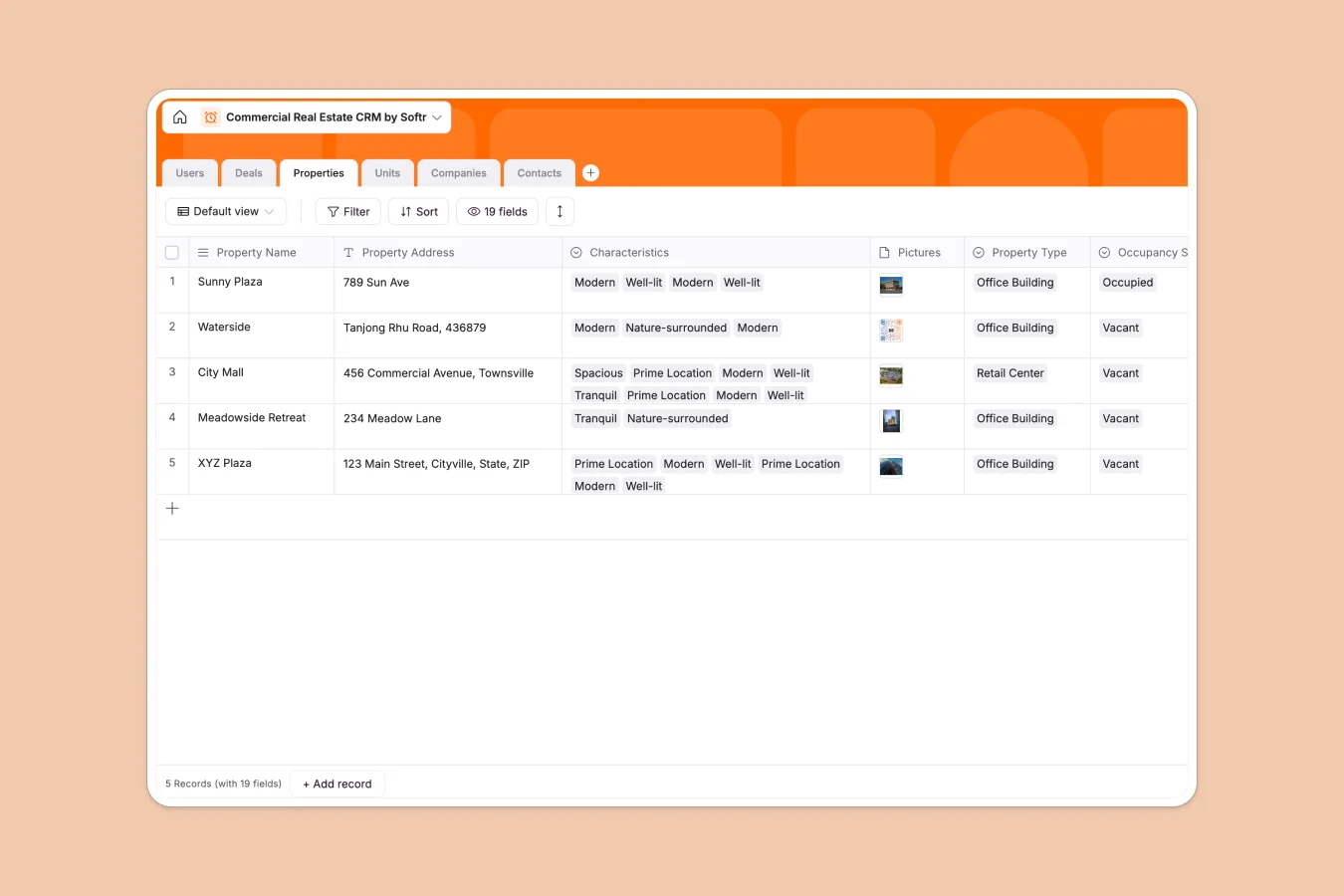
Your Commercial Real Estate CRM at a glance
Managing a commercial portfolio involves complex relationships between landlords, properties, specific units, and tenants. This Commercial Real Estate CRM template organizes all these moving parts into a clean, connected system that tracks everything from initial outreach to lease signing.
Instead of a flat list, this database uses relational logical. Properties contain multiple Units, which are linked to specific Tenants and active Deals. This structure ensures that updates to a property's status are instantly reflected across all related deals and contacts.
Why managing commercial real estate in Excel breaks down
Using Excel for commercial real estate often means scrolling through thousands of rows to find which units are vacant or when leases expire, risking costly oversights.
What a structured database changes
Spreadsheets force you to flatten complex data, often requiring you to copy-paste property addresses across multiple deal rows, which leads to errors. A structured database keeps Properties, Units, and Contacts in separate, connected tables where data lives once and updates everywhere.
This integrity is exactly what Softr Databases are designed for. You can link a tenant to a specific unit and a deal record simultaneously without creating fragile formulas that break when you sort a list.
What you can do with this template
Instantly filter for "Vacant" units across all properties to match them with new leads or view the total value of "In progress" deals per agent. You get a clear view of your pipeline without maintaining fragile pivot tables.
You can also use Database AI agents to automatically research prospective tenants or summarize lease documents directly within your records.
-
Users
Manage internal staff profiles, access roles, and property assignments
-
Deals
Track lease negotiations and real estate transactions from new to won
-
Properties
Centralize building data including occupancy, type, and lease valuations
-
Units
Organize specific rentable spaces with occupancy status and lease terms
-
Companies
Maintain a directory of landlords and tenants with active deal history
-
Contacts
Store individual stakeholder contact info and links to related deals
Who is this Commercial Real Estate CRM database for
This template is designed for real estate professionals who need more structure than a spreadsheet can provide:
- Brokerage Teams: Track agents, commissions, and deal flows centrally to ensure no lead falls through the cracks.
- Property Managers: Monitor lease expiries, occupancy status, and unit details without manual cross-referencing.
- Asset Management Firms: Keep a clear, real-time view of portfolio value, tenant mix, and vacancies.
How to take it further
Customize the database
Add specific amenity fields to your Properties table, such as "Loading Docks" or "HVAC Type," to better match inventory with client needs. You can also modify the "Stage" options in the Deals table to match your specific sales process.
Import your existing data
Stop working in scattered files. You can easily import your current property lists, tenant contacts, and deal history via CSV to populate this system in minutes.
Build a full app around it
Turn this database into a secure portal where agents can update expiries from the field or investors can view portfolio performance. With Softr's interface builder, you can build professional interfaces on top of your data without code. You can also control access with granular users and permissions, ensuring agents only see their assigned deals.
-
1
-
2
-
3
-
4
Frequently asked questions
-
What is a Commercial Real Estate CRM database?
-
Why use a no-code database over Excel for real estate?
-
How can AI help manage commercial real estate data?
-
Can I build an agent portal with this database?
-
Is this Commercial Real Estate CRM template free?
-
How do I track lease expirations in this template?
Start building today. It's free!
Build and launch your first app in under 30 minutes.