


Overview
Streamline your workflow and foster better relationship management with a dedicated Client Portal. This template allows you to securely manage files, track project statuses, and maintain centralized communication. By leveraging Softr's flexible data integrations, you can connect your existing database seamlessly.
Comparison
Traditional Portals vs. Softr
Traditional development requires extensive coding and weeks of implementation. With Softr, you can have a fully functional web app launched in minutes with zero code.
Why Choose This Template
Unlike generic alternatives, this solution provides granular permissions and dedicated user roles, ensuring your clients only see what they are supposed to.
-
Users
Manage internal team profiles, roles, and their assigned call tasks
-
Companies
Track client organizations using AI to generate business insights from web data
-
Contacts
Store individual contact details and their professional links to companies
-
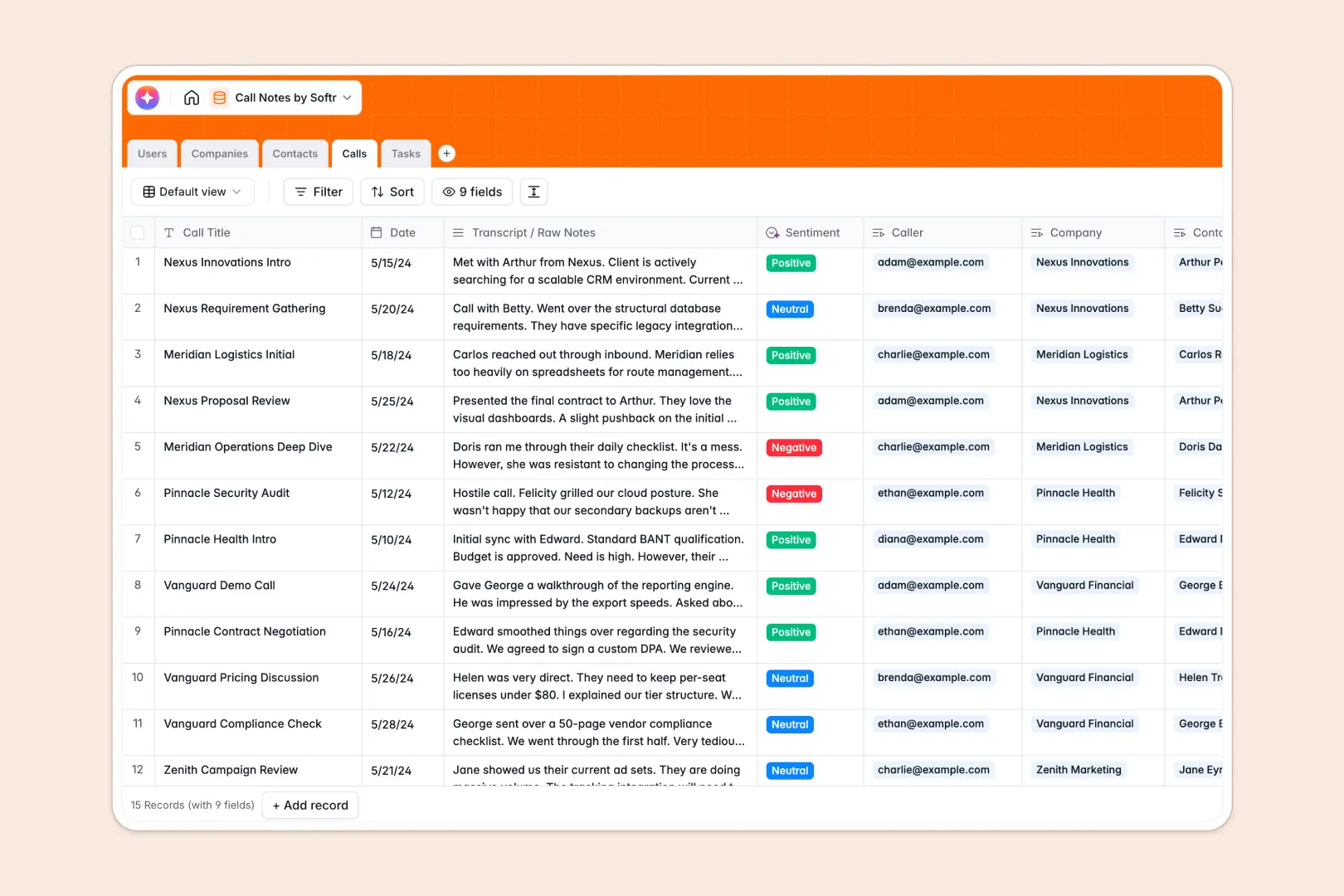
Calls
Log meeting notes with AI-generated summaries and automated sentiment analysis
-
Tasks
Organize actionable next steps with due dates and owner assignments
Who is this for
This template is perfectly suited for businesses managing multiple clients and projects.
- Agencies: Manage deliverables, feedback, and invoices in one secure space.
- Freelancers: Share project milestones and track unbilled hours effortlessly.
- Consultants: Provide a professional interface for clients to access reports.
How to take it further
Once your baseline portal is set up, you can expand its functionality to match your growing business needs. Add payment processing to accept invoices directly, or connect it with your CRM for automated onboarding. Check out Softr's advanced user permissions to scale your portal, or explore Softr mobile apps to turn your portal into a downloadable app.
-
1
-
2
-
3
-
4
Frequently asked questions
-
What is a client portal template?
-
Can I integrate my own database?
-
Is the data secure for my clients?
-
How much time does it take to launch?
-
Can I upgrade my portal to a mobile app?
Start building today. It's free!
Build and launch your first app in under 30 minutes.