


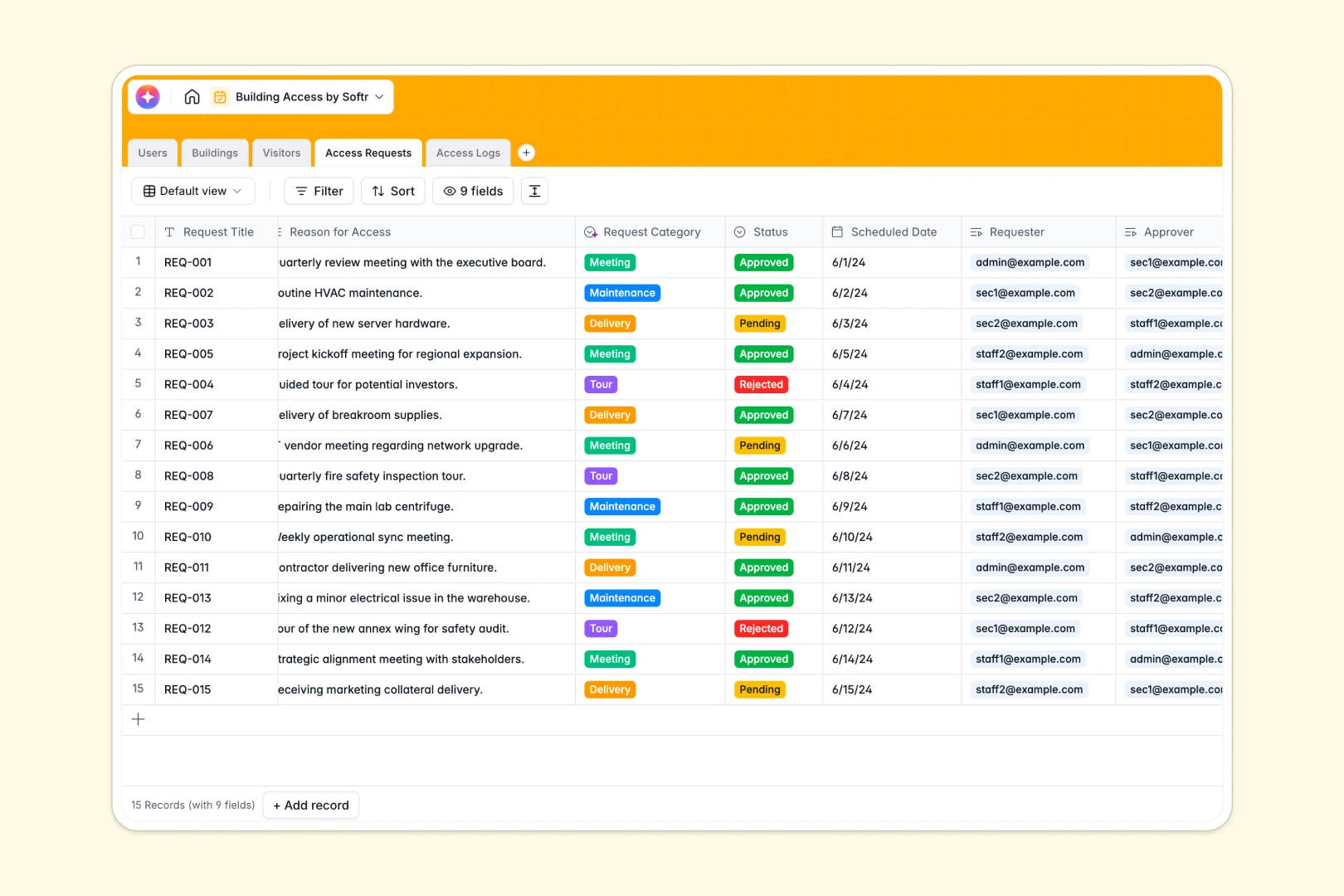
Your Building Access Database at a glance
Track visitors, staff schedules, and facility entry points seamlessly to keep your buildings secure and your records accurate. This template provides a reliable, centralized log for all physical security operations.
It dynamically links five distinct tables—Buildings, Users, Visitors, Access Requests, and real-time Access Logs. This structure allows you to instantly check which staff member approved an entry or review exactly why a guest was denied access.
Built-in AI automatically profiles visiting companies via web search, categorizes the reason for access, and summarizes security logs in real time as events occur.
Why building access tracking gets messy in Excel
Relying on spreadsheets to log security scans or visitor requests quickly becomes a liability. Rows get accidentally deleted, timestamps are overwritten, and linking a specific visitor to an approving manager across different tabs is frustrating and fragile.
What a structured database changes
A structured database enforces strict column guidelines so timestamps stay as dates and approval statuses are restricted to unchangeable dropdowns. You can accurately link a visitor to a specific building without copying and pasting data multiple times.
This is exactly what Softr Databases are designed for. They provide the reliable, interconnected structure you need to maintain proper access controls as your visitor volume scales.
What you can do with this template
You can immediately begin tracking incoming access requests, assign them to authorized staff for approval, and log live entry and exit events across all your locations.
Thanks to native Database AI agents, the template also handles manual security admin work automatically. It instantly writes concise activity summaries for every new security log generated and pulls company background information for new visitors.
-
Users
Manage directory of staff members with their roles and access activity
-
Buildings
Inventory of physical locations and facilities with status tracking
-
Visitors
Track guests with AI-generated company summaries based on websites
-
Access Requests
Manage entry requests using AI to categorize the purpose of visits
-
Access Logs
Monitor entry logs with AI-generated summaries of security incidents
Who is this Building Access database for
This template provides an immediate, reliable tracking foundation for teams managing physical security and facilities.
- Facility Managers: Monitor open, restricted, and closed building zones clearly.
- Security Teams: Log real-time entry, exit, and denied access events accurately.
- Office Administrators: Manage external visitor requests and automate contractor profiling.
- Operations Leads: Keep an auditable history of exactly who approved which visits.
How to take it further
Customize the database. You can easily tweak this template to fit your standard operating procedures. Modify the building status options, add new user roles, or adjust the dropdown choices for access requests instantly.
Import your existing data. Bring your current staff directory or visitor lists into the system via direct CSV upload. You can also use the API to sync live access logs directly from your physical card reader software.
Build a full app around it. When your team is ready, you can use our interface builder to create a custom security portal. Connect this database to straightforward front-end forms where staff submit access requests or guards check people in on a tablet.
By leveraging users and permissions, you can ensure security staff only see logs for their assigned buildings, while administrators have full oversight. Launching a reliable security app is effortless when your underlying relational database is already properly structured.
-
1
-
2
-
3
-
4
Frequently asked questions
-
What is a building access database?
-
Why use a no-code database to build a building access system?
-
How can AI help managing data for building access?
-
Can I build an app with this building access database?
-
Is this Building Access template free?
-
Why is Excel a bad fit for building access logs?
Start building today. It's free!
Build and launch your first app in under 30 minutes.