


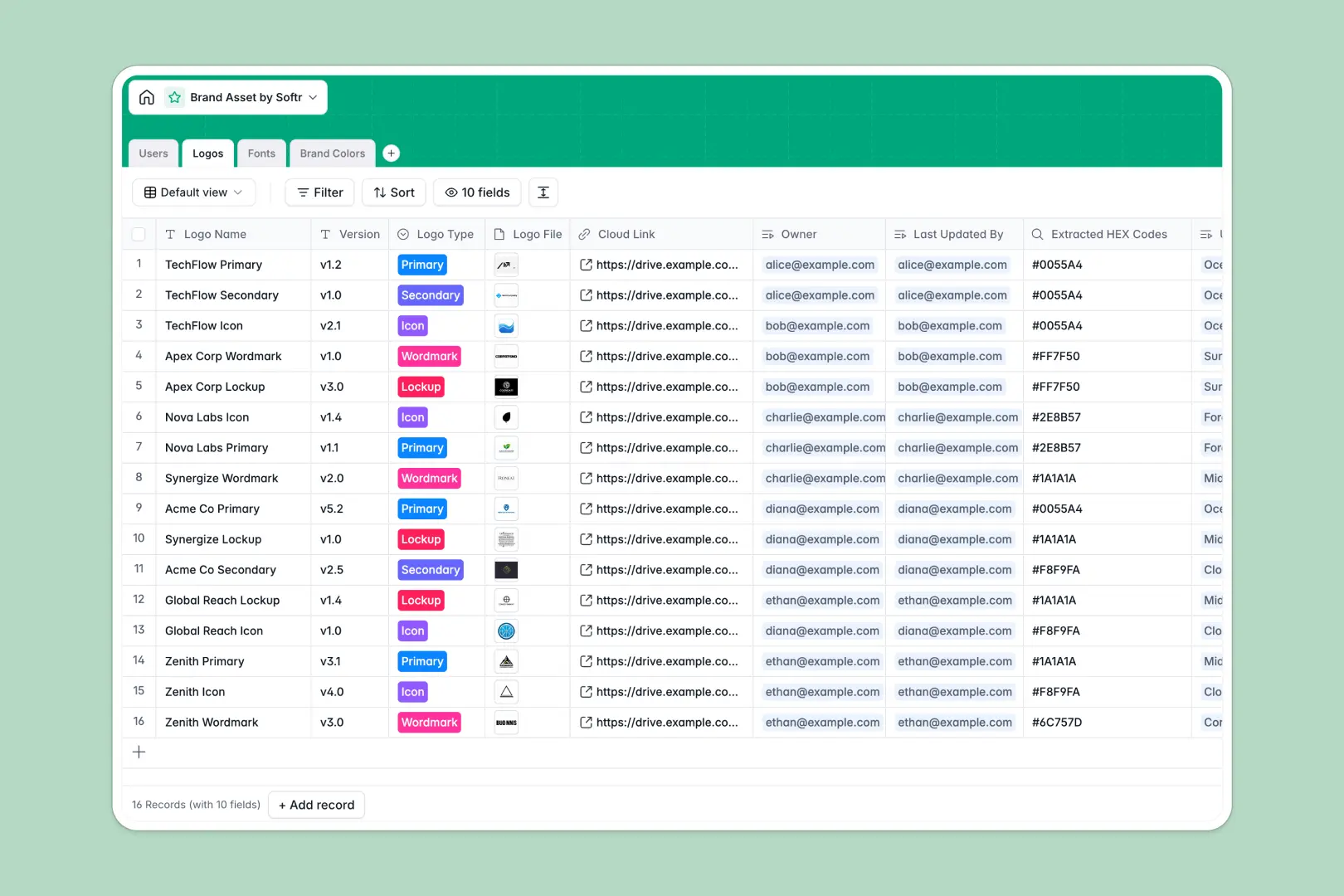
Your Brand Asset Tracker at a glance
This simple database organizes multiple types of files natively—bringing your company design elements under one roof for simpler maintenance and discovery. From fonts and hex codes to iterative logos, design collaborators can access these files logically naturally.
The system gives you four functional foundations mapping back directly to typical design tasks: a complete user role directory linking files back to authors, logs tracking your logo changes over time, a log of essential branding colors mapped back to respective palettes, and an organized directory structure for simple visual data retrieval.
Built-in AI fields take data collection even further with less effort. Use AI to auto-determine correct visual pairs according to color palettes dynamically—without the manual labor often requiring hours from designers.
Why tracking brand assets in Excel doesn't quite work
Most teams manage visual assets using folders in the wild and keeping metadata scattered across messy spreadsheets where records frequently get lost in translation.
What a structured approach changes
Data organized safely means fewer mistakes and a scalable platform for you moving forward. Using columns natively built for linkable records and images instead of long text helps you manage your data dynamically natively properly. That means keeping your hex values mapped to their respective color palettes exactly without the risk of breaking formatting. This is perfectly handled with Softr Databases.
What you can do with this template
You get instant structure for storing your most critical branding pieces out of the box with zero custom work required. Connect and assign designers naturally using relational linkages natively so changes never go unaccounted.
Automate your design processes seamlessly using Database AI agents. Let the system auto-determine complimentary combinations simply by receiving hex values, keeping visual creativity quick.
-
Users
Manage team members responsible for brand assets with roles and permissions
-
Logos
Store official logo files and versions with linked color and font metadata
-
Fonts
Catalog font families with weights and AI-generated typography insights
-
Brand Colors
Define color palettes and use AI to suggest logical design pairings
Who is this Brand Asset system for?
This data setup can be widely useful across the organization ranging from small agency operations to larger in-house branding squads.
- Designers: Maintain clean design variants consistently linked straight back to approved brand guidelines internally.
- Marketing Operations: Easily track approved brand assets seamlessly to ensure compliance properly natively.
- Managers: Discover active assets seamlessly safely mapped back directly to specific design colleagues without confusion.
How to take it further
Customize this starting point further smoothly inside Softr's native database environment immediately natively. You could alter the visual states inside "Logos" and natively match your current company's process easily.
Pull in your historic spreadsheets safely in seconds easily using CSV features locally or via the built-in API.
Ready for a custom design portal? Turn this data model directly natively to an elegant team interface builder directly. With our users and permissions framework, restrict sensitive unreleased versions until their approval naturally.
-
1
-
2
-
3
-
4
Frequently asked questions
-
What is a brand asset database?
-
Why use a no-code database for a tracker?
-
How can AI help managing your visual resources?
-
Can I build an app with this tracker?
-
Is this brand asset database free?
Start building today. It's free!
Build and launch your first app in under 30 minutes.