


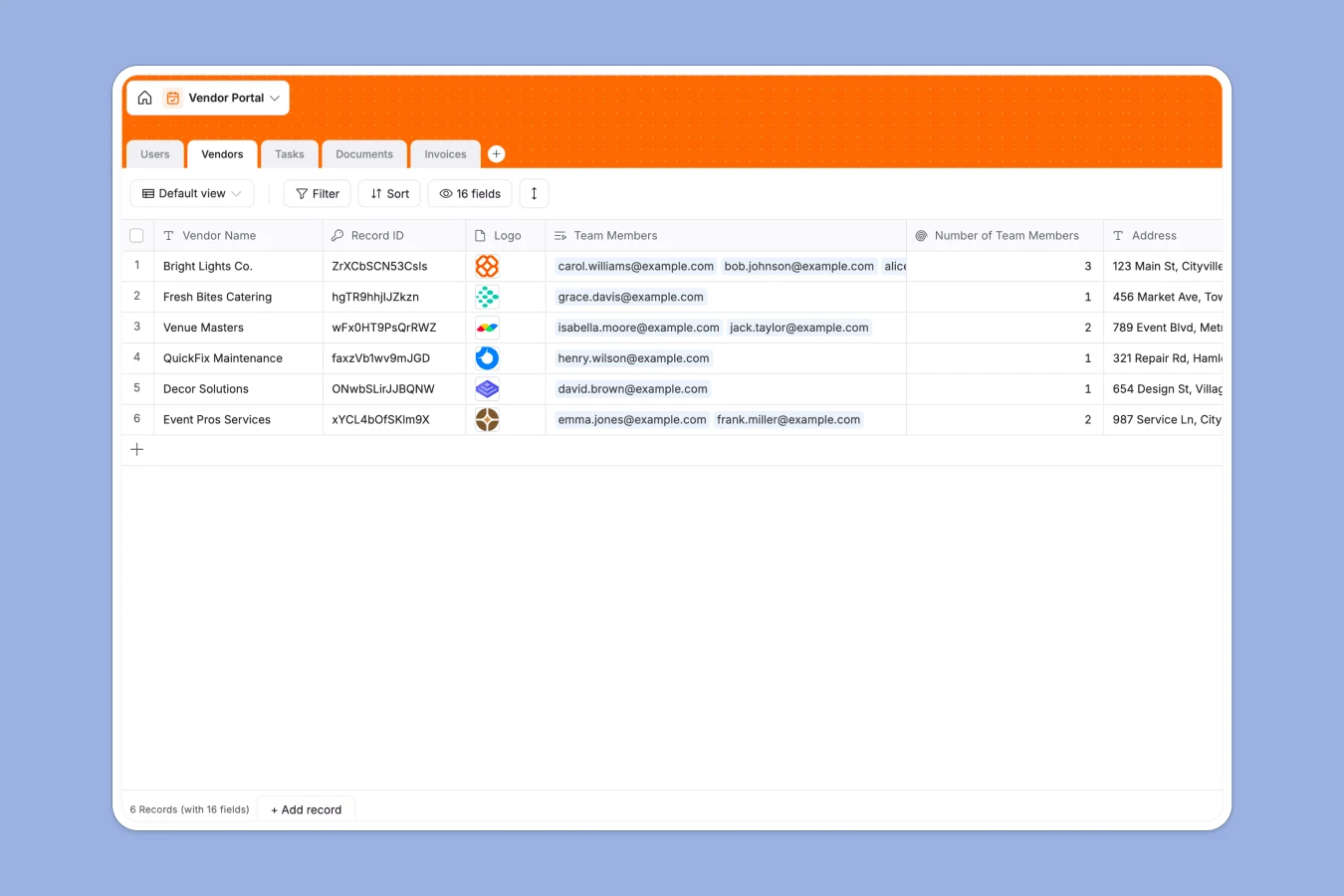
Your Vendor Portal database at a glance
This template gives you a central database to register vendors, assign operational tasks, and manage financial documents safely in one workspace.
It connects your core tables—Vendors, Users, Tasks, Documents, and Invoices—so that every piece of vendor activity is tied to the correct record automatically.
Built-in Database AI agents automatically categorize document types and extract key invoice amounts directly into your fields.
What to check before building your vendor portal base in Airtable
If you are evaluating Airtable for vendor management, you already know the value of structured relational tables. However, sharing data securely with external parties is where standard setups run into complications.
What changes with a database built for apps
Airtable functions beautifully as an internal database, but charging per-seat makes it expensive to add external vendor contacts as collaborators.
Softr Databases help teams scale beyond those limits by offering unlimited collaborators on all plans. This means you can add dozens of vendor team members to update their own profiles without worrying about soaring monthly costs.
Furthermore, when you need a secure, external-facing system, you do not have to piece together separate portal builders. The database exists inside are platform designed specifically to turn data into dedicated, branded interfaces immediately.
What you can do with this template
You can keep vendor company profiles updated while managing their related tasks and tracking unpaid invoices in clean, relational views. Highly customizable fields let you select categories, upload W-9s, and track due dates systematically.
Using the built-in Database AI agents, your table can automatically summarize vendor descriptions, extract the exact totals from uploaded PDF invoices, and classify vendor documents on autopilot.
-
Users
Manage user profiles, registration details, specific portal roles, and task ownership
-
Vendors
Track vendor profiles using AI to auto-classify categories based on their description
-
Tasks
Coordinate vendor tasks using AI to generate concise titles from details
-
Documents
Store vendor files using AI to automatically identify and classify types
-
Invoices
Track payments and due dates using AI to extract transaction amounts from files
Who is this Vendor Portal database for
- Procurement Teams: Track supplier onboarding status and outstanding invoices in one shared dashboard.
- Project Managers: Assign tasks directly to specific vendor team members and monitor real-time completion status.
- Accounts Payable clerks: Eliminate back-and-forth emails by storing and reviewing invoices alongside operational vendor context.
- External Vendors: Securely submit documentation, view active work orders, and check invoice resolution status without internal friction.
How to take it further
1. Customize the database
You can modify the database in seconds to match your exact business terms. Add custom select colors for vendor types, append new tracking dates, or create custom lookup fields to roll up contract values with zero code.
2. Import your existing data
Move off spreadsheets by cleanly importing your existing vendor CSV records or connecting your database via API. The database will enforce data validation rules, keeping your email rows, phone formats, and files completely standardized.
3. Build a full app around it
When you are ready to let suppliers login, you can easily build an app on top of this template. Using Softr's AI Co-builder, you can describe the secure portal you want, and the co-builder will generate custom interfaces on top of this exact database.
You can set strict users and permissions so vendors only see their own assigned tasks, documents, and invoice status registers, while keeping internal admin data hidden. Your database serves as the clean, underlying engine for a customer-facing platform.
-
1
-
2
-
3
-
4
Frequently asked questions
-
What is a vendor portal database?
-
Why use a no-code database to build a vendor portal?
-
How can AI help managing data for your vendors?
-
Can I build an app with this vendor portal database?
-
Is this vendor portal template free?
-
How is this different from a standard Airtable template?
Start building today. It's free!
Build and launch your first app in under 30 minutes.