


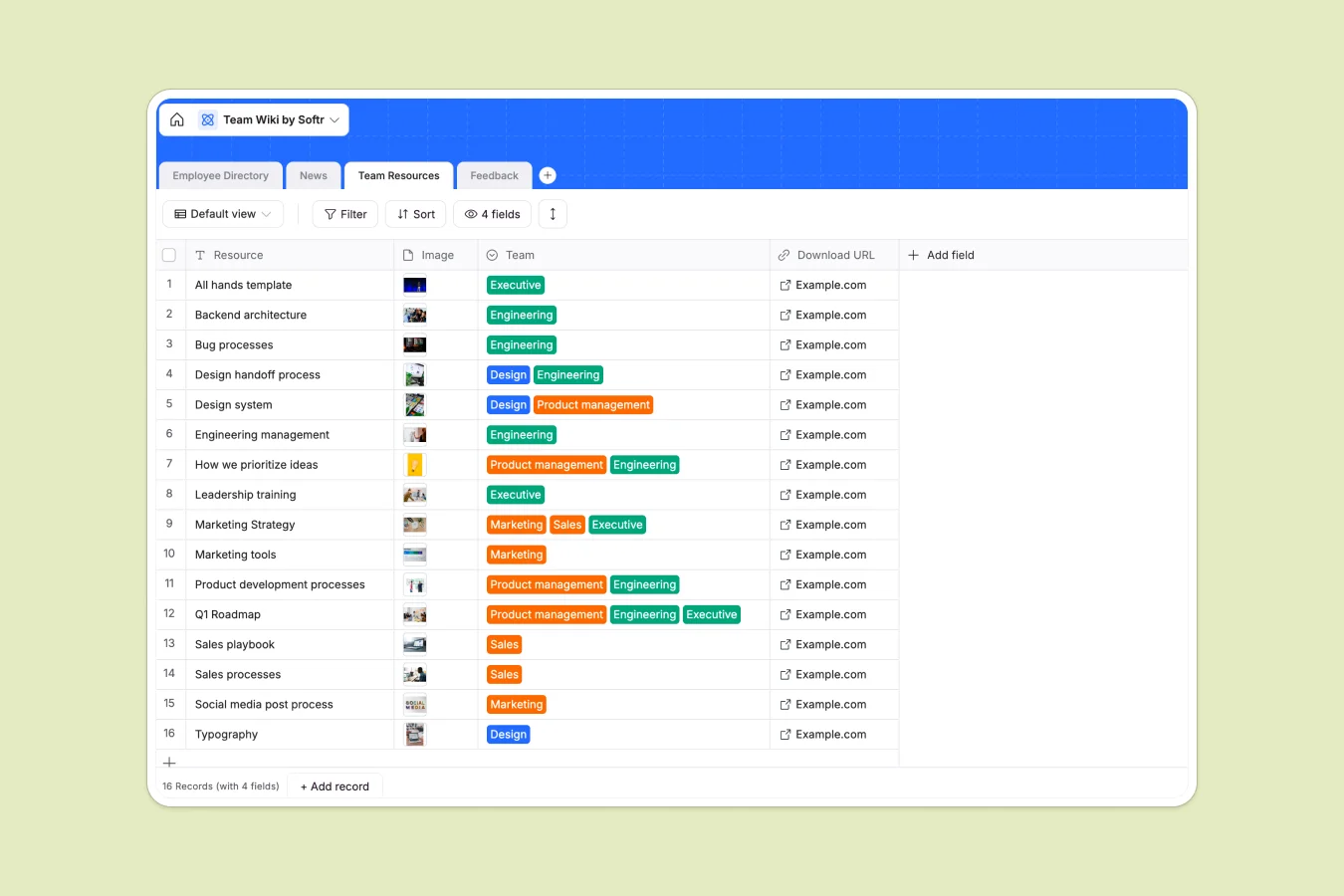
Your Team Wiki database at a glance
Centralize your company operations with this complete company knowledge base. This template links your team directory, resources, and company announcements together seamlessly.
Keep track of department roles, office locations, and downloadable assets across separate, relationally connected tables that stay perfectly synced.
What to check before building your team wiki in Airtable
Airtable is a highly capable tool for structuring data, but managing a company-wide directory or wiki there comes with specific deployment challenges.
What changes with a database built for apps
While Airtable is great for structuring records, sharing a team wiki with your entire organization quickly gets expensive due to their collaborator-based pricing. This is exactly what Softr Databases are designed to solve by including unlimited database collaborators on all of our tiers.
Additionally, building a true member portal or wiki interface in Airtable often requires stitching separate tools together. With Softr, you get the relational database and the complete capability to generate visual layouts and workflows in one single platform.
What you can do with this template
Store complete employee profiles, publish weekly roundups, and distribute shared technical assets across your engineering, design, and marketing teams.
You can also gather feedback directly from employees, which automatically links the reviews back to the submitting member's profile for HR visibility.
-
Employee Directory
Manage employee profiles with contact details, locations, and roles
-
News
Publish and organize company updates, announcements, and weekly news
-
Team Resources
Centralize links, tools, and downloads for different departments
-
Feedback
Collect and track internal reviews and suggestions from employees
Who is this Team Wiki database for
- People Operations: Manage employee directory info, home addresses, phone numbers, and profile photos in a secure hub.
- Internal Communicators: Distribute emails, interviews, webinars, and general announcements to distinct groups.
- Department Leads: Share asset templates, engineering documentations, or sales collateral via direct download URLs.
How to take it further
1. Customize the database
You can easily edit the select field choices to match your actual operating locations and add unique departments as your organization expands.
2. Import your existing data
Avoid building from scratch by importing contact details or resource files using standard CSV spreadsheets or automated API connections.
3. Build a full app around it
When your team grows, you can generate an app with AI in seconds using this database. Set up custom users and permissions so that employees can update their own personal phone numbers or addresses while admin-only roles edit global resources and view internal feedback.
-
1
-
2
-
3
-
4
Frequently asked questions
-
What is a team wiki database?
-
Why use a no-code database to build a team wiki?
-
How can AI help managing data for team wikis?
-
Can I build an app with this team wiki database?
-
Is this team wiki template free?
-
How is this team wiki different from an Airtable template?
Start building today. It's free!
Build and launch your first app in under 30 minutes.