


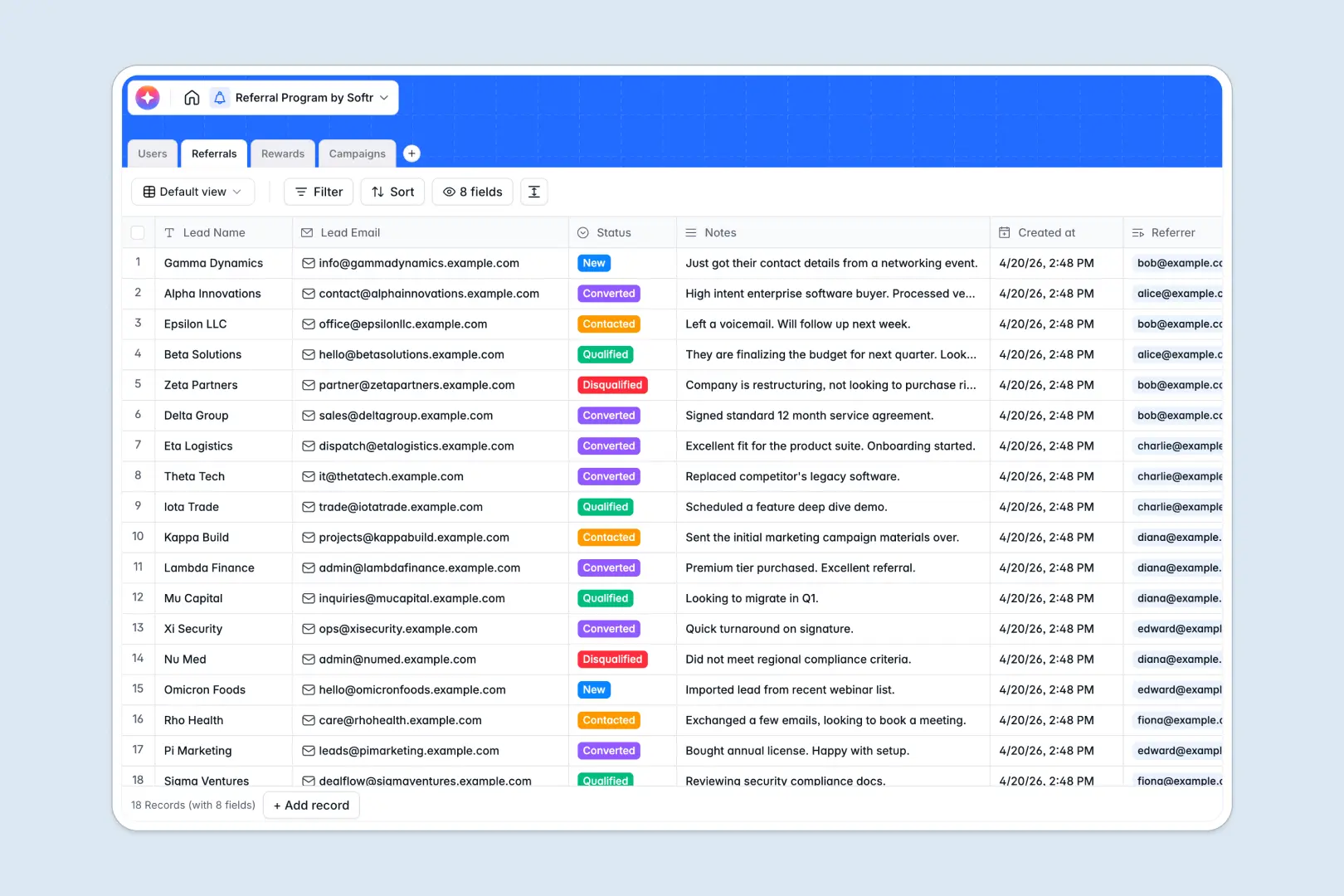
Your Referral Program Database at a glance
This template provides a clear, reliable system to organize and scale your referral pipeline. Keep track of advocates, lead statuses, reward payouts, and marketing resources in one central hub.
Everything stays structured across connected tables. Advocates in your Users table link directly to their submissions in the Referrals table and their payouts in the Rewards table, keeping your pipeline aligned automatically.
Native AI features handle repetitive tasks for you. The database automatically drafts personalized campaign messages and summarizes new lead submissions to keep your program running efficiently.
What to check before building your referral program base in Airtable
While Airtable is a capable relational database, managing a team-facing referral program on their platform introduces challenges once you start sharing it with advocates.
What changes with a database built for apps
Airtable charges per collaborator as soon as custom permissions are assigned, which quickly makes a program with multiple external advocates expensive to run. Managing complex structures can also hit hard limits if you require deep integrations and active API thresholds.
This is exactly what Softr Databases are designed to solve. You get unlimited collaborators on all plans so you can scale your advocate network freely without unpredictable monthly fees, backed by higher record capacities.
Furthermore, you avoid the headache of stitching external form builders or portal interfaces together. The database, interface, and automated workflows exist in one secure, unified platform.
What you can do with this template
Directly monitor referrers and automate how rewards move from Pending to Approved. Relational connections ensure that every converted lead triggers the correct reward to the correct advocate with clear tracking details.
Use built-in Database AI agents to generate unique outreach copy for different active campaigns, ensuring your advocates always have fresh marketing materials ready to share.
-
Users
Manage program advocates, system administrators, and performance metrics
-
Referrals
Track referred leads with status updates and automated AI summaries
-
Rewards
Track payout approvals and commission statuses for successful referrals
-
Campaigns
Manage promotional links and generate outreach text with AI
Who is this Referral Program database for
- Marketing Managers: Organize advocate networks, monitor conversion trends, and coordinate promotional campaigns in one space.
- Sales & Brand Ops: Track incoming leads, review lead comments, and hand off qualified prospects to sales reps without friction.
- Finance Teams: Streamline rewards by tracking which payouts are approved, pending, or ready for payout dates.
- Program Coordinators: Keep templates, target URLs, and active outreach assets organized so advocates stay highly engaged.
How to take it further
1. Customize the database
Tailor the status options in your Referrals and Rewards tables to match your specific tracking workflow. You can easily add fields for custom coupon codes, social media handles, or specialized advocate tiers in a couple of clicks.
2. Import your existing data
Bring your list of advocates and past referrals straight into the database. You can upload a CSV file in moments or use our API to continuously sync advocate signups from your existing software stack.
3. Build a full app around it
When you are ready to scale access, you can build an app on top of this exact database. Turn it into a dedicated advocate portal where users can log in, track their own referrals, and request rewards.
With granular users and permissions, advocates will only see their own private performance stats, while your internal admins maintain full access to edit, approve, and approve payouts in a safe dashboard.
-
1
-
2
-
3
-
4
Frequently asked questions
-
What is a referral program database?
-
Why use a no-code database to build a referral program?
-
How can AI help managing data for your referral program?
-
Can I build an app with this referral program database?
-
Is this referral program template free?
-
How is this template different from a referral program Airtable template?
Start building today. It's free!
Build and launch your first app in under 30 minutes.