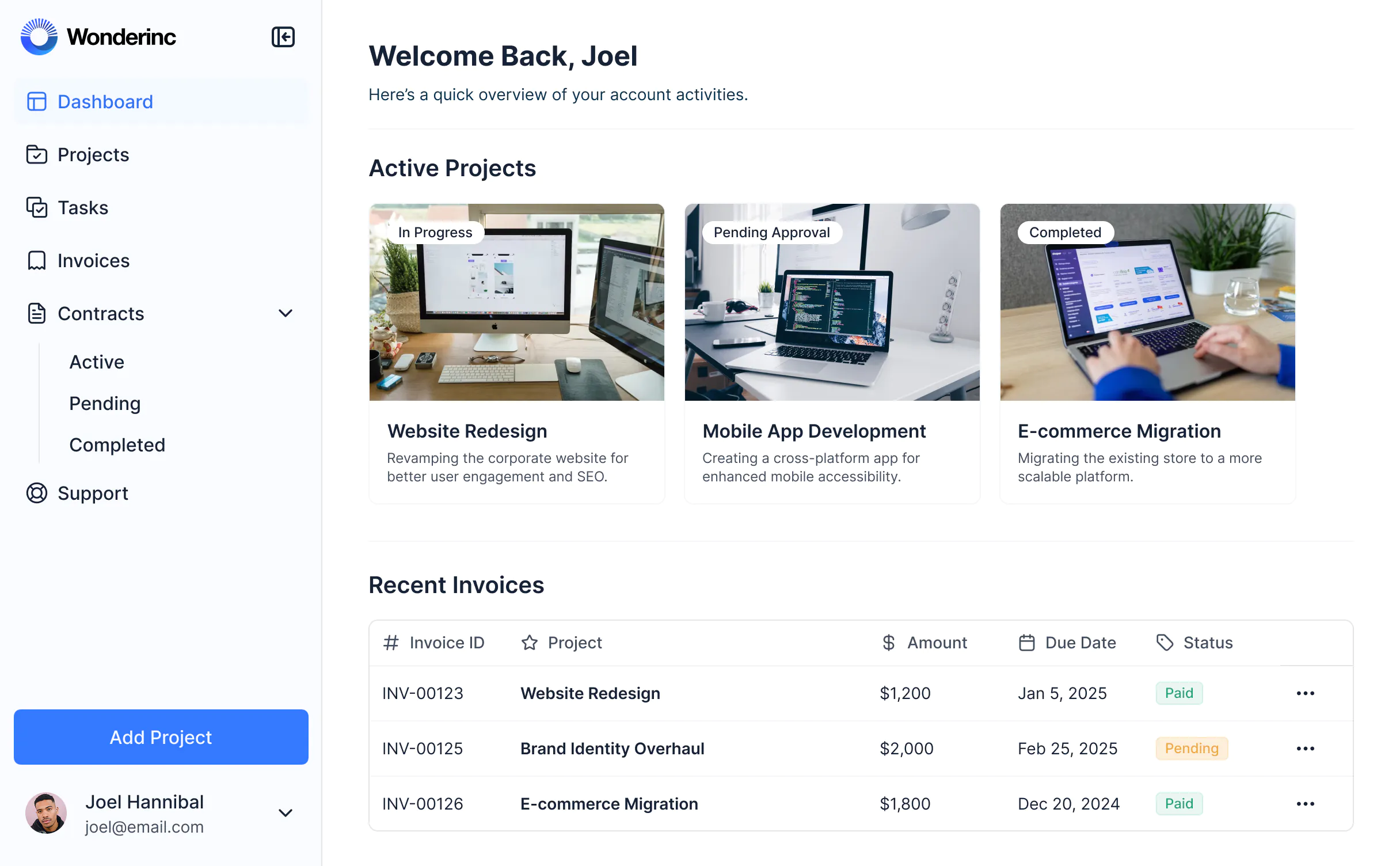
Manage reservations, optimize operations, and enhance guest experiences with a customizable ERP solution tailored for your hotel.


Build an ERP hotel system that matches your workflow. Add only the features you need today and update your setup as your operations change.
Connect spreadsheets, booking systems, and other tools with real-time sync—or manage everything in Softr Databases. Create a single source of truth for your hotel operations.
Empower your hotel staff with the right tools and access. Streamline operations with secure logins, user groups, and permissions—no IT help needed.
Assign different levels of access for reception, housekeeping, and admin staff—each gets dashboards customized for their tasks.
Integrate with tools like Make, Zapier, or N8N to automate routine hotel processes and reduce manual work.
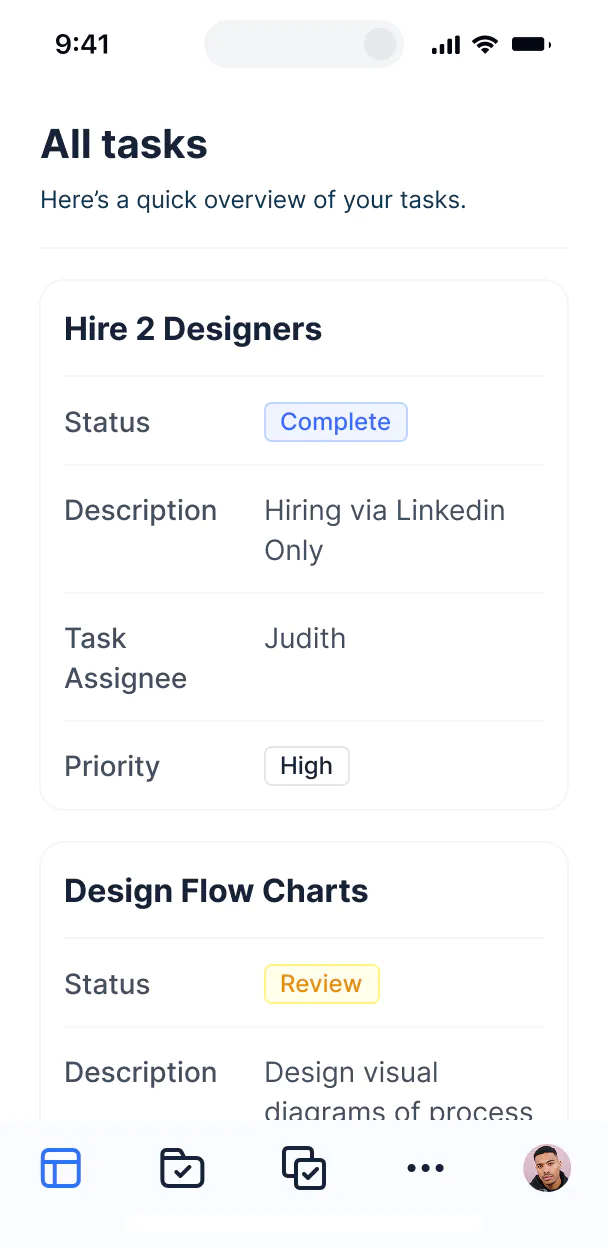
Hotel staff can use the ERP from any device, keeping operations running smoothly on-site or on the go.
Enable fast, secure logins for staff using email, Google, or SSO—no need for extra IT support.
Protect hotel and guest data with SOC2 and GDPR compliance and robust access controls for every role.
Hotel staff can ask AI about bookings, finances, or guest info—instant answers inside your ERP, no extra tools needed.
No more one-size-fits-all tools or costly custom builds. Softr is easy to use and fully customizable, so you can launch faster, adapt as you grow, and skip the complexity of traditional software.
Set up your hotel ERP fast with drag-and-drop blocks and ready-made booking templates.
Add modules for bookings, housekeeping, or finance as your hotel’s needs change—no rebuilds needed.
Manage reservations, staff, and guest data—all in one place, with no extra systems to buy.
Integrate with your spreadsheets and databases, including Airtable, SQL, Hubspot, Google Sheets, Supabase, BigQuery, and more—in just a few clicks. Your data is always secure and in sync.
Drag and drop customizable building blocks with various views and functionalities. Granular permissions allow you to control what data each user can access, and which actions they can take.
Ship applications that your team will love in minutes or hours, instead of days or weeks. Deploy on both desktop and mobile.


An erp hotel is a centralized platform where your hotel management team can log in to access and manage reservations, guest information, housekeeping schedules, billing, and other hotel operations. It keeps all your hotel’s critical data and communication in one place, so you don’t have to juggle spreadsheets or disjointed systems. This helps your staff stay organized and deliver a seamless experience for both guests and employees.
Softr makes it easy to build an erp hotel tailored to your specific operations and workflows. You can connect your existing hotel data sources—like booking platforms, housekeeping records, or accounting tools—and set up a management portal where staff can log in, update reservations, assign rooms, track tasks, and generate reports, all in one place.
There’s no need to code anything. You can start with a template or build from scratch, customize the layout, control access for different staff roles, and brand it for your property. It’s quick to set up, simple to update as your needs change, and flexible enough to scale as your hotel grows.
You can build a wide range of features to match how your hotel operates. Here are some of the most common ones:
\- Staff logins – so each team member can access their assigned tasks and information
\- Custom dashboards – to monitor occupancy, revenue, and guest satisfaction
\- Forms – for guest check-in, maintenance requests, or feedback collection
\- File sharing – for uploading and accessing guest IDs, invoices, or policy documents
\- Search and filters – to help your team quickly find reservations or guest records
\- Tables, lists, and detail views – to display bookings, housekeeping schedules, or inventory levels
\- Comments or status updates – to keep internal communication in one place
\- Charts – to visualize booking trends, financial performance, or guest analytics
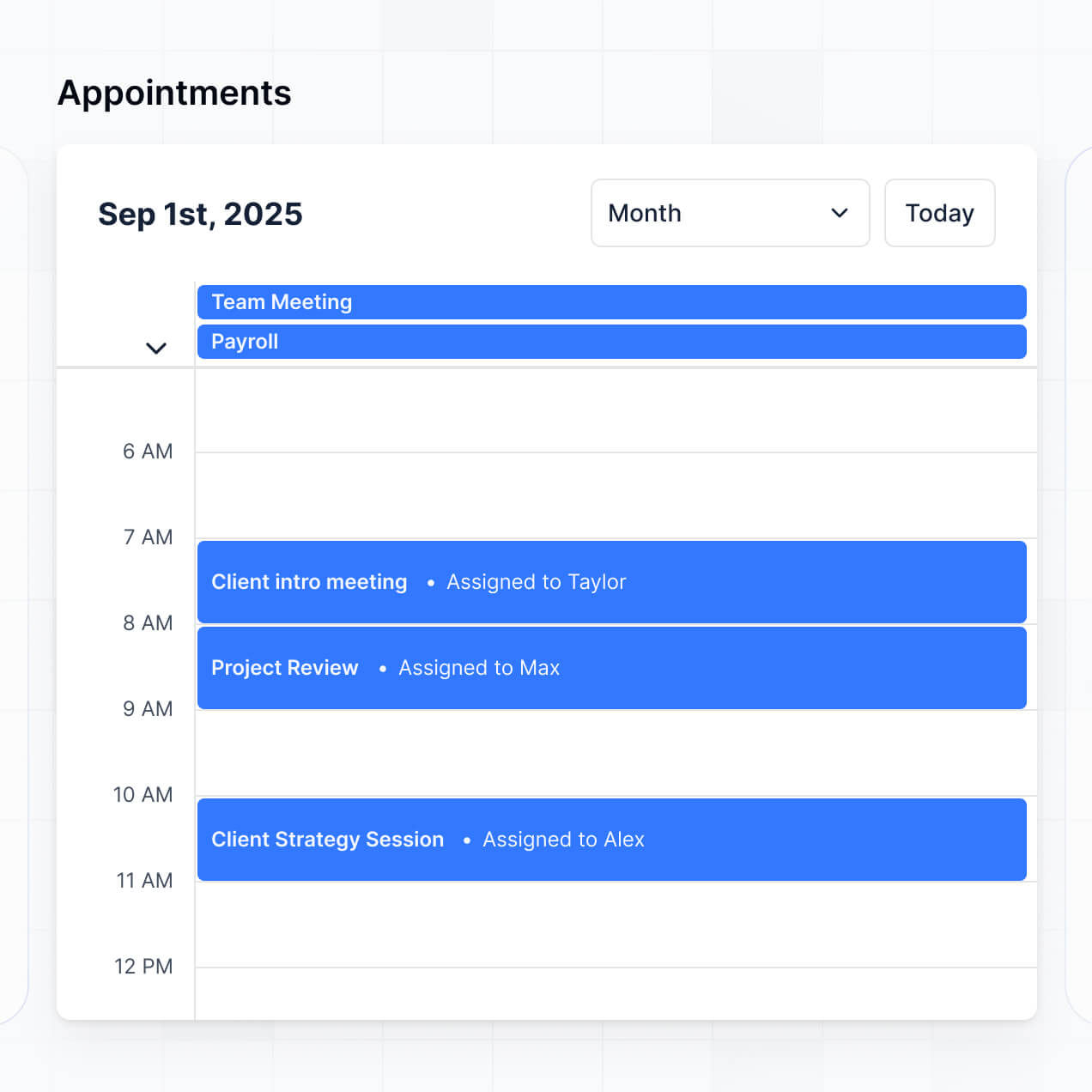
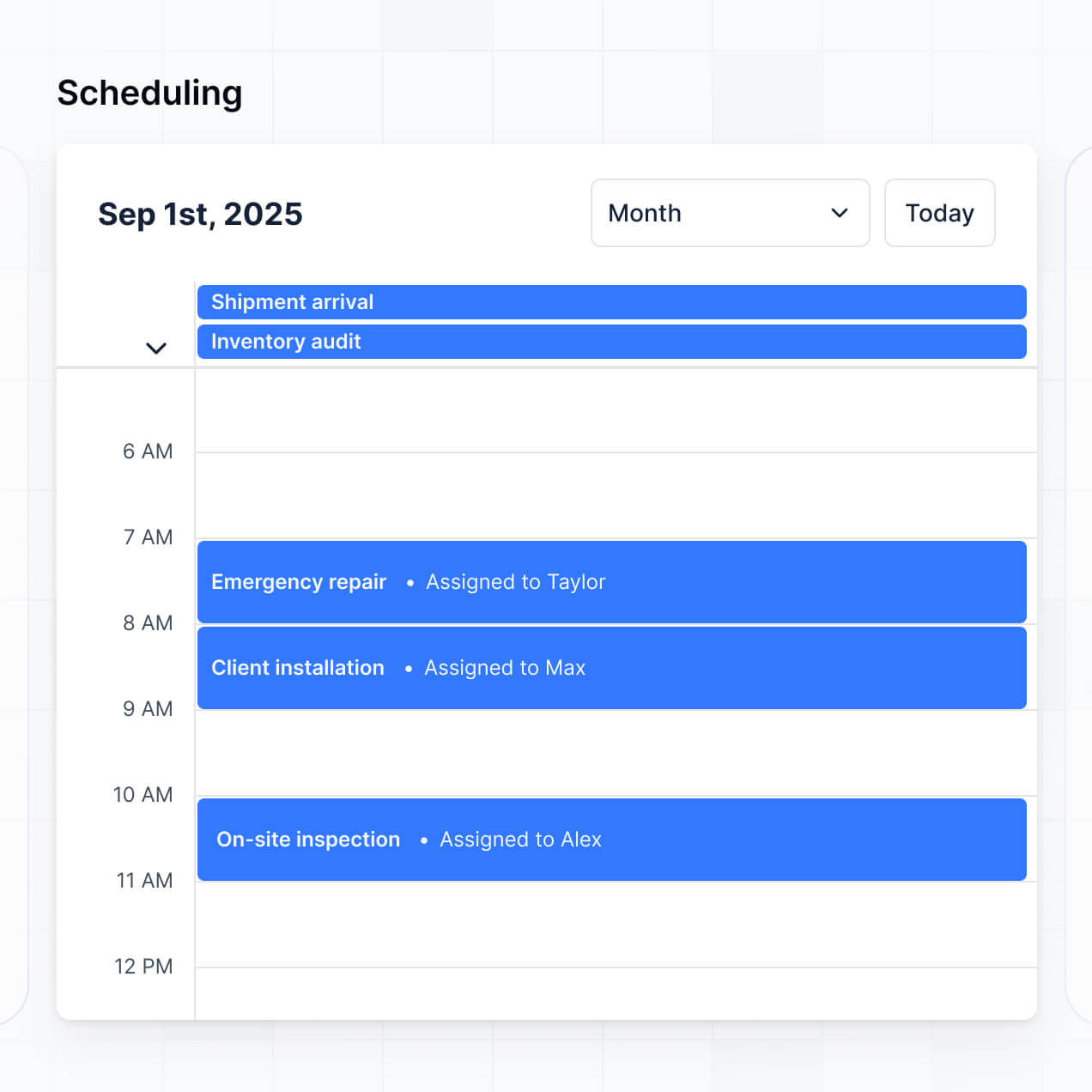
\- Calendar view – for managing room availability, events, or staff shifts
\- Permissions and roles – so front desk, housekeeping, and management only see what they need
All these features can be created using Softr’s drag-and-drop blocks, so you don’t have to write any code. And if your hotel’s needs change, it’s easy to update the platform.
No coding knowledge is needed. You can build your erp hotel entirely using Softr’s visual editor. Everything from page layouts to staff permissions can be customized without writing a single line of code.
Yes. You can manage multiple hotels or departments in a single erp hotel portal. Each user only sees the content and data assigned to them, based on their login and role. This is especially useful for hotel groups, management teams, or businesses overseeing multiple properties or departments.
Softr supports a wide range of data sources for your erp hotel. You can connect to Airtable, Google Sheets, Notion, Coda, monday.com, HubSpot, Clickup, Xano, Supabase, PostgreSQL, MySQL, SQL Server, MariaDB, BigQuery, and more. You can also bring in hotel data from other sources using the REST API.
You’re not limited to just one. You can integrate multiple data sources into the same erp hotel portal and display them side by side—so your erp hotel, for example, can pull in data from both Airtable and HubSpot at once. Most sources support real-time, two-way sync, so any changes in your app or data source stay in sync automatically.
Yes, Softr gives you full control over how users experience your erp hotel portal. You can customize the layout, navigation, and content to match your hotel’s brand and workflow. Each page or block can be shown or hidden based on who’s logged in, so every staff member or department sees only what’s relevant to them.
You can also set up different user roles, such as front desk, manager, or housekeeping—and define exactly what each role can view or edit. For example, front desk staff can see only guest check-in data, while managers can manage all hotel records. You can also create personalized views by filtering data based on the logged-in user.
This level of customization is especially useful when you’re managing multiple hotels, departments, or teams in the same app. It helps keep the experience clean, secure, and tailored to each user.
Yes, you can. You don’t need to bring your hotel data from somewhere else to start building your erp hotel with Softr. If you’re starting from scratch, you can use Softr Databases, which is built into the platform and integrates seamlessly with your erp hotel application.
If you already have hotel data in tools like Airtable, Google Sheets, HubSpot, Notion, Coda, monday.com, Supabase, or SQL, you can connect those too. You can also use the REST API connector to bring in data from other sources. Either way, you have full control over how your hotel data is structured and displayed in your portal.
Yes, you can fully white-label your erp hotel portal in Softr. You can use your hotel’s logo, brand colors, fonts, and a custom domain to make the portal feel like a natural extension of your property. You can also remove all Softr branding, so your guests and staff only see your hotel’s identity throughout their experience.
Yes, you can. Softr gives you a lot of flexibility to control both the design and layout of your erp hotel portal. You can adjust colors, fonts, spacing, and page structure to match your hotel’s brand. You can also choose how each page is laid out, decide which blocks go where, and set what different user roles—like front desk, housekeeping, or management—see when they log in.
To display your hotel data, you can add different types of blocks depending on your needs:
\- Table blocks – to show structured data like room bookings, guest lists, or housekeeping schedules
\- List or Card blocks – to highlight things like guest profiles, services, or amenities
\- Detail View – to show one record at a time, like a guest reservation or room details
\- Forms – for staff requests or guest feedback
\- Charts – to show insights like occupancy rates
\- Calendar blocks – to display booking schedules or staff shifts
If your content or design needs change later, it’s easy to go back and make updates right in the visual builder.
Softr is built with security in mind. All hotel and guest data is encrypted in transit (TLS) and at rest, and your erp hotel portal is hosted on secure, reliable infrastructure. Softr apps also give you full control over who can see and do what in your portal. You can set up role-based permissions, manage users directly within your data source, set visibility rules, and apply global restrictions to protect sensitive hotel information across your entire portal.
For hotel apps connected to external data sources like Airtable, Notion, or SQL, Softr doesn’t store your data—it just displays it in real time based on your access settings. You’re always in control of your data and who can view or edit it.
Softr also follows industry best practices for authentication, access control, and platform monitoring to keep your hotel’s information safe.
You can get started for free. Softr’s Free plan lets you publish one app—like your erp hotel portal—with up to 10 users and 2 user groups, and includes support for all standard data sources such as Softr Databases, Airtable, Google Sheets, and more.
If your portal needs more users or features, you can explore Softr’s paid plans to scale your erp hotel solution as your property grows.
Softr is built to make it easy to create fully functional, user-facing apps—like erp hotel portals, booking management tools, and staff dashboards—without needing to write code or rely on developers. What sets it apart is how quickly you can go from concept to a working hotel portal, and how seamlessly it connects with your existing data.
Unlike some no-code tools that focus on mobile apps (like Glide) or are more developer-oriented (like Retool), Softr is designed for non-technical teams who want full control over layout, user experience, and permissions. You can build on top of real-time data from tools like Airtable, Google Sheets, Softr Databases, or SQL, and create secure, branded portals that your hotel staff or guests can log into.
You can customize everything visually—from content and design to who sees what. And because Softr includes things like user roles, forms, conditional logic, and API support out of the box, you don’t need to patch together multiple tools to launch a polished hotel solution.
Yes. Softr supports a wide range of integrations so you can connect your erp hotel portal to the rest of your hotel’s tech stack. You can sync with tools like Stripe for payments, Intercom for guest messaging, and automate tasks using Zapier, Make, and N8N. Softr also supports REST API and webhooks for more advanced hotel workflows.
Whether you need to send booking data to another system, trigger automations based on staff activity, or display information from PMS or other tools, you can build it into your erp hotel portal, all without writing code.