Build a custom resource directory with a built-in Softr Database, no coding required. Compatible with Google Sheets if you want to connect your own data.
Data sources supported





.svg)


Resources




Overview
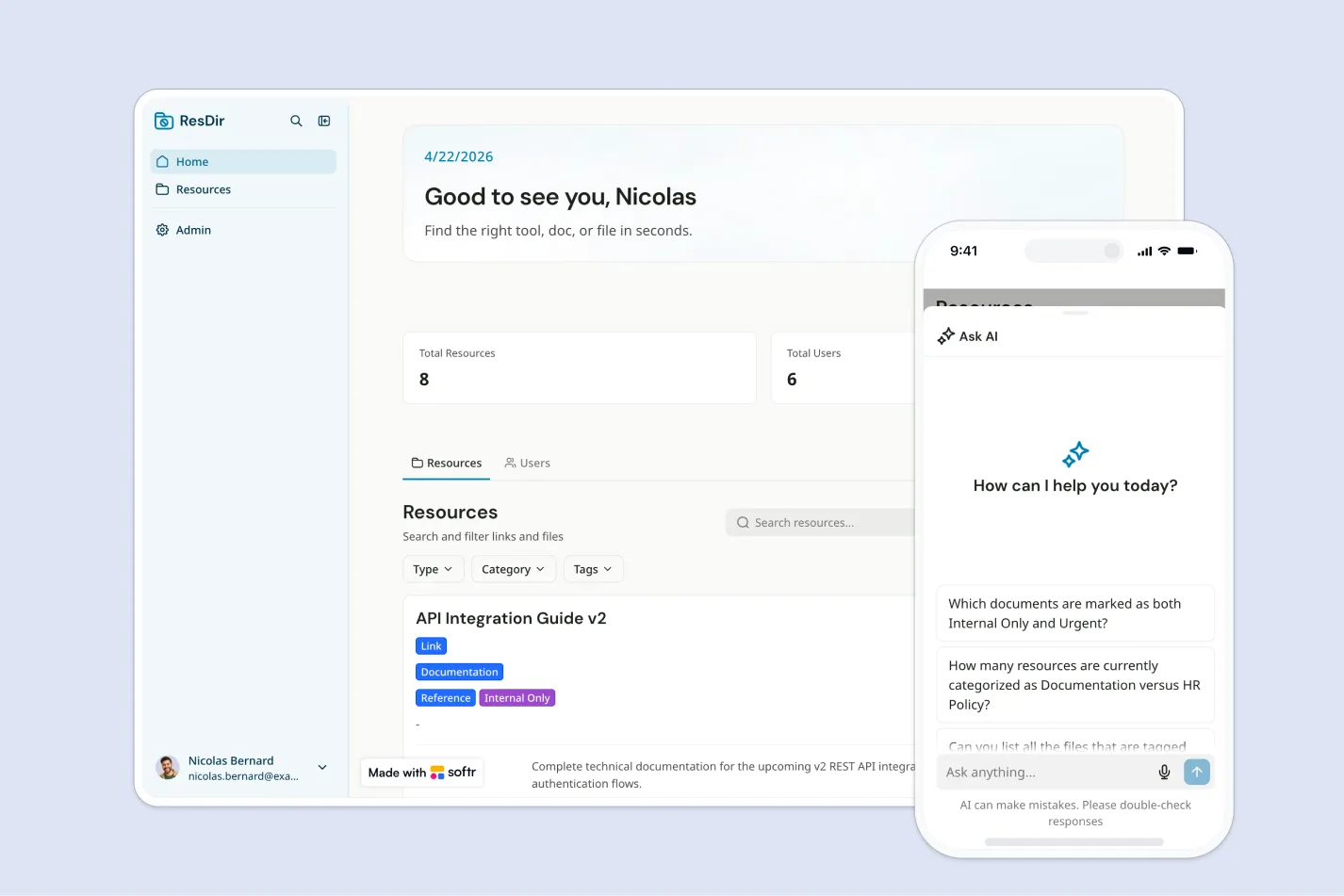
This free template helps you build a centralized resource directory where admins can manage internal links, files, and reference materials, while employees can browse them with read-only access.
It comes with a built-in Softr Database, so you can get started right away with structured, relational data designed for app workflows rather than manual spreadsheet management. If you already track resources in Google Sheets, Softr connects to it natively, so you can keep your existing data and power the same app without migrating anything.
Why use this Google Sheets resource guide template
- Centralize internal resources: Keep important links, files, documents, and references in one organized directory employees can access anytime.
- Make resources easier to find: Employees can search, filter, and browse by category or tags instead of digging through chats, folders, or spreadsheets.
- Control who can manage content: Give admins full access to create, edit, and delete resources, while keeping employee access read-only.
Template features:
- Admin resource management
- Read-only employee directory
- Search and filters
- Resource categories
- Links and file resources
- Resource metadata
- Instant publishing
- Role-based access
Who is this Google Sheets resource guide template for?
This template is built for teams that need a simple, searchable place to organize and share internal resources with employees. It's a great fit for:
- HR and people teams: Share onboarding materials, benefits links, policies, and employee resources in one easy-to-use directory.
- Operations teams: Organize internal tools, process documents, vendor links, and company reference materials for quick access.
- IT teams: Provide employees with approved software links, troubleshooting guides, security resources, and help documentation.
- Growing companies: Replace scattered bookmarks, shared drives, and spreadsheets with a secure directory that scales with your team.

“What we love most about Softr is the instantaneous, customizable power a no-code platform allows.”

- 1
- 2
- 3
- 4
Frequently asked questions
What is a resource directory?
Do I need to use Google Sheets to run this template?
Can employees edit resources in this directory?
How do I edit or customize this template?
What data sources does this resource directory integrate with?
Why build a resource directory with Softr?